
Product Overview
Key Features
- Convenient Microwave: Prepare quick and easy meals with 1100 watts of output power and a range of settings for press-and-go speed.
- Powerful Settings: Features ten power levels with multi-stage cooking. Customize cooking with six one-touch options (popcorn, potato, pizza, etc.). Defrost by weight or time.
- Perfect Size: Measuring 2.2 cu ft, this microwave offers full-sized cooking in a compact space, ideal for homes or offices. It has an easy-to-clean interior and exterior.
- All You Need: Equipped with a clear LED display, kitchen timer, clock, easy-to-view interior lighting, and a child safety lock for added security.
Visual Guide

Figure 1: Front view of the Farberware 2.2 Cu. Ft. Stainless Steel Microwave Oven, showcasing its sleek design and digital control panel.
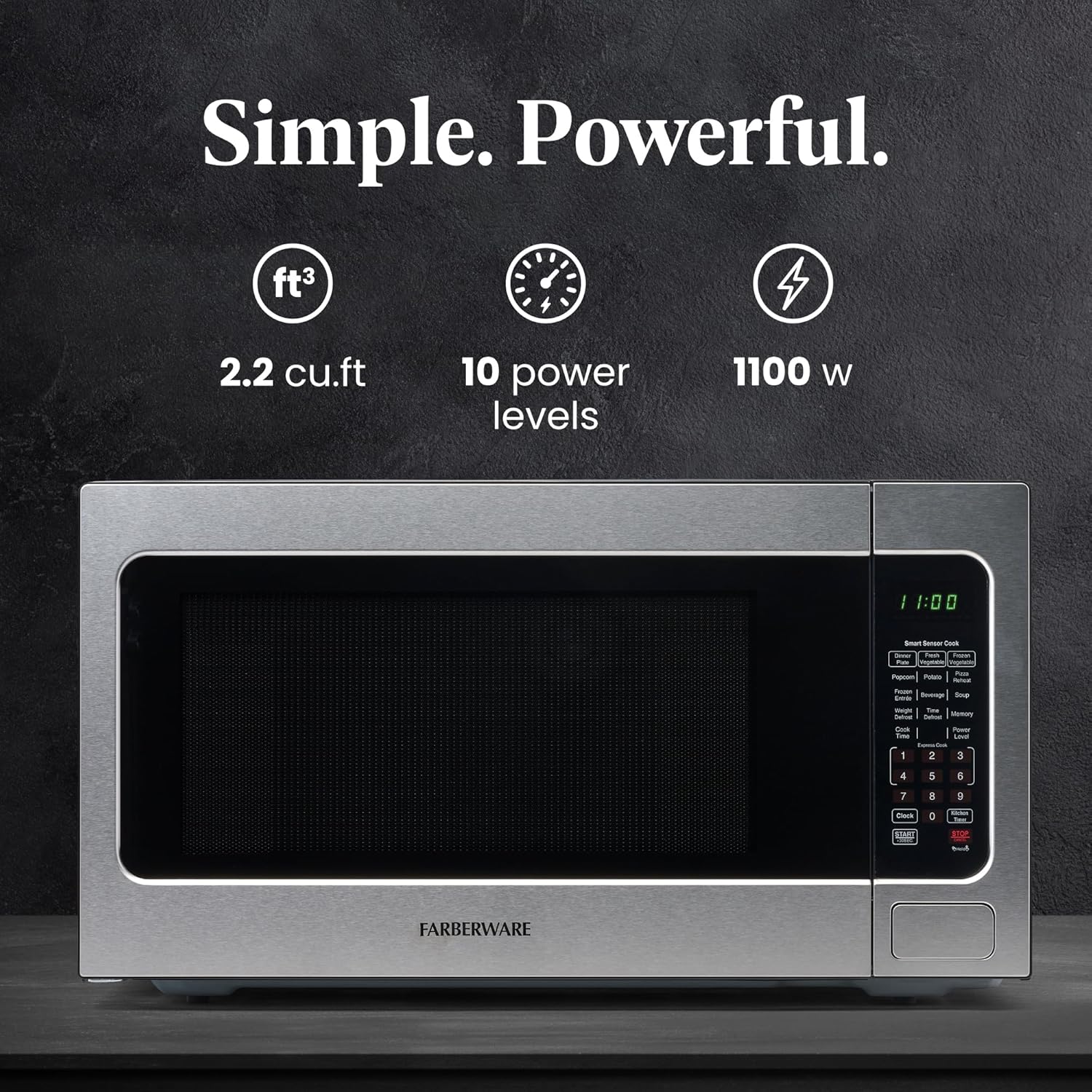
Figure 2: Illustration emphasizing the microwave's key specifications: 2.2 cubic feet capacity, 10 power levels, and 1100 watts of power.

Figure 3: Detailed view of the control panel, pointing out features like smart sensor cook, memory/defrost options, intuitive controls, child safety lock, and one-touch start.
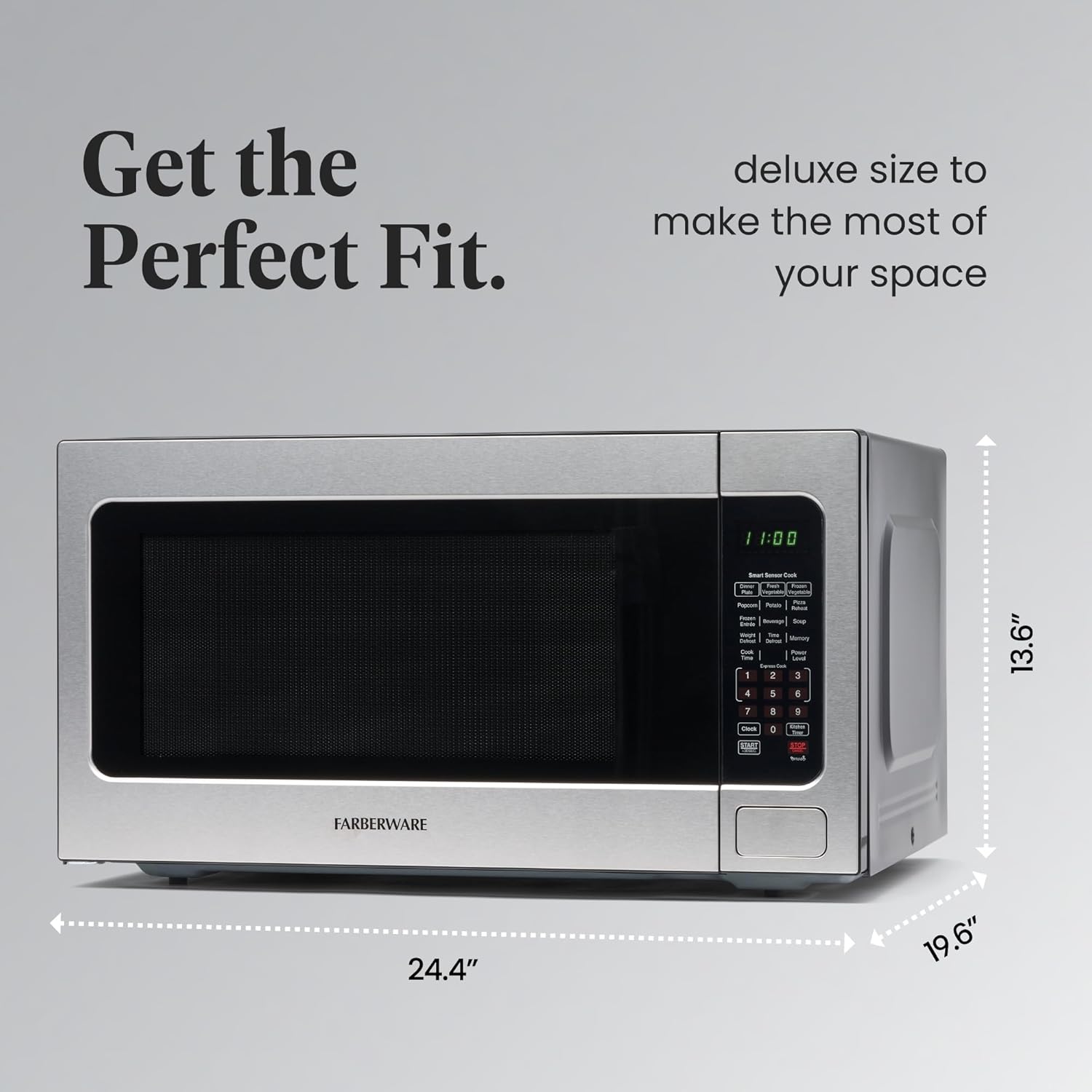
Figure 4: The microwave with its external dimensions (13.6"H x 24.4"W x 19.6"D) clearly marked, assisting with placement planning.
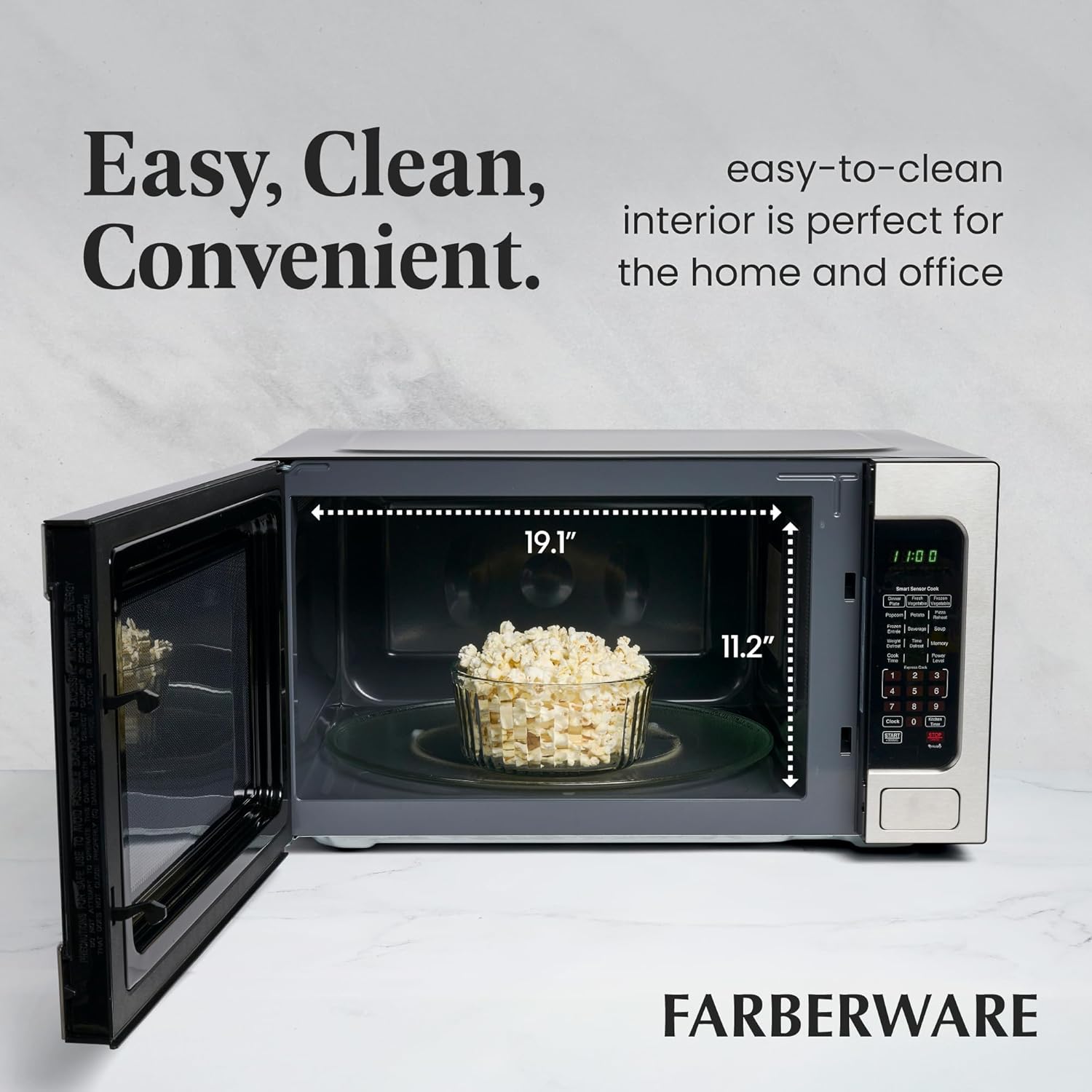
Figure 5: The microwave interior, showing its spaciousness with internal dimensions (11.2"H x 19.1"W) and a bowl of popcorn on the turntable.
Setup
- Unpacking: Carefully remove the microwave oven and all packing materials from the carton. Check for any damage such as dents or a broken door. Do not operate the oven if it is damaged.
- Placement: Place the microwave on a flat, stable surface strong enough to hold its weight. Ensure adequate ventilation by leaving at least 4 inches of space on the top, back, and sides for proper airflow. Do not block air vents.
- Power Connection: Plug the microwave oven into a grounded electrical outlet. Ensure the voltage and frequency match the specifications on the rating label.
- Turntable Installation: Place the turntable ring inside the microwave cavity, then place the glass turntable plate securely on top of the ring. Ensure it rotates freely.
Operating Instructions
Basic Operation
- Setting the Clock: Press the "Timer/Clock" button once. Use the number pad to enter the current time. Press "Timer/Clock" again to confirm.
- Microwave Cooking: Place food in the microwave. Enter the desired cooking time using the number pad. Press "Start/+30SEC" to begin cooking.
- Power Level Adjustment: After entering cooking time, press "Power" and then use the number pad (1-10) to select a power level (10 for 100%, 1 for 10%). Press "Start/+30SEC".
- One-Touch Cooking: For popular items like popcorn, potato, or pizza, simply press the corresponding button. The microwave will automatically set the optimal cooking time.
- Defrosting: Use "Time Defrost" to manually set defrosting time or "Weight Defrost" to enter the food's weight for automatic defrosting.
- Adding 30 Seconds: Press "Start/+30SEC" during cooking to add 30 seconds to the current cooking cycle.
Child Safety Lock
The child safety lock feature prevents unintended operation by children. To activate the child lock, press and hold the "STOP/Cancel" button for 3 seconds. The display will show "LOC". To deactivate, press and hold the "STOP/Cancel" button again for 3 seconds until "LOC" disappears.
This feature is particularly useful for households with small children, ensuring they cannot accidentally start the microwave or open the door during operation.
Maintenance
- Cleaning the Interior: Regularly wipe the interior cavity, door seal, and turntable with a damp cloth and mild detergent. For stubborn stains, a microwave-safe cleaner can be used. Ensure the microwave is unplugged before cleaning.
- Cleaning the Exterior: Clean the exterior surface with a soft, damp cloth. Avoid abrasive cleaners or harsh chemicals that could damage the finish.
- Turntable Care: The glass turntable and turntable ring can be washed in warm soapy water or in the dishwasher. Ensure they are completely dry before placing them back in the microwave.
- Odor Removal: To remove odors, place a bowl of water with lemon slices or white vinegar inside the microwave and heat on high for 2-3 minutes. Let it sit for 5 minutes before opening the door and wiping clean.
Troubleshooting
| Problem | Possible Cause / Solution |
|---|---|
| Microwave does not start. | Check if the power cord is securely plugged in. Ensure the door is closed properly. Check your household fuse/circuit breaker. |
| Food is not heating. | Verify that the cooking time and power level are set correctly. Ensure the door is fully closed. |
| Excessive moisture inside the oven. | This can occur with high-moisture foods. Ensure proper ventilation around the unit. Wipe the interior dry after each use to prevent moisture buildup and potential corrosion. |
| Turntable is noisy or not rotating. | Check if the turntable and ring are correctly positioned. Ensure there is no food debris obstructing movement. |
| Display shows "LOC". | The child safety lock is activated. Press and hold the "STOP/Cancel" button for 3 seconds to deactivate. |
Specifications
| Specification | Value |
|---|---|
| Brand | Farberware |
| Model Number | 1100 Watts |
| Capacity | 2.2 Cubic Feet |
| Wattage | 1100 watts |
| Voltage | 120 Volts |
| Product Dimensions | 19.6"D x 24.4"W x 13.6"H |
| Item Weight | 49.1 pounds |
| Material | Stainless Steel |
| Special Feature | Child Safety Lock |
| Installation Type | Countertop |
Warranty and Support
For warranty information, please refer to the warranty card included with your product packaging. Keep your purchase receipt as proof of purchase for any warranty claims.
Extended protection plans are available for purchase to provide additional coverage beyond the standard manufacturer's warranty. These plans offer peace of mind for potential repairs or replacements.
- 3-Year Protection Plan: Available for purchase.
- 4-Year Protection Plan: Available for purchase.
- Complete Protect: Monthly plan covering eligible past and future purchases.
For technical support, troubleshooting assistance, or to inquire about parts and service, please contact Farberware Customer Service. Contact details can typically be found on the manufacturer's official website or on the product packaging.


