1. Product Overview
The Music Sound VERTICAL Bluetooth Speaker is a portable audio device designed for quality music playback. Its compact and lightweight design, along with an elastic lanyard, allows for easy portability. This speaker features 5 watts of power and offers up to 4 hours of battery life. It provides versatile connectivity options including Bluetooth, micro SD card, USB, USB-C, and AUX cable. The speaker is finished with soft fabric for a comfortable feel.

Figure 1: Front view of the Music Sound VERTICAL Bluetooth Speaker.
2. Package Contents
Please verify that all items are present in the package:
- Music Sound VERTICAL Bluetooth Speaker
- USB Charging Cable
- Instruction Manual
3. Setup
3.1 Initial Charging
Before first use, fully charge the speaker. Connect the provided USB charging cable to the speaker's USB-C port and the other end to a compatible USB power adapter (not included) or a computer's USB port. The LED indicator will show charging status and turn off or change color once fully charged.
3.2 Powering On/Off
- To power on: Press and hold the Power button (usually the 'M' button or a dedicated power button) for a few seconds until the LED indicator lights up.
- To power off: Press and hold the Power button again for a few seconds until the LED indicator turns off.

Figure 2: Rear view of the speaker showing control buttons and ports.
4. Operating Instructions
4.1 Bluetooth Pairing
- Ensure the speaker is powered on and in Bluetooth pairing mode (the LED indicator will typically flash rapidly).
- On your device (smartphone, tablet, laptop), enable Bluetooth and search for available devices.
- Select "Music Sound VERTICAL" from the list of devices.
- Once paired, the LED indicator will stop flashing and remain solid, and you may hear an audible confirmation.
4.2 Connectivity Options
The speaker supports multiple input sources:
- Bluetooth: For wireless audio streaming from compatible devices.
- Micro SD Card: Insert a micro SD card into the designated slot to play audio files directly.
- USB: Connect a USB flash drive to the USB port to play audio files.
- AUX Cable: Use a 3.5mm AUX cable to connect to devices without Bluetooth capability.
- USB-C: Primarily for charging, but may also support audio input depending on the device.

Figure 3: Speaker showing various connectivity ports (Micro SD, USB, AUX, USB-C).
4.3 Controls
The speaker features touch controls for various functions:
- Power/Mode Button (M): Press and hold to power on/off. Short press to switch between input modes (Bluetooth, Micro SD, USB, AUX).
- Volume Up/Next Track: Short press for volume up. Long press for next track.
- Volume Down/Previous Track: Short press for volume down. Long press for previous track.
- Play/Pause: Press to play or pause audio.
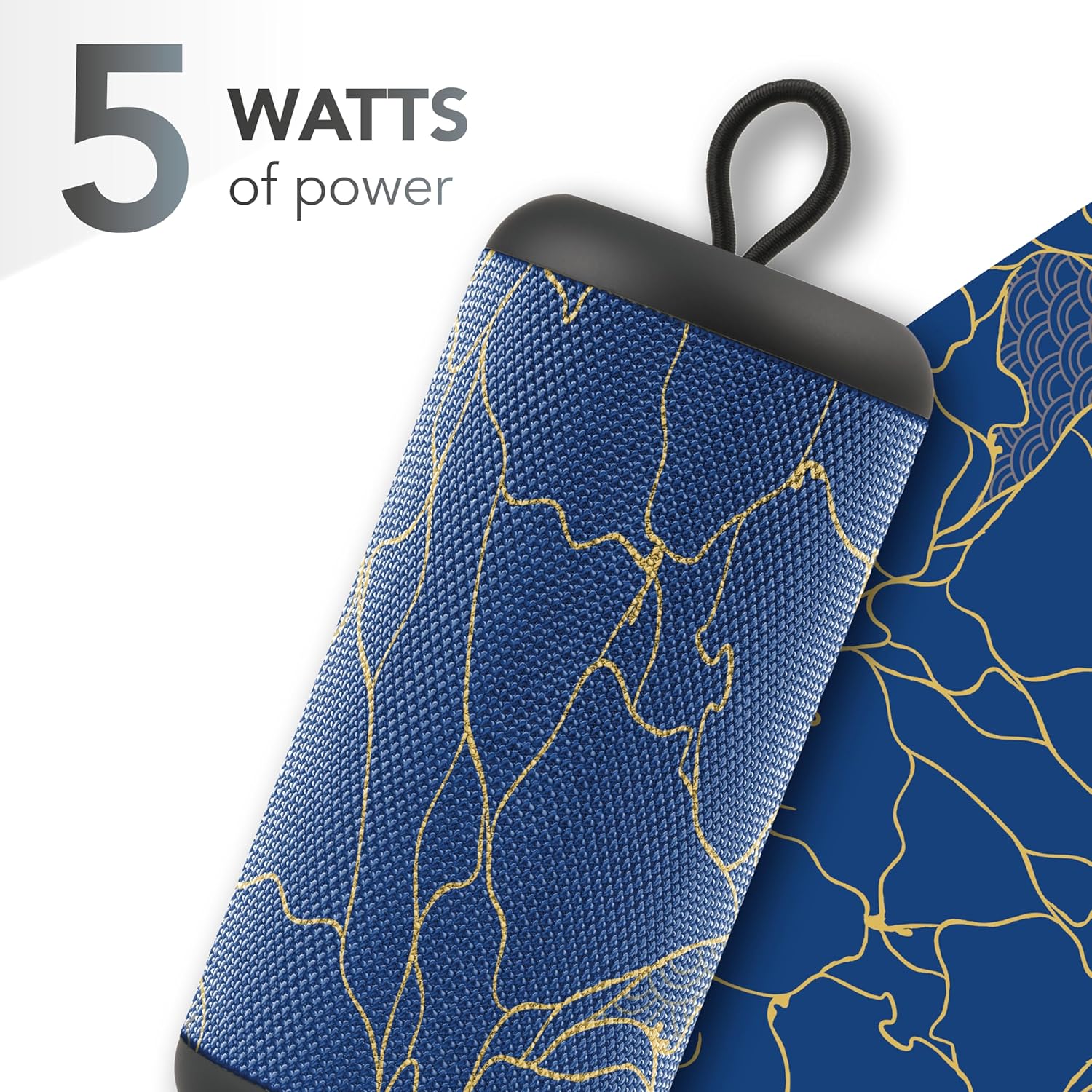
Figure 4: The speaker delivers 5 Watts of audio power.

Figure 5: The integrated elastic lanyard allows for convenient carrying.

Figure 6: Its compact design makes it easy to carry for outdoor activities.

Figure 7: Enjoy up to 4 hours of continuous music playback.
5. Maintenance
5.1 Cleaning
Wipe the speaker with a soft, dry cloth. Do not use abrasive cleaners or solvents. Ensure no liquids enter the ports.
5.2 Water Resistance
This speaker is not waterproof. Avoid exposure to water, rain, or excessive moisture to prevent damage.
5.3 Battery Care
To prolong battery life, avoid fully discharging the speaker frequently. Store the speaker in a cool, dry place when not in use for extended periods.
6. Troubleshooting
- Speaker does not power on: Ensure the battery is charged. Connect the charging cable and try again.
- Cannot pair via Bluetooth:
- Ensure the speaker is in pairing mode (LED flashing).
- Turn off and on Bluetooth on your device.
- Move the speaker closer to your device.
- Clear previous Bluetooth connections on your device and try pairing again.
- No sound:
- Check the volume level on both the speaker and your connected device.
- Ensure the correct input mode is selected (Bluetooth, AUX, Micro SD, USB).
- If using AUX, ensure the cable is fully inserted and functional.
- Short battery life: Ensure the speaker is fully charged before use. Battery life can vary based on volume level and usage.
7. Specifications
| Feature | Specification |
|---|---|
| Model Number | BTSPKMSVERTICAL241 |
| Brand | Music Sound |
| Speaker Type | Tower, Portable |
| Output Power | 5 Watt |
| Connectivity Technology | Bluetooth, AUX Cable, USB, USB-C |
| Wireless Communication | Bluetooth |
| Audio Output Mode | Stereo |
| Control Method | Touch |
| Power Source | Battery (1 Lithium-ion battery included) |
| Playtime | Up to 4 hours |
| Product Dimensions | 7D x 7W x 16H cm |
| Weight | 380 grams |
| Waterproof | No |
| Compatible Devices | Smartphone, Tablet, Laptop, MP3 Player |
| Included Components | Speaker, Charging cable, Instructions |
8. Warranty and Support
This product comes with a limited warranty. For specific warranty terms, claims, or technical support, please refer to the manufacturer's official website or contact their customer service directly. Information regarding returns for defective or damaged products can typically be found on the retailer's support pages where the product was purchased.


