
Monster Open Touch Pro100
Monster Open Ear Headphones Touch Screen Earbuds User Manual
Model: Open Touch Pro100 | Brand: Monster
1. Introduction
Welcome to the user manual for your new Monster Open Ear Headphones Touch Screen Earbuds. This guide provides detailed instructions on how to set up, operate, maintain, and troubleshoot your device to ensure optimal performance and a satisfying listening experience. Please read this manual thoroughly before using your earbuds.
2. What's in the Box
Carefully unpack your Monster Open Ear Headphones and verify that all items are present:
- Monster Open Ear Headphones (Left and Right Earbuds)
- Charging Case with Touch Screen
- USB Charging Cable
- User Manual (this document)
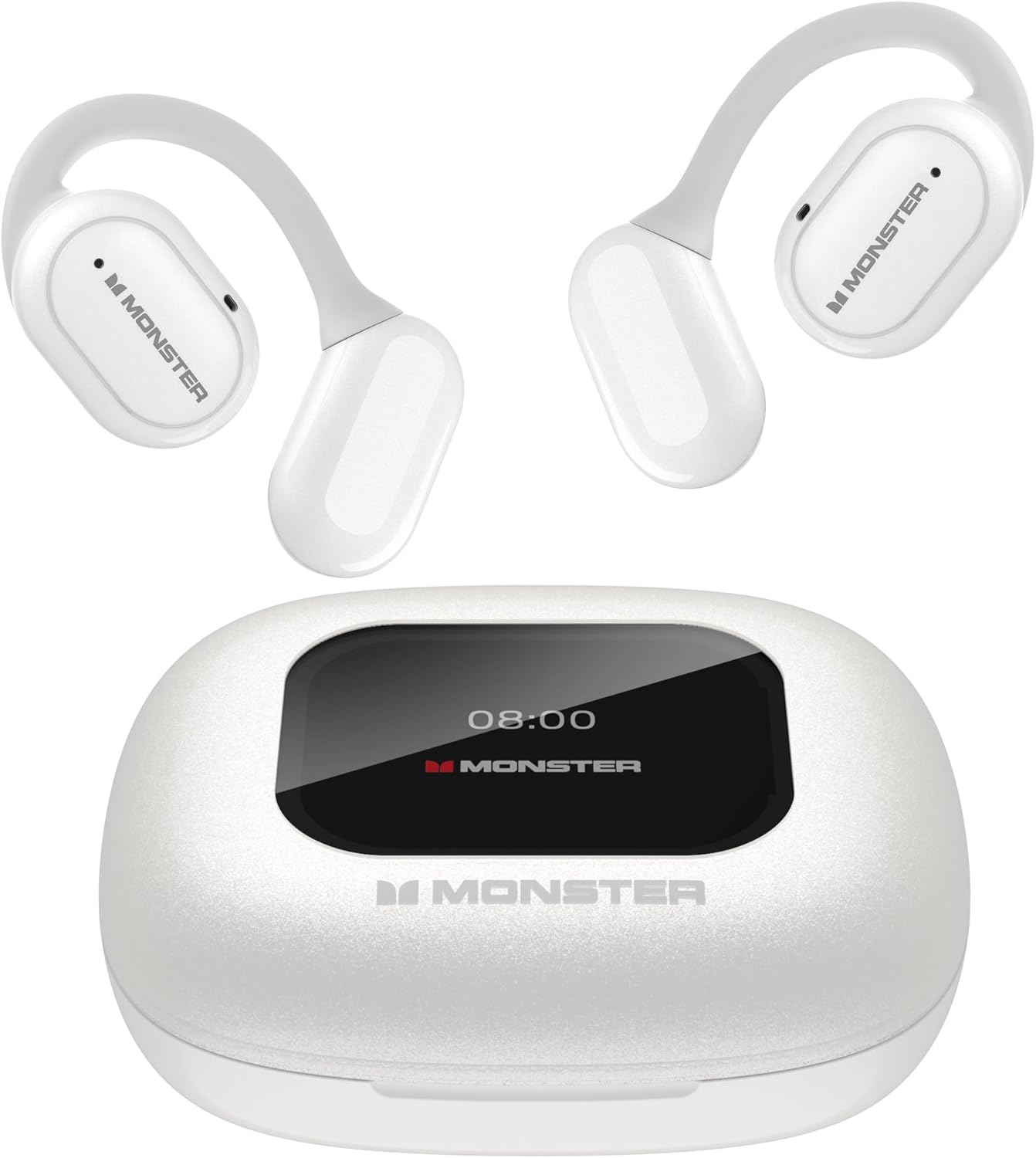
Image: Monster Open Ear Headphones and their charging case.
3. Product Overview & Key Features
The Monster Open Ear Headphones are designed for comfort, sound quality, and versatility. Here are their primary features:
3.1 Pure Monster Sound & ENC Noise Cancellation
Equipped with high-quality 16.2mm large drivers, these earbuds deliver clear sound quality, bringing music details vividly to your ears. The ENC (Environmental Noise Cancellation) adaptive noise separation technology ensures crystal-clear conversations by intelligently adjusting for environmental changes, providing a more comfortable listening experience.

Image: Detailed view of the 16.2mm large driver and composite titanium nano diaphragm.
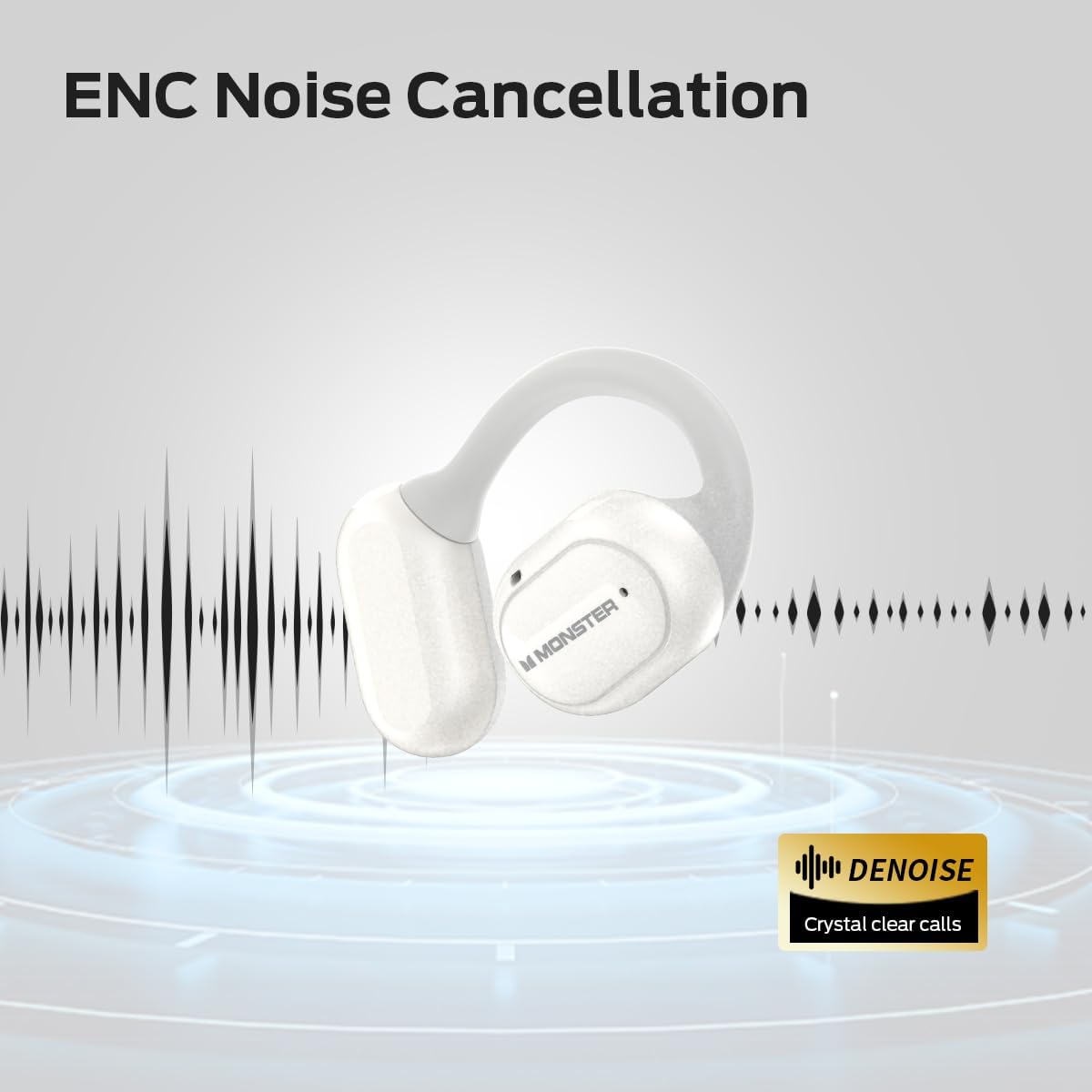
Image: Visual representation of ENC Noise Cancellation for clear calls.
3.2 LED Full-Color Smart Screen & Independent MP3 Mode
The multi-touch smart charging case provides precise control over music playback, track switching, and volume adjustment. It also offers multiple EQ modes for a personalized listening experience. A built-in TF card slot (TF Card NOT included) allows the earbuds to function independently as an MP3 player, offering convenience and freedom to enjoy music without a phone or network.

Image: The LED full-color touch screen on the charging case showing various control options.

Image: The TF card input slot on the charging case for independent MP3 playback.
3.3 Open-Ear Design
The innovative open-ear design allows you to enjoy music while remaining aware of your surroundings, enhancing safety. The ergonomic curved ear-hook design, made from skin-friendly silicone, ensures secure wear during activities without feeling intrusive, providing comfort all day.
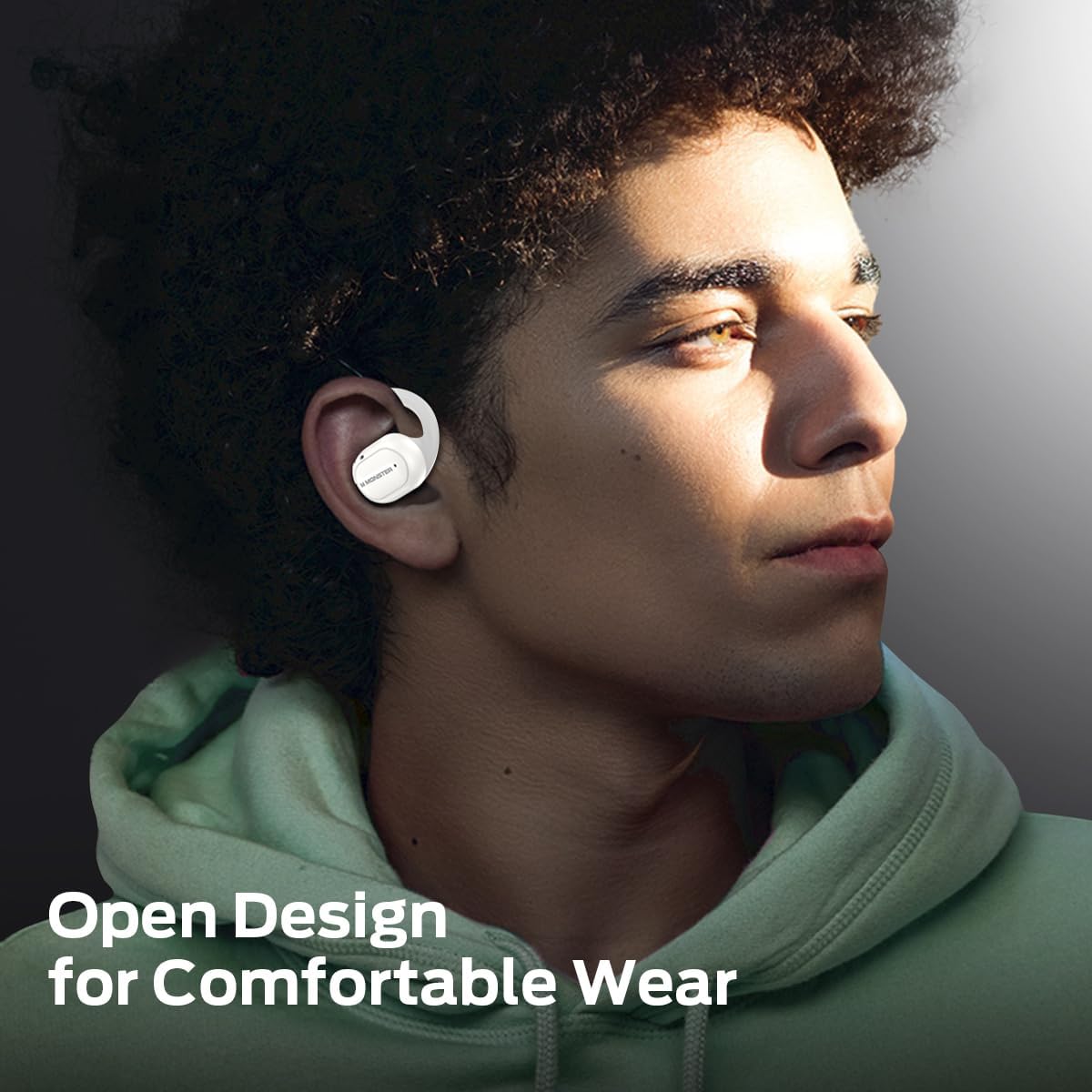
Image: A person wearing the Monster Open Ear Headphones, highlighting the open design for comfortable wear.
3.4 Bluetooth 5.4 Technology
Featuring the latest Bluetooth 5.4 technology, these wireless earbuds ensure low power consumption and low latency, delivering faster connection speeds, longer range, and greater stability for seamless, high-quality audio.
3.5 All-Day Battery Life
Enjoy up to 8 hours of playback on a single charge, extended to 30 hours with the charging case. This ensures all-day music enjoyment without worrying about power, whether on a long trip or a busy workday.
3.6 IPX5 Waterproof
The IPX5 waterproof rating effectively protects the earbuds from moisture, making them suitable for workouts or light rain. This enhances their durability and allows for confident use in various conditions. Note: The charging case is not waterproof.

Image: The earbuds demonstrating their IPX5 waterproof performance.
4. Setup Guide
4.1 Charging the Earbuds and Case
- Place the earbuds into the charging case. Ensure they are correctly seated in their respective slots.
- Connect the USB charging cable to the charging port on the case and to a power source (e.g., computer USB port, wall adapter).
- The LED indicator on the case will show charging status. A full charge is indicated when the light changes or turns off (refer to the case's display for exact battery percentage).
4.2 Bluetooth Pairing
- Ensure the earbuds are charged.
- Open the charging case. The earbuds will automatically enter pairing mode.
- On your device (smartphone, tablet, computer), enable Bluetooth.
- Search for new Bluetooth devices and select "Monster Open Touch Pro100" from the list.
- Once connected, a voice prompt will confirm successful pairing.
4.3 TF Card Installation (for Independent MP3 Mode)
- Locate the TF card slot on the charging case.
- Gently insert a TF card (microSD card, not included) into the slot until it clicks into place.
- Ensure the card is inserted correctly to avoid damage.
- The earbuds can now access music files directly from the TF card without needing a connected device.
Image: Inserting a TF card into the charging case.
5. Operating Instructions
5.1 Basic Earbud Controls (Touch Sensor)
The earbuds feature touch-sensitive controls on their surface:
- Play/Pause: Single tap on either L/R earbud.
- Voice Assistant: Hold L/R earbud for 2 seconds.
- Previous Song: Triple tap on L/R earbud.
- Next Song: Double tap on R earbud.
- Answer Call: Double tap on L/R earbud.
- Hang Up Call: Hold L/R earbud for 3 seconds.
5.2 Charging Case Touch Screen Functions
The charging case's full-color touch screen provides advanced control and settings:
- Music Playback Control: Navigate through tracks, adjust volume, and play/pause directly from the screen.
- EQ Modes: Select from various equalizer presets (e.g., Rock, Pop, Normal, Jazz, Classic) to customize your audio experience.
- Language Switch: Change the system language of the case display and voice prompts.
- Find My Earphone: Activate a sound from the earbuds to help locate them if misplaced nearby.
- Camera Shutter: Use the case as a remote shutter button for your connected smartphone's camera.
- Settings: Access various device settings and information.
Image: The LED full-color touch screen on the charging case showing various control options.

Image: The language switch function on the charging case screen.
6. Maintenance and Care
Proper maintenance ensures the longevity and performance of your Monster Open Ear Headphones:
- Cleaning: Regularly wipe the earbuds and charging case with a soft, dry, lint-free cloth. Do not use abrasive cleaners or solvents.
- Water Resistance: The earbuds are IPX5 waterproof, meaning they can withstand sweat and light splashes. Do not submerge them in water. The charging case is NOT waterproof; keep it dry.
- Storage: When not in use, store the earbuds in their charging case to protect them and keep them charged. Store in a cool, dry place away from extreme temperatures.
- Battery Care: To preserve battery life, avoid fully discharging the earbuds and case frequently. Charge them regularly, even if not used for extended periods.
Image: The earbuds demonstrating their IPX5 waterproof performance. Remember the case is not waterproof.
7. Troubleshooting
If you encounter issues with your earbuds, refer to the following common problems and solutions:
| Problem | Possible Cause | Solution |
|---|---|---|
| Earbuds not pairing | Earbuds not in pairing mode; Bluetooth off on device; out of range. | Ensure earbuds are in case and open lid to activate pairing. Turn on Bluetooth on your device. Move device closer to earbuds. |
| No sound from earbuds | Low battery; volume too low; not connected. | Charge earbuds. Increase volume on both earbuds and connected device. Reconnect earbuds to device. |
| Charging case screen unresponsive | Case battery low; temporary software glitch. | Charge the case. Try restarting the case by closing and reopening the lid, or by connecting/disconnecting the charging cable. |
| TF card not recognized | Card not inserted correctly; unsupported format; damaged card. | Reinsert the TF card. Ensure it is formatted to a compatible file system (e.g., FAT32). Try a different TF card. |
8. Specifications
Detailed technical specifications for the Monster Open Ear Headphones Touch Screen Earbuds:
| Feature | Detail |
|---|---|
| Model Name | Open Touch Pro100 |
| Brand | Monster |
| Connectivity Technology | Wireless (Bluetooth 5.4) |
| Form Factor | Open Ear |
| Driver Size | 16.2mm |
| Playback Time (Earbuds) | Up to 8 hours |
| Total Playback Time (with Case) | Up to 30 hours |
| Waterproof Rating | IPX5 (Earbuds only) |
| Charging Case Display | LED Full-Color Touch Screen |
| Additional Features | TF Card Slot (for MP3 mode), ENC Noise Cancellation, Multiple EQ Modes |
| Item Weight | 7 ounces |
| Batteries | 1 A battery required (included) |
9. Warranty and Support
Monster products are manufactured to the highest quality standards. For information regarding warranty coverage and customer support, please refer to the warranty card included with your product or visit the official Monster website. You can also visit the Monster Store on Amazon for additional product information and support resources.
Related documentsOpen Touch Pro100

Ask a question about this manual
Ask about setup, troubleshooting, compatibility, parts, safety, or missing instructions. Manuals+ will review the question and use this page’s manual context to help answer it.