
1. Introduction
Welcome to the Kalorik Air Fryer VIVID TOUCH Series 7 Quart. This appliance is designed to simplify your cooking experience, offering a wide range of meal options with precision and ease. Featuring a high-resolution touchscreen and intuitive controls, this air fryer allows you to prepare various dishes with minimal effort and oil.
The unit includes over 200 presets across 12 food categories, multilingual and multi-metric functionality, and a convenient view window to monitor your food as it cooks. The removable basket and dishwasher-safe crisper tray ensure effortless cleanup.
2. Important Safety Information
Please read all instructions carefully before using the Kalorik Air Fryer. Failure to follow these instructions may result in electric shock, fire, or serious personal injury.
- Always place the appliance on a stable, level, heat-resistant surface.
- Do not immerse the main unit, cord, or plug in water or other liquids.
- Keep the appliance and its cord out of reach of children.
- Ensure the voltage indicated on the appliance matches your local mains voltage before connecting.
- Do not operate the appliance if the plug, power cord, or the appliance itself is damaged.
- Unplug the appliance from the outlet when not in use and before cleaning. Allow it to cool down completely before handling.
- Do not block the air inlet or outlet vents during operation.
- The basket and crisper tray become hot during use. Always use oven mitts or the handle to remove them.
- Do not overfill the basket.
3. Product Overview
The Kalorik Air Fryer VIVID TOUCH Series is designed for efficient and versatile cooking. Key components include:
- High-Resolution Touchscreen Display: For intuitive control and access to presets.
- 7-Quart Capacity Basket: Large enough to serve up to 6 people.
- Removable Crisper Tray: Dishwasher-safe for easy cleaning.
- View Window: Allows monitoring of food without opening the basket.
- Integrated Handle: For safe removal of the basket.
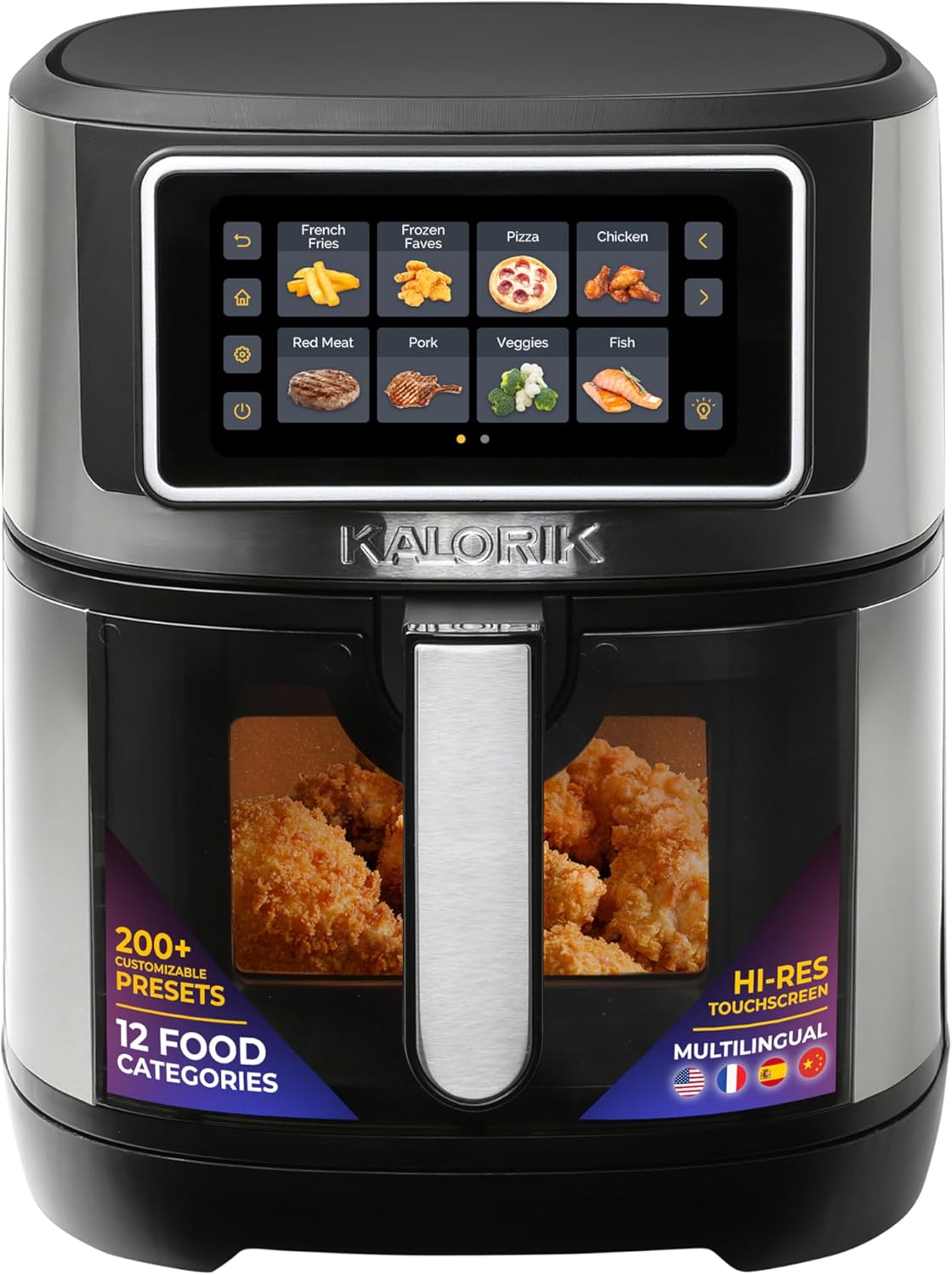
Figure 1: Kalorik Air Fryer VIVID TOUCH Series 7 Quart. This image shows the main unit of the air fryer, highlighting its sleek design and the prominent touchscreen display.
4. Setup
Before first use, follow these steps:
- Remove all packaging materials, stickers, and labels from the appliance.
- Wipe the exterior of the appliance with a damp cloth.
- Wash the basket and crisper tray with hot, soapy water. Rinse and dry thoroughly.
- Place the crisper tray inside the basket.
- Insert the assembled basket into the main unit.
- Place the air fryer on a stable, heat-resistant surface, ensuring adequate ventilation around the unit.

Figure 2: Inside view of the air fryer basket. This image displays the interior of the air fryer, showing the removable crisper tray properly seated within the basket.
5. Operating Instructions
The Kalorik Air Fryer VIVID TOUCH features a high-resolution touchscreen for easy operation.
5.1. Power On/Off
- To turn on, touch the screen or the power icon. The display will show the current time.
- To turn off, press and hold the power icon.
5.2. Navigating the Touchscreen
Once powered on, the touchscreen displays various preset cooking categories. Use the left and right arrow icons to navigate through different pages of presets.
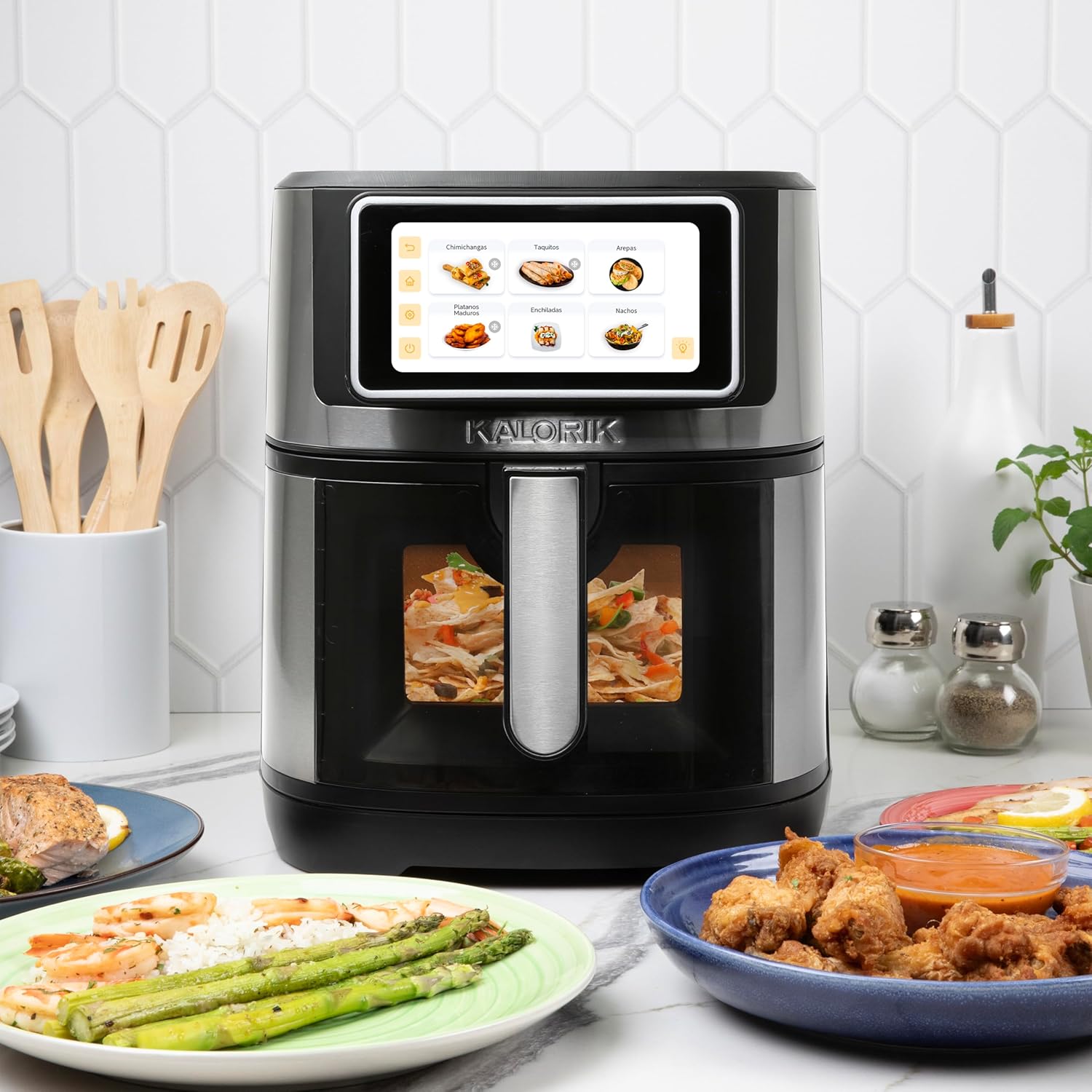
Figure 3: Touchscreen with cooking presets. This image shows the air fryer's touchscreen interface, displaying various food categories like French Fries, Frozen Faves, Pizza, Chicken, Red Meat, Pork, Veggies, and Fish.
5.3. Using Presets
The air fryer offers over 200 presets across 12 food categories. To use a preset:
- Select a food category (e.g., 'Chicken', 'French Fries').
- Within the category, select the specific food item (e.g., 'Chicken Nuggets').
- The display will show recommended cooking time and temperature. You may also select the quantity of food (Level 1, 2, or 3) which adjusts the cooking time.
- Press the 'Play' icon to start cooking.

Figure 4: Precision cooking settings. This image illustrates the touchscreen's ability to select food quantity (e.g., 2pcs, 4pcs, 6pcs for drumsticks) and automatically adjust cooking time and temperature.
5.4. Manual Cooking (DIY)
For custom recipes or specific preferences, use the 'DIY' function:
- Select the 'DIY' icon from the preset categories.
- Use the '+' and '-' buttons to manually adjust the cooking time and temperature (up to 400°F).
- Press the 'Play' icon to start cooking.
5.5. Special Functions
- Preheat: Use this function to preheat the air fryer before adding food.
- Reheat: Ideal for warming up leftovers.
- Defrost: Thaw frozen items before cooking.
- Shake Reminder: The unit will beep halfway through cooking for certain presets, prompting you to shake the basket for even cooking.
- Ready Alert: Notifies you when cooking is complete.
- Internal Light: Press the light bulb icon to illuminate the interior of the basket, allowing you to check food progress through the view window.
5.6. Multilingual & Multi-Metric Settings
The air fryer supports multiple languages and temperature units:
- Access the 'Settings' menu (gear icon).
- Select 'Language' to choose between English, Spanish, French, and Mandarin.
- Select '°F to °C' to switch between Fahrenheit and Celsius temperature readings.

Figure 5: Multilingual settings on the touchscreen. This image shows the touchscreen displaying language options, including English, Spanish, French, and Mandarin, along with temperature unit selection.
6. Maintenance and Cleaning
Regular cleaning ensures optimal performance and longevity of your air fryer.
6.1. Cleaning the Basket and Crisper Tray
- Always unplug the air fryer and allow it to cool completely before cleaning.
- The removable basket and crisper tray are dishwasher-safe.
- For manual cleaning, wash with hot, soapy water and a non-abrasive sponge.
- Do not use metal scouring pads or abrasive cleaning materials, as they can damage the nonstick coating.
6.2. Cleaning the Main Unit
- Wipe the exterior of the air fryer with a damp cloth.
- Clean the interior with a damp cloth and mild detergent if necessary.
- Never immerse the main unit in water or any other liquid.
7. Troubleshooting
If you encounter issues with your air fryer, refer to the following common problems and solutions:
| Problem | Possible Cause | Solution |
|---|---|---|
| Air fryer does not turn on. | Appliance not plugged in; power outlet malfunction. | Ensure the power cord is securely plugged into a working outlet. |
| Food is not cooked evenly. | Basket is overcrowded; food not shaken. | Do not overfill the basket. Shake the basket halfway through cooking (Shake Reminder will activate). |
| White smoke coming from the appliance. | Grease residue from previous use; fatty ingredients. | Clean the basket and crisper tray thoroughly after each use. For fatty foods, drain excess oil from the basket. |
| Food is not crispy. | Not enough oil; temperature too low; cooking time too short. | Lightly brush food with oil. Increase temperature or cooking time. |
8. Specifications
- Model Number: AFKA7QTFT2WSS13
- Capacity: 7 Quarts
- Dimensions (D x W x H): 15.68" x 11.47" x 13.36"
- Weight: 11.22 Pounds
- Wattage: 1500 Watts
- Voltage: 120 Volts
- Max Temperature: 400°F
- Control Method: Touchscreen
- Inner Material: Stainless Steel
- Nonstick Coating: Yes
- Dishwasher Safe Components: Basket, Crisper Tray
- UPC: 848052004603

Figure 6: Product dimensions. This image provides a visual representation of the air fryer's dimensions, including height, width, and depth.
9. Warranty and Support
Warranty Description: 1-year limited warranty covering defects in materials and workmanship, excluding damages caused by accidents, misuse, or normal wear and tear.
For support, please refer to the 'Care and Use Manual' included with your product or visit the official Kalorik website for further assistance.


