
Introduction
This manual provides detailed instructions for the assembly, operation, and maintenance of your Serta Comfort Eco Office Chair. Please read all instructions carefully before assembly and use to ensure proper function and safety. Retain this manual for future reference.

Image: The Serta Comfort Eco Office Chair in brown velvet, showcasing its ergonomic design and padded features.
Safety Information
- Ensure all components are present and undamaged before assembly. Do not use if any parts are missing or broken.
- Follow assembly instructions precisely. Incorrect assembly can lead to instability and injury.
- Do not stand on the chair.
- Do not use the chair as a step stool.
- This chair is designed to support a maximum weight of 275 pounds. Exceeding this limit may cause damage or injury.
- Keep children away from the chair during assembly. Small parts may pose a choking hazard.
- WARNING: This product contains chemicals known to the State of California to cause cancer and birth defects or other reproductive harm. For more information, visit www.P65Warnings.ca.gov.
Parts List
Before beginning assembly, verify that all the following components are present:
- Backrest
- Seat Cushion
- Armrests (2)
- Chair Base (5-star)
- Casters (5)
- Gas Lift Cylinder
- Cylinder Cover
- Mechanism Plate
- Hardware Pack (screws, washers, Allen wrench)
Assembly Instructions
Assembly typically requires two people and takes approximately 30 minutes. Follow these steps carefully:
- Attach Casters to Base: Insert each of the five casters into the holes at the end of each leg of the chair base. Push firmly until they click into place.
- Install Gas Lift: Place the gas lift cylinder into the center hole of the assembled chair base. Slide the cylinder cover over the gas lift.
- Attach Mechanism Plate to Seat: Align the mechanism plate with the pre-drilled holes on the underside of the seat cushion. Ensure the front of the mechanism plate faces the front of the seat. Secure with screws and washers from the hardware pack.
- Attach Armrests to Seat: Attach the armrests to the sides of the seat cushion using the provided screws. Do not fully tighten yet.
- Attach Backrest to Armrests and Seat: Align the backrest with the armrests and the rear of the seat cushion. Secure the backrest to the armrests and the seat using the remaining screws. Once all screws are in place, tighten all armrest and backrest screws securely.
- Connect Seat Assembly to Gas Lift: Carefully place the assembled seat and backrest onto the gas lift cylinder, ensuring the center hole of the mechanism plate aligns with the top of the gas lift. Press down firmly to secure.
For visual guidance on the chair's features, refer to the product highlights below.

Image: An illustration highlighting key features of the Serta Comfort Eco Office Chair, including cushioned headrest, contoured back support, padded armrests, waterfall seat edge, adjustable comfort, and 360-degree motion.
Operating Instructions
Height Adjustment
To adjust the chair's height, locate the lever on the right side beneath the seat. While seated, lift the lever to lower the chair. To raise the chair, lift the lever while standing or with minimal weight on the seat.

Image: A visual guide demonstrating how to use the side lever to adjust the chair's height, with arrows indicating upward and downward movement.
Tilt and Recline Adjustment
The chair features a tilt mechanism for reclining. Pull the same side lever outwards to unlock the recline function, allowing the chair to tilt backward. Push the lever inwards to lock the chair in an upright position.
To adjust the tension of the recline, locate the round knob under the front of the seat. Turn the knob clockwise to increase tension (making it harder to recline) or counter-clockwise to decrease tension (making it easier to recline).

Image: An illustration showing the side lever for unlocking the recline mechanism and the tension knob for adjusting recline resistance.
360° Swivel and Casters
The chair is equipped with a 360° swivel base and double-wheel casters, allowing for easy movement and rotation. These casters are designed to glide smoothly across most carpeted surfaces.
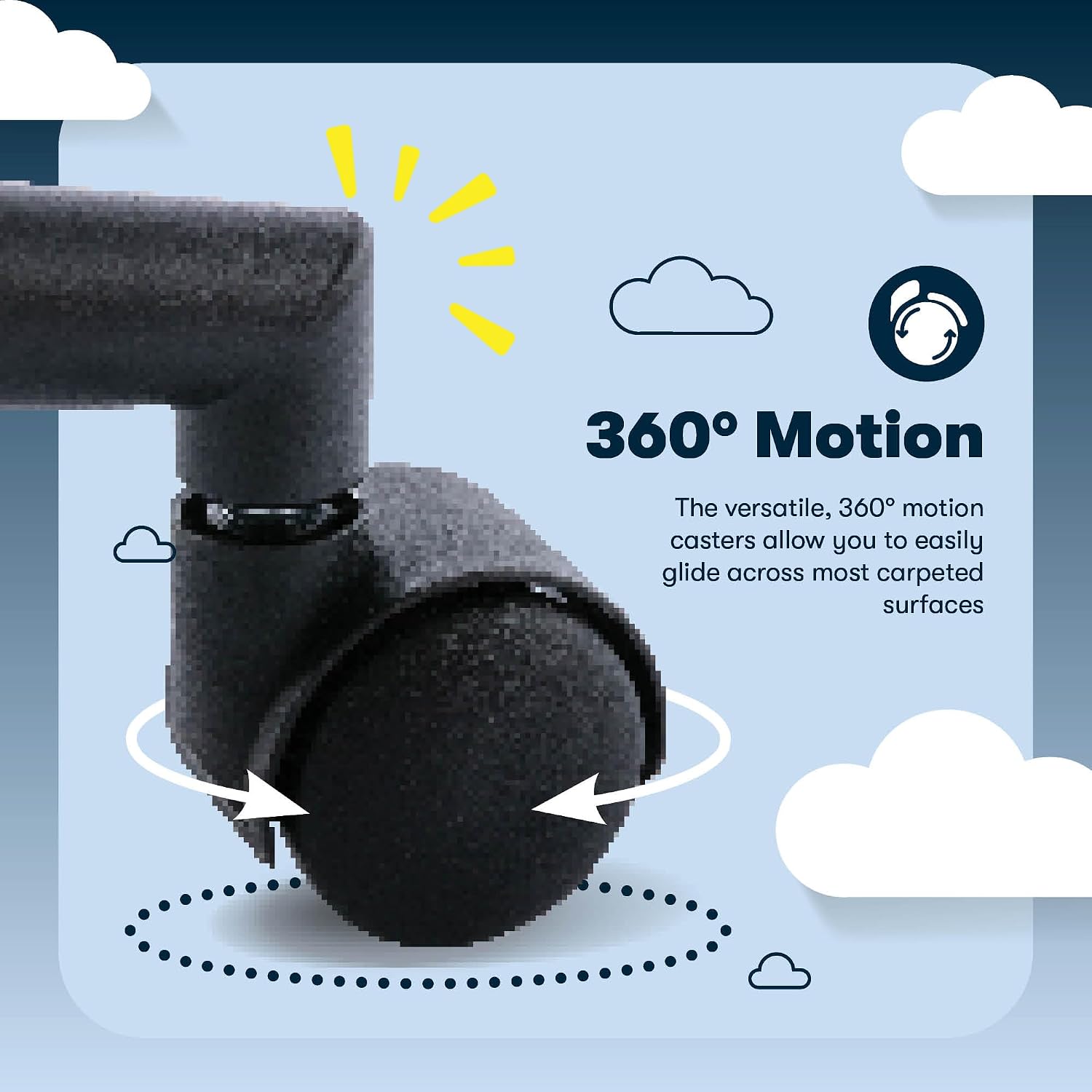
Image: A close-up view of the chair's double-wheel casters, illustrating their 360-degree rotation capability for smooth movement.
Maintenance
Cleaning
For general cleaning, spot clean the velvet fabric with a mild detergent and a damp cloth. Avoid using abrasive cleaners or harsh chemicals, as these may damage the fabric. Test any cleaning solution on an inconspicuous area first.
Inspection
Periodically check all screws and bolts to ensure they remain tight. Re-tighten if necessary to maintain stability and safety.
Troubleshooting
- Chair does not adjust height: Ensure the gas lift lever is fully engaged. If the issue persists, the gas lift cylinder may need replacement.
- Chair wobbles: Check that all assembly screws, particularly those connecting the armrests, backrest, and mechanism plate, are securely tightened. Ensure casters are fully inserted into the base.
- Chair squeaks: Apply a small amount of silicone lubricant to moving parts, such as the gas lift and tilt mechanism, if squeaking occurs.
- Difficulty reclining or locking tilt: Verify the tilt lever is correctly positioned. Adjust the tilt tension knob to ensure it is not too tight or too loose.
Specifications
| Feature | Detail |
|---|---|
| Brand | Serta |
| Model Name | Comfort Eco |
| Model Number | CCHR10006D |
| Color | Brown |
| Style | Velvet |
| Product Dimensions | 29"D x 28"W x 45"H |
| Maximum Weight Recommendation | 275 Pounds |
| Special Features | Adjustable Height, Ergonomic, Lumbar Support |
| Back Style | Solid Back |
| Product Care Instructions | Spot Clean |
| Assembly Required | Yes |

Image: A diagram illustrating the specific dimensions of the Serta Comfort Eco Office Chair, including width, depth, back height, seat depth, inner seat width, and minimum/maximum chair and seat heights.
Customer Support
For assistance with assembly, parts, or any questions regarding your Serta Comfort Eco Office Chair, please contact our dedicated U.S.-based customer service team.
Phone: (800) 379 - 9773
Hours: 6am - 5pm PST

Image: A graphic displaying the Serta Customer Service phone number and operating hours, with a representative wearing a headset.


