
VIZIUUY VZ-3B1
VIZIUUY Solar Camera Outdoor Wireless User Manual
Model: VZ-3B1
Introduction
This manual provides comprehensive instructions for the setup, operation, and maintenance of your VIZIUUY Solar Camera Outdoor Wireless. This 2K security camera is designed for outdoor use, featuring an embedded solar panel for continuous power and a 128GB SD card for local storage. Please read this manual thoroughly before using the product to ensure proper installation and functionality.
What's in the Box
Upon opening the package, verify that all the following components are present:
- VIZIUUY Solar Camera (Model: VZ-3B1)
- 128GB SD Card (Model: VZ-SD-128G)
- Mounting accessories (screws, wall anchors)
- User Manual (this document)

Image: The VIZIUUY Solar Camera, a white cylindrical camera with a black front panel and an integrated solar panel on top. A small blue 128GB SD card logo is visible in the bottom left corner of the image, indicating included storage.

Image: A close-up of the VIZIUUY 128GB SD card, featuring the brand logo and storage capacity prominently displayed in blue and white.
Setup
1. Charging and Initial Power-Up
The VIZIUUY solar camera is designed for continuous power via its embedded solar panel. For first-time use, it is recommended to fully charge the camera's internal battery by exposing it to direct sunlight for at least 2 hours before installation. This ensures sufficient power for initial setup and operation.

Image: A VIZIUUY solar camera mounted on a wall, with sunlight illuminating its integrated solar panel. Text overlays indicate "All in One Solar Camera" and "2Hrs Sunshine for All-Day Power," illustrating its self-sustaining power feature.
2. Wireless Connectivity (Wi-Fi 6)
The camera utilizes Wi-Fi 6 technology for enhanced connectivity. This provides lower latency, improved coverage, and larger capacity compared to previous Wi-Fi standards. Ensure your Wi-Fi network is stable and within range of the camera's intended installation location.

Image: A graphic illustrating "Experience Wi-Fi 6 Enhancements" with icons for Lower Latency, Enhanced Coverage, and Larger Capacity. A VIZIUUY camera is shown with Wi-Fi signals emanating from it, comparing Wi-Fi 5 and Wi-Fi 6 speeds.
3. Installation
The VIZIUUY camera is designed for a quick and wire-free installation, typically taking around 5 minutes. Choose a location that provides optimal sunlight exposure for the solar panel and a clear view of the area you wish to monitor. Use the provided mounting accessories to secure the camera to a wall or suitable surface. Only one hole typically needs to be drilled for mounting.

Image: A person is shown installing the VIZIUUY solar camera on an outdoor wall, demonstrating the ease of a "5-Minute Install." The camera is white with an integrated solar panel.
Operating Instructions
1. Video Quality and Field of View
The VZ-3B1 camera captures video in 2K HD resolution (2304x1296 pixels), providing 1.5 times more detail than standard 1080p. It features a wide 135-degree field of view, minimizing blind spots and covering a larger area.

Image: A young child watering plants in a garden, with a large "2K" overlay, emphasizing the camera's ability to "See Every Detail" in high resolution.
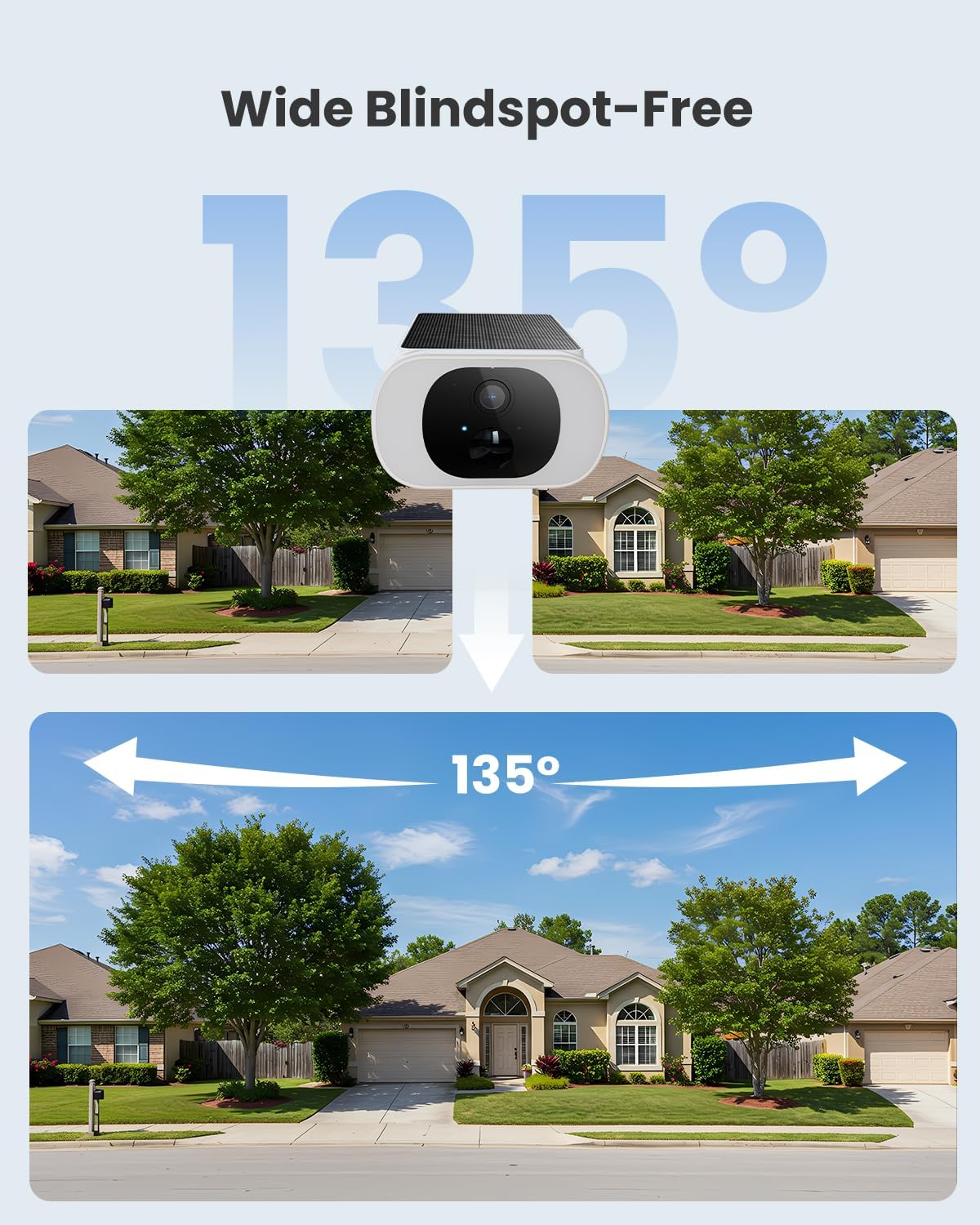
Image: A graphic demonstrating the "Wide Blindspot-Free 135°" field of view of the VIZIUUY camera, showing a broad panoramic view of a neighborhood street and houses.
2. Smart Night Vision Modes
The camera is equipped with 4 infrared LEDs and 18 white LEDs, offering three distinct night vision modes:
- Infrared B/W Night Vision: Provides clear black and white footage in low-light conditions, allowing you to see farther.
- Color Night Vision: Utilizes the white LEDs to illuminate the scene, providing full-color video even at night, similar to daylight viewing.
- Smart Mode: Automatically switches between infrared and color night vision based on detected motion or light conditions.
3. Video Storage
The camera comes with a 128GB SD card (VZ-SD-128G) for local video storage. This capacity is sufficient to store many hours of 4K video footage. The SD card supports read speeds up to 100MB/s for quick transfer of high-resolution images and write speeds of 30MB/s for 4K UHD video recording.
Note: Actual user storage may be less than 128GB due to system formatting and reserved space.
Maintenance
1. Weather Resistance
The VIZIUUY Solar Camera is rated IP65, indicating it is protected against dust ingress and low-pressure water jets from any direction. This makes it suitable for outdoor use in various weather conditions. While robust, avoid submerging the camera in water or exposing it to high-pressure water streams.

Image: The VIZIUUY solar camera being splashed with water, with text indicating "Built Tough for Any Weather" and "IP65," highlighting its durability and water resistance.
2. Solar Panel Care
To ensure optimal charging, periodically clean the surface of the integrated solar panel with a soft, damp cloth to remove any dust, dirt, or debris that may accumulate. Avoid using abrasive cleaners or materials that could scratch the panel.
Troubleshooting
If you encounter issues with your VIZIUUY Solar Camera, please refer to the following common troubleshooting steps:
- Camera Not Powering On: Ensure the camera has received sufficient sunlight for charging. Move it to a location with more direct sunlight or allow more time for charging.
- No Wi-Fi Connection: Verify that your Wi-Fi network is active and the camera is within range. Try restarting your Wi-Fi router. Ensure the camera is connected to a 2.4GHz Wi-Fi network, as 5GHz networks are typically not supported by security cameras.
- Poor Video Quality: Check for obstructions in front of the camera lens. Ensure the lens is clean. Verify that your internet connection is stable and has adequate bandwidth.
- Night Vision Issues: Ensure the camera's night vision settings are correctly configured in the accompanying mobile application. Check for any strong light sources directly facing the camera at night, which can interfere with night vision.
- SD Card Not Recording: Ensure the SD card is properly inserted. Format the SD card through the camera's mobile application if issues persist. Check if the SD card has reached its storage capacity.
For further assistance, please refer to the support section.
Specifications
| Model | VZ-3B1 |
| Brand | VIZIUUY |
| Recommended Use | Outdoor Security |
| Power Source | Solar Powered |
| Special Feature | Night Vision |
| Video Resolution | 2K HD (2304x1296) |
| Field of View | 135 degrees |
| Storage Included | 128GB SD Card (VZ-SD-128G) |
| Weather Rating | IP65 |
| Connectivity | Wi-Fi 6 |
Warranty Information
Specific warranty details for the VIZIUUY Solar Camera Outdoor Wireless (Model VZ-3B1) are not provided within this manual. Please refer to the product packaging or the official VIZIUUY website for the most current warranty policy and registration information.
Customer Support
For technical support, troubleshooting assistance beyond this manual, or inquiries regarding your VIZIUUY product, please visit the official VIZIUUY support page or contact their customer service. Contact information is typically available on the product packaging or the brand's official website.
You can visit the VIZIUUY Store on Amazon for more information: VIZIUUY Security Store
Ask a question about this manual
Ask about setup, troubleshooting, compatibility, parts, safety, or missing instructions. Manuals+ will review the question and use this page’s manual context to help answer it.