
Introduction
This manual provides detailed instructions for the proper use and maintenance of your AWEI T35 Wireless Earbuds. Please read this manual thoroughly before using the product to ensure optimal performance and longevity.
What's in the Box
Verify that all items are present in the package:
- AWEI T35 Wireless Earbuds (Left and Right)
- Charging Case
- USB Charging Cable (Type-C)
- Eartips (various sizes)
- User Manual
Product Overview
The AWEI T35 Wireless Earbuds are designed for a versatile audio experience, featuring dual modes for gaming and music, touch controls, and a durable, waterproof design.
Earbud and Charging Case Design

Image: The AWEI T35 wireless earbuds shown with their charging case, highlighting their compact and ergonomic design.
Dual Modes for Enhanced Experience

Image: Illustration of the AWEI T35's dual decoding modes: E-Sport Mode for low latency gaming and Audio/Video Mode for high-fidelity sound.
Long-Lasting Battery

Image: Visual representation of the AWEI T35's battery performance, showing approximately 5 hours of play time per earbud charge, 300 hours of standby time, and a 400mAh charging case capacity.
Ambient Lighting
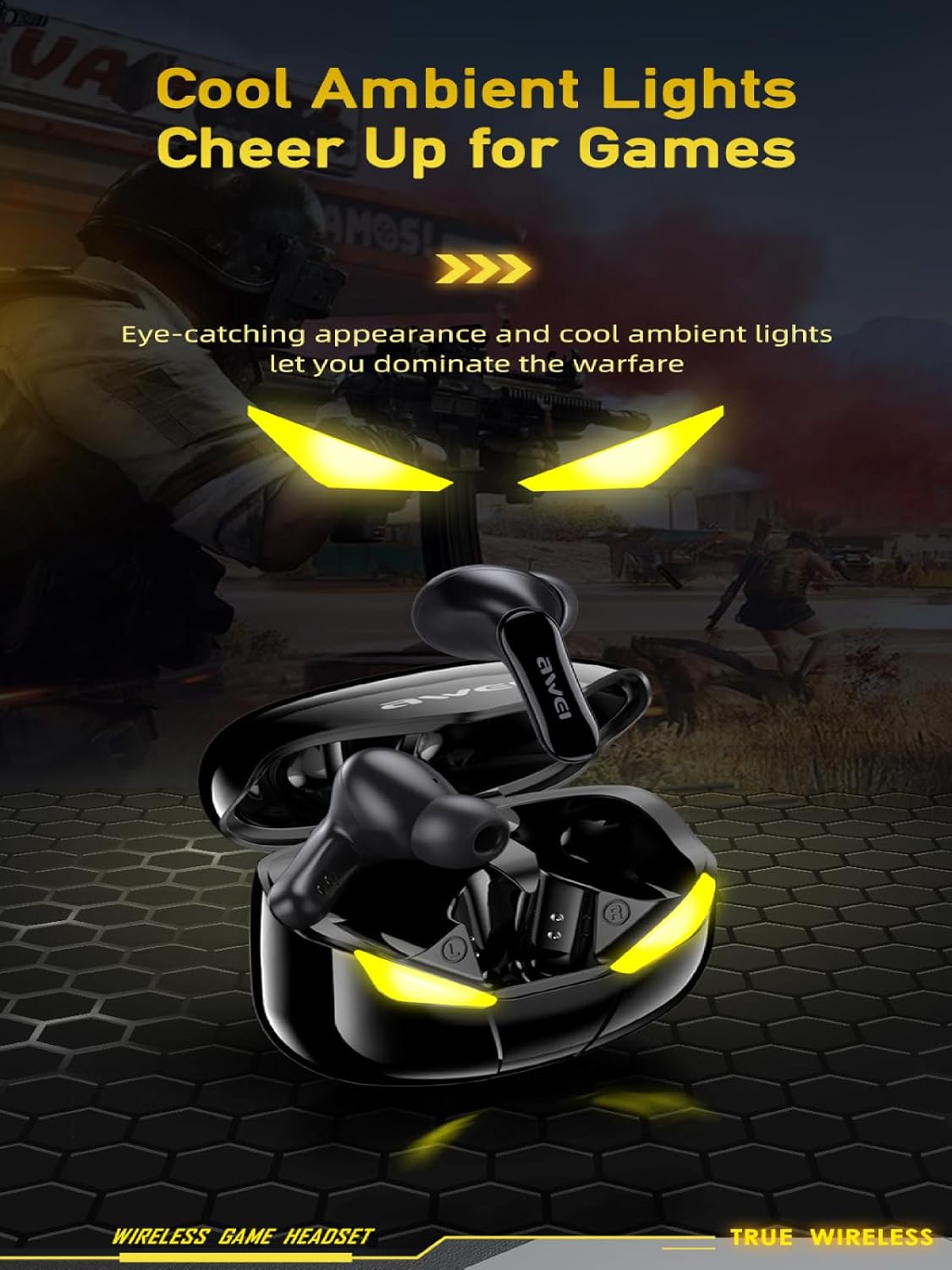
Image: The AWEI T35 charging case displaying its distinctive ambient lights, which activate during use or charging.
Waterproof Design
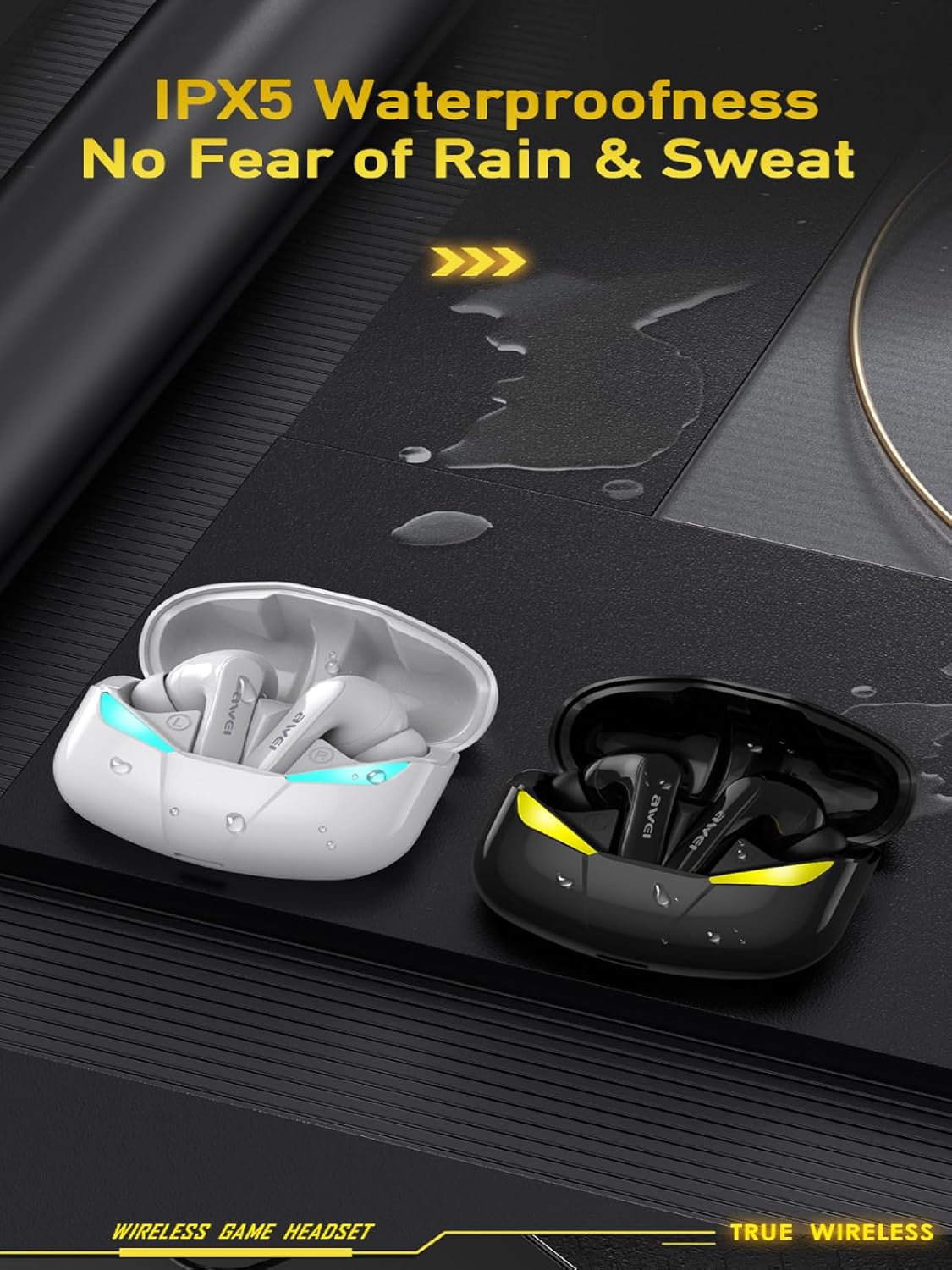
Image: A visual demonstrating the IPX5 waterproof rating of the AWEI T35 earbuds, showing resistance to splashes and sweat.
Setup
Charging the Earbuds and Case
- Place the earbuds into the charging case. Ensure they are correctly seated.
- Connect the provided USB Type-C cable to the charging port on the case and to a power source (e.g., USB wall adapter, computer USB port).
- The indicator lights on the case will show the charging status. A full charge for the case takes approximately 1.5 hours.
- When fully charged, disconnect the charging cable.
Note: Fully charge the earbuds and charging case before first use.
Pairing with a Device
- Open the charging case. The earbuds will automatically enter pairing mode, indicated by flashing lights.
- On your device (smartphone, tablet, laptop), enable Bluetooth.
- Search for available Bluetooth devices and select "AWEI T35" from the list.
- Once connected, you will hear a confirmation tone, and the earbud lights will stop flashing.
- The earbuds will automatically reconnect to the last paired device when removed from the case, if Bluetooth is enabled on the device.
Note: If pairing fails, place the earbuds back in the case, close it, and then reopen to re-enter pairing mode.
Operating Instructions
Smart Touch Controls
The AWEI T35 earbuds feature intuitive touch controls on each earbud. The following actions can be performed:

Image: A diagram illustrating the touch control functions for the AWEI T35 earbuds, including actions for music playback, calls, and mode switching.
- Play/Pause: Short press Left/Right earbud once.
- Next Song: Press Right earbud twice.
- Previous Song: Press Left earbud twice.
- Answer/End Call: Short press Left/Right earbud once.
- Reject Call: Long press Left/Right earbud for 2 seconds.
- Activate Voice Assistant (Siri/Google Assistant): Press Left earbud thrice.
- Enter Game Mode: Press Right earbud thrice.
Switching Between Modes
The AWEI T35 earbuds support dual modes: a standard Audio/Video mode and a low-latency E-Sport (Game) mode. To switch to Game Mode, triple-press the Right earbud. Repeat the action to switch back to Audio/Video mode.
Video Demonstration
Video: A demonstration of the AWEI T35 TWS earbuds, showcasing their dual mode functionality, low latency for e-sports, material quality, design, and IPX5 waterproof rating. The video also illustrates the pairing process with a smartphone.
Maintenance
- Cleaning: Regularly clean the earbuds and charging case with a soft, dry, lint-free cloth. Do not use harsh chemicals or abrasive materials.
- Eartips: Remove eartips periodically and clean them with mild soap and water. Ensure they are completely dry before reattaching.
- Charging Contacts: Ensure the charging contacts on both the earbuds and the case are clean and free of debris to maintain proper charging.
- Storage: When not in use, store the earbuds in their charging case to protect them and keep them charged. Avoid extreme temperatures.
- Water Exposure: While IPX5 rated for water resistance, avoid submerging the earbuds in water. Dry them thoroughly if exposed to sweat or splashes.
Troubleshooting
| Problem | Solution |
|---|---|
| Earbuds not pairing/connecting |
|
| Only one earbud working |
|
| Low volume or poor sound quality |
|
| Earbuds not charging |
|
Specifications
| Feature | Detail |
|---|---|
| Model Name | T35 |
| Connectivity | Wireless, Bluetooth 5.3 |
| Bluetooth Range | Up to 33 feet (10 meters) |
| Battery Life (Earbuds) | Up to 9 hours per charge |
| Total Playtime (with Case) | Up to 39 hours (dual-ear mode), 60 hours (single-ear mode) |
| Charging Time (Case) | Approx. 1.5 hours |
| Charging Port | Type-C |
| Water Resistance | IPX5 (dust and rain proof) |
| Control Type | Touch Control |
| Audio Driver | 10mm Speaker, Dynamic Driver |
| Noise Control | Sound Isolation (Passive Noise Control) |
| Earpiece Shape | Bud (In-Ear) |
| Material | Silicone (eartips) |
Warranty and Support
For warranty information and customer support, please refer to the warranty card included in your product packaging or visit the official AWEI website. Keep your purchase receipt as proof of purchase for warranty claims.
If you encounter any issues not covered in this manual, please contact AWEI customer service for assistance.


