
1. Product Overview
This document provides instructions for the LocoLee LED Light Kit, designed to enhance your LEGO Battle Bus Fortnite 77073 model. Please note that this kit includes only the lighting components; the LEGO model itself is not included and must be purchased separately or already owned.
The light kit illuminates various parts of your model, bringing it to life with vibrant lighting effects. It is intended for display purposes and to add visual appeal to your completed LEGO set.
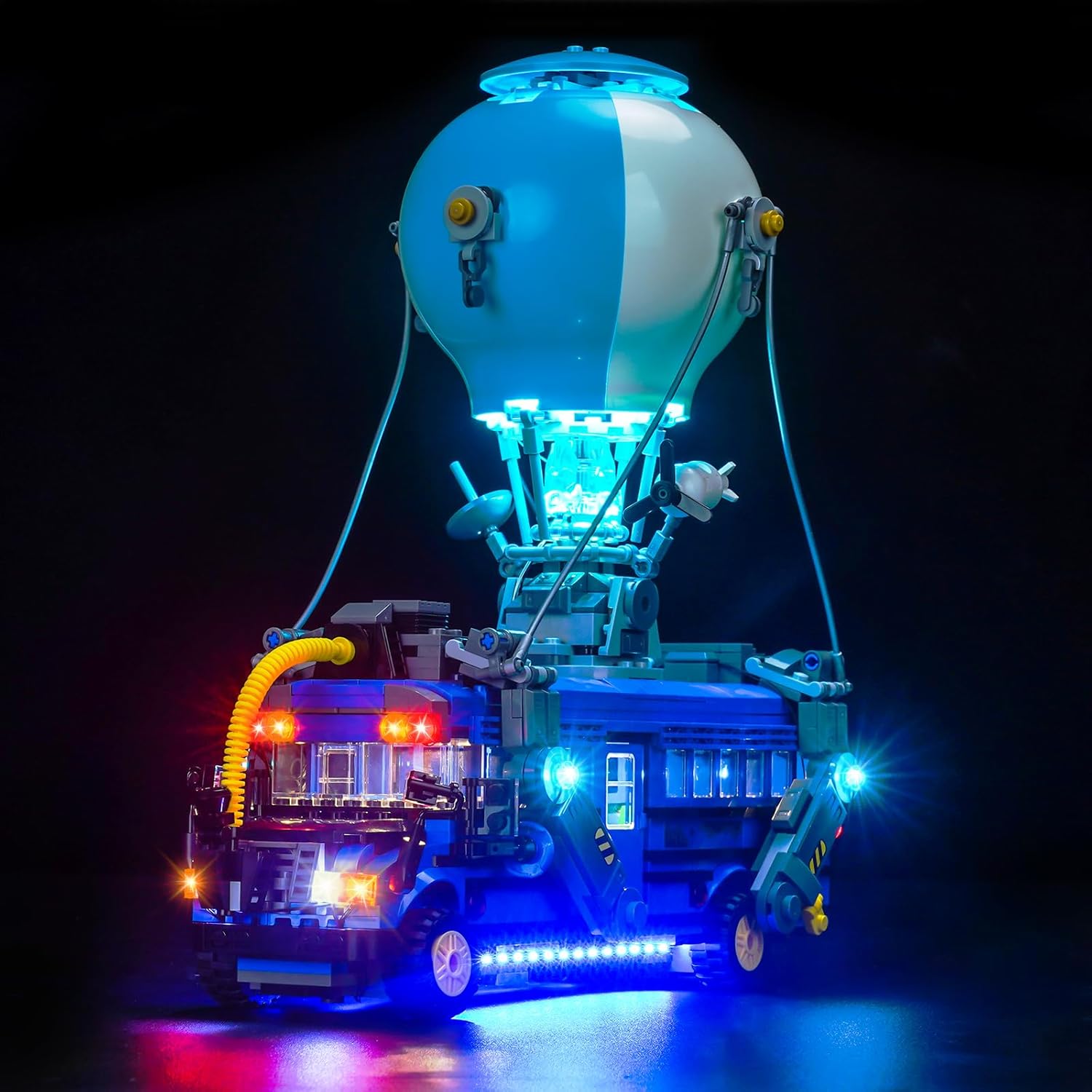
Image: The LocoLee LED Light Kit installed on the LEGO Battle Bus Fortnite 77073, showcasing its illuminated features.
2. Package Contents
Before beginning installation, please verify that all components listed below are present in your package. If any parts are missing or damaged, please contact customer support.
- LED Light Kit components (various light strips, individual LEDs, connecting cables)
- Expansion Boards
- Power Cable (USB compatible)
- Instruction Booklet (referencing online guides)

Image: A visual representation of the items included in the light kit package.
3. Safety Information
To ensure safe use and prevent accidental ingestion, keep all small parts of the light kit out of reach of young children. The kit contains small components that could pose a choking hazard.
The LED lights operate at a low voltage (less than 5V) when powered by USB. Do not attempt to connect the lights to higher voltage power sources. Avoid pulling wires too forcefully during installation to prevent damage.
4. Setup Instructions
Installation of the LocoLee LED Light Kit requires careful attention to detail. Detailed video and PDF instructions are available online. Please follow these steps to access the comprehensive guide:
- Locate the website address printed in the instruction booklet included in your package.
- Visit the website and enter the model number (77073) or the code found on the back of the packing box.
- Click on the provided link or image to view the detailed PDF and video installation guides.
The installation process typically involves disassembling a few bricks of your LEGO model to integrate the light fixtures. The parts are designed to be small and flexible for easy concealment within the model. Ensure wires are routed carefully to avoid pinching or damage.
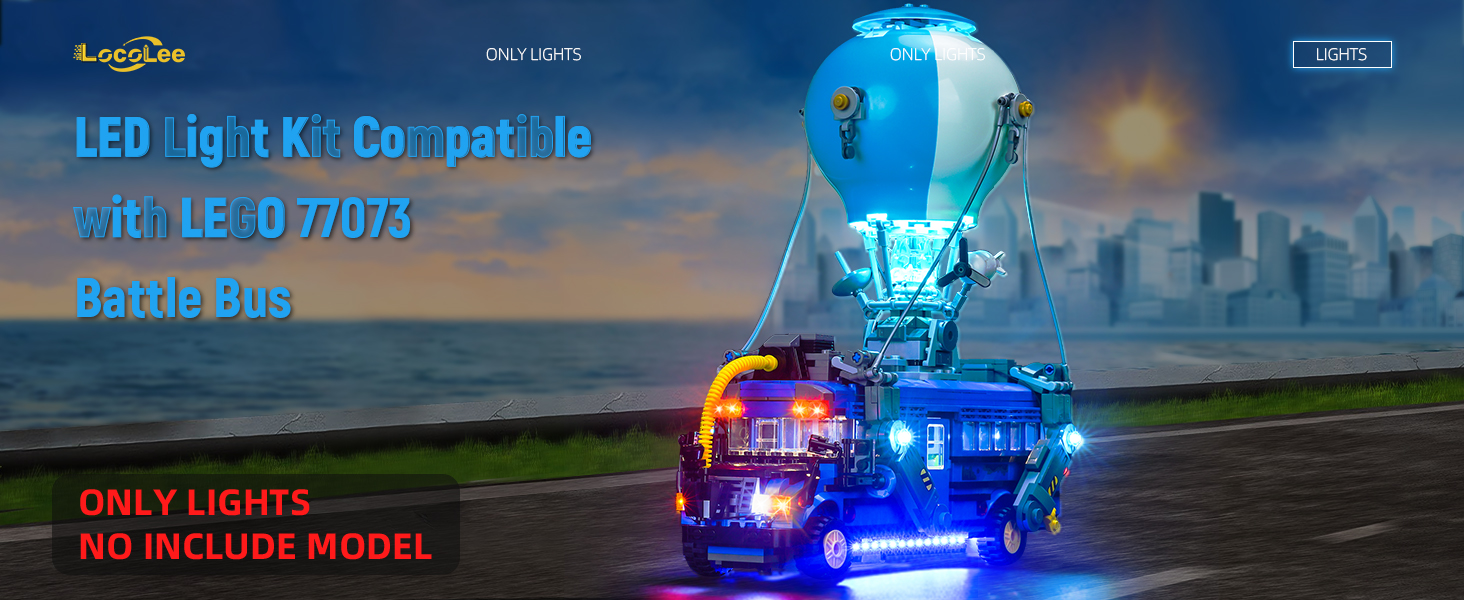
Image: An example of the online installation guide portal, where users can find detailed instructions.
Installation Video Overview
Video: An overview of the LocoLee LED Light Kit installed on the LEGO Battle Bus 77073, demonstrating the illuminated model.
5. Operating Instructions
Once the light kit is fully installed, connect the power cable to a USB power source (e.g., a USB wall adapter, power bank, or computer USB port). The lights are designed to be brighter when powered via USB. Ensure the power source provides less than 5V.
It is recommended to test each light component before fully assembling the model to ensure all lights are functioning correctly. If any lights do not illuminate, check the connections and ensure they are securely seated.
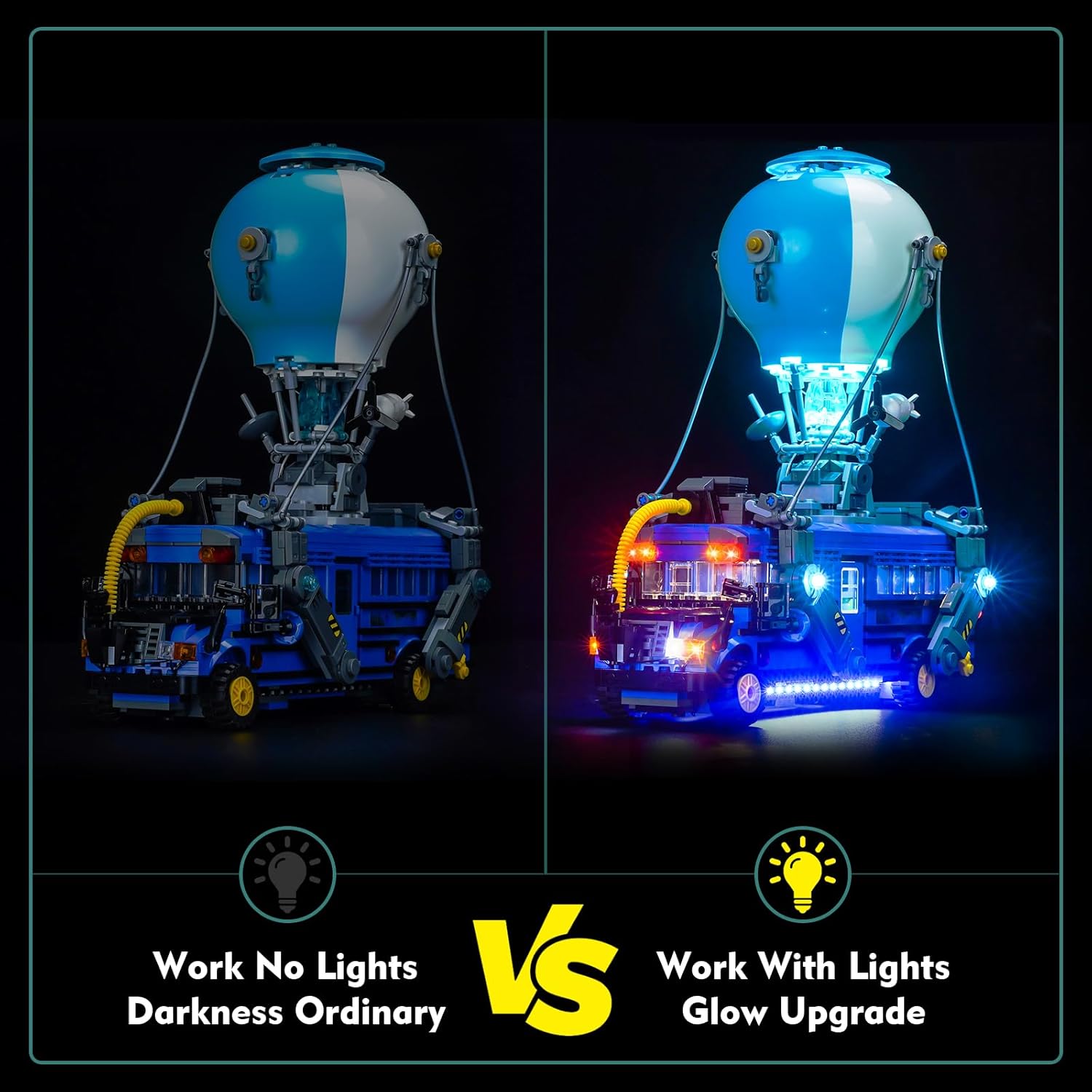
Image: A visual comparison demonstrating the model without lights versus with the installed light kit.
6. Maintenance
To maintain the longevity and appearance of your LED light kit, follow these guidelines:
- Cleaning: Use a soft, dry cloth to gently wipe away dust from the lights and wires. Avoid using liquid cleaners directly on the electrical components.
- Handling: When moving the model, handle it carefully to avoid stressing the wires or dislodging the light components.
- Storage: If storing the model for an extended period, disconnect the power source. Store in a cool, dry place away from direct sunlight.
7. Troubleshooting
If you encounter issues with your LocoLee LED Light Kit, consider the following:
- Lights not turning on:
- Ensure the USB power cable is securely connected to both the light kit and a functioning power source.
- Verify that the power source is active and providing power (e.g., try a different USB port or adapter).
- Check all connections between individual light components and expansion boards for proper seating.
- Some lights are dim or flickering:
- This could indicate a loose connection. Gently re-seat the connectors for the affected lights.
- Ensure the power source is adequate. While USB is recommended, some power banks may provide inconsistent output.
- Damaged wires:
- Avoid sharp bends or excessive pulling on the wires during installation and handling. If a wire is visibly damaged, contact customer support for assistance.
8. Product Specifications
| Feature | Detail |
|---|---|
| Brand | LocoLee |
| Model Compatibility | LEGO Battle Bus Fortnite 77073 |
| Style | Standard Version Lights for 77073 |
| Light Source Type | Light Emitting Diode (LED) |
| Power Source | USB (Voltage less than 5V) |
| Material | High-quality copper lines and ABS plastic |
| Product Dimensions | 6.07 x 1.26 x 3.98 inches (packaging) |
| Item Weight | 4.5 ounces |
| Manufacturer Recommended Age | 16 years and up |
9. Warranty and Support
LocoLee is committed to providing high-quality products. This lighting set is made of durable materials and undergoes quality checks to ensure compatibility and performance with LEGO blocks.
If you have any questions or encounter issues with your product, please do not hesitate to contact LocoLee customer support. Our team is available to assist you with installation, troubleshooting, or any other product-related inquiries.
For support, please refer to the contact information provided in your product packaging or on the official LocoLee website.