
1. Introduction
Thank you for choosing the EasyAcc 1200ML Dehumidifier, model KW-CS01. This compact and portable dehumidifier is designed to efficiently remove excess moisture from small spaces, improving air quality and comfort. It features low noise operation, energy efficiency, and an automatic shut-off function for convenience and safety. This manual provides essential information for the safe and effective use of your dehumidifier.
This dehumidifier is ideal for areas between 5 to 20 square meters, such as bathrooms, bedrooms, offices, wardrobes, and small caravans.
2. Safety Instructions
Please read all safety instructions carefully before using the appliance. Keep this manual for future reference.
- Ensure the power supply matches the voltage specified on the rating label.
- Do not immerse the appliance, power cord, or plug in water or other liquids.
- Always unplug the dehumidifier before cleaning, maintenance, or when not in use.
- Keep the air inlet and outlet clear of obstructions to ensure proper airflow.
- Do not operate the appliance with a damaged cord or plug. Contact customer support for assistance.
- This appliance is for indoor use only. Do not use outdoors.
- Place the dehumidifier on a stable, level surface to prevent water spillage.
- Keep out of reach of children and pets.
- The dehumidifier features an automatic shut-off function when the water tank is full. A red light will flash to indicate this.
3. Product Overview
The EasyAcc 1200ML Dehumidifier is designed for user-friendly operation and efficient moisture removal. Below are the main components:
- Control Panel: Power button and LED light control button.
- Air Inlet: Located at the back/sides, where moist air enters.
- Air Outlet: Located at the top, where dry air is expelled.
- Water Tank: A transparent, removable 1200ML tank at the bottom for collecting condensed water.
- Handle: Integrated handle for easy portability.


4. Setup
- Unpack: Carefully remove the dehumidifier from its packaging. Retain the packaging for future storage or transport.
- Placement: Place the dehumidifier on a firm, level surface in the desired room. Ensure there is at least 20 cm (8 inches) of space around the air inlet and outlet for optimal airflow. Avoid placing it directly against walls or furniture.
- Power Connection: Plug the power adapter into a suitable electrical outlet.
- Initial Check: Ensure the water tank is correctly seated in the unit before powering on.
5. Operating Instructions
Operating your EasyAcc dehumidifier is straightforward:
- Power On/Off: Press the power button (usually the top button) once to turn the unit on. Press it again to turn it off.
- LED Lights: The dehumidifier features 7 multicolored LED lights. Press the light button (usually the bottom button) to cycle through the colors or turn the lights off. These lights can serve as a gentle night light.
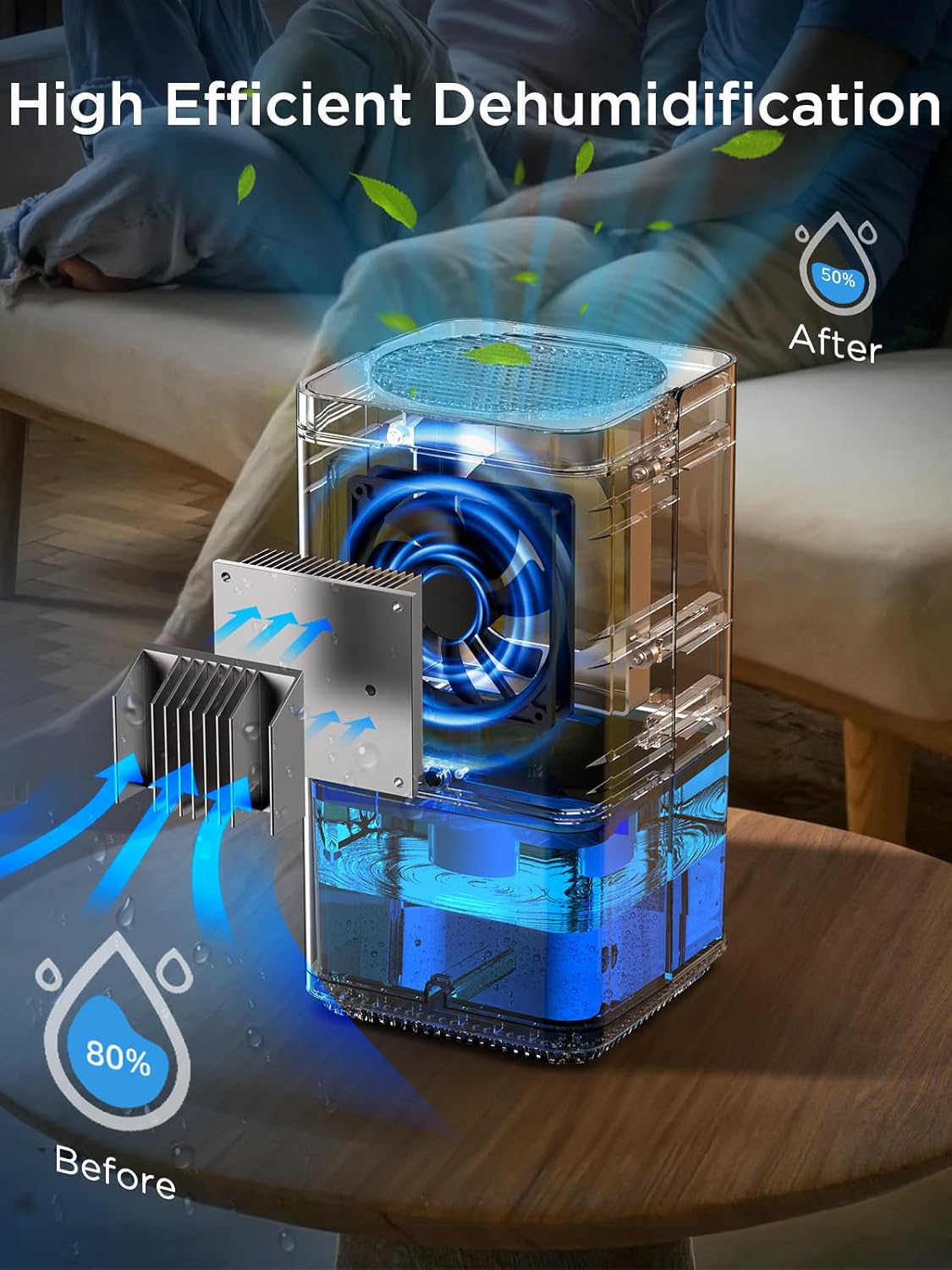
- Dehumidification Process: Once powered on, the unit will begin to draw in moist air, condense the moisture, and release dry air. The collected water will accumulate in the 1200ML water tank.
- Automatic Shut-off: When the water tank is full, the dehumidifier will automatically stop operating, and a red light will flash to alert you. This prevents overflow.
- Quiet Operation: The unit operates at a low noise level (below 35 dB), making it suitable for bedrooms and quiet environments.
- Energy Efficiency: Designed for low power consumption, using approximately 0.79 kWh over 24 hours of continuous operation.

6. Maintenance
Regular maintenance ensures optimal performance and longevity of your dehumidifier.
- Emptying the Water Tank:
- When the red light flashes, the water tank is full.
- Turn off the dehumidifier and unplug it from the power outlet.
- Carefully pull out the water tank from the bottom of the unit.
- Pour out the collected water.
- Slide the empty water tank back into the unit until it clicks into place.
- Plug in and restart the dehumidifier.

Figure 6.1: The dehumidifier indicating a full water tank with a red light, prompting the user to empty it. 
Figure 6.2: Illustration of removing the pull-out water tank for emptying. - Cleaning the Filter: The dehumidifier is equipped with a removable and washable filter. Periodically clean the filter to maintain efficiency. Refer to the product diagram for filter location. Gently remove the filter, rinse it under running water, and ensure it is completely dry before reinserting.
- External Cleaning: Wipe the exterior of the unit with a soft, damp cloth. Do not use abrasive cleaners or solvents.
- Storage: If storing the unit for an extended period, ensure the water tank is empty and clean, and the unit is dry. Store in a cool, dry place.
7. Troubleshooting
If you encounter issues with your dehumidifier, please refer to the following common problems and solutions:
| Problem | Possible Cause | Solution |
|---|---|---|
| Dehumidifier not turning on. | No power supply; Power button not pressed; Water tank not correctly installed. | Check power connection; Press power button; Ensure water tank is fully inserted. |
| No water collected. | Room humidity too low; Temperature too low; Air inlets/outlets blocked; Unit not running long enough. | Dehumidifier works best in 30°C and 80% RH; Ensure room temperature is above 8°C; Clear obstructions; Allow several hours for noticeable collection. |
| Red light flashing, unit stopped. | Water tank is full. | Empty the water tank and reinsert it properly. |
| Unusual noise. | Unit not on a level surface; Internal component issue. | Place on a flat, stable surface; If noise persists, contact customer support. |
| Weak dehumidification. | Filter dirty; Room size too large; Airflow restricted. | Clean the filter; Ensure unit is used in recommended room size (5-20 m²); Clear air inlets/outlets. |
8. Specifications
| Feature | Specification |
|---|---|
| Brand | EasyAcc |
| Model Name | KW-CS01 |
| Color | White |
| Product Dimensions (L x W x H) | 13.7 x 13.8 x 25.5 cm |
| Item Weight | 1.56 Kilograms |
| Water Tank Capacity | 1200 Milliliters |
| Dehumidification Capacity | 400 ml/day (at 30°C, 80% RH) |
| Power | 33 Watts |
| Energy Consumption | Approx. 0.79 kWh/24 hours |
| Noise Level | Below 35 dB |
| Material | Acrylonitrile Butadiene Styrene (ABS) |
| Special Feature | Portable, Automatic Shut-off, 7-Color LED Light |
| Recommended Room Size | 5-20 m² |
9. Warranty and Support
EasyAcc is committed to providing reliable products and excellent customer service. Your EasyAcc dehumidifier comes with a manufacturer's warranty. For specific warranty details, please refer to the warranty card included with your product or visit the official EasyAcc website.
If you have any questions, concerns, or require technical assistance, please do not hesitate to contact our customer support team. We are available to help you with setup, operation, troubleshooting, and any other product-related inquiries.
Contact Information:
Please refer to the contact details provided on your product packaging or the EasyAcc official website for the most up-to-date support information.