
1. Introduction
The Linsoul TRN BT30 Pro is a Bluetooth 5.2 wireless earhook module designed to convert your wired In-Ear Monitors (IEMs) into a wireless listening experience. Featuring the Qualcomm QCC3040 chipset and cVc 8.0 noise cancellation technology, it offers enhanced audio quality, stable connectivity, and clear communication. The independent earphone amplifier chip ensures powerful and dynamic sound reproduction.
Package Contents:
- TRN BT30 Pro Wireless Earhooks (Left and Right)
- Wireless Charging Case
- User Manual (This Document)

Image: The TRN BT30 Pro earhooks neatly placed within their compact charging case.

Image: Overview of the TRN BT30 Pro highlighting its Qualcomm QCC3040 chipset for true wireless Bluetooth audio.
2. Setup
2.1 Charging the Device
Before first use, fully charge the TRN BT30 Pro earhooks and their charging case.
- Charging the Earhooks: Place the earhooks into the charging case. Ensure they are correctly seated. The indicator lights on the case will show charging status.
- Charging the Case: Connect the provided Type-C USB cable to the charging port on the case and to a 5V/2A power adapter. Alternatively, the case supports wireless charging.
Charging times:
- Earhooks: Approximately 1.5 hours
- Charging Case (Wired): Approximately 2.5 hours
- Charging Case (Wireless): Approximately 3.5 hours
2.2 Connecting IEMs to Earhooks
The BT30 Pro earhooks feature swappable connectors (e.g., 2Pin-S) to accommodate various IEM types. Carefully align and insert your IEMs into the connectors on the earhooks until they are securely attached.

Image: Illustration of the swappable earphone connectors (0.78mm, 2Pin-S, MMCX) for the BT30 Pro, demonstrating its versatility.
2.3 Bluetooth Pairing
- Power On: The earhooks will automatically power on when removed from the charging case. If they are off, press and hold the touch-sensitive area on both earhooks for approximately 3 seconds until the indicator lights flash.
- Pairing Mode: The earhooks will automatically enter pairing mode when powered on for the first time or if no previously paired device is found. The indicator lights will flash alternately red and blue.
- Connect to Device: On your Bluetooth-enabled device (smartphone, tablet, etc.), go to Bluetooth settings and search for available devices. Select "TRN BT30 Pro" from the list.
- Confirmation: Once paired, the indicator lights on the earhooks will stop flashing and remain solid blue for a few seconds before turning off. A voice prompt may confirm successful connection.
The BT30 Pro utilizes Bluetooth 5.2 for stable and efficient connection.
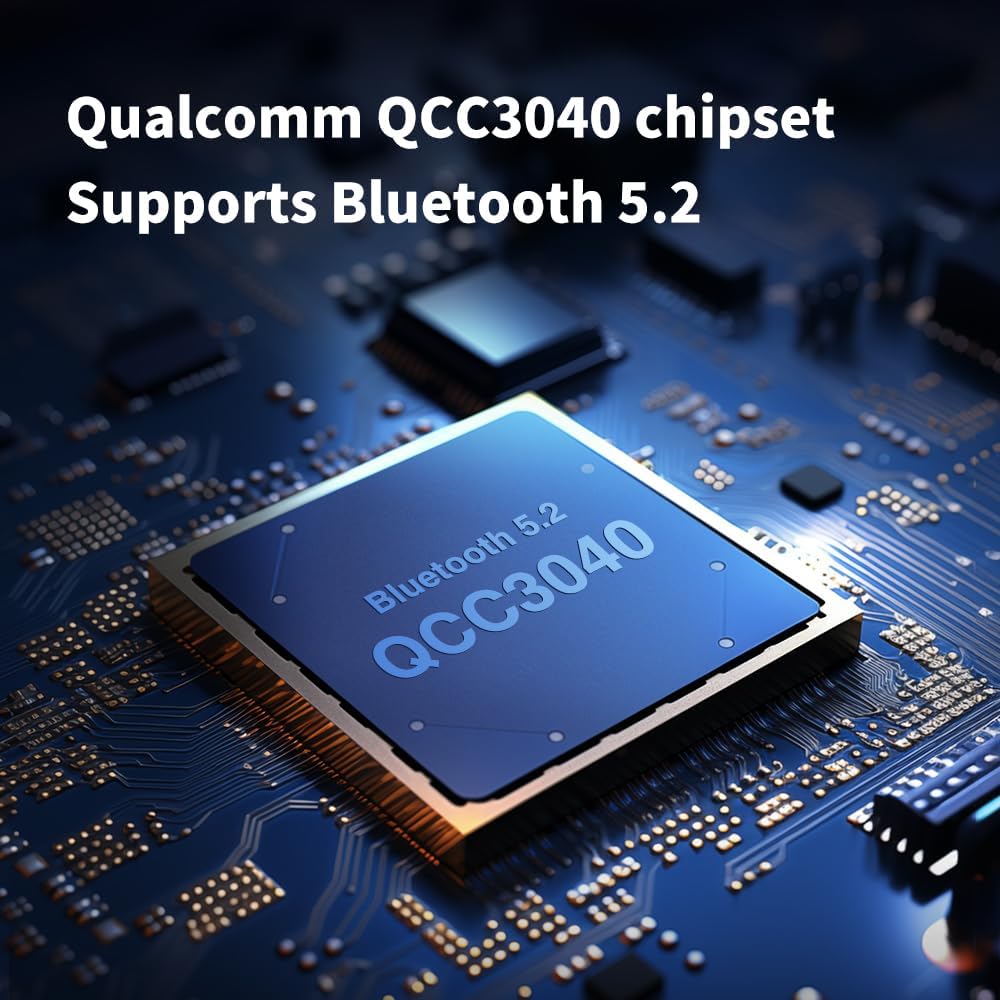
Image: A close-up of the Qualcomm QCC3040 chipset, emphasizing its Bluetooth 5.2 capability.
3. Operating Instructions
3.1 Touch Controls
The TRN BT30 Pro earhooks feature touch-sensitive controls on their sides for various functions:
- Power On/Off: Press and hold for 3 seconds.
- Play/Pause: Single tap.
- Next Track: Double tap the right earhook.
- Previous Track: Double tap the left earhook.
- Answer/End Call: Single tap during an incoming call.
- Reject Call: Press and hold for 2 seconds during an incoming call.
- Activate Voice Assistant: Triple tap.
3.2 Audio Features
The BT30 Pro supports aptX, AAC, and SBC Bluetooth formats, providing high-quality audio transmission. The integrated cVc 8.0 noise cancellation technology enhances call clarity by reducing ambient noise during conversations.

Image: The TRN BT30 Pro showcasing support for APTX, AAC, and SBC codecs for a high-definition wireless HiFi experience.

Image: A graph illustrating the effectiveness of Qualcomm cVc 8.0 Noise Cancellation Technology in reducing ambient sound during communication.
4. Maintenance
Proper maintenance ensures the longevity and optimal performance of your TRN BT30 Pro earhooks.
- Cleaning: Use a soft, dry cloth to wipe the earhooks and charging case. Avoid using harsh chemicals or abrasive materials.
- Water Resistance: The earhooks feature a water- and sweat-resistant nanocoating. While this provides protection against splashes and sweat, they are not fully waterproof. Avoid submerging them in water.
- Storage: When not in use, store the earhooks in their charging case to protect them from dust and damage.
- Temperature: Avoid exposing the device to extreme temperatures (hot or cold) or high humidity.
- Connector Care: Be gentle when attaching or detaching IEMs to the earhook connectors to prevent damage.
5. Troubleshooting
If you encounter issues with your TRN BT30 Pro, refer to the following common solutions:
- No Power: Ensure the earhooks and charging case are fully charged.
- Cannot Pair:
- Make sure Bluetooth is enabled on your device.
- Ensure the earhooks are in pairing mode (flashing red and blue).
- Move the earhooks closer to your device.
- Try unpairing and re-pairing the device.
- No Sound/Low Volume:
- Check the volume levels on both the earhooks and your connected device.
- Ensure IEMs are securely connected to the earhooks.
- Verify that the correct audio output device is selected on your source device.
- Intermittent Connection/Audio Drops:
- Reduce the distance between the earhooks and your device.
- Avoid environments with strong electromagnetic interference (e.g., near Wi-Fi routers, microwaves).
- Ensure there are no physical obstructions between the earhooks and your device.
- Charging Case Issues (Wireless Charging): Some users have reported issues with wireless charging affecting the case. If you experience problems, try charging the case via the Type-C USB cable.
If the issue persists after trying these steps, please contact Linsoul customer support for further assistance.
6. Specifications
| Feature | Specification |
|---|---|
| Product Model | TRN BT30 Pro |
| Bluetooth Version | 5.2 |
| Bluetooth Chipset | Qualcomm QCC3040 |
| Bluetooth Encoding | aptX / AAC / SBC |
| Noise Cancellation | cVc 8.0 |
| Effective Signal Range | 15 meters |
| Earpiece Battery Capacity | 80mAh (per earpiece) |
| Charging Case Battery Capacity | 1200mAh |
| Playback Time (Earpieces Only) | Up to 13 hours |
| Total Playback Time (with Charging Case) | Up to 50 hours |
| Standby Time | 180 hours |
| Charging Port | Type-C / Wireless Charging |
| Charging Voltage | 5V / 2A |
| Earpiece Weight | ~8g (per earpiece) |
| Material | Thermoplastic Elastomer (TPE) |
| Control Method | Touch |
| Output Power | >42mW (16Ω) |
| Low Noise | <9uV (A-weighted) |
| Signal-to-Noise Ratio | >98dB (A-weighted) |

Image: Icons detailing key features such as Bluetooth 5.2, QCC3040 chipset, aptX/AAC/SBC codecs, cVc 8.0, swappable connectors, 1200mAh charging case, 32 hours playback, and individual amplifier section.
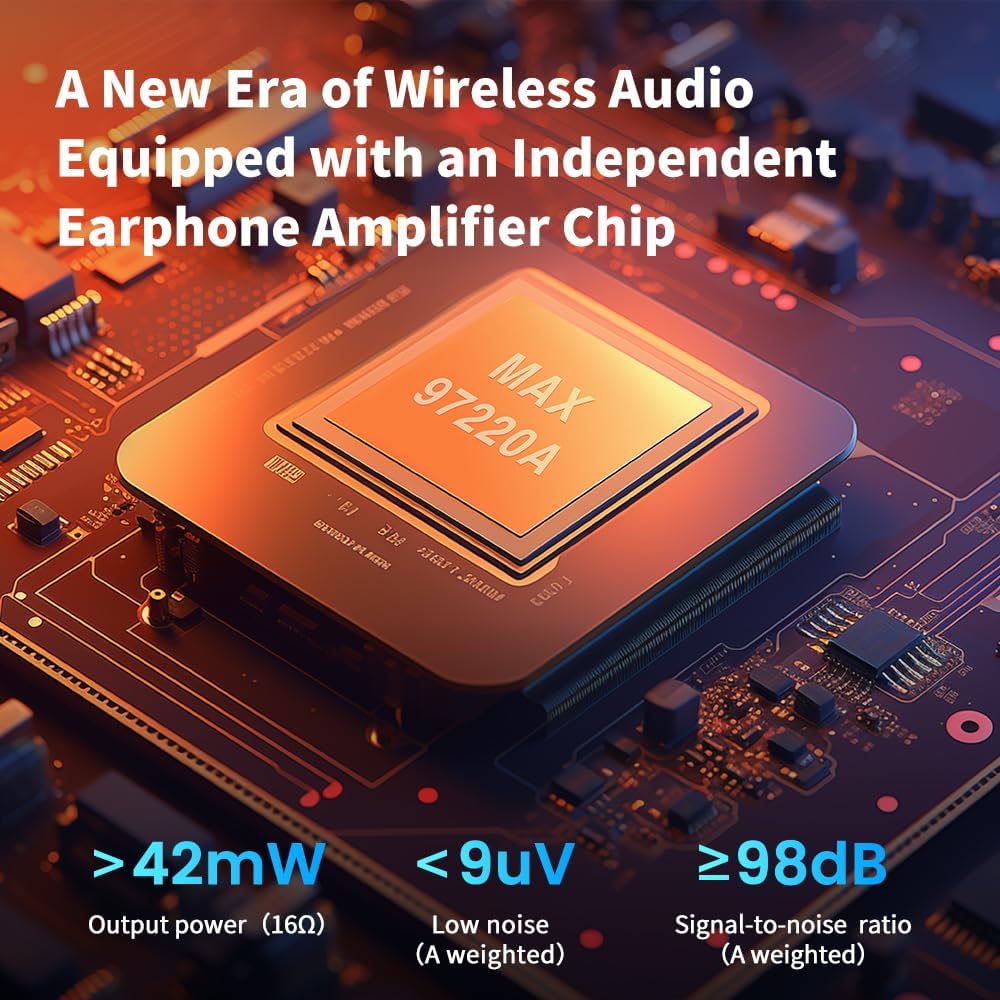
Image: Visual representation of the independent earphone amplifier chip, highlighting its output power (>42mW), low noise (<9uV), and high signal-to-noise ratio (>98dB).
7. Warranty and Support
For warranty information and customer support, please refer to the official Linsoul website or contact your authorized retailer. Keep your proof of purchase for any warranty claims.
Linsoul Official Website: Visit the Linsoul Store on Amazon