
1. Introduction
Thank you for choosing the AMPBANK AT001 Portable Tire Inflator. This device is designed for convenient and efficient inflation of various items, including car tires, motorcycle tires, bicycle tires, and sports balls. Please read this manual thoroughly before use to ensure proper operation and to maximize the product's lifespan.

Image 1.1: AMPBANK AT001 Portable Tire Inflator and included accessories.
2. Product Overview
2.1 Included Components
- 1 x AT001 Air Compressor
- 1 x Charging Cable
- 1 x Inflation Hose with Schrader attached
- 1 x Needle adapter (for sports balls)
- 1 x Valve adapter (for inflatables)
- 1 x Presta valve adapter (for bicycles)
- 1 x Quick User Guide
2.2 Key Features
- Rapid Inflation: Upgraded motor and alloy cylinder for faster inflation.
- Triple Cooling System: Heat-dissipating alloy cylinders, ventilated mesh, and built-in fan prevent overheating for continuous operation up to 30 minutes.
- Accurate Digital Pressure Gauge: High-precision sensor with 0.01Bar error margin and real-time display.
- Five Preset Modes: Dedicated modes for cars, motorcycles, bicycles, and sports balls, plus a custom mode.
- Automatic Shut-Off: Stops inflation once the desired pressure is reached.
- Deflation Function: Safely releases excess air from overinflated tires.
- Integrated LED Light: 400 lumens for illumination in low-light conditions.
- Portable Power Bank: Can charge mobile phones.
- Smart Storage: Integrated compartment for adapters to prevent loss.
3. Safety Information
Please observe the following safety precautions to prevent injury or damage to the device:
- Keep out of reach of children.
- Do not operate the inflator in wet conditions or near flammable liquids or gases.
- Ensure the inflation hose is securely connected to both the inflator and the item being inflated before starting.
- Do not overinflate. Always refer to the manufacturer's recommended pressure for the item being inflated.
- Monitor the pressure gauge during inflation to avoid exceeding the maximum pressure.
- If the device becomes excessively hot during use, allow it to cool down before continuing. The device has built-in overheat protection.
- Do not modify or disassemble the inflator. Contact customer support for repairs.
- Use only the provided charging cable and adapters.
4. Setup
4.1 Charging the Device
The AMPBANK AT001 is powered by a Lithium Ion battery. Before first use, fully charge the device. Connect the provided charging cable to the inflator's charging port and to a suitable USB power source. The battery indicator on the digital display will show the charging status. A full charge provides extended usability.
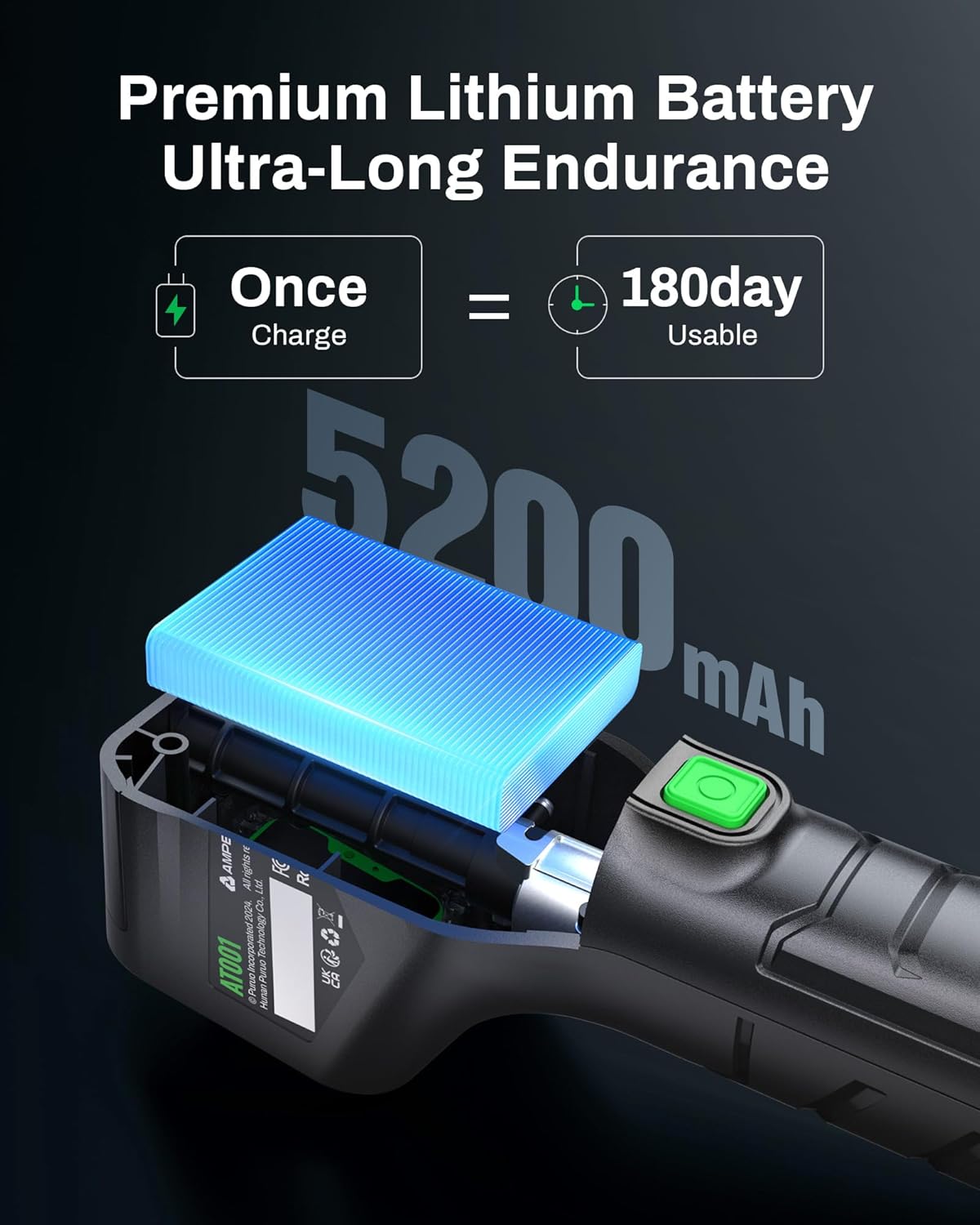
Image 4.1: The internal battery of the AT001, highlighting its 5200mAh capacity for extended use.
4.2 Attaching the Inflation Hose and Adapters
Screw the inflation hose securely onto the inflator's air outlet. Select the appropriate adapter for the item you wish to inflate:
- Schrader Valve: For car, motorcycle, and most bicycle tires. The hose comes with a Schrader connector attached.
- Presta Valve Adapter: For bicycles with Presta valves. Screw the Presta adapter onto the Schrader connector, then attach to the tire valve.
- Needle Adapter: For sports balls. Insert the needle into the ball's inflation port.
- Valve Adapter: For inflatable toys or other items.
The adapters can be stored in the integrated compartment on the device when not in use.

Image 4.2: Integrated storage design for inflation adapters.
5. Operating Instructions
5.1 Powering On/Off
Press and hold the power button (U) to turn the device on or off. The digital display will illuminate.
5.2 Setting Desired Pressure
- With the device powered on, connect the inflation hose to the item you wish to inflate. The current pressure will be displayed.
- Press the 'M' button to cycle through the preset modes (Car, Motorcycle, Bicycle, Ball) or to select a custom pressure setting.
- Use the '+' and '-' buttons to adjust the target pressure. The display will show the target pressure blinking.

Image 5.1: Digital display showing real-time tire pressure and target setting.
5.3 Inflation Process
- Once the target pressure is set, press the green trigger button to start inflation.
- The device will automatically stop when the target pressure is reached.
- Disconnect the hose from the item and then from the inflator.

Image 5.2: The AT001 in use, inflating a car tire.
5.4 Deflation Function
If an item is overinflated, the AT001 includes a deflation function. With the hose connected to the item, press and hold the deflation button (usually indicated by a downward arrow or specific icon) to release air until the desired pressure is reached. This feature helps prevent overpressure blowouts.

Image 5.3: The deflation function adapts to various road conditions and vehicle types.
5.5 LED Light Operation
Press the LED light button (often integrated with the power button or a separate button) to turn the built-in 400 lumens LED flashlight on or off. This is useful for nighttime inflation or emergency situations.

Image 5.4: The 400 lumens LED flashlight provides ample illumination.
6. Maintenance
- Cleaning: Wipe the device with a soft, dry cloth. Do not use harsh chemicals or abrasive cleaners.
- Storage: Store the inflator in a cool, dry place, away from direct sunlight and extreme temperatures. Ensure all accessories are stored in the integrated compartment to prevent loss.
- Battery Care: For optimal battery life, charge the device at least once every three months if not in regular use.
7. Troubleshooting
| Problem | Possible Cause | Solution |
|---|---|---|
| Device does not turn on | Low battery; Device malfunction | Charge the device fully; Contact customer support. |
| Inflator stops during operation or overheats | Overheat protection activated; Prolonged continuous use | Allow the device to cool down for at least 15-20 minutes before resuming use. The triple cooling system helps manage heat, but continuous operation beyond 30 minutes may trigger protection. |
| Inaccurate pressure reading | Hose not securely connected; Sensor issue | Ensure the hose is tightly screwed onto the valve; If problem persists, contact customer support. |
| Slow inflation | Low battery; Large volume item | Ensure the device is fully charged; Inflation time varies based on item size and initial pressure. |
8. Specifications
- Brand: AMPBANK
- Model Name: AT001
- Voltage: 12 Volts
- Power Source: Battery Powered (Lithium Ion)
- Maximum Operating Pressure: 150 PSI
- Noise Level: 50 dB
- Item Weight: 2.29 pounds (1.04 Kilograms)
- Special Features: Automatic Shut-Off, Cordless, LED Light, Pressure Detection, Quick Inflation
- Recommended Uses: Tire Inflation (Car, Motorcycle, SUV, Bicycle), Sports Balls, Inflatables
9. Warranty and Support
AMPBANK offers the following for your AT001 Portable Tire Inflator:
- 100-Day Hassle-free Returns & Exchanges: For any issues within 100 days of purchase.
- 1-Year Extended Repair: Covers repairs for manufacturing defects for one year.
For customer support, please visit the official AMPBANK store or contact your retailer. Keep your purchase receipt for warranty claims.

Image 9.1: AMPBANK customer support information.