Introduction
This manual provides essential information for setting up, operating, maintaining, and troubleshooting your Apple Watch Series 10 GPS 46mm. This particular unit is a renewed product, professionally inspected and tested to ensure full functionality. Please read this guide thoroughly to maximize your experience with the device.

Image: The Apple Watch Series 10, featuring a jet black aluminum case and a black sport band.
Setup
1. Unboxing and Initial Inspection
Your renewed Apple Watch Series 10 will arrive in a generic box. Inside, you will find the watch and compatible accessories, including a charging cable. Inspect the watch for any visible imperfections; renewed products are guaranteed to have no visible cosmetic imperfections when held at arm's length.
2. Initial Charging
Before first use, fully charge your Apple Watch. Connect the magnetic charging cable to the back of the watch and plug the USB-C end into a compatible power adapter (not included). The device can reach 80% battery capacity in approximately 30 minutes.
3. Attaching the Band
Slide the sport band into the slots on either side of the watch case until you hear a click. Ensure both ends are securely fastened.
4. Pairing with iPhone
- Turn on your Apple Watch by pressing and holding the side button until the Apple logo appears.
- Bring your iPhone near your Apple Watch. A pairing animation will appear on your iPhone. Tap 'Continue'.
- Position your iPhone so that your Apple Watch appears in the viewfinder on your iPhone.
- Follow the on-screen instructions on both devices to complete the pairing process.
Operating Your Apple Watch Series 10
Basic Navigation
- Digital Crown: Rotate to scroll, zoom, or adjust values. Press once to go to the watch face or app list. Double-press to switch between your last two apps. Press and hold for Siri.
- Side Button: Press once to open the Dock (recent apps). Double-press for Apple Pay. Press and hold for Emergency SOS or to power off.
- Touch Screen: Tap to select, swipe to navigate, force touch for additional options (depending on app).
Health Features
The Apple Watch Series 10 offers advanced health monitoring capabilities:
- ECG App: Take an electrocardiogram anytime to check for signs of Atrial Fibrillation (AFib).
- Heart Rate Notifications: Receive alerts for unusually high or low heart rates, or irregular heart rhythms.
- Menstrual Cycle Tracking: Understand your menstrual cycle and receive retrospective ovulation estimates.
- Vitals App: Monitor overnight health metrics such as heart rate and respiratory rate.
- Sleep Apnea Notifications: Track your sleep patterns and receive notifications if signs of sleep apnea are detected.
Fitness Tracking
Your Apple Watch is a powerful fitness partner:
- Activity Rings: Track your daily movement with customizable Move, Exercise, and Stand rings.
- Workout App: Access advanced metrics for a wide range of workouts, including running, cycling, and swimming.
- Training Load: Monitor the intensity of your workouts to optimize your training.
- Water Sports: Utilize depth and water temperature sensors for aquatic activities.

Image: The Apple Watch screen showing activity rings and detailed workout tracking data, including active calories, total calories, laps, and distance.
Connectivity
Stay connected on the go:
- Send and receive text messages.
- Make and answer calls.
- Listen to music and podcasts.
- Use Siri for voice commands and information.
- Receive notifications from your iPhone.
Innovative Safety Features
The watch includes features designed to connect you to help when needed:
- Fall Detection: Automatically detects hard falls and can initiate a call to emergency services if you are unresponsive.
- Crash Detection: Can detect a severe car crash and automatically connect you with emergency services.
- Emergency SOS: Press and hold the side button to quickly call for help.
- Check In: Automatically notifies a loved one when you have arrived at your destination.
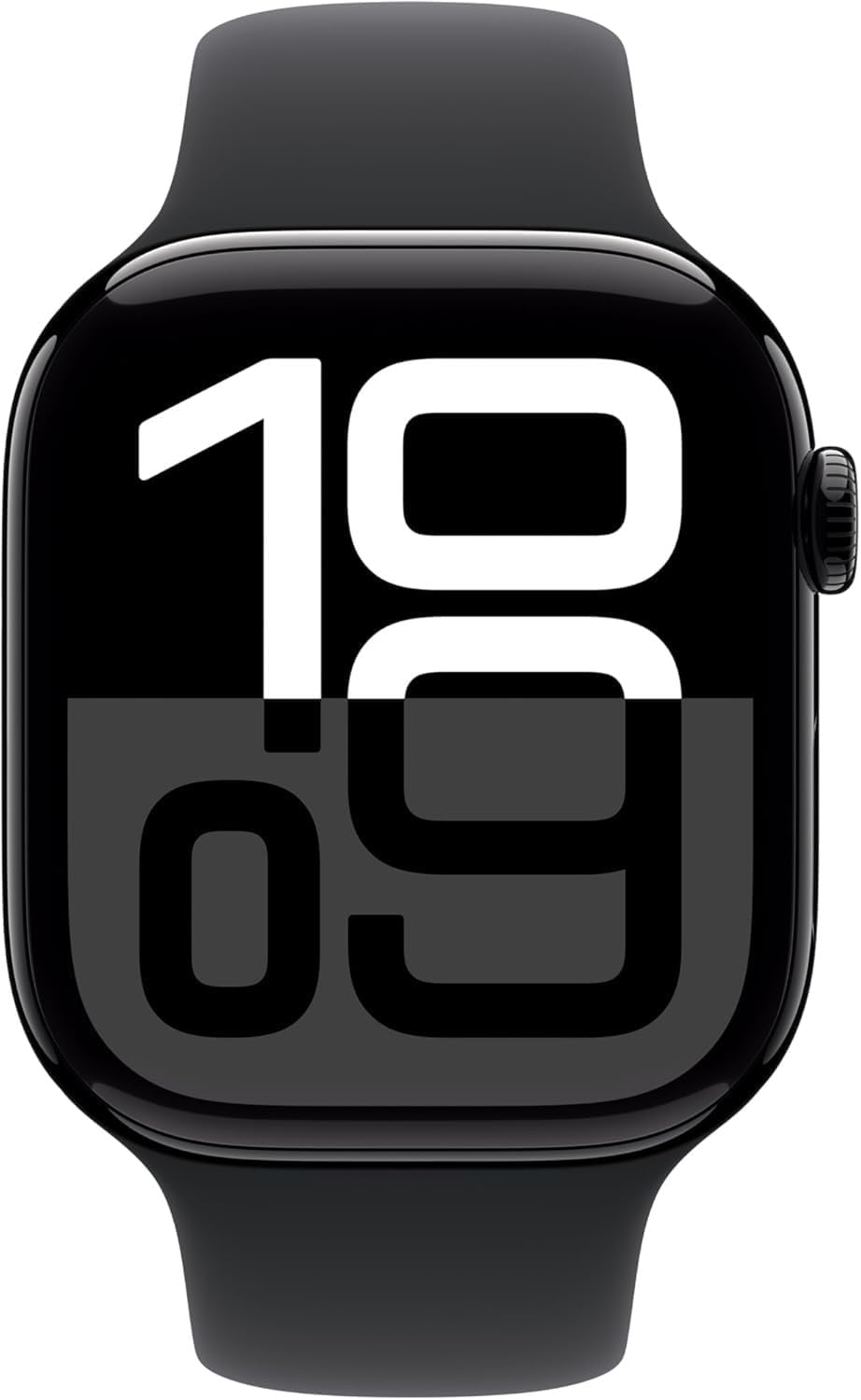
Image: A collage of Apple Watch features, including sleep stage tracking, an SOS icon for emergency services, and a note about 20% faster performance.
Maintenance
Cleaning Your Apple Watch
To clean your Apple Watch, wipe it with a non-abrasive, lint-free cloth. If necessary, lightly dampen the cloth with fresh water. Do not use soaps, cleaning products, abrasive materials, or compressed air. Avoid submerging the watch in cleaning solutions.
Water Resistance
The Apple Watch Series 10 has a water resistance rating of 50 meters. It can be used for shallow-water activities like swimming in a pool or ocean. However, it should not be used for scuba diving, waterskiing, or other activities involving high-velocity water or submersion below shallow depths.
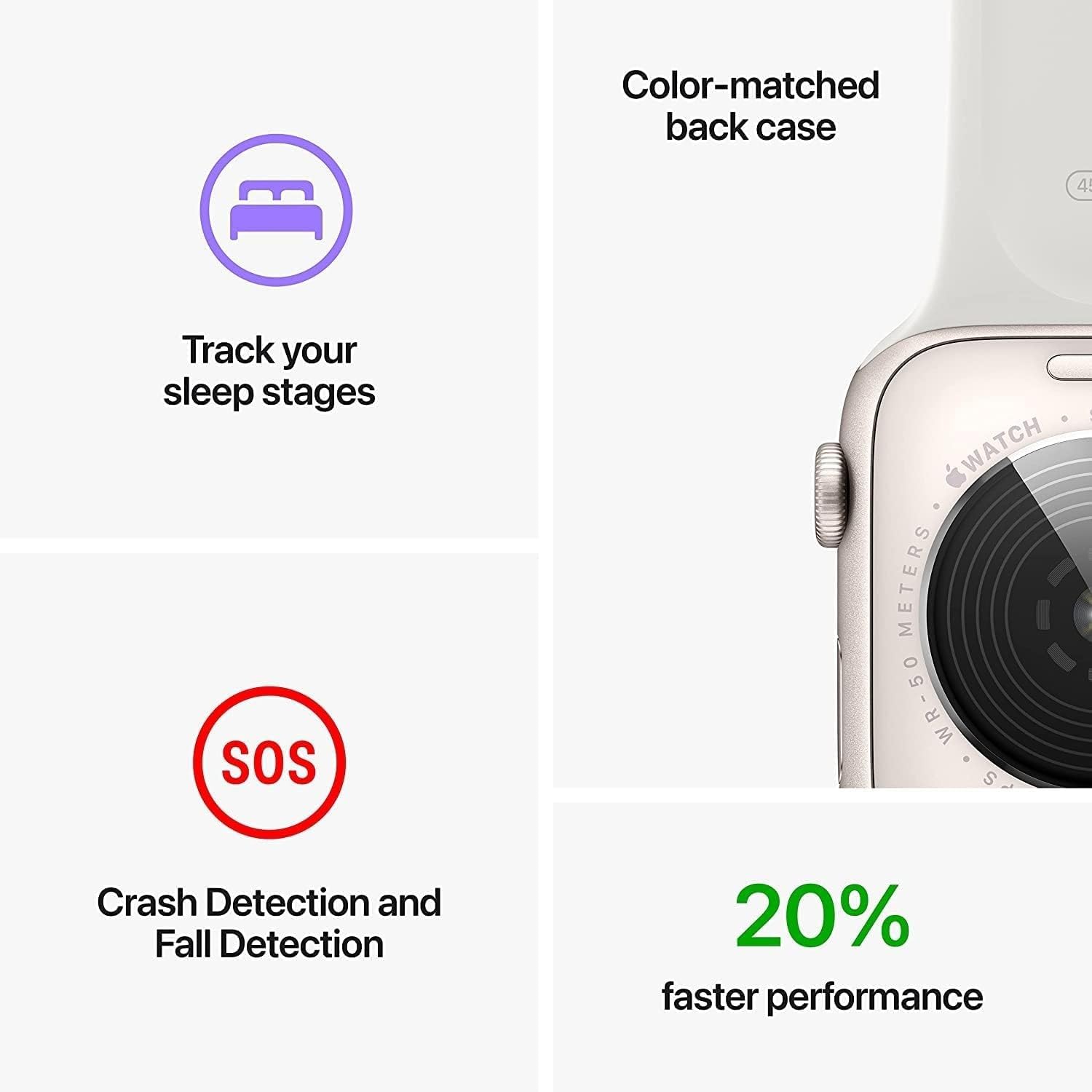
Image: A person wearing an Apple Watch while surfing, demonstrating its water resistance and suitability for water sports.
Durability
The Apple Watch Series 10 features a crack-resistant front crystal and is IP6X-certified dust resistant, providing enhanced durability for daily use.
Battery Care
Your renewed Apple Watch is guaranteed to have a battery capacity exceeding 80% relative to new. To prolong battery life, avoid extreme temperatures and keep the software updated. For optimal performance, charge your watch regularly.
Troubleshooting
If you encounter issues with your Apple Watch, try the following steps:
- Restart Your Watch: Press and hold the side button until the power off slider appears, then drag the slider. To turn it back on, press and hold the side button again.
- Restart Your iPhone: Sometimes restarting the paired iPhone can resolve connectivity issues.
- Check Connectivity: Ensure Bluetooth and Wi-Fi are enabled on your iPhone and that your watch is within range.
- Update Software: Ensure both your Apple Watch and iPhone are running the latest software versions.
- Unpair and Re-pair: As a last resort, you can unpair your Apple Watch from your iPhone and then re-pair it. This will erase all data on the watch and restore it to factory settings.
For more detailed troubleshooting or persistent issues, please refer to the official Apple Watch Support website.
Specifications
| Feature | Detail |
|---|---|
| Model Name | Apple Watch Series 10 |
| Brand | Apple |
| Screen Size | 1.96 Inches |
| Shape | Square |
| Battery Cell Composition | Lithium Ion |
| Connectivity Technology | Wireless |
| Battery Capacity | 327 Milliamp Hours |
| Special Features | Cycle Tracking, Fall Detection |
| Operating System | WatchOS |
| RAM Memory Installed Size | 1 GB |
| Memory Storage Capacity | 64 GB |
| Product Dimensions | 1.81 x 1.54 x 0.38 inches |
| Item Weight | 1.12 ounces |
| Water Resistance | 50 meters |
| Dust Resistance | IP6X certified |
Warranty and Support
This renewed Apple Watch Series 10 is eligible for a replacement or refund within 90 days of receipt if you are not satisfied. Please contact your seller for details regarding this policy.
For general product support, software updates, and additional resources, visit the official Apple Support website.


