
Introduction
Welcome to the AWOW Funtab 1003 Kids Tablet user manual. This guide provides essential information for setting up, operating, maintaining, and troubleshooting your new tablet. Designed for children aged 3-7, this 10-inch Android 14 tablet offers a safe and engaging digital experience with robust parental controls and a durable design.
What's in the Box
Please check the package contents to ensure all items are present:
- 10-inch Tablet
- USB Cable
- Charger
- Stylus
- Shockproof Case
- Instruction Manual

Image: Overview of the AWOW Funtab 1003 tablet and its included accessories, such as the USB cable, charger, stylus, and shockproof case.
Product Overview
The AWOW Funtab 1003 features a 10.1-inch IPS HD display and is encased in a durable, kid-proof silicone case. Familiarize yourself with the tablet's physical components:
- Front Camera: Located above the screen for video calls and selfies.
- Headphone Jack: Standard 3.5mm port for audio output.
- TF Card Slot: For expanding storage up to 1TB.
- Charging Port: USB-C port for charging the device.
- Power Button: To turn the tablet on/off or put it to sleep.
- Volume Buttons: To adjust the audio level.
- Rear Camera: For taking photos and videos.
- Speakers: Integrated for audio playback.
- Adjustable Stand: Integrated into the case for hands-free viewing.

Image: The AWOW Funtab 1003 tablet in its protective blue case, displaying the home screen with various applications. This image highlights the overall design and user interface.

Image: A detailed view of the tablet's shockproof case, emphasizing its robust construction designed to protect against drops and impacts.
Setup
1. Initial Power On
Press and hold the Power Button located on the side of the tablet until the screen lights up. The tablet will guide you through the initial setup process.
2. Language and Wi-Fi Selection
Follow the on-screen prompts to select your preferred language and connect to a Wi-Fi network. A stable Wi-Fi connection is necessary for downloading apps and system updates.
3. Google Account Setup
Sign in with an existing Google account or create a new one. This account is essential for accessing the Google Play Store, Kids Space, and other Google services.
4. Kids Space Configuration
The tablet comes preloaded with Google Kids Space. During the initial setup or later through the Google Family Link app, you can configure Kids Space profiles for your children. This includes setting content filters, screen time limits, and approving apps.
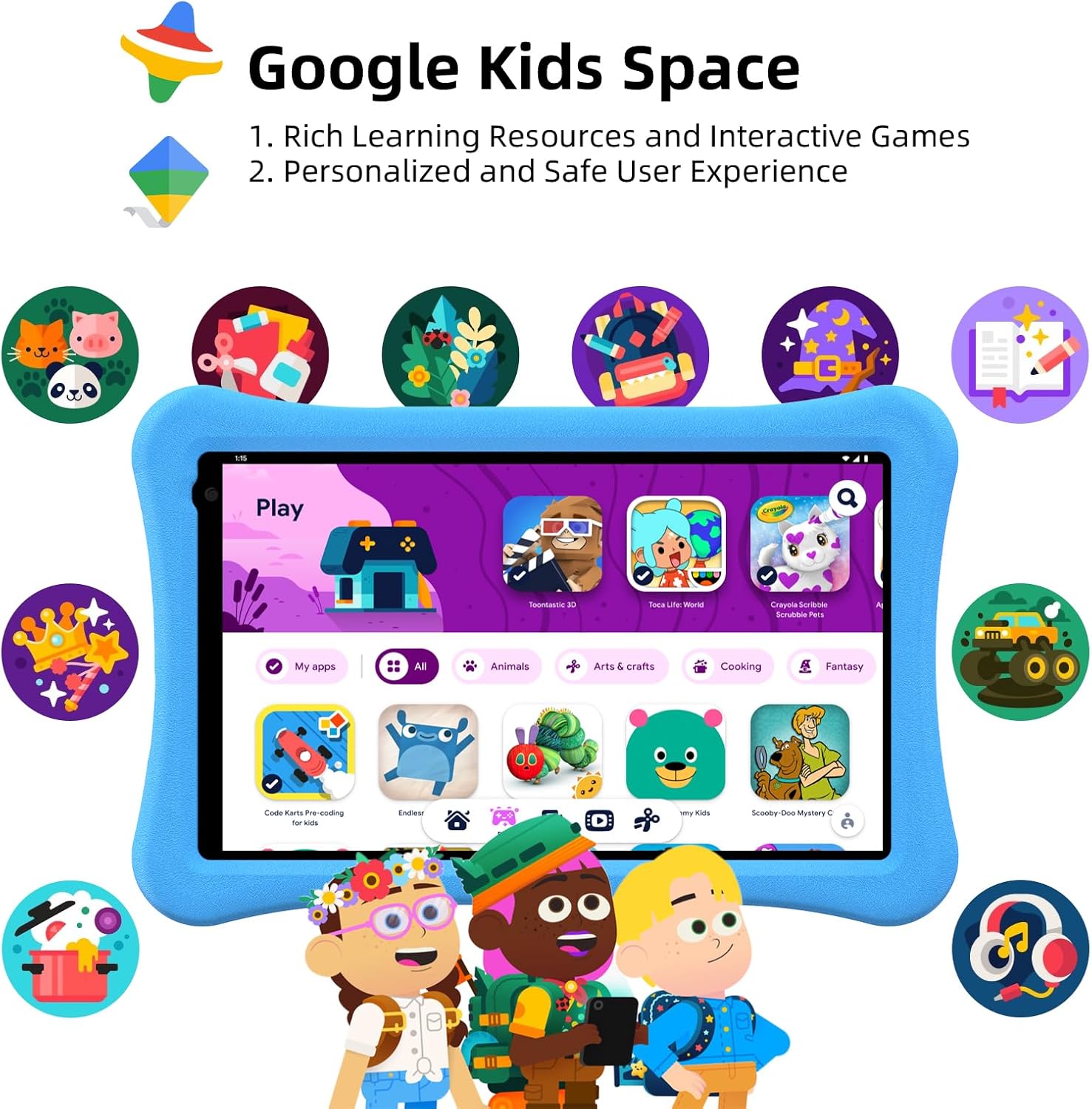
Image: The tablet screen showing the Google Kids Space environment, featuring a selection of child-friendly applications and content.
Operating Instructions
Android 14 System
The tablet runs on Android 14, offering enhanced personalization, improved security, and optimized battery life. Navigate the interface using touch gestures: swipe to unlock, tap to open apps, and pinch to zoom.

Image: The tablet screen showcasing the Android 14 operating system, highlighting its core benefits for users.
Google Kids Space
Google Kids Space provides a curated library of apps, books, and videos suitable for children. It offers a personalized and safe user experience. Content includes cartoons, learning videos, games, crafts, and e-books.

Image: The tablet screen showing the Google Kids Space interface, emphasizing recommended videos and teacher-approved applications for learning and entertainment.
Parental Controls
The tablet features enhanced parental controls accessible through Kids Mode. Parents can:
- Create and customize child profiles.
- Curate accessible content.
- Set screen time limits.
- Exit Kids Mode with a secure passcode.
- Adjust safety settings as children grow.

Image: A visual representation of the tablet's parental control dashboard, illustrating options for password protection, time limits, app selection, and website filtering.
Anti-Blue Light Eye Protection Screen
The 10.1-inch IPS HD display (1280x800) includes automatic brightness adjustment and an anti-blue light design to protect children's eyesight during use.
Video: An official product video from AWOW showcasing the Funtab 1003 Kids Tablet, its features, and how children interact with it. This video demonstrates the tablet's design, user interface, and educational content.
Battery Management
The tablet is equipped with a 6000mAh battery, providing 8-10 hours of reading or video playback on a full charge. For optimal battery life:
- Charge the tablet fully before first use.
- Use the provided charger and USB cable.
- Avoid extreme temperatures during charging and use.
- Close unused applications to conserve power.

Image: A graphic illustrating the extended battery life of the AWOW Funtab 1003 tablet, comparing its 6000mAh capacity to other tablets.
Maintenance
To ensure the longevity and optimal performance of your AWOW Funtab 1003 Kids Tablet:
- Cleaning: Use a soft, lint-free cloth to clean the screen and exterior. Avoid abrasive cleaners or solvents.
- Storage: Store the tablet in a cool, dry place away from direct sunlight and extreme temperatures.
- Software Updates: Regularly check for and install system updates to ensure the tablet has the latest features and security patches.
- Case Care: The shockproof silicone case can be wiped clean with a damp cloth.
Troubleshooting
If you encounter issues with your tablet, refer to the following common solutions:
| Problem | Possible Solution |
|---|---|
| Tablet does not turn on | Ensure the tablet is charged. Connect it to the charger for at least 30 minutes, then try pressing the power button again. |
| Screen is unresponsive or frozen | Perform a force restart by pressing and holding the power button for about 10-15 seconds until the tablet restarts. |
| Wi-Fi connection issues | Check if Wi-Fi is enabled in settings. Restart your router and the tablet. Ensure you are within range of the Wi-Fi signal. |
| Apps are slow or crashing | Close background applications. Clear app cache in settings. Ensure sufficient storage space is available. Restart the tablet. |
| Battery drains quickly | Reduce screen brightness. Close unused apps. Disable Wi-Fi or Bluetooth when not in use. Check for apps consuming excessive battery in settings. |
Specifications
Key technical specifications for the AWOW Funtab 1003 Kids Tablet:
- Operating System: Android 14
- Processor: Quad-core, 1.5 GHz (Allwinner)
- RAM: 8GB (3+5)
- Internal Storage: 64GB
- Expandable Storage: Up to 1TB via SD card
- Screen Size: 10.1 Inches
- Screen Resolution: 1280 x 800 (HD IPS)
- Wireless Type: 802.11n (Wi-Fi)
- Rear Webcam Resolution: 2 MP
- Battery: 6000mAh
- Item Weight: 2.34 pounds
- Product Dimensions: 6 x 1 x 6 inches
Warranty and Support
The AWOW Funtab 1003 Kids Tablet comes with a 1-year warranty. Additionally, lifetime technical support is provided to assist with any product-related inquiries or issues. For support, please refer to the contact information provided in your product packaging or visit the official AWOW website.

