
Introduction
Thank you for choosing the DaToo Mini Submersible Fountain Water Pump with LED Light. This compact and efficient pump is designed to enhance your aquarium, fish tank, outdoor pond, water feature, or statuary with a strong, adjustable water flow and vibrant multi-color LED lighting. Its ultra-quiet operation ensures a peaceful environment, while its durable construction and easy maintenance provide long-lasting performance. This manual provides essential information for safe installation, operation, and maintenance of your new water pump.
Safety Instructions
Please read and follow these safety instructions carefully to prevent injury or damage to the product.
- Always disconnect the power supply before performing any maintenance, installation, or cleaning of the pump.
- Ensure the pump is completely submerged in water during operation. Running the pump dry can cause damage and void the warranty.
- This pump is designed for use with water only. Do not use with other liquids.
- Do not lift the pump by its power cord.
- Ensure the power cord and plug are in good condition. Do not use if damaged.
- Keep the power cord away from high temperatures and sharp objects.
- The pump is rated IPX8 waterproof, meaning it can be fully submerged. However, ensure all electrical connections outside the water are dry and secure.
- For indoor and outdoor use, ensure the power outlet is protected by a Ground Fault Circuit Interrupter (GFCI) for safety.
- Do not operate the pump if the water temperature exceeds 95°F (35°C) or is below 32°F (0°C).
Package Contents
Verify that all items are present in the package:
- 1x DaToo 5W Water Pump
- 1x High-quality Dazzling Color Light (4 LEDs)
- 1x 3.3 ft Free Tubing
- 1x Additional Nozzle

Specifications
| Feature | Specification |
|---|---|
| Voltage | 110V~120V/60Hz |
| Power | 5 Watt |
| Max Flow Rate | 100 GPH (Gallons Per Hour) |
| Max Lift Height (H-Max) | 3.0 ft (0.9m) |
| Light Bead Color | Red, Blue, Yellow, Green (4 LEDs) |
| Pump Size | 1.8 x 1.7 x 1.2 inch |
| Light Size | 1.3 inch (diameter) |
| Light Inner Diameter | 0.4 inch |
| Power Cord Length | 5.9 ft (1.8m) |
| Light Cord Length | 1.1 ft (0.33m) |
| Free Tubing Length | 3.3 ft (1m) |
| Waterproof Rating | IPX8 |
| Material | Plastic |

Setup Instructions
- Prepare the Pump: Ensure the pump and all components are clean and free of debris.
- Attach Tubing: Connect the provided 3.3 ft tubing to the pump's outlet nozzle. If necessary, use the additional nozzle for different hose sizes. Ensure a snug fit to prevent leaks.
- Position the LED Light: The LED light has an inner diameter of 0.4 inches, allowing it to be placed around the pump's outlet nozzle or positioned separately as desired. Connect the light's cord to the pump's designated light port (if applicable, or ensure it's connected to the main power source if separate).
- Secure the Pump: Place the pump in the desired location within your aquarium, pond, or water feature. The pump is equipped with 3 strong suction cups on its base. Press the pump firmly against a clean, smooth surface (e.g., glass, ceramic) to secure it in place. Ensure it is fully submerged in water.
- Submerge and Connect: Once the pump is securely placed and fully submerged, route the power cord safely to a GFCI-protected electrical outlet. Ensure the power cord is not kinked or pinched.
- Initial Check: Before plugging in, double-check that the pump is completely underwater and the tubing is correctly attached.

Operating Instructions
- Power On: Plug the pump's power cord into a GFCI-protected electrical outlet. The pump will start operating, and the LED lights will illuminate.
- Adjust Water Flow: The pump features an adjustable flow rate. Locate the adjustment rod on the side of the pump (refer to Figure 4). Slide the rod to increase or decrease the water flow. There are four flow options available.
- LED Lighting: The 4 high-quality LED light beads (red, blue, yellow, green) will automatically cycle through colors, creating a brilliant breathing light effect. These lights are designed for low power consumption and long life.
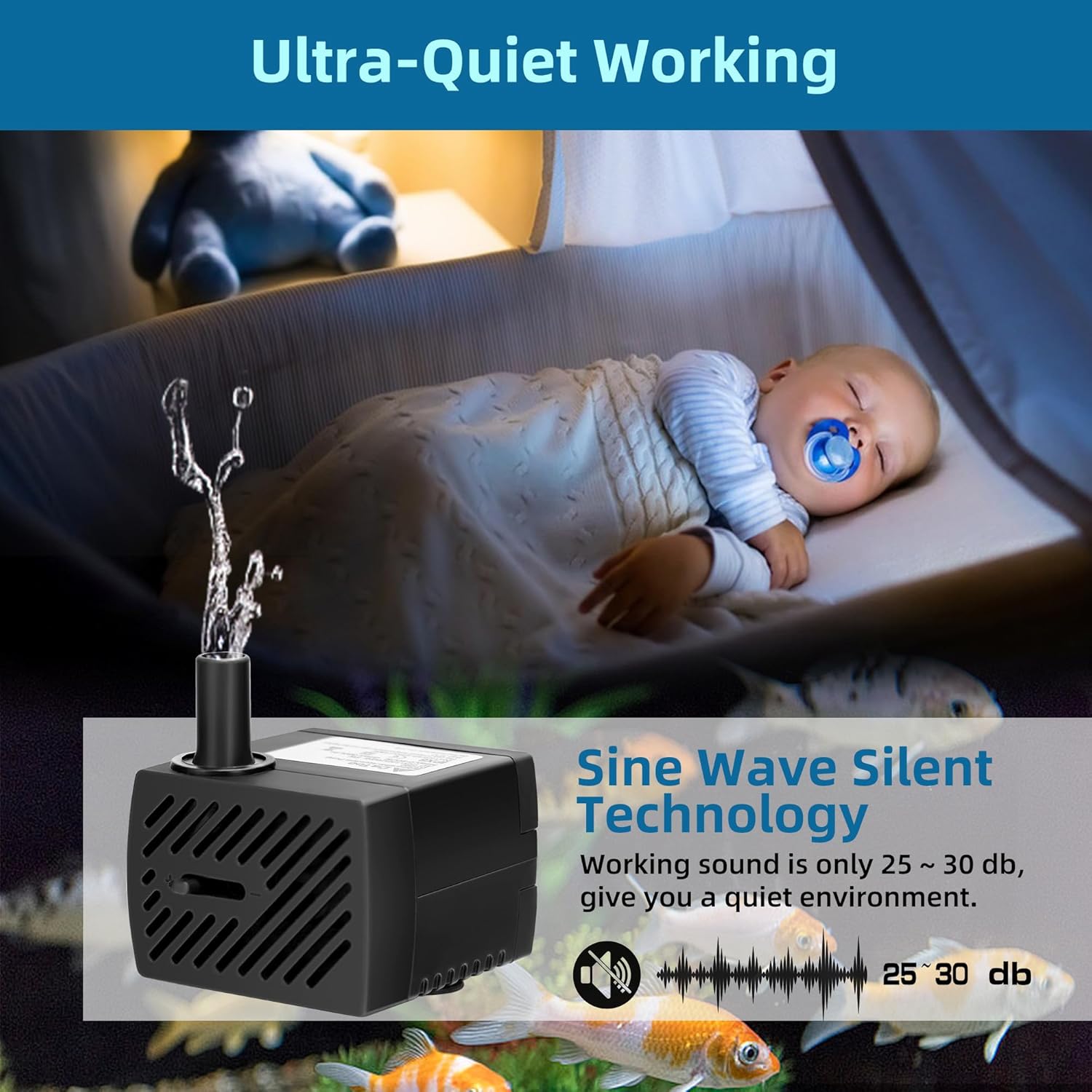
- Quiet Operation: The pump utilizes Sine Wave Silent Technology, ensuring a working sound level of only 25-30 dB, which is designed not to disturb your environment.


Maintenance
Regular maintenance ensures the longevity and optimal performance of your pump.
- Disconnect Power: Always unplug the pump from the electrical outlet before any maintenance.
- Clean the Anti-Clogging Cover: The pump is designed with an anti-clogging cover. Gently remove this cover to access the impeller area. Clean any accumulated debris, algae, or sediment from the cover and the pump intake.
- Inspect Impeller: Carefully remove the impeller cover and the impeller itself. Clean the impeller and its shaft with a soft brush and clean water. Ensure there are no obstructions that could hinder its rotation.
- Clean Tubing: Periodically check the tubing for blockages or algae buildup. Clean as needed to maintain optimal water flow.
- Reassemble: After cleaning, reassemble the impeller, impeller cover, and anti-clogging cover. Ensure all parts are securely in place.
- Regular Cleaning Frequency: The frequency of cleaning depends on the water quality and environment. For best results, inspect and clean the pump every 2-4 weeks, or more frequently if you notice reduced flow or increased noise.
Troubleshooting
If your pump is not functioning correctly, refer to the following common issues and solutions:
| Problem | Possible Cause | Solution |
|---|---|---|
| Pump does not start or operate. |
|
|
| Reduced water flow. |
|
|
| Pump is noisy. |
|
|
| LED lights not working. |
|
|
Warranty and Support
DaToo provides a one-year warranty for this product. If you encounter any issues or require assistance, please contact our professional customer service team. We are available 24 hours to provide support and ensure your satisfaction.
For warranty claims or technical support, please refer to the contact information provided with your purchase or visit the official DaToo website.