1. Introduction
This manual provides essential information for setting up, operating, and maintaining your Lenovo ThinkBook 16 Gen 7 Laptop. Please read this guide thoroughly to ensure optimal performance and longevity of your device.
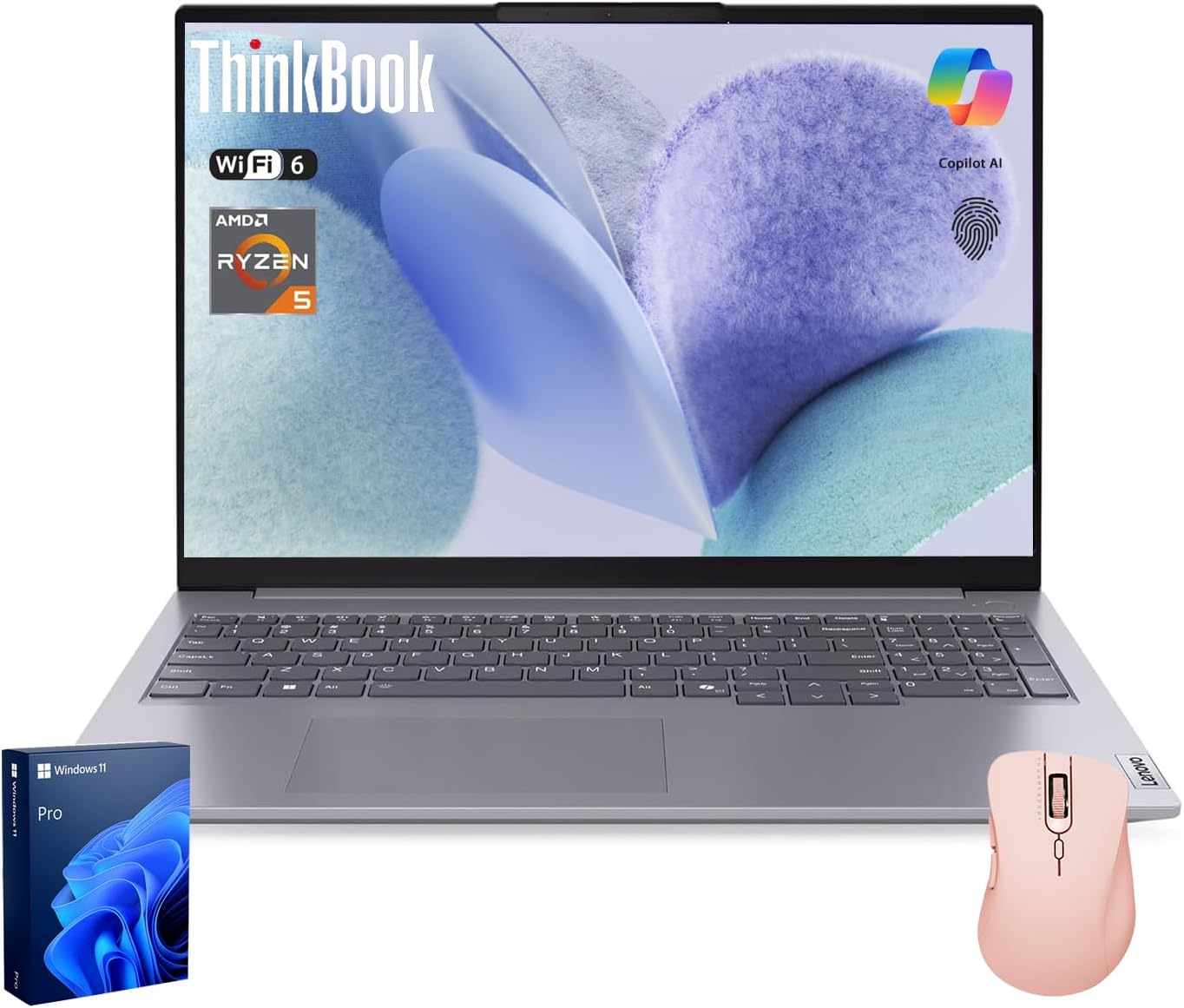
Figure 1: Lenovo ThinkBook 16 Gen 7 Laptop, showcasing its sleek design, bundled wireless mouse, and Windows 11 Pro packaging.
2. Setup
2.1 Initial Power On
- Unpack the Laptop: Carefully remove the laptop and all accessories from the packaging.
- Connect Power: Plug the power adapter into the laptop's power port and then into a wall outlet.
- Power On: Open the laptop lid and press the power button, typically located on the top-right of the keyboard or side.
- Windows 11 Pro Setup: Follow the on-screen instructions to complete the initial Windows 11 Pro setup, including language, region, network connection, and user account creation.
2.2 Connecting Peripherals
Your ThinkBook 16 Gen 7 offers a variety of ports for connecting external devices:
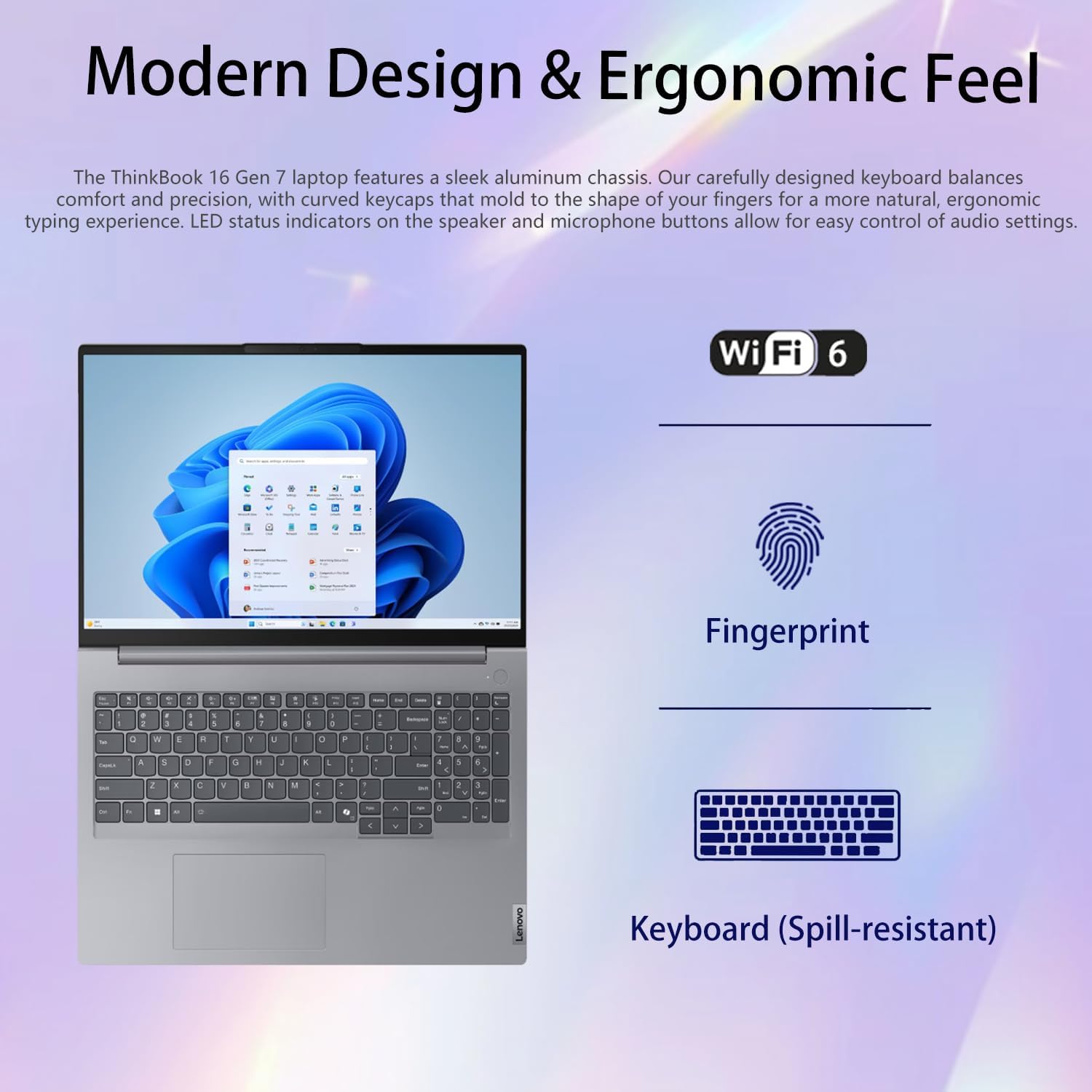
Figure 2: Detailed view of the laptop's left and right sides, highlighting various ports including USB-A, USB-C, HDMI, Ethernet, and an SD card reader.
- USB-A Ports: Connect standard USB devices like external hard drives or keyboards.
- USB-C Ports: For high-speed data transfer, power delivery, and DisplayPort functionality.
- HDMI Port: Connect to external monitors or projectors for extended display.
- Ethernet (RJ-45): For a stable wired internet connection.
- SD Card Reader: Transfer files from memory cards.
- Headphone/Microphone Combo Jack: For audio input and output.
2.3 Network Connection
The laptop supports Wi-Fi 6 for fast and stable wireless connectivity. During initial setup, you will be prompted to connect to a Wi-Fi network. For wired connections, use the Ethernet port.
2.4 Fingerprint Reader Setup
For enhanced security and quick logins, set up the integrated fingerprint reader through Windows Hello settings. This allows for biometric authentication.
2.5 Bundled Accessories
Your laptop comes with a Thunderobot ML101 Wireless Mouse. To use it, insert the USB Nano Receiver into an available USB-A port on your laptop. The mouse is pre-paired and should function automatically.

Figure 3: The Thunderobot ML101 Wireless Mouse, included with the laptop, featuring a comfortable design and long battery life.
3. Operating
3.1 Display Features
The 16-inch FHD+ (1920 x 1200) IPS Anti-Glare display provides clear visuals and reduces eye strain. It features a 16:10 aspect ratio, 60Hz refresh rate, 45% NTSC color gamut, and 300 nits brightness, with TÜV Rheinland Low Blue Light certification for comfortable extended use.
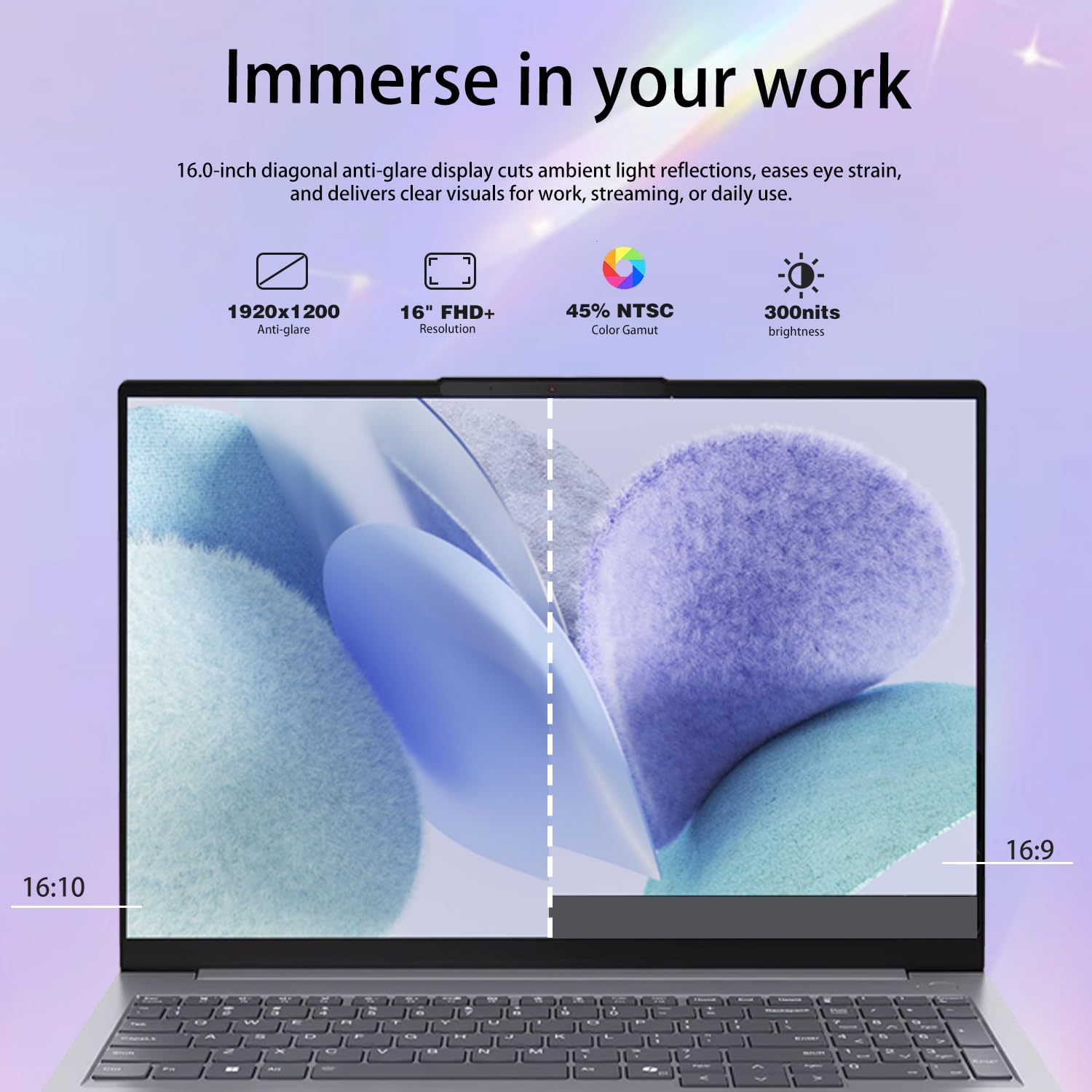
Figure 4: Visual representation of the laptop's 16-inch FHD+ display, highlighting its anti-glare properties, resolution, color gamut, and brightness for an immersive work experience.
3.2 Performance
Powered by the AMD Ryzen 5 7533HS Processor (up to 4.45 GHz, 6 Cores, 12 Threads, 16 MB Cache) and 16GB DDR5 RAM, the laptop delivers robust performance for multitasking and demanding applications. The 1TB PCIe NVMe M.2 SSD ensures fast boot-ups and rapid data access.

Figure 5: Close-up of the AMD Ryzen 5 processor, emphasizing its role in providing an unrivaled business PC platform with AMD Radeon Graphics.

Figure 6: Infographic detailing the laptop's core specifications, including 6 cores, 12 threads, 16MB cache, and 4.45GHz maximum turbo speed, designed to adapt to any situation.
3.3 Keyboard and Touchpad
The laptop features a comfortable, easy-to-use keyboard with curved keycaps for an ergonomic typing experience. LED status indicators are present for audio settings. The touchpad provides precise navigation.

Figure 7: The laptop's modern design, highlighting the comfortable, spill-resistant keyboard and integrated fingerprint reader for secure access.
3.4 HD Webcam with Privacy Shutter
The integrated HD Webcam includes a physical privacy shutter, allowing you to cover the camera when not in use for added security and peace of mind. The laptop also features a fingerprint reader for secure login.
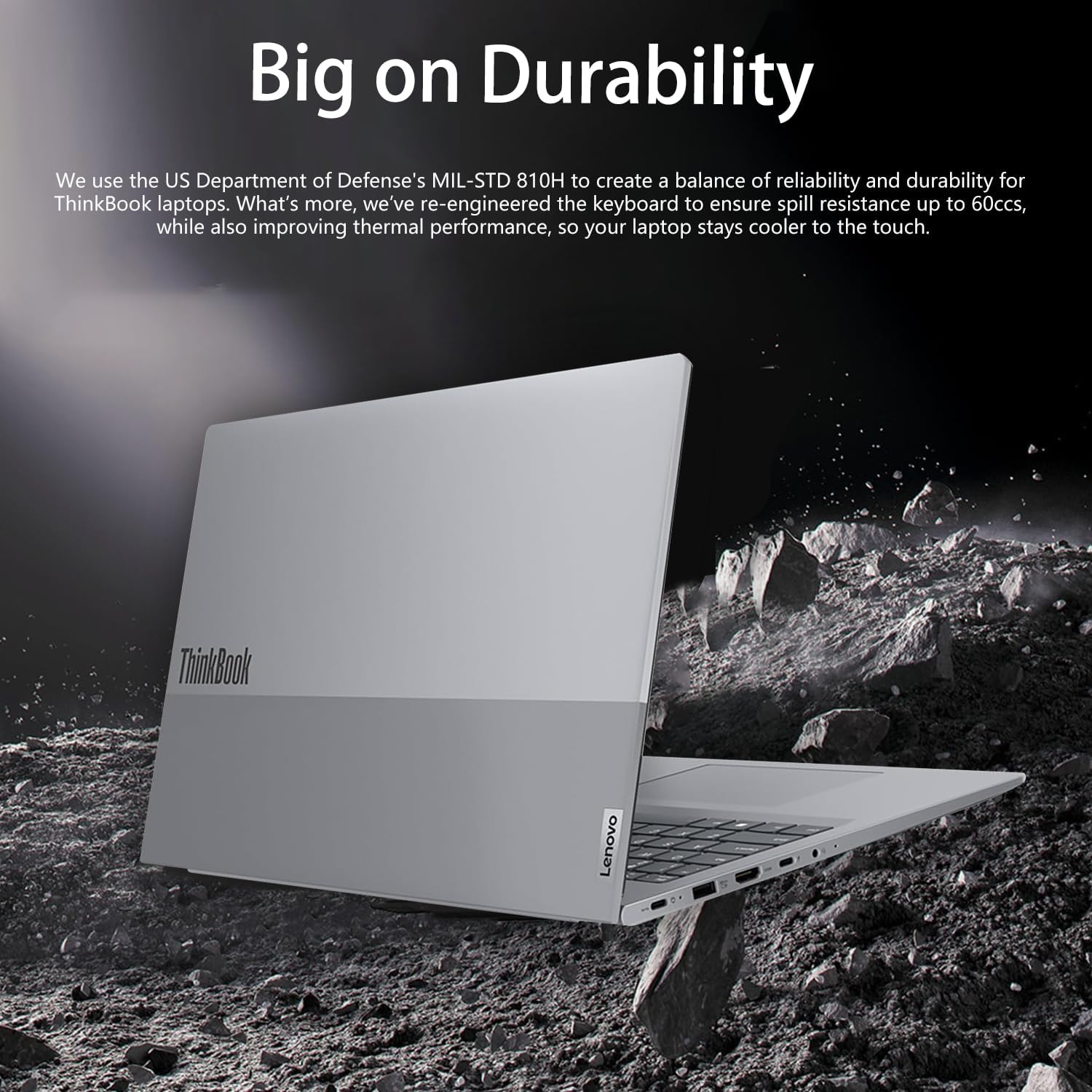
Figure 8: Overview of the laptop's security features, including the HD Webcam with Privacy Shutter, fingerprint reader, and the Copilot Key for AI assistance.
3.5 Official Product Video
Video 1: An official product video showcasing the Lenovo ThinkBook 16 Gen 7, highlighting its design, features, and performance capabilities.
4. Maintenance
4.1 General Care
- Cleaning: Use a soft, lint-free cloth to clean the screen and exterior. Avoid harsh chemicals.
- Handling: Avoid dropping the laptop or exposing it to extreme temperatures or moisture.
- Ventilation: Ensure proper airflow by not blocking the ventilation openings.
4.2 Software Updates
Regularly check for and install Windows 11 Pro updates to ensure your system has the latest security patches and performance improvements. You can do this through the Windows Update settings.
4.3 Battery Care
To maximize battery lifespan, avoid fully discharging the battery frequently. It is recommended to keep the battery charge between 20% and 80% when possible. Store the laptop in a cool, dry place if not used for extended periods.

Figure 9: The Lenovo ThinkBook 16 Gen 7 demonstrating its durability, built to MIL-STD 810H standards for reliability in various conditions, including spill resistance.
5. Troubleshooting
5.1 Common Issues
- Laptop Not Powering On: Ensure the power adapter is securely connected and the outlet is functional. Try holding the power button for 10-15 seconds for a hard reset.
- Display Issues: If the screen is blank, try connecting an external monitor to check if the issue is with the laptop's display. Adjust brightness settings.
- Connectivity Problems: For Wi-Fi issues, restart your router and the laptop. For wired connections, check the Ethernet cable.
- Slow Performance: Close unnecessary applications, check for malware, and ensure sufficient free storage space.
5.2 Seeking Further Assistance
If you encounter issues that cannot be resolved using this guide, please refer to the official Lenovo support website or contact customer service for further assistance.
6. Specifications
| Feature | Detail |
|---|---|
| Standing screen display size | 16 Inches |
| Screen Resolution | 1920 x 1200 pixels (FHD+) |
| Processor | AMD Ryzen 5 7533HS (up to 4.45 GHz, 6 Cores, 12 Threads, 16 MB Cache) |
| RAM | 16 GB DDR5 SO-DIMM (4800 MHz) |
| Hard Drive | 1 TB SSD (PCIe NVMe M.2) |
| Graphics Coprocessor | AMD Radeon Graphics |
| Operating System | Windows 11 Pro |
| Wireless Type | 802.11ax (Wi-Fi 6) |
| Ports | 2 x USB-A, 2 x USB-C, 1 x HDMI, 1 x Ethernet (RJ-45), 1 x SD card reader, 1 x Headphone / microphone combo jack |
| Item Weight | 8 pounds |
| Product Dimensions | 14.1 x 0.69 x 9.98 inches |
| Color | Gray |
7. Warranty & Support
7.1 Warranty Information
The original seal has been opened solely for upgrading purposes. A 1-year warranty on the upgraded RAM/SSD is provided by PCOnline US. The remaining components retain the original 1-year manufacturer's warranty from Lenovo.
7.2 Product Support
For additional support, drivers, and troubleshooting guides, please visit the official Lenovo support website. You can also visit the Lenovo Store on Amazon for product information and accessories.