
1. Introduction
The Valorise UG-08S Wireless Gaming Headset is designed to provide a high-quality audio experience for gaming and multimedia. Featuring 7.1 surround sound, multiple connectivity options (2.4GHz wireless, Bluetooth 5.4, and 3.5mm wired), and an ENC noise-canceling microphone, this headset offers versatility and performance across various platforms.

Image: Valorise UG-08S Wireless Gaming Headset with its accompanying USB-A and USB-C 2-in-1 transmitter.
2. Package Contents
Verify that all items are present in the package:
- 1 x Valorise Wireless Gaming Headset
- 1 x USB & Type-C 2-in-1 Transmitter
- 1 x 3.5mm Braided Audio Cable
- 1 x Type-C Charging Cable
- 1 x User Manual
3. Product Overview
Familiarize yourself with the headset's components and controls.

Image: Detailed view of the headset's control layout, indicating the 7.1 mode/light control button, charging port, 3.5mm audio port, power button, volume wheel, and mic mute button.
Controls and Ports:
- 7.1 Mode / Light Control Button: Activates 7.1 surround sound and controls RGB lighting modes.
- Charging Port: USB Type-C port for charging the headset.
- 3.5mm Audio Port: For wired connection using the included 3.5mm cable.
- Power Button: Turns the headset on/off.
- Volume Wheel: Adjusts audio volume.
- Mic Mute Button: Mutes and unmutes the microphone.
- Retractable Microphone: Omni-directional microphone with ENC noise-canceling.
4. Setup
4.1 Charging the Headset
Before first use, fully charge the headset. Connect the Type-C charging cable to the headset's charging port and a USB power source. The headset fully recharges in approximately 2-3 hours. A low battery alert will indicate when recharging is needed. The headset supports simultaneous charging and use.

Image: Visual representation of the headset's battery life, indicating up to 100 hours in Bluetooth mode (lights/mic off) and 45 hours in 2.4GHz dongle mode (lights/mic on), with a 2-3 hour full charge time.
4.2 Connecting the Headset
The Valorise UG-08S offers three connection methods:
2.4GHz Wireless Connection (USB & Type-C 2-in-1 Transmitter)
- Insert the USB & Type-C 2-in-1 transmitter into a compatible USB-A or USB-C port on your device (PC, PS5, PS4, Mac, Nintendo Switch).
- Power on the headset. It will automatically connect to the transmitter.
- Ensure the headset is selected as the audio input/output device in your system settings.
Note: PS5 only supports 2.4GHz dongle mode wireless connection, not Bluetooth connection. The headset's wireless function is not compatible with Xbox series consoles.
Bluetooth 5.4 Connection
- Power on the headset.
- Triple-tap the 'M' button (7.1 Mode / Light Control Button) to switch to Bluetooth mode. The indicator light will flash, indicating pairing mode.
- On your mobile device (phone, tablet, iPad) or other Bluetooth-enabled device, search for "Valorise UG-08S" in the Bluetooth settings and select it to pair.
3.5mm Wired Connection
- Connect one end of the 3.5mm braided audio cable to the headset's 3.5mm audio port.
- Connect the other end to the 3.5mm port on your gaming controller or device.

Image: Illustration of the four connection methods: Type-C, Bluetooth, USB-A/Type-C dongle, and 3.5mm wired, demonstrating multi-platform compatibility.
5. Operating Instructions
5.1 Power On/Off
- To Power On: Press and hold the Power Button until the indicator light illuminates.
- To Power Off: Press and hold the Power Button until the indicator light turns off.
5.2 7.1 Surround Sound Activation
Long-press the 'M' button (7.1 Mode / Light Control Button) to activate or deactivate 7.1 surround sound. This feature enhances spatial audio awareness, particularly beneficial in gaming environments.
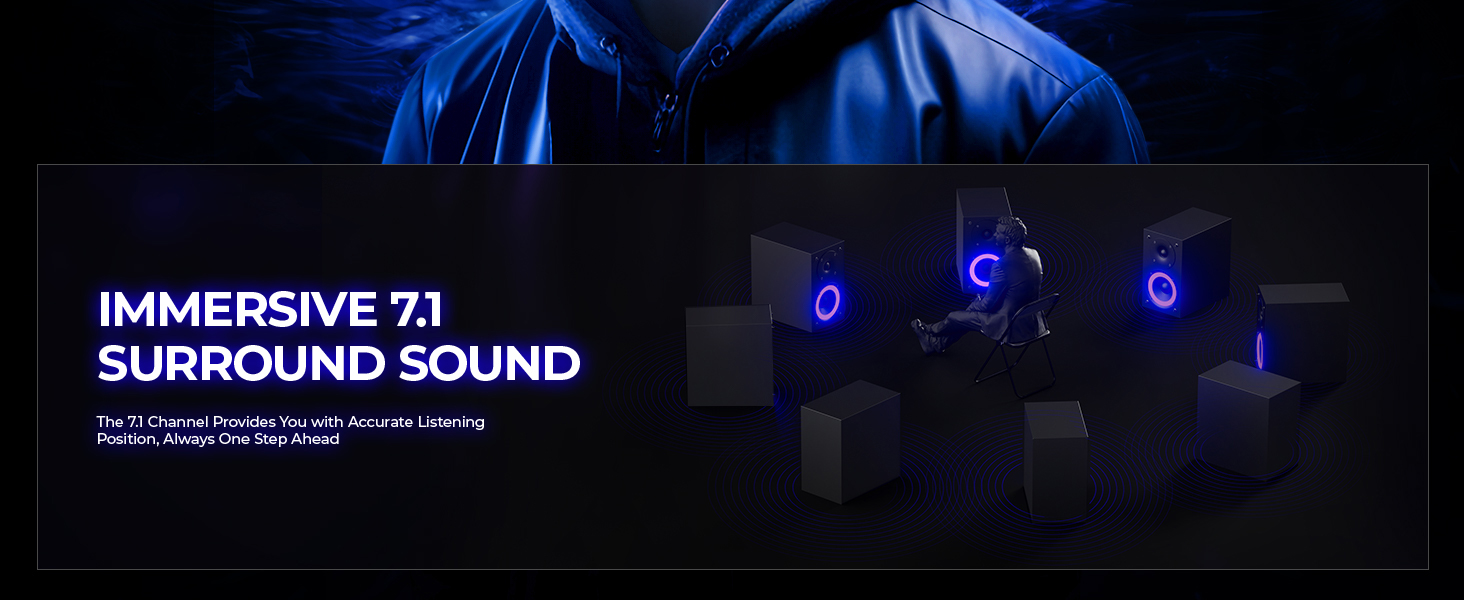
Image: A visual representation of immersive 7.1 surround sound, indicating its ability to provide accurate listening position.
5.3 RGB Light Control
Double-click the 'M' button to activate the ambient RGB lighting. Single-click the 'M' button to switch between steady light and gradient modes.
5.4 Microphone Usage
The headset features a retractable, omni-directional microphone with Environmental Noise Cancellation (ENC).
- To Use: Extend the microphone from the earcup.
- To Mute/Unmute: Press the Mic Mute Button located on the earcup.
- ENC Function: The microphone automatically reduces background noise for clearer voice transmission.

Image: Exploded view of the ENC retractable microphone mechanism, highlighting its noise-canceling capabilities and one-touch mute button.
5.5 Volume Adjustment
Rotate the Volume Wheel on the earcup to increase or decrease the audio output level.
6. Maintenance
To ensure the longevity and optimal performance of your Valorise UG-08S headset, follow these maintenance guidelines:
- Cleaning: Use a soft, dry cloth to clean the headset. Avoid using abrasive cleaners or solvents.
- Storage: Store the headset in a cool, dry place away from direct sunlight and extreme temperatures.
- Cable Care: Avoid sharp bends or excessive pulling on the cables to prevent damage.
- Water Resistance: The headset is not water-resistant. Avoid exposure to liquids.
7. Troubleshooting
If you encounter issues with your headset, refer to the following common solutions:
- No Sound/Low Volume:
- Check the volume wheel on the headset and your device's system volume.
- Ensure the headset is correctly connected (2.4GHz dongle, Bluetooth, or 3.5mm cable).
- Verify that the headset is selected as the default audio output device in your system settings.
- Microphone Not Working:
- Ensure the microphone is extended and not muted (check the Mic Mute Button).
- Verify the headset is selected as the default audio input device in your system settings.
- Note: Microphone functionality is invalid when connected to Nintendo Switch via 3.5mm cable.
- Connectivity Issues:
- For 2.4GHz wireless, ensure the transmitter is securely plugged in and within range (up to 40 feet).
- For Bluetooth, ensure the headset is in pairing mode and your device's Bluetooth is enabled. Try re-pairing.
- Note: PS5 only supports 2.4GHz dongle mode wireless connection. Xbox series consoles are not compatible with the headset's wireless function.
- RGB Lights Not Working:
- Double-click the 'M' button to activate the ambient light.
- Ensure the headset has sufficient battery charge.
8. Specifications
| Feature | Specification |
|---|---|
| Model Name | UG-08S-001 |
| Connectivity Technology | 2.4GHz Wireless (USB-A & Type-C 2-in-1 Dongle), Bluetooth 5.4, 3.5mm Removable Wired |
| Audio Driver Type | Dynamic Driver |
| Sound Features | 7.1 Surround Sound, Sound Isolation |
| Microphone | Retractable ENC Omni-directional Noise-reduction Microphone |
| Battery Life | Up to 100 hours (Bluetooth, RGB off, Mic off); 45 hours (2.4GHz, RGB on, Mic on) |
| Charging Time | 2-3 Hours |
| Audio Latency | ≤5 Milliseconds (2.4GHz) |
| Bluetooth Range | 10 Meters |
| Frequency Response | 20 Hz - 20 KHz |
| Impedance | 32 Ohm |
| Material | ABS, Breathable Fabric, PC, Soft Memory Sponge Cushions |
| Weight | 1.12 pounds |
| Compatible Devices | PS5, PS4, PC, Mac, Phone, Pad, Tablet, Nintendo Switch (invalid microphone), Other Bluetooth Enabled Devices |
9. Warranty and Support
Valorise provides professional services and expert support for the UG-08S Wireless Gaming Headset. For any inquiries or assistance, please contact our support team. We aim to provide comprehensive assistance and responses within 0-24 hours for all your gaming needs.
Please refer to your purchase documentation for specific warranty terms and conditions.


