
Introduction
This manual provides detailed instructions for the SEIKO QHP012WLH Non-Ticking Melodies Alarm Clock. Please read this manual thoroughly before using the clock to ensure proper operation and to understand all features.
Package Contents
- SEIKO QHP012WLH Alarm Clock
- 3 AA Batteries
- User Manual (this document)
Product Features
- Model: QHP012WLH
- Display Type: Analog
- Movement: Precision Quartz
- Special Features: Non-ticking quiet sweep second hand, selectable alarm melodies (Bird Song, Melodies, Beep), snooze function, adjustable alarm volume, light feature, luminous hour and minute hands.
- Power Source: 3 AA batteries (included)
- Dimensions: Approximately 4.72 inches (W) x 5.12 inches (H) x 2.76 inches (D)
- Material: Plastic
Setup
1. Battery Installation
The clock requires three (3) AA batteries for operation. These are included with your purchase.
- Locate the battery compartment cover on the back of the clock.
- Remove the cover by sliding it down or lifting it off.
- Insert three AA batteries, ensuring the correct polarity (+ and -) as indicated inside the compartment.
- Replace the battery compartment cover securely.

Image: Rear view of the clock, highlighting the battery compartment and control knobs.
2. Initial Placement
Place the clock on a stable, flat surface such as a bedside table or desk. Ensure it is away from direct sunlight, extreme temperatures, or high humidity.
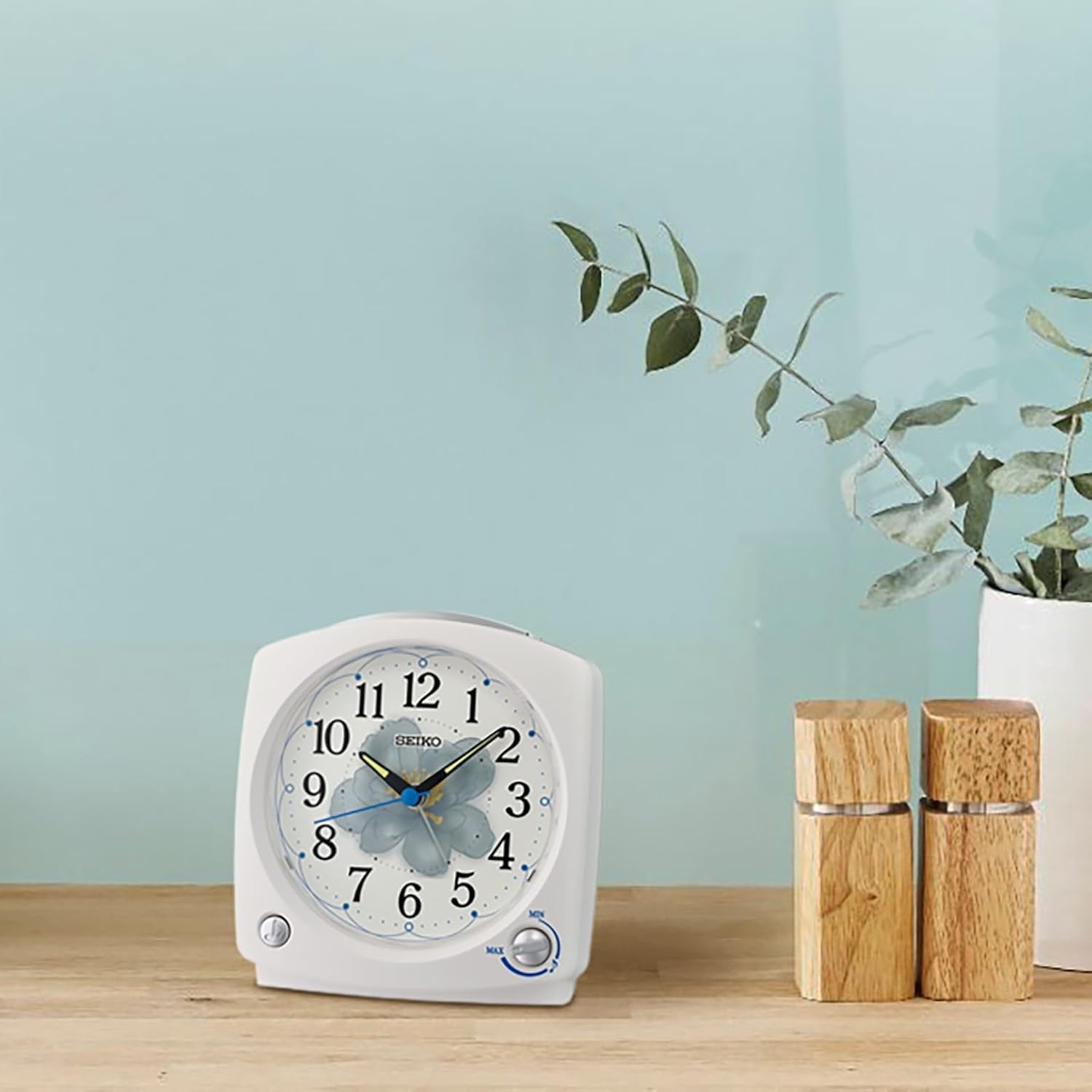
Image: The alarm clock positioned on a wooden surface, demonstrating typical placement.
Operating Instructions
Familiarize yourself with the controls located on the back and top of the clock.
Image: Rear controls of the clock, including time/alarm setting knobs and alarm switch.
1. Setting the Current Time
- Locate the "TIME" setting knob on the back of the clock.
- Rotate this knob clockwise or counter-clockwise to move the hour and minute hands to the correct current time.
- Ensure the time is set accurately, especially for AM/PM if applicable (though this is an analog clock, consider the 12-hour cycle for alarm setting).
2. Setting the Alarm Time
- Locate the "ALARM" setting knob on the back of the clock.
- Rotate this knob to move the alarm hand to your desired wake-up time.
- Ensure the alarm hand is precisely aligned with the desired hour and minute markings.
3. Activating/Deactivating the Alarm
On the back of the clock, there is an "ON/OFF" slide switch for the alarm.
- Slide the switch to "ON" to activate the alarm.
- Slide the switch to "OFF" to deactivate the alarm.
4. Selecting Alarm Sound
The clock offers multiple alarm sound options: Bird Song, Melodies, or a traditional Beep sound. The selection dial is typically located on the side or back of the clock.
- Locate the alarm sound selection switch or dial.
- Choose your preferred alarm sound:
- Bird Song: A gentle natural sound.
- Melodies: Includes "Dance of the Hours," "Morning from Peer Gynt," and "Waltz of the Flowers."
- Beep: A standard electronic alarm sound.
5. Adjusting Alarm Volume
A volume control knob is provided to adjust the loudness of the alarm.
- Locate the volume control knob, usually on the side or back of the clock.
- Rotate the knob to increase or decrease the alarm volume to your preference.
6. Snooze Function
When the alarm sounds, press the large button located on the top of the clock to activate the snooze function. The alarm will temporarily stop and sound again after a few minutes.
7. Light Feature
To illuminate the clock face in low light conditions, press the large button on the top of the clock. The light will remain on as long as the button is pressed, allowing for temporary viewing of the time.
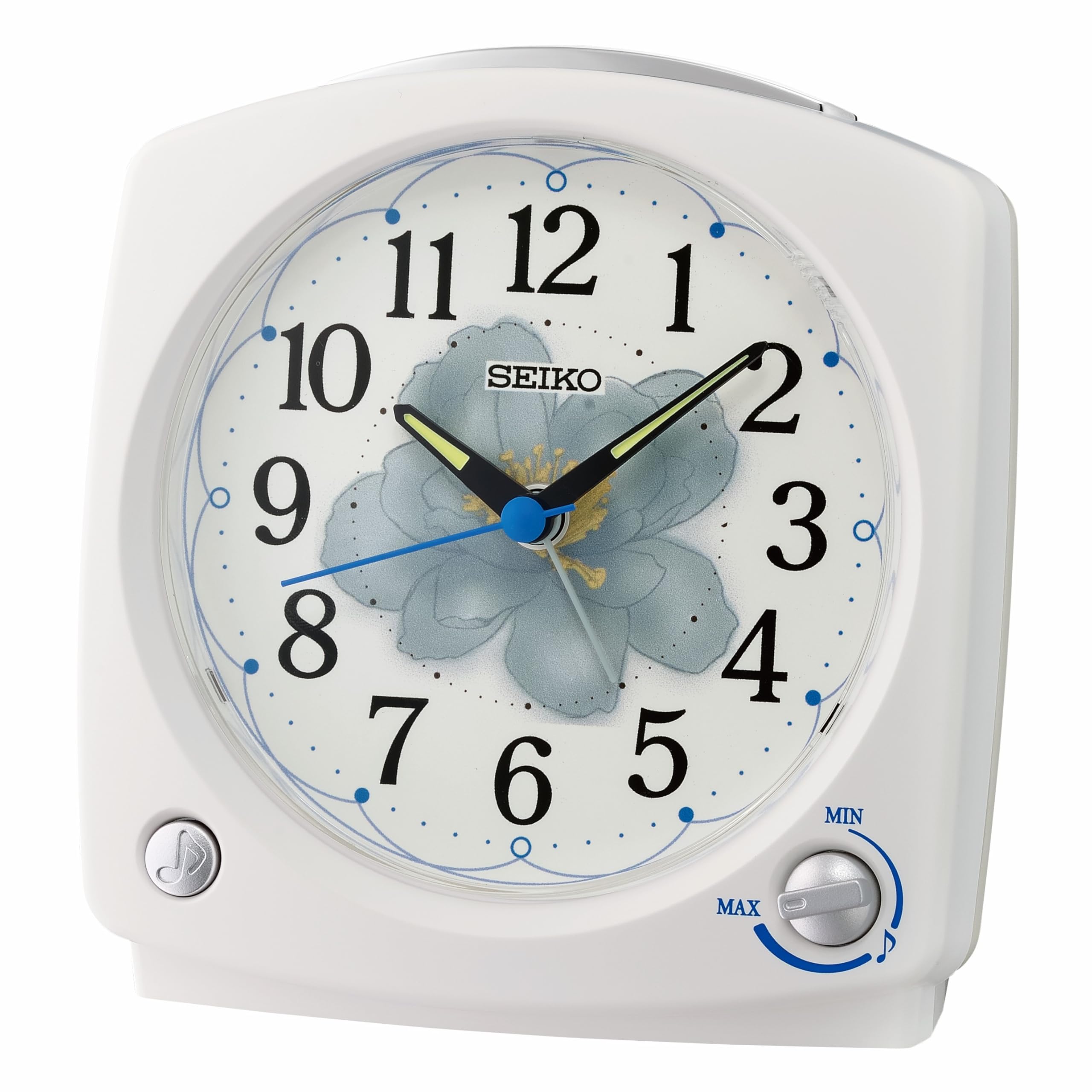
Image: Front view of the clock, showing the dial and the top button for snooze/light.
Maintenance
1. Cleaning
To clean the clock, use a soft, dry cloth. Do not use abrasive cleaners, solvents, or chemical sprays, as these can damage the clock's finish and internal components.
2. Battery Replacement
When the clock's display dims, the alarm weakens, or the clock stops functioning, it is time to replace the batteries. Follow the battery installation steps in the "Setup" section.
- Always replace all three AA batteries at the same time.
- Do not mix old and new batteries, or different types of batteries.
- Remove batteries if the clock will not be used for an extended period to prevent leakage.
Troubleshooting
| Problem | Possible Cause | Solution |
|---|---|---|
| Clock not working / Hands not moving | Batteries are dead or incorrectly installed. | Check battery polarity. Replace with new AA batteries. |
| Alarm does not sound | Alarm is not activated (OFF). Alarm time is incorrectly set. Batteries are low. | Slide the alarm switch to "ON". Re-set the alarm time. Replace batteries. |
| Alarm is too quiet or too loud | Volume control is set too low or too high. | Adjust the alarm volume knob to your desired level. |
| Light function not working | Batteries are low or dead. | Replace with new AA batteries. |
| Clock is ticking loudly (despite "non-ticking" feature) | This is an unusual issue for this model. Could be a manufacturing defect or internal component issue. | Contact SEIKO customer support for assistance. |
Specifications
- Model Number: QHP012WLH
- Brand: SEIKO
- Display Type: Analog
- Power Source: 3 x AA Batteries (included)
- Dimensions (W x H x D): 4.72" x 5.12" x 2.76" (12cm x 13cm x 7cm approx.)
- Weight: Approximately 12.3 ounces (0.35 kg)
- Material: Plastic
- Special Features: Non-ticking sweep second hand, selectable melodies, snooze, light, adjustable volume, luminous hands.
Warranty and Support
Warranty Information
This SEIKO QHP012WLH alarm clock is covered by a 1-year manufacturer's limited warranty from the date of purchase. This warranty covers defects in materials and workmanship under normal use.
The warranty does not cover:
- Damage caused by accident, misuse, abuse, alteration, or improper installation.
- Damage caused by unauthorized service.
- Damage from battery leakage.
Please retain your proof of purchase for warranty claims.
Customer Support
For technical assistance, warranty claims, or further inquiries, please contact SEIKO customer support. Refer to the official SEIKO website or your product packaging for the most current contact information.
You can visit the official SEIKO website for support and product information: www.seikoclocks.com