
Introduction
This user manual provides comprehensive instructions for operating and maintaining your TEEROK T18S GPS Drone. The T18S is a high-performance quadcopter equipped with a 4K camera, 5G FPV transmission, and intelligent flight modes designed for both beginners and experienced pilots. Please read this manual thoroughly before your first flight to ensure safe and optimal operation.

Figure 1: TEEROK T18S GPS Drone with accessories.
What's in the Box
Verify that all components are present in your package:
- 1 x T18S Drone
- 1 x Remote Control with Device Holder
- 2 x Rechargeable Batteries
- 4 x Extra Blades (Propellers)
- 1 x Screwdriver
- 1 x USB Type-C Cable
- 1 x User Manual
- 1 x Carrying Case
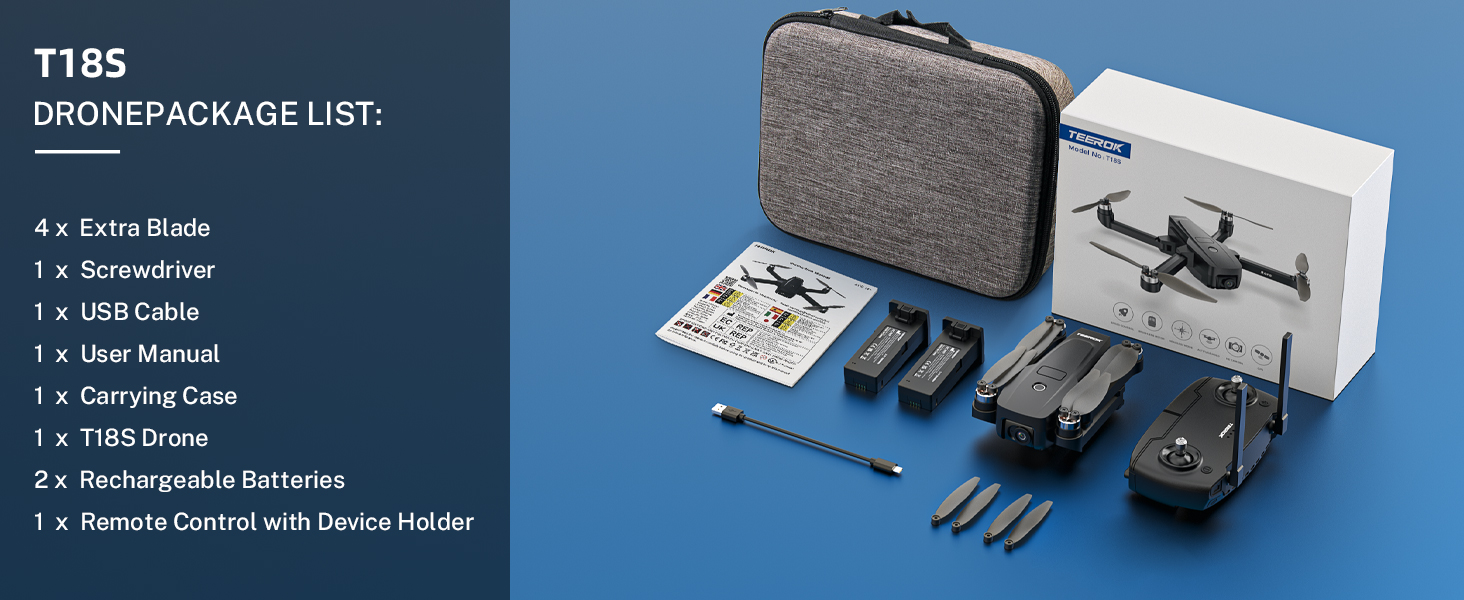
Figure 2: Package contents of the TEEROK T18S drone.
Setup and First Flight Preparation
Battery Installation and Charging
Insert the fully charged drone battery into the drone until it clicks securely. Ensure the remote control has 2 CR5 batteries installed (included). Charge drone batteries using the provided USB Type-C cable until the indicator lights show full charge.
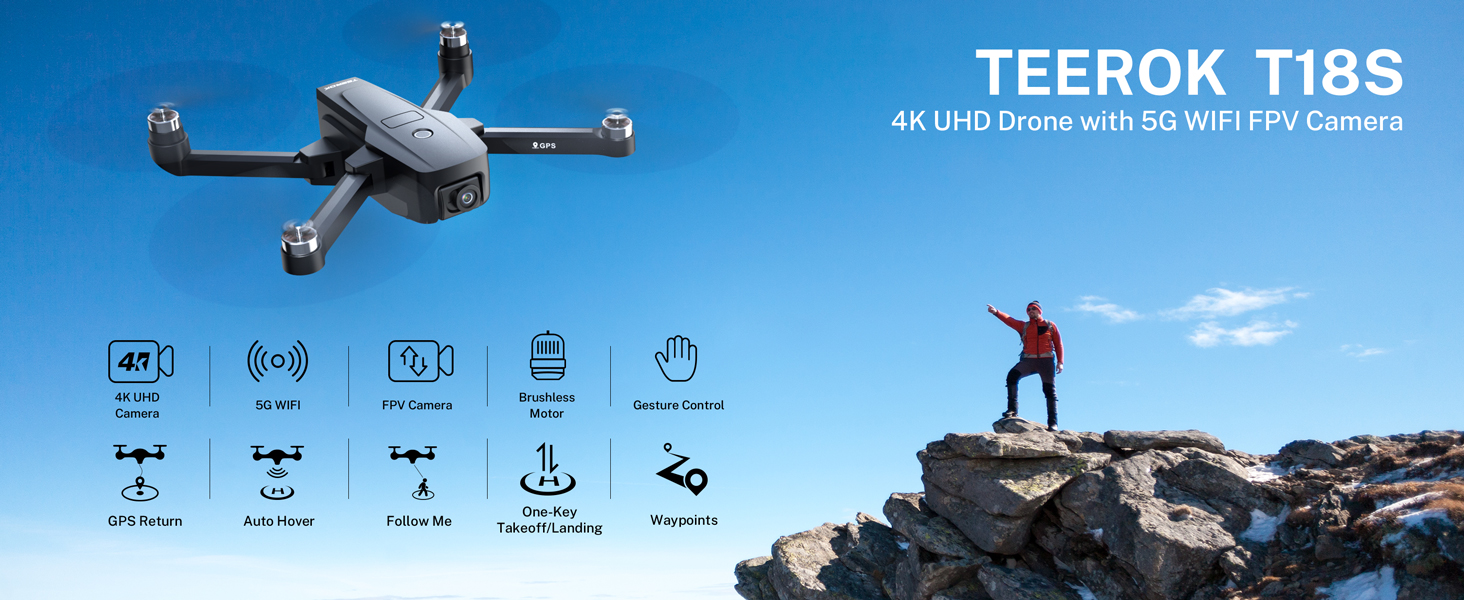
Figure 3: Charging the drone batteries.
Remote Control Power On
Press and hold the power button on the remote control to turn it on. The indicator lights will illuminate.
Geomagnetic Calibration
Perform geomagnetic calibration to ensure accurate flight. Hold the drone horizontally and rotate it twice. Then, hold it vertically and rotate it twice. The drone's lights will indicate successful calibration.
Video 1: Demonstrates the power-on sequence, geomagnetic calibration, horizontal calibration, satellite search, and initial take-off of the TEEROK T18S drone.
Horizontal Calibration
Place the drone on a flat, level surface for horizontal calibration. Do not move the drone during this process.
Satellite Search (GPS Lock)
Ensure the drone is in an open outdoor area. The drone will search for GPS satellites. Wait until a sufficient number of satellites are acquired for stable GPS positioning (indicated on the app).
Propeller Installation (if not pre-installed)
Attach the propellers according to the markings (A and B) on the propellers and motor arms. Use the provided screwdriver to secure them firmly.
Operating Instructions
Basic Flight Controls
- One Key Start/Landing: Press the dedicated button on the remote or in the app for automatic take-off or landing.
- Altitude Hold: The drone maintains a stable altitude, making it easier to control horizontal movement.
- 3 Speeds Adjustment: Adjust flight speed for different environments and skill levels.
Advanced Flight Modes and Features
- 4K Camera and Optical Flow Positioning: The 110° wide-angle, 90° adjustable 4K camera captures high-resolution photos and videos. Optical Flow positioning enhances stability, especially indoors or at low altitudes.

Figure 4: 4K Motorised Adjustable Camera features.
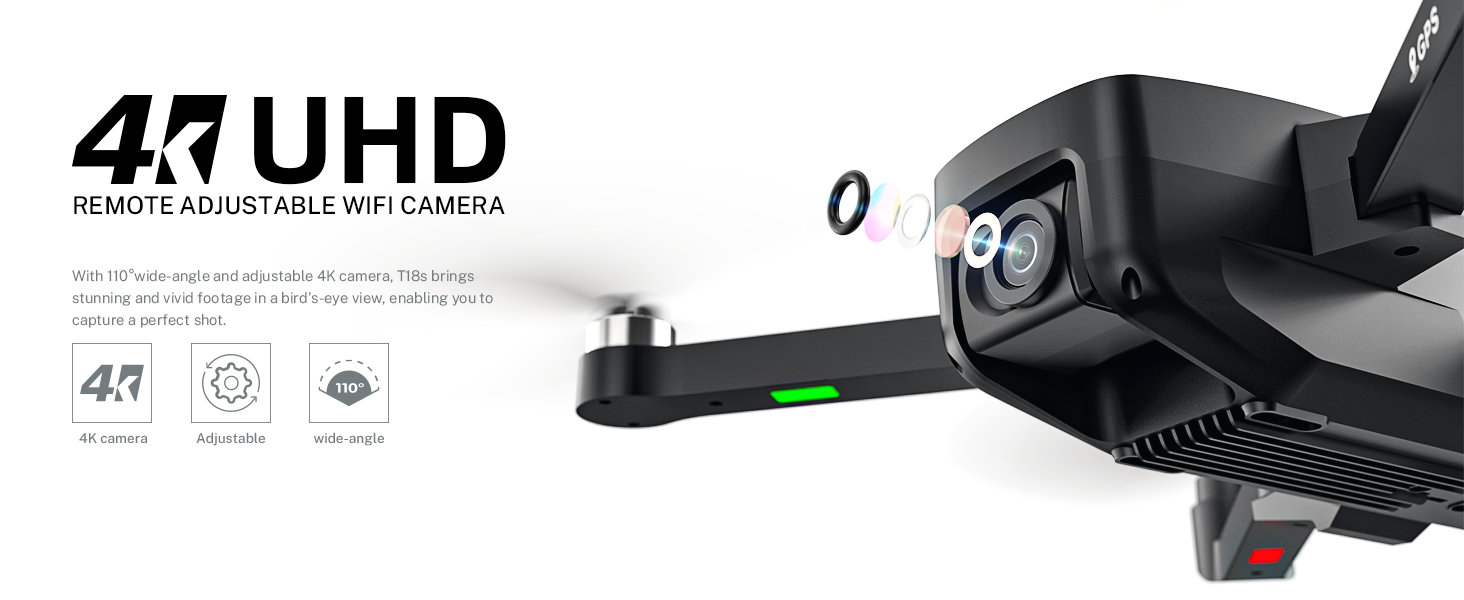
Figure 5: Detail of the 4K UHD Remote Adjustable WiFi Camera.

Figure 6: Optical Flow Positioning for enhanced stability.
- 5G WIFI Transmission: Enjoy smooth, real-time FPV (First Person View) video transmission up to 984 ft (300m) with a control range of up to 1640 ft (500m).

Figure 7: 5GHz WIFI Transmission for extended range.
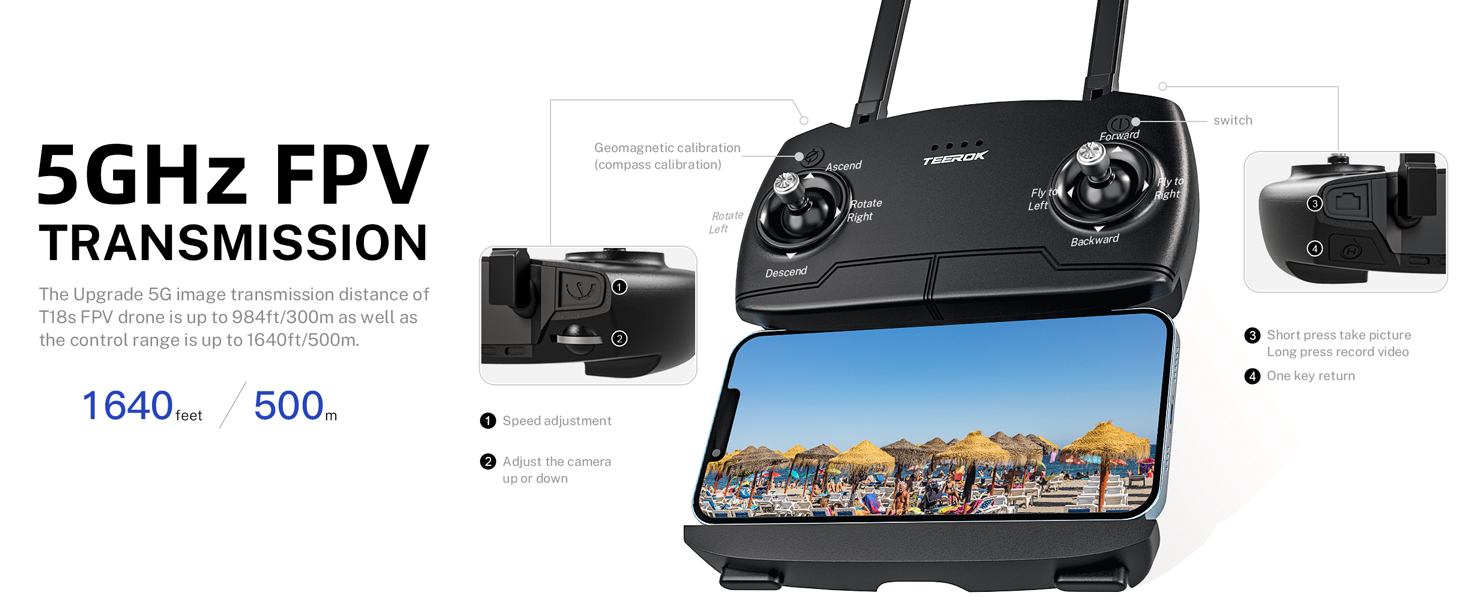
Figure 8: Remote control with FPV view and camera controls.
- GPS Auto Return: The drone automatically returns to its take-off point if the battery is low, signal is lost, or the "One Key Return" button is pressed.

Figure 9: Intelligent GPS Control System for safety.
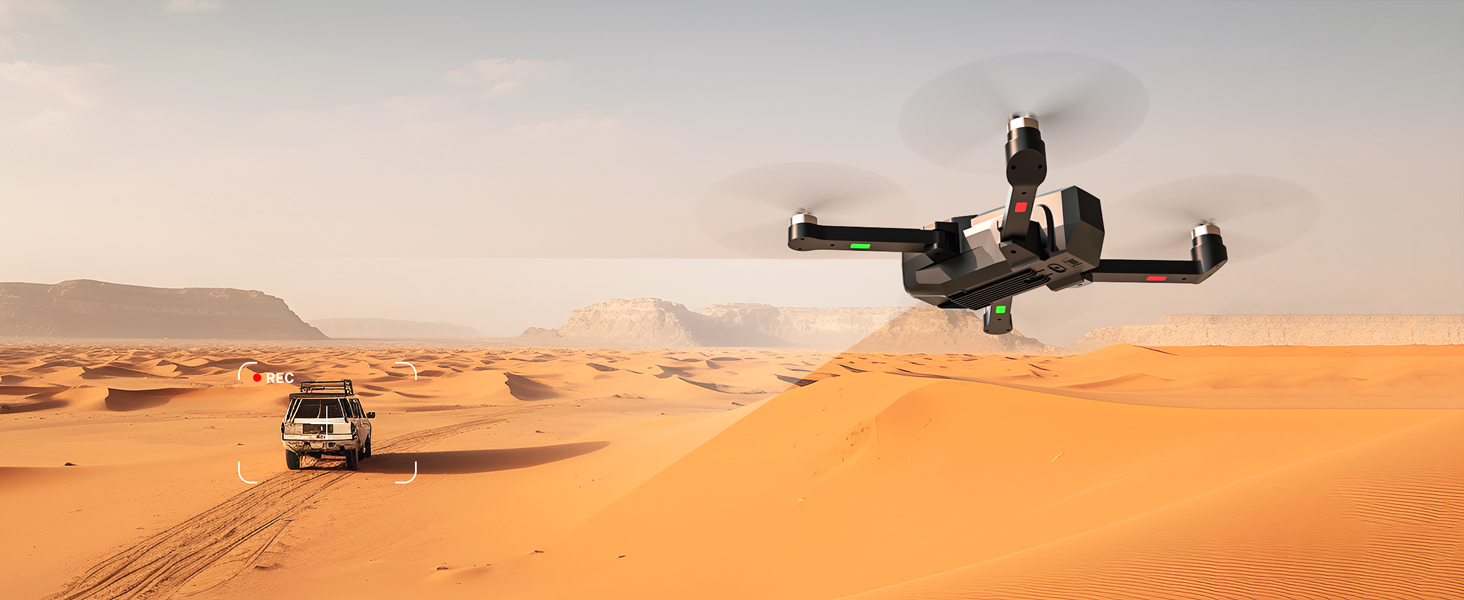
Figure 10: GPS Auto Return System in action.
- High Power Brushless Motor: Provides powerful, quiet flight and excellent wind resistance, contributing to the drone's 50-minute maximum flight time (with two batteries).

Figure 11: High Power Brushless Motor.

Figure 12: Extended endurance with two batteries.
- Follow Me Mode: The drone automatically follows the subject holding the remote control or smartphone, capturing dynamic footage.

Figure 13: Custom Flight Path, Point of Interest, and Follow-Me modes.
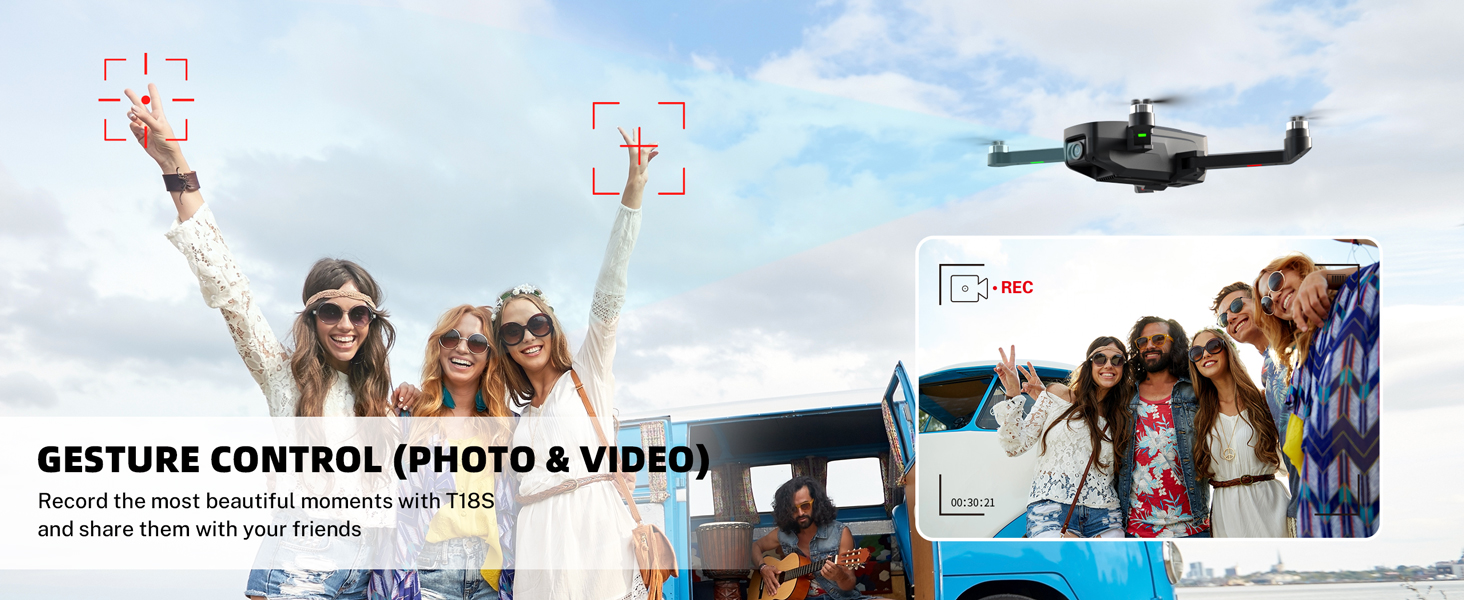
Figure 14: Drone in Follow Me mode.
- Waypoint Flight: Draw a custom flight path on the app, and the drone will automatically follow it.
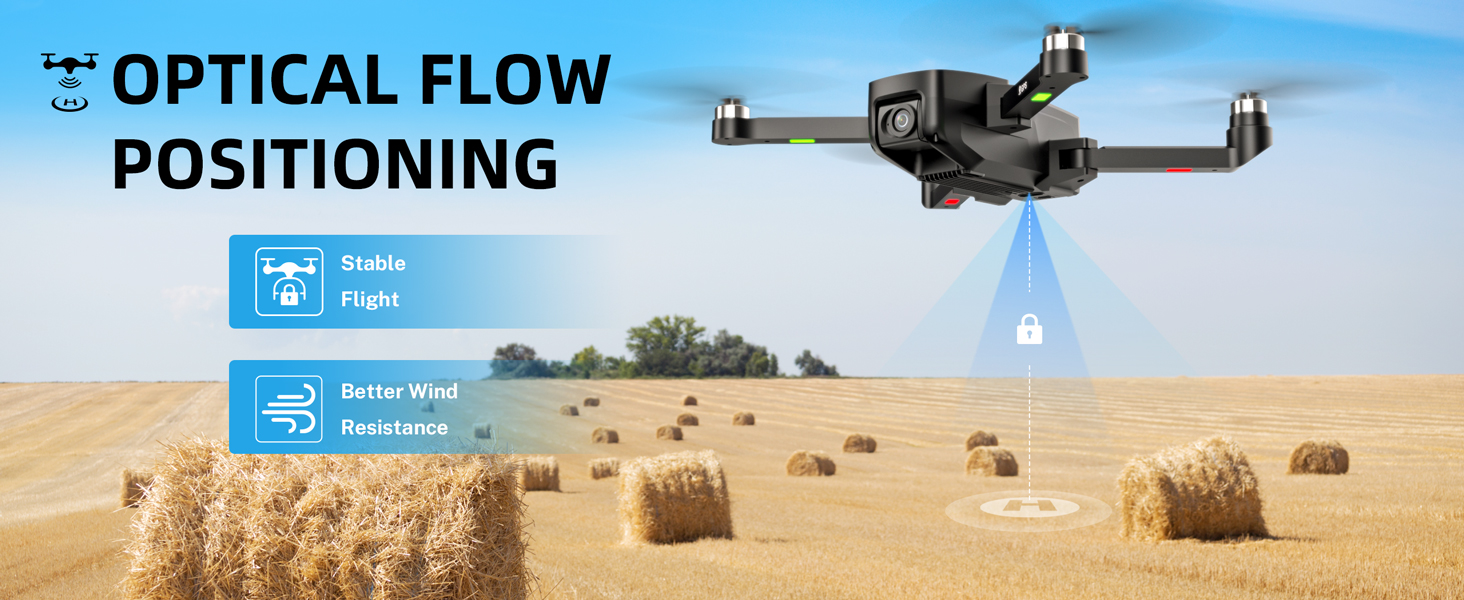
Figure 15: Waypoint Flight path.
- Point of Interest (Wrap-around Mode): Select a point on the map, and the drone will circle around it, capturing a 360-degree view.
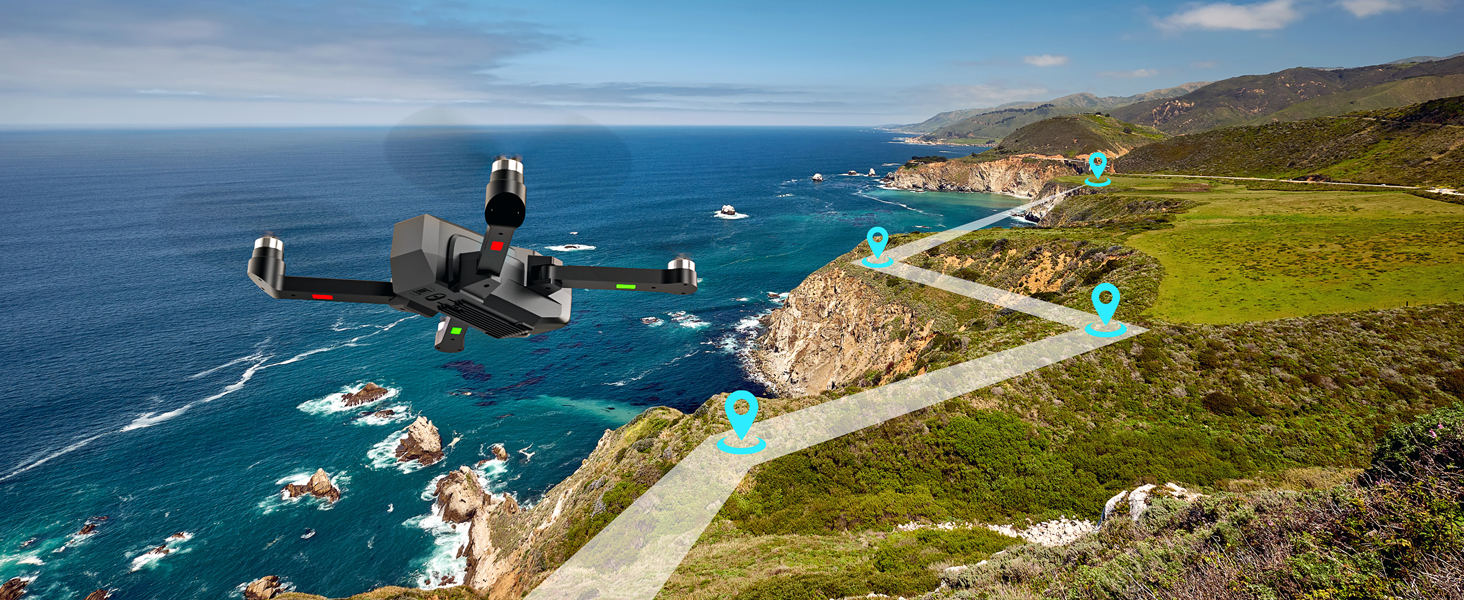
Figure 16: Point of Interest mode.
- Gesture Control: Use specific hand gestures to trigger photo or video recording.
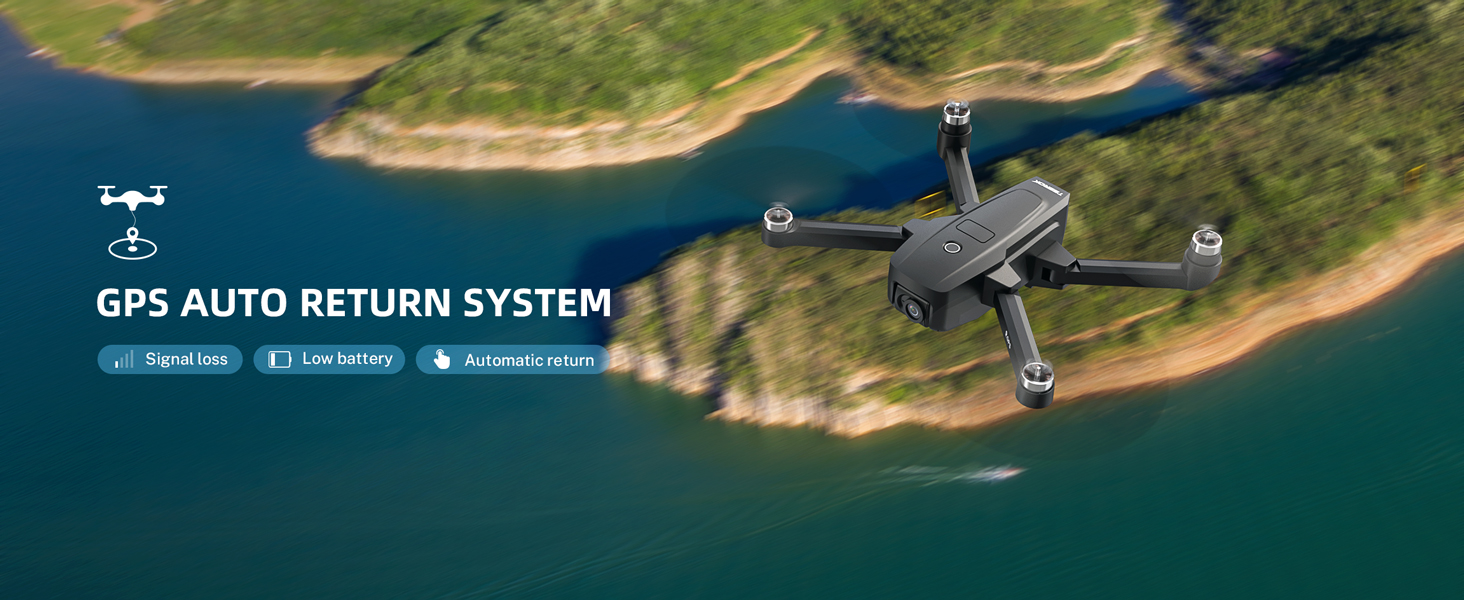
Figure 17: Gesture Control for photos and videos.
Maintenance
Regular maintenance ensures the longevity and optimal performance of your TEEROK T18S drone.
- Propeller Inspection: Regularly check propellers for cracks, bends, or damage. Replace any damaged propellers immediately using the provided extra blades and screwdriver.
- Motor Cleaning: Keep the brushless motors free from dust, dirt, and debris. Use a soft brush or compressed air to clean them.
- Battery Care: Store batteries in a cool, dry place. Do not overcharge or over-discharge. If storing for extended periods, charge them to about 50-60% capacity.
- Drone Body Cleaning: Wipe the drone body with a soft, damp cloth. Avoid using harsh chemicals.
- Camera Lens: Gently clean the camera lens with a microfiber cloth to ensure clear image quality.
Troubleshooting
| Problem | Possible Cause | Solution |
|---|---|---|
| Drone does not power on. | Low or uncharged battery; improperly installed battery. | Ensure battery is fully charged and correctly inserted. |
| Drone drifts during flight. | Improper calibration; strong wind. | Perform geomagnetic and horizontal calibration. Avoid flying in strong winds. |
| No FPV video feed. | Weak Wi-Fi signal; app not connected. | Ensure strong 5G Wi-Fi connection between drone and phone. Reconnect app. |
| GPS signal lost or weak. | Flying indoors or near tall structures; insufficient satellites. | Fly in open outdoor areas. Wait for sufficient satellite lock before take-off. |
| Drone does not respond to remote. | Remote not paired; low remote battery. | Re-pair remote control with drone. Replace remote batteries. |
Specifications
| Feature | Detail |
|---|---|
| Brand | TEEROK |
| Model Name | T18S |
| Special Features | Brushless motor, Integrated GPS, Foldable, 4K UHD camera, optical flow position |
| Color | Black |
| Video Capture Resolution | 4K |
| Effective Still Resolution | 4320 |
| Connectivity Technology | Wi-Fi (5G) |
| Skill Level | All |
| Item Weight | 205 Grams (7.2 ounces) |
| Video Capture Format | MP4 |
| Remote Control Technology | Wifi |
| Control Type | Remote Control |
| Material | Plastic or reinforced nylon |
| Battery Cell Composition | Lithium Polymer |
| Batteries Included | Yes (2 CR5 for remote, LiPo for drone) |
| Product Dimensions | 14.17"L x 17.72"W x 22.83"H |
| Max Flight Time | 50 Mins (with two batteries) |
| Control Range | Up to 1640 ft (500m) |
| FPV Transmission Distance | Up to 984 ft (300m) |
Warranty and Support
TEEROK provides the following warranty coverage for your T18S drone:
- Whole Unit Warranty: 30-day warranty for quality-related issues.
- Accessories Warranty: 100-day warranty for any reason.
For technical support, warranty claims, or any inquiries, please refer to the contact information provided in your product packaging or visit the official TEEROK website.


