
1. Product Overview
The WE-VIBE Wand 2 is a versatile and powerful personal massager designed for clitoral, G-spot, and full-body stimulation. It features a flexible stimulation head, multiple intensity levels, and app control for a customizable experience. The device is cordless, rechargeable, and fully waterproof for convenient use and easy cleaning.

Image: The WE-VIBE Wand 2 personal massager, showcasing its ergonomic design and soft silicone material.
2. What's in the Box
Upon unboxing your WE-VIBE Wand 2, please ensure all components are present:
- WE-VIBE Wand 2 Personal Massager
- USB Charging Cable
- Quick Start Guide
- Compliance & Safety Information Booklet
Video: An unboxing demonstration of the WE-VIBE Wand 2, showing all included items.

Image: The WE-VIBE Wand 2, its packaging, USB charging cable, and instruction manuals.
3. Charging Your Device
The Wand 2 is equipped with a rechargeable lithium-ion battery. Before first use, fully charge the device.
- Locate the charging port on the device.
- Connect the provided USB charging cable to the charging port.
- Plug the USB end of the cable into a standard USB power adapter (not included) or a computer's USB port.
- The indicator light will show charging status (refer to the Quick Start Guide for specific light patterns).
- A full charge typically takes approximately 2-3 hours.
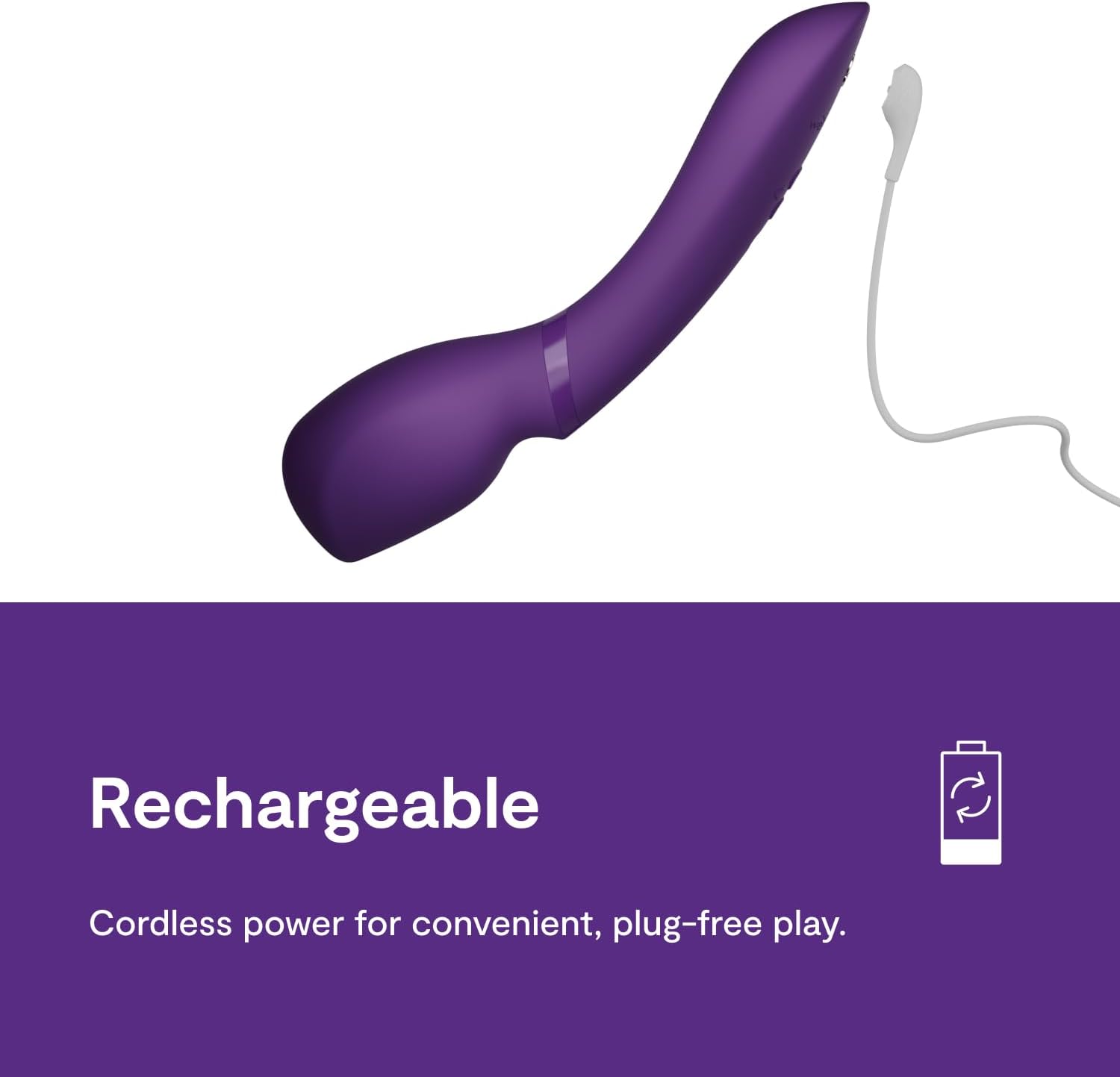
Image: The WE-VIBE Wand 2 connected to its charging cable, emphasizing its cordless and rechargeable design.
4. Basic Operation
The Wand 2 features intuitive controls for easy use.
- Power On/Off: Press and hold the power button (usually marked with a circle or 'on/off' symbol) for 2 seconds to turn the device on or off.
- Adjust Intensity: Use the '+' and '-' buttons to increase or decrease the vibration intensity. The Wand 2 offers 10+ intensity levels.
- Change Vibration Patterns: Press the pattern button (often a wave or mode symbol) to cycle through various vibration patterns.
- Smart Silence: The device may feature 'Smart Silence' which activates vibrations only upon skin contact for discreet use.

Image: A visual guide on how to turn on the Wand 2, adjust intensity, and select vibration patterns.

Image: The 'Smart Silence' feature of the Wand 2, which ensures discreet operation by activating only on skin contact.
5. App Control
Enhance your experience by connecting your Wand 2 to the We-Vibe app, available for smartphones.
- Download the We-Vibe app from your device's app store (we-vibe.com/app).
- Ensure your Wand 2 is charged and powered on.
- Open the We-Vibe app and follow the on-screen instructions to pair your device via Bluetooth.
- Once connected, you can control the Wand 2's intensity and patterns, create custom vibrations, and engage in long-distance play with a partner.
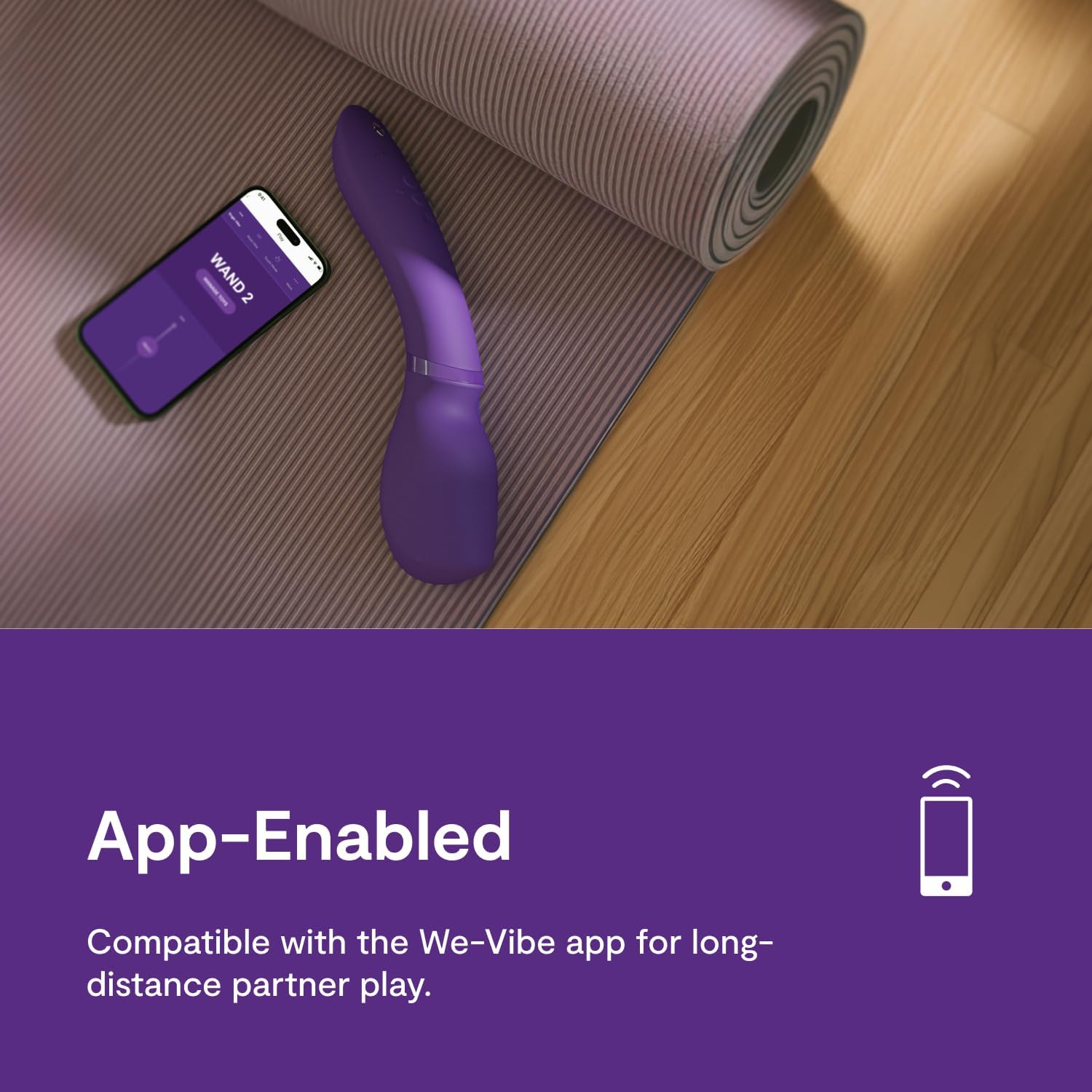
Image: The Wand 2 shown with a smartphone, illustrating its app-enabled functionality for enhanced control.

Image: The Wand 2 with app store icons, highlighting its compatibility with the We-Vibe app for advanced features.
6. Cleaning and Care
Proper cleaning and care will ensure the longevity and hygiene of your Wand 2.
- Cleaning: Clean the Wand 2 thoroughly before and after each use. Wash with warm water and a mild soap or a specialized toy cleaner. Rinse thoroughly.
- Waterproof: The Wand 2 is fully waterproof (IPX7 rated), making it safe for use in the bath or shower and easy to clean under running water.
- Drying: Pat dry with a lint-free cloth or allow to air dry completely before storing.
- Lubricants: Use only water-based lubricants with the Wand 2 to avoid damaging the silicone material.
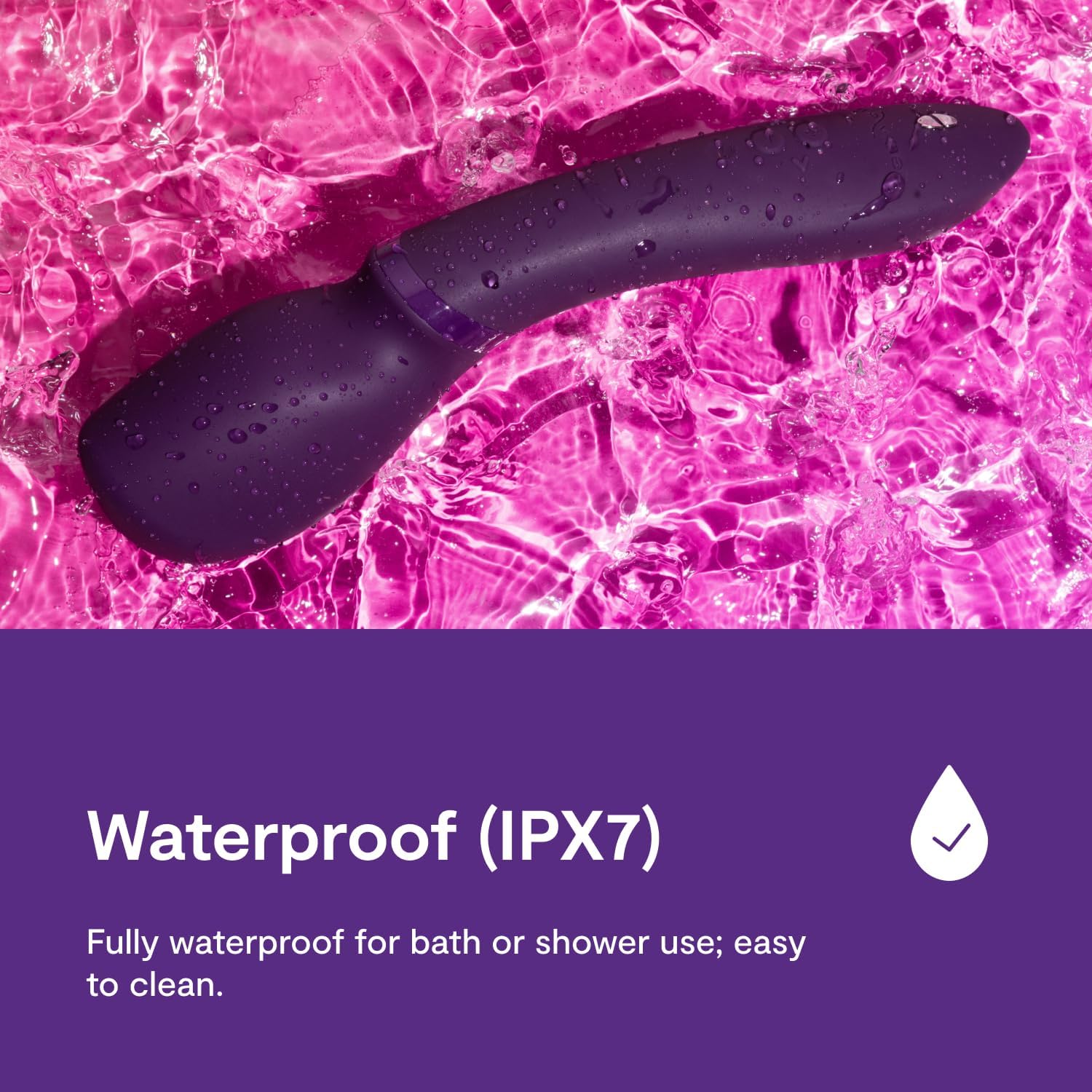
Image: The Wand 2 in water, confirming its waterproof design for easy cleaning and use in wet environments.
7. Storage
Store your Wand 2 in a clean, dry place away from direct sunlight and extreme temperatures. Keep it separate from other toys made of different materials to prevent potential damage or reactions.
8. Safety Information
Please read and understand all safety information before using the WE-VIBE Wand 2.
- This product is intended for adult use only.
- Discontinue use immediately if you experience any discomfort, irritation, or pain.
- Do not use the device if it appears damaged or if the charging cable is frayed.
- Keep out of reach of children.
- Consult a healthcare professional if you have any medical conditions or concerns before use.
- No specific warnings applicable beyond general product safety guidelines.
Legal Disclaimer: Statements regarding dietary supplements have not been evaluated by the FDA and are not intended to diagnose, treat, cure, or prevent any disease or health condition. (Note: This disclaimer is provided as part of the product data and is included for completeness, though its direct relevance to a personal massager may vary.)
9. Troubleshooting
If you encounter issues with your Wand 2, refer to the following common solutions:
| Problem | Possible Solution |
|---|---|
| Device does not turn on. | Ensure the device is fully charged. Press and hold the power button for 2 seconds. |
| Vibrations are weak or inconsistent. | Recharge the device. Ensure it is not in 'Smart Silence' mode if you expect continuous vibration off-body. |
| Cannot connect to the We-Vibe app. | Ensure Bluetooth is enabled on your phone. Make sure the Wand 2 is powered on and within range. Try restarting both the device and the app. Some users report needing to press a specific button combination on older models to enable pairing; refer to the Quick Start Guide for your specific model. |
| Device makes rattling noise. | Some internal components may produce slight sounds during operation, especially at higher intensities. If the rattling is excessive or affects performance, contact customer support. |
10. Specifications
- Model: Wand 2
- Material: Body-safe Silicone
- Color: Purple
- Dimensions: 10.63 x 2.56 x 2.2 inches
- Weight: 13.83 ounces
- Battery: 1 Lithium Ion battery (included)
- Waterproof Rating: IPX7 (submersible up to 1 meter for 30 minutes)
- App Control: Yes, via We-Vibe App
11. Warranty and Support
For warranty information, product registration, or further assistance, please visit the official WE-VIBE website or contact their customer support directly. Details can typically be found in the included Quick Start Guide or on the manufacturer's website.


