
Introduction
Thank you for choosing the CEROBEAR 50W Coffee Cup Warmer Model J101. This device is designed to maintain the temperature of your beverages and can also be used as a smart candle warmer. Please read this manual thoroughly before use to ensure proper operation and safety.
Important Safety Instructions
- Do not immerse the device in water or other liquids.
- Keep out of reach of children.
- Always unplug the device when not in use or before cleaning.
- Do not touch the heating surface when hot. Use caution.
- Ensure the cup used is heat-resistant and has a flat bottom for optimal contact with the heating surface.
- When using as a candle warmer, select a low temperature setting to prevent potential hazards. High temperatures may cause certain candles to overheat or crack.
- Do not place flammable materials near the warmer.
- If the power cord is damaged, it must be replaced by the manufacturer, its service agent, or similarly qualified persons to avoid a hazard.
Package Contents
- CEROBEAR 50W Coffee Cup Warmer (Model J101)
- Power Cord
- Instruction Manual
Product Overview
Familiarize yourself with the components of your CEROBEAR Mug Warmer.
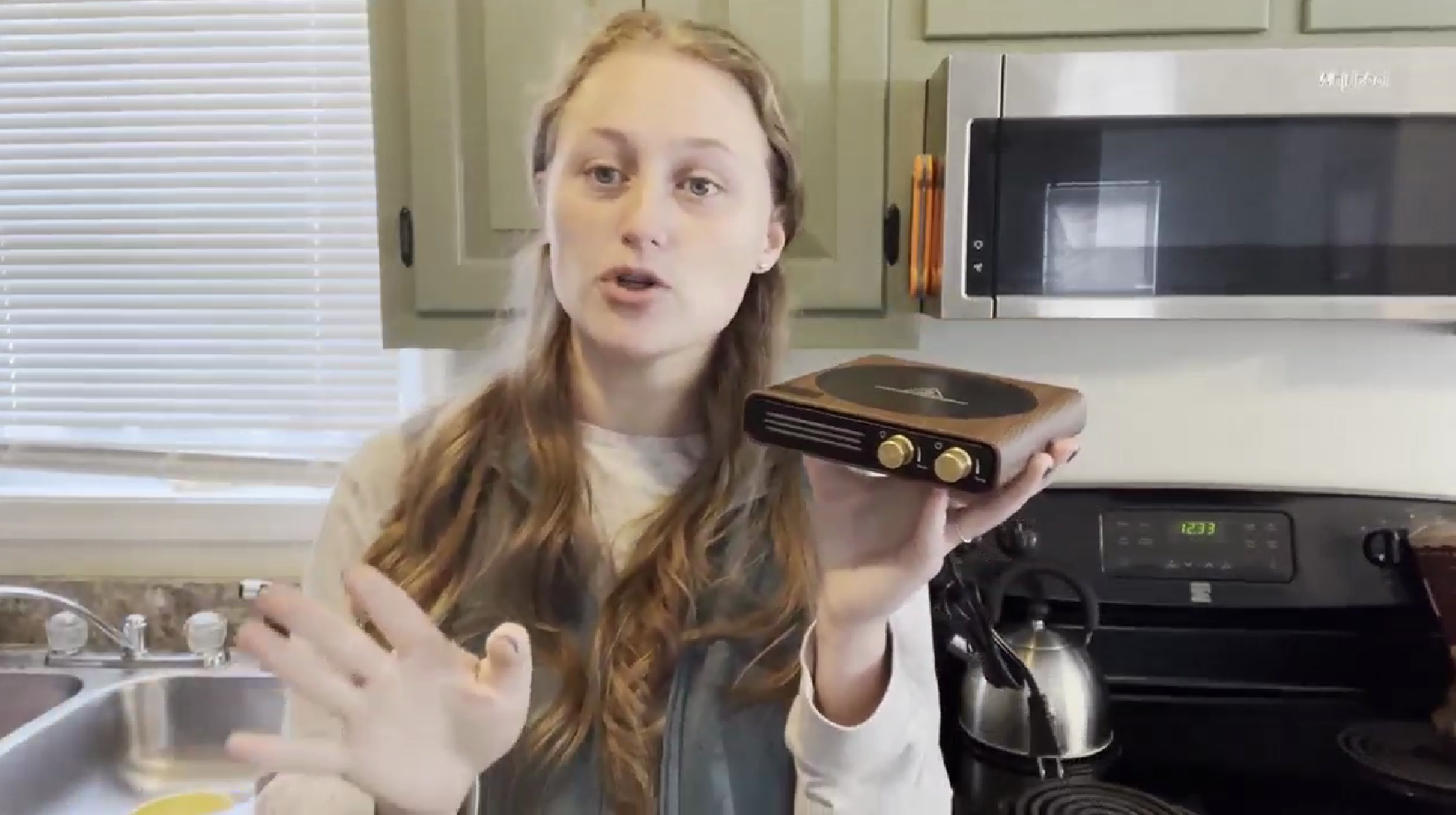
- Heating Surface: Central area for placing cups or candles. Features a 'CAUTION: HOT SURFACE' warning.
- LED Digital Display: Shows current temperature setting and timer.
- Power/Temp Control Knob: Rotates to select temperature settings (100°F to 175°F / 40°C to 80°C). Short press to power on/off. Long press for two seconds to switch between Fahrenheit (°F) and Celsius (°C).
- Timer/Light Control Knob: Rotates to select auto-off time (1 to 9 hours). Short press to turn LED night light on/off.
- LED Night Light: Indicates temperature range (Blue for low, Purple for middle, Red for high).
Setup
- Unpack all components from the box.
- Place the CEROBEAR Mug Warmer on a flat, stable, and heat-resistant surface.
- Plug the power cord into a standard electrical outlet. The LED digital display will briefly illuminate.
Operating Instructions
Power On/Off and Temperature Control
- To Power On: Short press the Power/Temp Control Knob. The device will turn on and display the last used temperature setting.
- To Adjust Temperature: Rotate the Power/Temp Control Knob to select your desired temperature from 100°F (40°C) to 175°F (80°C). There are 9 distinct temperature settings.
- To Switch Temperature Units: Long press the Power/Temp Control Knob for two seconds to toggle between Fahrenheit (°F) and Celsius (°C).
- To Power Off: Short press the Power/Temp Control Knob again.

Timer Function and Auto Shut-Off
- Setting the Timer: Rotate the Timer/Light Control Knob to select an auto-off time ranging from 1 to 9 hours. The selected time will be displayed on the LED screen.
- Default Auto Shut-Off: If no specific timer is set, the device will automatically shut off after 4 hours for safety.
LED Night Light
- Light Control: Short press the Timer/Light Control Knob to turn the LED night light on or off.
- Temperature Indication: The LED night light changes color to indicate the current temperature range:
- Blue Light: Low temperature area (100°F-120°F / 40°C-50°C)
- Purple Light: Middle temperature area (130°F-150°F / 55°C-65°C)
- Red Light: High temperature area (160°F-175°F / 70°C-80°C)

Memory Function
The coffee warmer retains all your settings (temperature and timer) if they are maintained for more than 10 seconds. This means you do not need to reset them for subsequent uses.
Using as a Candle Warmer
The CEROBEAR Mug Warmer can also be used to heat flameless scented candles. When using this function, always select a low temperature setting to avoid potential hazards such as overheating or cracking of the candle container.

Product Demonstration Video
Video 1: Official product demonstration of the CEROBEAR Mug Warmer, showcasing its features and operation.
Maintenance
- Always unplug the device and allow it to cool completely before cleaning.
- Wipe the heating surface and exterior with a soft, damp cloth. Do not use abrasive cleaners or scouring pads.
- Do not submerge the device in water or spray water directly onto it.
- Store the device in a dry place when not in use.
Troubleshooting
| Problem | Possible Cause | Solution |
|---|---|---|
| Device does not turn on. | Not plugged in or power outlet issue. | Ensure the power cord is securely plugged into a working outlet. |
| Beverage is not warming. | Incorrect cup type or insufficient contact with heating surface. | Use a flat-bottomed, heat-resistant cup (ceramic, glass, stainless steel). Ensure the cup is centered on the heating surface. |
| LED night light not working. | Light function is turned off. | Short press the Timer/Light Control Knob to turn the light on. |
| Device automatically shut off. | Timer expired or default auto shut-off activated. | This is a safety feature. Reset the timer or turn the device back on if needed. |
Specifications
| Feature | Detail |
|---|---|
| Brand | CEROBEAR |
| Model Number | J101 |
| Wattage | 50 watts |
| Maximum Temperature | 175°F (80°C) |
| Temperature Settings | 9 settings (100°F to 175°F / 40°C to 80°C) |
| Timer Settings | 1-9 hours |
| Auto Shut-Off | 4 hours (default) |
| Heating Surface Diameter | 4.8 inches |
| Product Dimensions | 5.91 x 6.46 x 1.26 inches |
| Item Weight | 1.12 pounds |
| Material | Acrylonitrile Butadiene Styrene (ABS) |
| Power Source | Corded Electric |
Warranty and Support
For warranty information or technical support, please refer to the contact details provided with your product packaging or visit the official CEROBEAR website.