1. Introduction
This manual provides comprehensive instructions for the ATOTO 12.3" Car Stereo, model S8 PN. This unit is specifically designed for Mercedes-Benz E-Class W212 vehicles manufactured between 2010 and 2013, equipped with the NTG 4.0 system. The ATOTO S8 PN integrates seamlessly into your vehicle, preserving all original functions while offering an enhanced infotainment experience with a large, high-definition display.

2. Compatibility Verification
The ATOTO S8 PN is compatible with Mercedes-Benz E-Class W212 models from 2010-2013 that feature the NTG 4.0 system. Before installation, it is crucial to verify your vehicle's original COMAND NTG version to ensure proper functionality. Refer to the identification guide below.

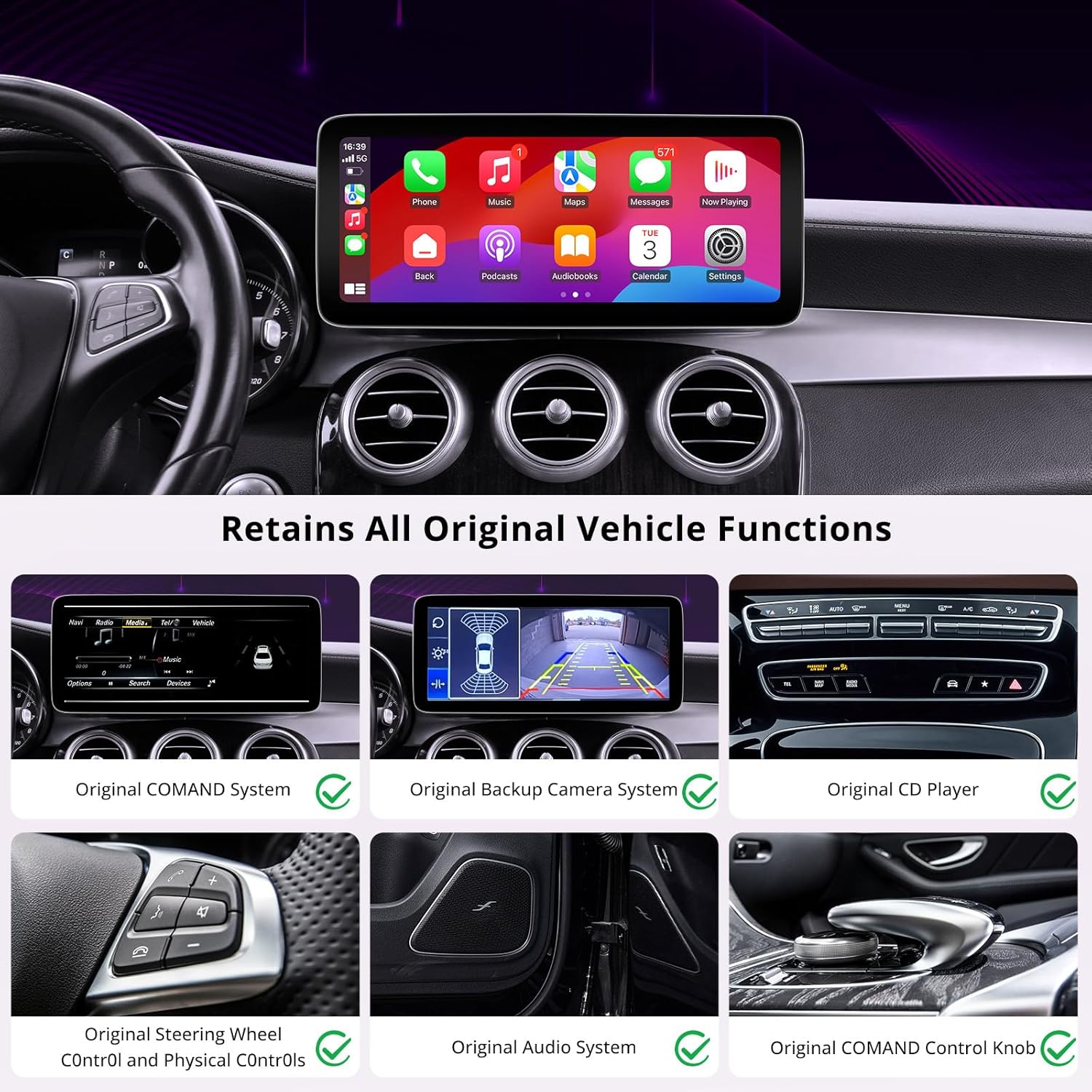
This unit is designed to retain all original vehicle functions, including the COMAND system, backup camera, CD player, steering wheel controls, and audio system.
3. Packing List
Please verify that all items listed below are included in your product package:

- Benz 4.0/4.5 Power Cable Harness
- Mounting Bracket
- CAN Bus Decoder
- Small Speaker
- GPS Antenna
- 4G Antenna
- USB to 4 Pin Cable
- USB to 6 Pin Cable
- RCA Cable
- Rear View Camera Cable
- 9.84FT/3M Lavallier Microphone
- Audio Cable
- AMI Cable
- Online Resources Quick Guide
- Product Care Online Support Information
4. Installation and Setup
Professional installation is recommended. Ensure the vehicle's power is disconnected before beginning installation. Follow the wiring diagram carefully to connect the ATOTO S8 PN to your vehicle's existing system.

4.1 Initial Setup Steps
After physical installation, perform the following software setup:

- Setup Screen Resolution: Tap the settings icon, then navigate to screen resolution settings. Select the appropriate resolution based on your current iDrive system.
- Setup Camera: If your vehicle has a backup camera, tap the settings icon, find 'Local Reverse Switch', and switch to the rearview camera option.
- Setup Sound: Tap the settings icon, then select 'Audio' option to enter the original COMAND system. Select 'Aux' for audio output.
5. Operation and Features
The ATOTO S8 PN offers a high-performance touchscreen experience with a 12.3" HD 1920x720p IPS screen, powered by an efficient 12nm SoC and ARM Cortex Octa-Core processor.
5.1 Switching Between Systems
Easily switch between the Android system and your original COMAND system by tapping the 'NTG Mode' icon on the display.

5.2 Wireless Connectivity
Enjoy seamless wireless connectivity with Wireless CarPlay, Android Auto, and Mirror Link functionalities.

5.3 DriveChat - AI Co-Pilot
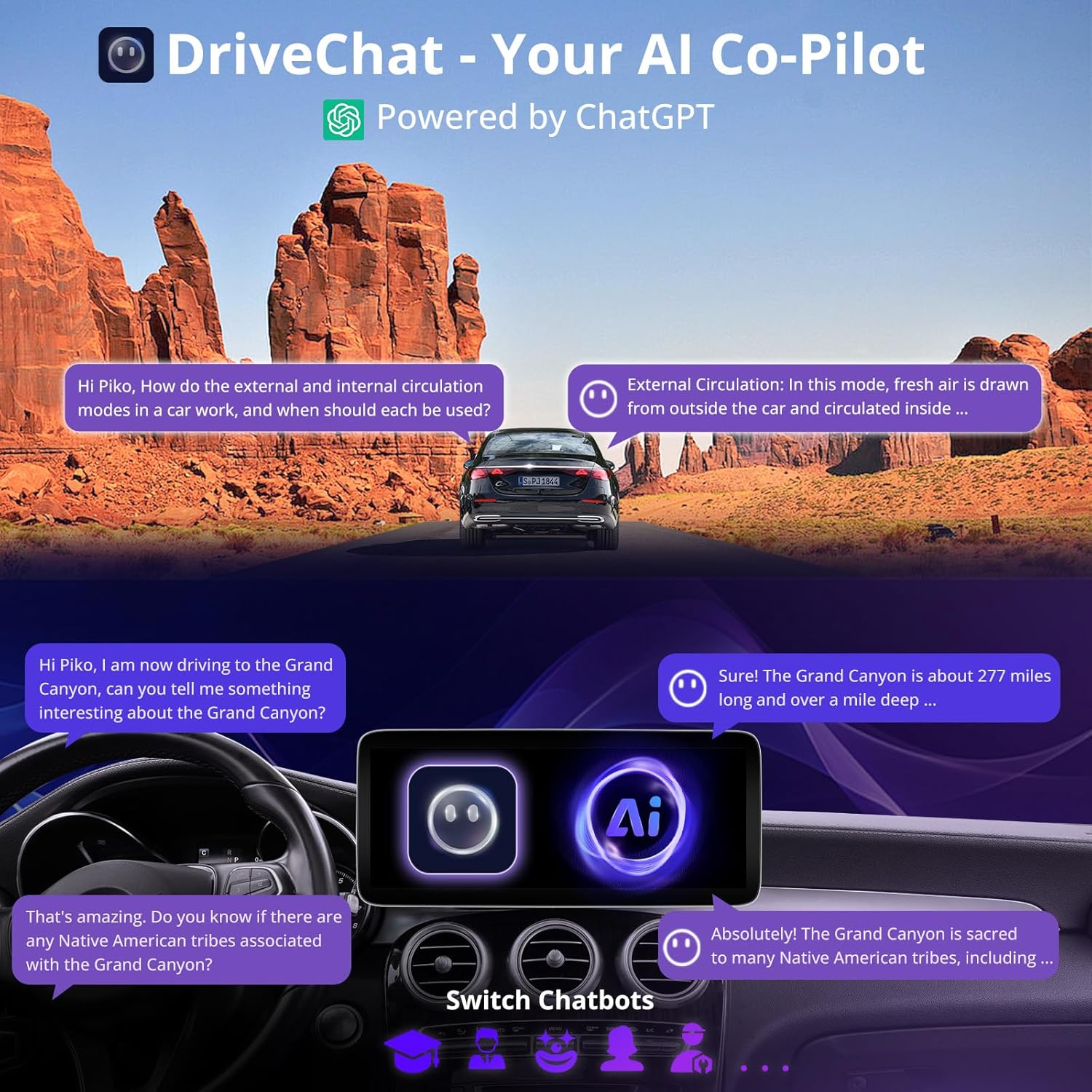
DriveChat is an AI co-pilot feature powered by ChatGPT, designed to assist you with tasks and provide information while driving. Simply ask questions to get assistance without taking your hands off the wheel.
5.4 Internet Options & Dual Bluetooth
The unit supports multiple internet connection options: 4G (via Nano SIM), Wi-Fi, USB tethering, and Bluetooth tethering. It features Dual Bluetooth for enhanced functionality:
- Bluetooth 1 (BT1): Handles calls, audio streaming, and screen lock/unlock based on proximity.
- Bluetooth 2 (BT2): Pairs with third-party Bluetooth devices and can be used for hotspot functionality.


5.5 GPS Tracking (TrackHU)
The TrackHU app provides real-time GPS tracking with a 5-second refresh rate, utilizing OsmAnd's 4-satellite positioning. Features include track playback with speed control, detailed reports, instant online/offline status, and geofence alerts.
5.6 Digital Sound Processor (DSP)
Experience cinematic, immersive audio with DTS functionality. Customize your sound output using the built-in 32-band Equalizer for tailored audio performance.

5.7 Split Screen Multitasking
Manage multiple applications simultaneously using the split-screen feature, allowing you to view navigation and media playback side-by-side.

5.8 Infotainment and Apps
The unit supports enhanced infotainment while retaining the OEM COMAND system. Download and manage applications through FindApps or the Google Play Store.


5.9 Theme Customization
Personalize your display by choosing from multiple themes inspired by various car models. You can switch between styles to match your preference or return to the original theme.
6. Essential Accessories
Enhance your driving experience with compatible ATOTO accessories:

- AC-FCR04W Front View Camera: Provides HD front view imaging to assist in spotting obstacles and navigating tight spaces.
- AC-RCR04W Rear View Camera: Aids in reversing and parking with confidence.
- AC-AHV68 USB to HDMI Video Out Adaptor: Connects to external displays for an immersive viewing experience.
- AC-HBV86 HDMI-to-USB Adapter: Connects HDMI devices like TV boxes or Chromecast.
- AC-UTP1 USB Tire Pressure Monitor: Monitors tire pressure for safety.
- AC-44P2 1080P USB DVR Camera: Records driving footage.
- AC-44F5 Steering Wheel Control Remote: Provides convenient control over stereo functions.
- CA-AEC03/CA-AEC122D Amplifiers: For enhanced audio output.


7. Maintenance
To ensure the longevity and optimal performance of your ATOTO S8 PN car stereo, follow these general maintenance guidelines:
- Cleaning: Use a soft, dry cloth to clean the screen and unit surface. Avoid abrasive cleaners or solvents.
- Software Updates: Regularly check for firmware updates to ensure the system runs smoothly and has the latest features. Updates are typically available via OTA (Over-The-Air) through FindApps.
- Environmental Conditions: Avoid exposing the unit to extreme temperatures, direct sunlight for prolonged periods, or excessive moisture.
- Cable Connections: Periodically check all cable connections to ensure they are secure and free from damage.
8. Troubleshooting
This section addresses common issues you might encounter with your ATOTO S8 PN car stereo.
| Problem | Possible Cause | Solution |
|---|---|---|
| No audio output from the unit. | Incorrect audio source selected; wiring issue; volume too low. | Ensure 'Aux' is selected as the audio output in the sound settings (refer to Section 4.1). Check all audio cable connections. Increase volume. |
| Original factory buttons/controls do not work. | CAN Bus decoder not correctly connected or configured. | Verify the CAN Bus decoder is properly installed and connected according to the wiring diagram (Figure 4.1). Ensure the unit is in the correct mode (NTG mode for original functions). |
| Unit does not power on. | Power cable not connected; blown fuse; vehicle battery low. | Check power cable connections. Inspect vehicle fuses. Ensure vehicle battery has sufficient charge. |
| Wireless CarPlay/Android Auto not connecting. | Bluetooth/Wi-Fi not enabled; phone compatibility issue; interference. | Ensure Bluetooth and Wi-Fi are enabled on both the unit and your smartphone. Restart both devices. Check phone compatibility with CarPlay/Android Auto. |
If you encounter issues not listed here, please refer to the online manual or contact customer support.
9. Specifications
| Feature | Detail |
|---|---|
| Model Number | S8 PN |
| Screen Size | 12.3 inches |
| Display Resolution | 1920x720p IPS |
| Processor | 12nm SoC, ARM Cortex Octa-Core |
| Memory (RAM) | 4GB |
| Storage (ROM) | 64GB |
| Connectivity Technology | Wireless, Bluetooth, Auxiliary, 4G LTE, Wi-Fi |
| Controller Type | Android |
| Special Features | Android Auto, Apple CarPlay, Screen Mirroring, Built-In Bluetooth, Built-In Wi-Fi, GPS Navigation, Hands-Free Calling, Digital Display Screen, Touchscreen, DSP, Multi Color Illumination, Keep Original System, AI DriveChat, 4G LTE, Dual Bluetooth, Voice Control, Volume Control |
| Compatible Devices | Smartphone |
| Connector Type | 3.5mm Jack |
| Audio Output Mode | Stereo |
| Surround Sound Channel Configuration | 5.1 |
| Video Encoding | H.264, H.265/HEVC |
| Number of Channels | 2 |
| Item Weight | 5.79 pounds |
| Package Dimensions | 14.88 x 9.57 x 7.13 inches |
10. Warranty and Support
ATOTO is committed to providing excellent customer service and product support.
10.1 Product Care and Warranty
Your ATOTO S8 PN includes 12 months of product care from the date of purchase. You can extend this by an additional 6 months by registering your product. Details for registration are provided in the product packaging.
10.2 Online Manual and Firmware Updates
An online manual is available for detailed information and support in various languages. ATOTO regularly releases firmware updates to improve system performance and add new features. These updates are typically available via OTA (Over-The-Air) through the FindApps application.
10.3 Customer Support
Our customer care team is available to assist you with any questions or issues. Contact information can be found in the product box. You can also seek help via your order center, eproductcase, or by emailing support@atotoglobal.com.
