
1. Overview
This manual provides instructions for the installation, setup, operation, and maintenance of your Yoolax Motorized Light Filtering Roller Shades. These shades are designed for convenience and privacy, featuring app control and a cordless design.
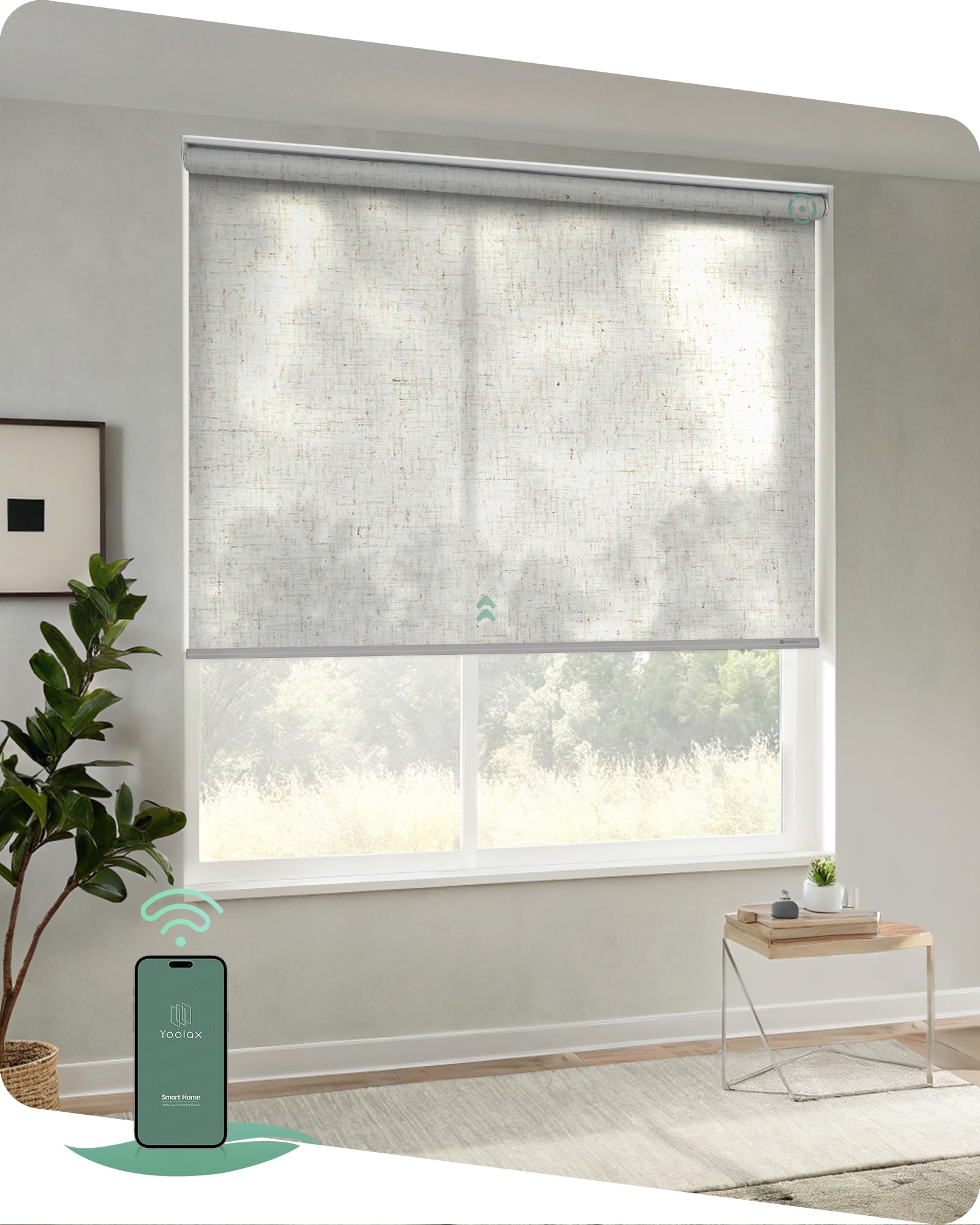
Image: Yoolax Motorized Light Filtering Roller Shade in Linen Beige.
2. What's in the Box
Verify that all components are present before beginning installation:
- Motorized Roller Shade
- Motor (integrated)
- Accessories for installation (brackets, screws, anchors)
- Standard charging cable (USB)
- Instruction book (this manual)

Image: Diagram showing the contents of the product package, including the blind, accessories, manual, and charging cable.
3. Product Features
- Material: 100% Polyester fabric.
- Opacity: Light filtering, designed to soften sunlight while maintaining privacy.
- Cordless Design: Enhances safety and provides a clean aesthetic.
- Rechargeable Battery Motor: Built-in Bluetooth motor operates quietly (under 45dB). A full charge provides 4-6 months of use (approximately 600 operations).
- App Control: Direct control via the Yoolax Home App for percentage control, setting limit and favorite positions, and checking battery status.
- Smart Home Integration (Optional): For integration with Alexa, Google Assistant, timing control, sunset/sunrise control, location control, and offsite control, a Bluetooth Hub (sold separately) is required.
- Fabric Benefits: Provides thermal insulation, 50% blackout effect, and UV protection.

Image: Overview of key product features including app control and cordless design.

Image: Details of the fabric and accessories, highlighting thermal insulation, 50% blackout, and UV protection.
4. How to Measure
Accurate measurements are crucial for proper fit and function. Please follow these guidelines carefully:
4.1. Inside Mount
- Window Frame Depth: Must be at least 2.4 inches deep.
- Shade Width: Should be 0 to 0.1 inches narrower than the window width. Take the minimum value as the order width.
- Shade Height: Should be less than or equal to 72 inches.
- Note: Motorized shades will have small light gaps on both sides with an inside mount. For full blackout, an outside mount is recommended.
4.2. Outside Mount
- Shade Width: Should be 3 to 6 inches wider than the window frame for better coverage.
- Shade Height: Should be less than or equal to 72 inches.

Image: Visual guide for measuring window dimensions for both inside and outside mount installations.
5. Installation
Follow these steps for installing your Yoolax Motorized Roller Shades.
5.1. Inside Mount Installation
- Mark the drilling points: Measure 5 inches from each end of the window frame and mark the spots for the brackets. Ensure the marks are level.
- Drill holes and install brackets: Drill pilot holes at the marked points. Insert wall anchors if necessary, then secure the brackets with screws.
- Attach the blind: Slide the headrail of the blind into the installed brackets until it clicks securely into place.
- Remove protective film: Carefully remove any protective film from the bottom rod.

Image: Step-by-step diagram for installing the motorized blinds using an inside mount.
5.2. Outside Mount Installation
- Mark the drilling points: Measure 5 inches from each end of the desired mounting area above the window frame and mark the spots for the brackets. Ensure the marks are level.
- Drill holes and install brackets: Drill pilot holes at the marked points. Insert wall anchors if necessary, then secure the brackets with screws.
- Choose roll type: Decide between standard roll (fabric rolls off the back, closer to the window) or reverse roll (fabric rolls off the front, away from the window).
- Attach the blind: Hook the headrail of the blind onto the installed brackets and push up until it locks securely.

Image: Step-by-step diagram for installing the motorized blinds using an outside mount, including options for roll direction.
6. Setup
6.1. Charging the Motor
The motor has a built-in rechargeable battery. Before first use, or when the battery is low, charge the motor using the provided USB charging cable. A full charge takes approximately 6 hours and provides 4-6 months of operation.
Charging options include:
- Standard USB Charger
- Power Bank Charger
- Optional Solar Panel Charger (sold separately for eco-friendly charging)

Image: Diagram illustrating the Bluetooth motor and various charging methods.
6.2. App Control Setup (Yoolax Home App)
Download the Yoolax Home App from your device's app store. Follow the in-app instructions to pair your motorized blinds. The app allows you to:
- Control the shade's open/close percentage.
- Set custom upper and lower limits.
- Save favorite positions.
- Check the motor's battery status.
For advanced features like timing control, sunrise/sunset control, location-based control, offsite control, or voice control with Alexa/Google Assistant, a Yoolax Bluetooth Smart Hub is required (sold separately).

Image: Illustration of the Yoolax Home App interface controlling the blinds at different times.

Image: The Yoolax Home App interface demonstrating advanced features with a Bluetooth Smart Hub.
7. Operating Instructions
7.1. Using the Yoolax Home App
Once paired, open the Yoolax Home App on your smartphone or tablet. You can manually adjust the blinds to any desired position by sliding the control bar or selecting a preset favorite position. The app also displays the current battery level of the motor.
7.2. Using the Remote Control (Optional)
If you have purchased a Yoolax remote control (not included with this model), refer to its specific instructions for pairing and operation. Typical remote functions include:
- Open: Fully raises the blind.
- Close: Fully lowers the blind.
- Stop: Halts the blind at its current position.
- Slight Open/Close: Fine-tunes the blind's position.
- Favorite Position: Moves the blind to a pre-programmed favorite height.
- Channel Selection: Allows control of individual blinds or groups of blinds (up to 16 blinds on '00' channel).

Image: Diagram of the Yoolax remote control, showing buttons for open, close, stop, slight adjustments, favorite position, and channel selection.
8. Maintenance
To maintain the appearance and functionality of your Yoolax Motorized Roller Shades, follow these simple care instructions:
- Cleaning: Spot clean only. Use a soft, damp cloth with mild soap and water to gently clean any soiled areas. Avoid harsh chemicals or abrasive cleaners.
- Dusting: Regularly dust the shades with a soft brush or vacuum with a brush attachment to prevent dust buildup.
- Battery: Ensure the motor battery is charged regularly to prevent complete discharge, which can shorten battery life.
9. Troubleshooting
If you encounter any issues with your Yoolax Motorized Roller Shades, consider the following:
- Shade not responding: Check the motor's battery level in the Yoolax Home App. Recharge if necessary. Ensure the blind is within Bluetooth range of your device or the Bluetooth Hub.
- App connectivity issues: Ensure your device's Bluetooth is enabled. Try restarting the app or your device.
- Remote control not working: Check the remote's battery. Ensure the remote is paired correctly with the blind.
- Inconsistent movement: Recalibrate the upper and lower limits using the Yoolax Home App.
For further assistance, refer to the Yoolax Home App's help section or contact Yoolax customer support.
10. Specifications
| Feature | Detail |
|---|---|
| Brand | Yoolax |
| Model Number | GR-09 |
| Product Dimensions | 30" W x 72" H (72"L x 30"W) |
| Material | Polyester |
| Color | Light Filtering Linen Beige |
| Opacity | Light Filtering |
| Operation Mode | Automatic (Motorized) |
| Special Features | Cordless, Light Filtering, UV Protection, Window Treatments |
| Mounting Type | Inside Mount, Outside Mount |
| Item Weight | 5.04 pounds |
| Manufacturer | Changzhou TM Innovation Technology Co.,Ltd. |
11. Warranty and Support
Yoolax is committed to providing quality products and support.
- Motor Warranty: A free 3-year motor warranty is provided.
- Damaged Components: If any components arrive damaged, please send photos within 30 days of receipt for a free replacement.
- Technical Assistance: Long-term technical assistance is available.
For any inquiries or support, please contact Yoolax customer service.


