
Introduction
Welcome to your BoxWave DualTip Capacitive Stylus. This manual provides essential information for using and maintaining your stylus, designed for optimal performance with capacitive touchscreens, including the Odroid VU8S MIPI LCD (8 in).
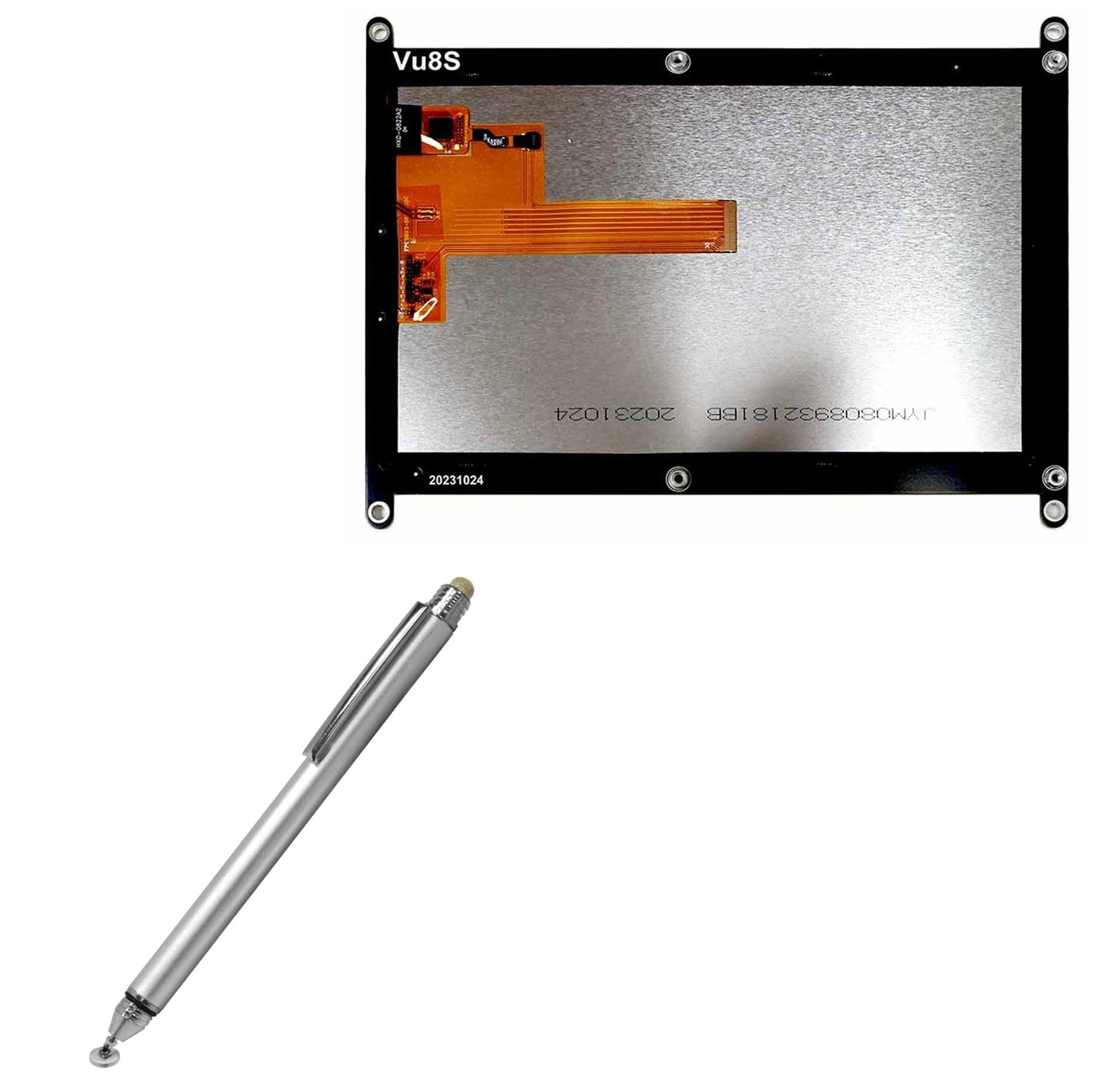
BoxWave DualTip Capacitive Stylus in Metallic Silver.
Product Features
The BoxWave DualTip Capacitive Stylus offers versatility with two distinct tips:
- FiberMesh Soft Tip: A tightly woven conductive fabric mesh providing a soft, cushioned feel and pressure-sensitive feedback for smooth navigation and drawing.
- FineTouch Clear Disc Tip: An innovative clear disc tip that enhances vision and provides pinpoint accuracy, allowing you to see the exact contact point on your screen.
The stylus features a durable metallic aluminum body and a built-in metal clip for easy portability.

Close-up view of the FiberMesh and FineTouch tips of the BoxWave DualTip Capacitive Stylus.
Setup
The BoxWave DualTip Capacitive Stylus requires no pairing, batteries, or software installation. It is ready for immediate use with any capacitive touchscreen device.
- Remove the stylus from its packaging.
- Select the desired tip (FiberMesh or FineTouch) for your task.
- Begin interacting with your device's screen.

A hand using the BoxWave DualTip Capacitive Stylus on a tablet screen, demonstrating natural interaction.
Operating Instructions
The stylus is designed for natural and comfortable use, simulating the touch of your finger with enhanced precision.
Using the FiberMesh Tip
The FiberMesh tip is ideal for general navigation, swiping, and tasks requiring a softer touch. Its pressure-sensitive feedback provides a smooth and responsive experience.
Using the FineTouch Clear Disc Tip
For detailed tasks such as writing, drawing, or precise tapping, use the FineTouch clear disc tip. The transparent disc allows you to see exactly where the stylus is making contact, ensuring accuracy.
General Usage Tips
- Both tips function effectively from any angle.
- The stylus can be used even when wearing gloves, making it suitable for various environments.
- Use the built-in metal clip to secure the stylus to clothing or a case for easy access.

A user holding the BoxWave DualTip Capacitive Stylus and interacting with a tablet, showcasing its ergonomic design.
Maintenance
To ensure the longevity and performance of your stylus:
- Tip Protection: Always use the threaded cap to cover the FineTouch clear disc tip when not in use. This protects the delicate disc from damage and keeps it clean.
- Cleaning: Gently wipe the stylus body and tips with a soft, dry cloth to remove dust or smudges. Avoid using harsh chemicals or abrasive materials.
- Storage: Store the stylus in a safe place where it will not be subjected to excessive force or extreme temperatures.

Close-up view of the threaded cap being used to protect the FineTouch clear disc tip of the stylus.
Troubleshooting
The BoxWave DualTip Capacitive Stylus is a passive device and typically does not require extensive troubleshooting. If you experience issues with responsiveness, consider the following:
- Screen Cleanliness: Ensure your device's screen is clean and free of smudges or debris, which can interfere with touch input.
- Tip Condition: Inspect both stylus tips for any visible damage or wear. If a tip appears damaged, contact support for assistance.
- Device Compatibility: Confirm your device has a capacitive touchscreen. This stylus is not compatible with resistive touchscreens.
If problems persist, refer to the Support section for further assistance.
Specifications
| Feature | Detail |
|---|---|
| Model | DualTip Capacitive Stylus |
| Brand | BoxWave |
| Item Weight | 1.3 ounces |
| ASIN | B0DHLJTP1Q |
| Compatibility | Odroid VU8S MIPI LCD (8 in) and other capacitive touchscreens |
| Tip Types | FiberMesh, FineTouch Clear Disc |
| Material | Metallic Aluminum Body |
Warranty Information
Specific warranty details for the BoxWave DualTip Capacitive Stylus are not provided in this manual. Please refer to the product packaging or the official BoxWave website for the most current warranty information.
For warranty claims or service, retain your proof of purchase and contact BoxWave customer support.
Support
For technical assistance or inquiries regarding your BoxWave DualTip Capacitive Stylus, please contact BoxWave Corporation.
Limited third-party technical support for your device (up to 3 inquiries via messaging) is included. Please note that BoxWave is not affiliated with or endorsed by Odroid.
For more information, visit the official BoxWave website or contact their customer service.