
INNOVAR B0DHG8YG22
INNOVAR L Shaped Glass Standing Desk User Manual
Model: B0DHG8YG22
Introduction
Thank you for choosing the INNOVAR L Shaped Glass Standing Desk. This manual provides detailed instructions for assembly, operation, maintenance, and troubleshooting to ensure optimal performance and longevity of your desk. This electric height-adjustable desk features a durable glass desktop, dual motors for smooth height transitions, and integrated storage solutions, designed to enhance your workspace comfort and productivity.

Image: The INNOVAR L Shaped Glass Standing Desk, showcasing its design and functionality in a typical office setup.
Important Safety Information
Please read all safety warnings and instructions carefully before assembly and use. Failure to follow these instructions may result in injury or damage to the product.
- Always ensure the desk is properly anchored to the floor to prevent tipping.
- Exercise caution when adjusting the desk height to avoid pinching or injury. Keep hands and objects clear of moving parts.
- Handle the glass top with care to prevent breakage. Avoid dropping heavy objects onto the glass surface.
- Do not place heavy objects on the edges of the desktop, as this may stress the glass and lead to damage.
- Ensure all cables are properly managed and secured to prevent entanglement during height adjustments.
- Do not exceed the maximum weight recommendation of 220 lbs (100 kg).
Setup and Assembly
Your INNOVAR L Shaped Glass Standing Desk is delivered in two separate boxes: one for the desktop and one for the frame and hardware. Assembly typically requires two people. Follow the included step-by-step instructions for proper setup.
Key Assembly Considerations:
- Two-Person Assembly: For safety and ease, it is recommended that two people assemble the desk.
- Orientation: The L-shaped design allows for flexible assembly with the long side on either the left or right, adapting to your space. Decide your preferred orientation before starting assembly.
- Component Identification: Keep all packaging and labels until assembly is complete to easily identify parts.

Image: The INNOVAR L Shaped Glass Standing Desk integrated into a home office environment.

Image: Visual guide illustrating the flexible L-shaped configuration, allowing the long side to be assembled on either the right or left.
Operating Instructions
Height Adjustment
The desk features a dual-motor electric lifting system for quiet and smooth height adjustments. The height range is from 28.3 inches to 46.5 inches.
- Up/Down Buttons: Use the Up and Down arrow buttons on the control panel to manually adjust the desk to your desired height.
- Memory Presets: The control panel includes four programmable memory presets (1, 2, 3, 4). To save a height, adjust the desk to the desired position, then press and hold a numbered button until the display flashes or beeps. To recall a saved height, simply press the corresponding numbered button.
- LED Display: The integrated LED display shows the current desk height in inches.

Image: The multi-function keypad for height adjustment and memory presets, alongside the wireless charging area.

Image: The desk demonstrating its wide height range, from 28.3 inches to 46.5 inches.
Wireless Charging
The desk features an integrated wireless charging pad. Simply place your compatible device on the designated charging area on the desktop to initiate charging.
Writable Glass Desktop
The elegant glass desktop can be used as a dry-erase board. Write or doodle directly on the surface with dry-erase markers and easily wipe clean with a soft cloth.
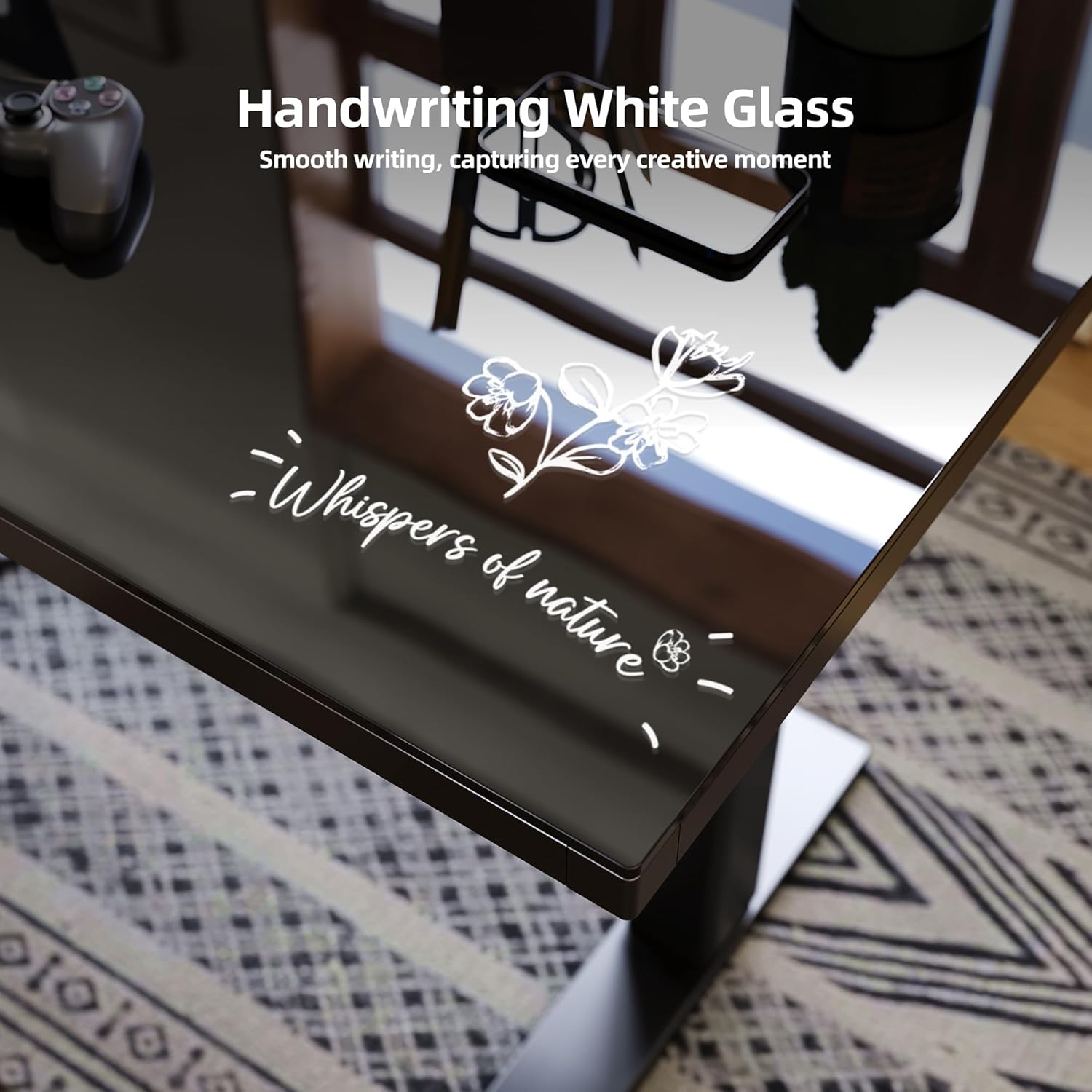
Image: The smooth glass surface, suitable for writing with dry-erase markers.
Storage and Organization
The desk is equipped with features to help keep your workspace tidy:
- Dual-Zone Drawers: Two integrated drawers provide convenient storage for office supplies, divided into multiple zones for organization.
- Hooks: Two hooks are included for hanging headphones, bags, or other accessories.
- Cable Management: Utilize the built-in cable management features to route and conceal power cords and data cables, maintaining a clean aesthetic.
- Mobility Options: The desk comes with both adjustable feet for stability and lockable swivel casters for easy mobility. Choose the option that best suits your needs during assembly.

Image: Close-up of the practical dual-zone drawer, two accessory hooks, and options for adjustable feet or lockable swivel casters.
Maintenance
Regular maintenance will help preserve the appearance and functionality of your desk.
- Glass Surface: Clean the glass desktop with a soft, damp cloth and a mild glass cleaner. Avoid abrasive cleaners or scouring pads that could scratch the surface. For dry-erase marks, use a dry-erase board cleaner or a soft, dry cloth.
- Frame: Wipe the alloy steel frame with a soft, damp cloth. Avoid harsh chemicals.
- Moving Parts: Periodically check all screws and bolts to ensure they are tight. Do not over-tighten.
- Electrical Components: Keep the control panel and motor components dry. If any electrical issues arise, contact customer support.
Troubleshooting
| Problem | Possible Cause | Solution |
|---|---|---|
| Desk does not move or respond to controls. | Power cable disconnected, motor overload, or control panel issue. | Check power connections. Unplug and replug the desk. Wait 20 minutes for motors to cool if continuously operated. Perform a reset if available (refer to specific control panel instructions). |
| Uneven height adjustment. | Obstruction, uneven weight distribution, or motor synchronization issue. | Clear any obstructions. Redistribute weight evenly on the desktop. Perform a reset procedure to re-synchronize motors. |
| Desk makes unusual noises during operation. | Loose components or motor issue. | Check all assembly bolts and screws for tightness. Ensure no cables are rubbing against moving parts. If noise persists, contact customer support. |
| Wireless charger not working. | Device incompatibility, improper placement, or power issue. | Ensure your device supports Qi wireless charging. Place the device centrally on the charging pad. Check if the desk is powered on. |
| Weight capacity discrepancy. | Misinformation in documentation or product variation. | The official maximum weight recommendation for this model is 220 lbs (100 kg). Always adhere to this limit to prevent damage and ensure safety. If your documentation states a lower limit, please follow the 220 lbs specification as per product listing. |
Product Specifications
| Feature | Detail |
|---|---|
| Brand | INNOVAR |
| Model | B0DHG8YG22 |
| Product Dimensions (D x W x H) | 24"D x 63"W x 36.8"H (overall, static) |
| Color | Black |
| Style | Modern, L-Shape |
| Base Material | Alloy Steel |
| Top Material Type | Glass |
| Special Feature | Adjustable Height, Wireless Charging, Writable Glass |
| Minimum Height | 28.3 Inches |
| Maximum Height | 46.5 Inches |
| Number of Height Positions | 4 (Memory Presets) |
| Lifting Mechanism | Dual Electric Motor |
| Maximum Weight Recommendation | 220 Pounds (100 kg) |
| Storage Options | 2 Drawers (divided into 2 zones each), 2 Hooks |
| Required Assembly | Yes (Recommended 2 people) |
| Tools Recommended For Assembly | Screw Driver (not included) |
| Warranty Type | Limited |
Warranty and Support
The INNOVAR L Shaped Glass Standing Desk comes with a limited warranty. For specific warranty details, claims, or technical support, please refer to the warranty card included with your product or visit the official INNOVAR store.
For further assistance, you may contact INNOVAR customer support through their official channels. You can find more information and contact details on the INNOVAR Store on Amazon.
Ask a question about this manual
Ask about setup, troubleshooting, compatibility, parts, safety, or missing instructions. Manuals+ will review the question and use this page’s manual context to help answer it.