1. Introduction
The Godox Litemons LP600R is a versatile 60W RGB LED light panel designed for various creative lighting applications. It offers soft, bright illumination with a wide range of color temperatures, diverse professional modes, and flexible control options. This manual provides essential information for the safe and effective use of your LP600R light panel.
2. Safety Information
Please read and understand all safety precautions before using this product. Improper use may result in product damage, property damage, or personal injury.
- Do not disassemble or modify the product. Unauthorized repairs will void the warranty.
- Keep the product dry. Do not handle with wet hands or immerse in water.
- Do not use the product in the presence of flammable gases or liquids.
- Ensure the power adapter and cables are undamaged before use.
- Avoid direct eye exposure to the LED light.
- Keep out of reach of children.
- Use only specified power adapters and accessories.
- Disconnect power before cleaning or when not in use for extended periods.
3. What's in the Box
Verify that all items are present in your package:
- 1x Light Body (with Yoke)
- 1x Adapter
- 1x Power Cord
- 1x Barndoors
- 1x Carry Case
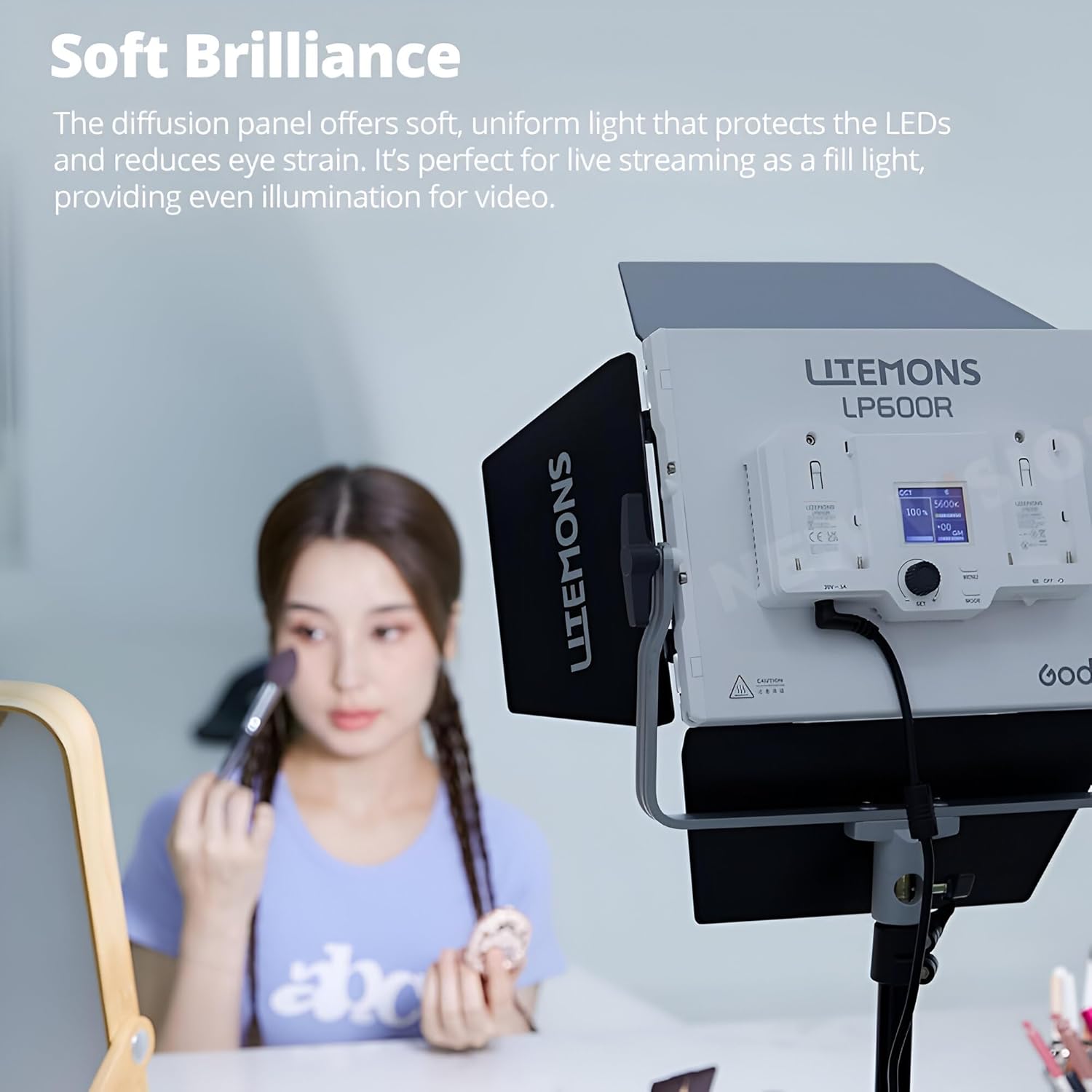
Image 3.1: Included components of the Godox Litemons LP600R. Shown are the light panel with yoke, detachable barndoors, power adapter, power cord, and a custom-fit carry case.
4. Setup
Follow these steps to set up your LP600R light panel:
- Attach Barndoors: Align the barndoors with the light panel and secure them. The barndoors are detachable for flexible light shaping.
- Mounting: The integrated yoke allows for 360-degree rotation. Attach the light panel to a light stand using the standard mounting receiver on the yoke. Tighten securely.
- Power Connection: Connect the power cord to the adapter, then connect the adapter to the DC input port on the light panel. Plug the power cord into a suitable electrical outlet. Alternatively, insert NPF batteries (sold separately) into the battery slots.
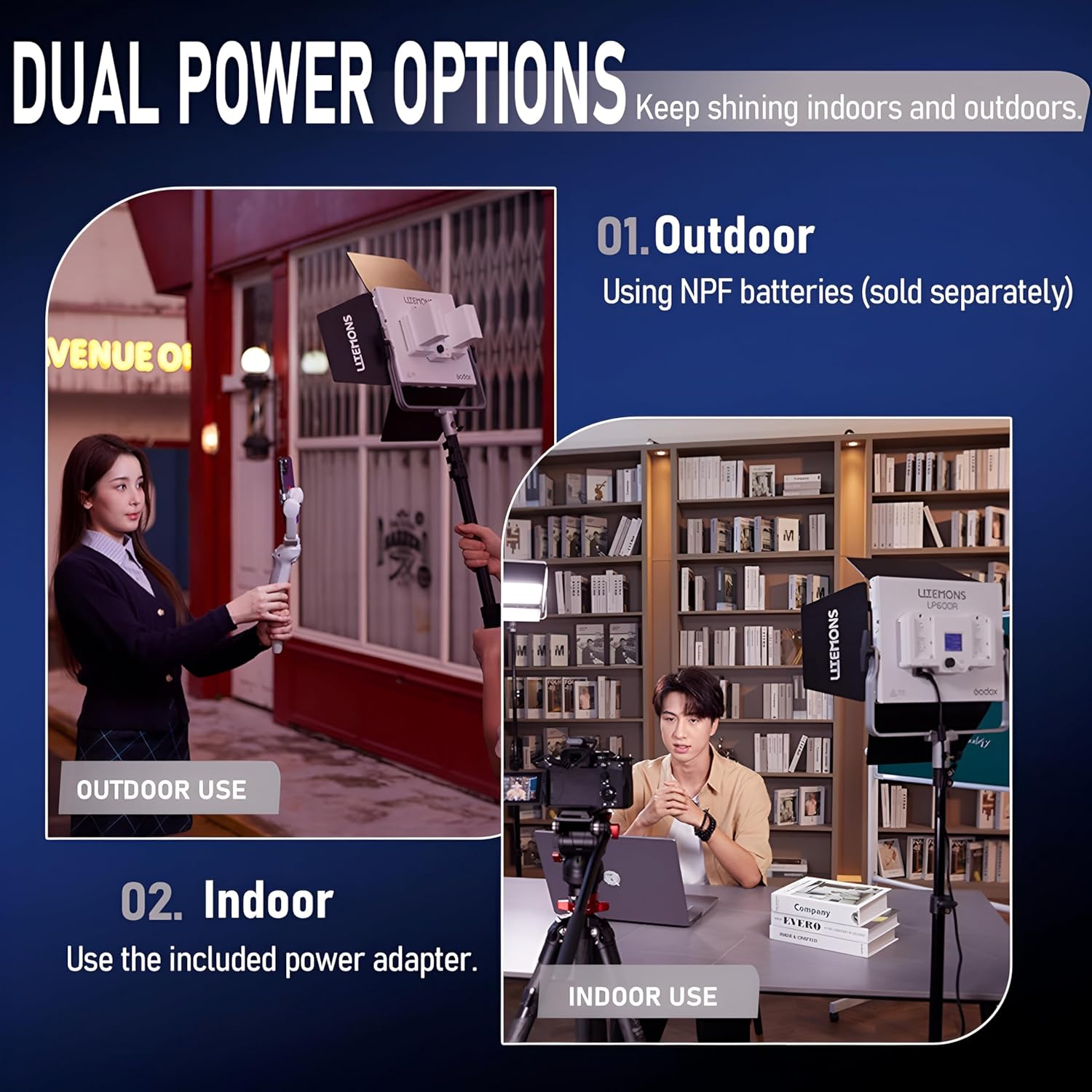
Image 4.1: The Godox Litemons LP600R light panel with barndoors, ready for use on a light stand.
5. Power Options
The LP600R offers flexible power solutions for both studio and on-location use:
- DC Power Source: For continuous studio use, connect the included power adapter and cord to a wall outlet.
- NPF Battery Power: For portable outdoor use, the light supports NPF batteries (sold separately). Insert compatible NPF batteries into the designated slots on the back of the unit.
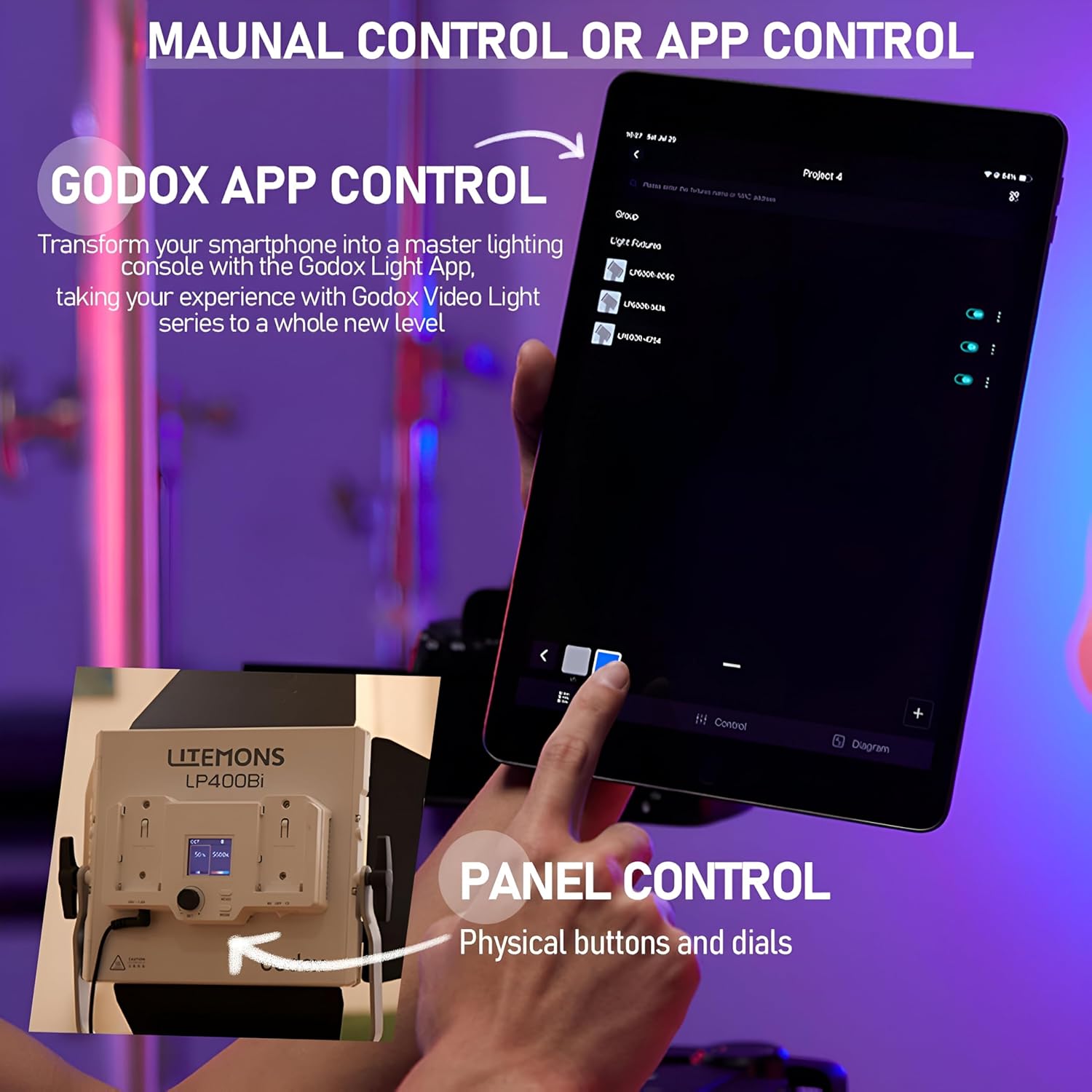
Image 5.1: The LP600R can be powered by NPF batteries for outdoor shooting or by the included AC adapter for indoor use.
6. Operating Modes
The LP600R features several professional lighting modes to suit various creative needs:
- CCT Mode: Adjust color temperature from 1800K to 10000K for precise white balance matching.
- HSI Mode: Access 36000 colors with 360-degree hue, saturation, and intensity control for vibrant color effects.
- RGBW Mode: Mix red, green, blue, and white channels for custom color creation.
- GEL Mode: Select from various popular color filter presets to simulate traditional gels.
- FX Modes: Choose from 14 built-in special effects, including Flash, Lightning, Cloudy, Broken Bulb, TV, Candle, Fire, Firework, Explosion, Welding, Police Car, SOS, RGB Cycle, and Party.

Image 6.1: Overview of the LP600R's professional full-color modes, offering extensive creative control.

Image 6.2: The LP600R provides soft, uniform light, ideal for various applications like live streaming or portraiture.
7. Control Methods
The LP600R can be controlled directly on the unit or remotely via the Godox Light App:
- Panel Control: Use the physical buttons and dials on the back of the light panel to navigate menus, adjust settings, and select modes. The integrated display shows current settings.
- Godox Light App Control: Download the Godox Light App to your smartphone or tablet. Connect via Bluetooth to control all light functions remotely, including mode selection, color adjustments, and effect parameters.

Image 7.1: The LP600R can be controlled directly using its onboard panel or remotely through the Godox Light App via Bluetooth.
8. Maintenance
Proper maintenance ensures the longevity and optimal performance of your LP600R light panel:
- Cleaning: Use a soft, dry cloth to clean the light panel. For stubborn dirt, a slightly damp cloth can be used, followed by immediate drying. Do not use harsh chemicals or abrasive cleaners.
- Storage: When not in use, store the light panel in its carry case in a cool, dry place, away from direct sunlight and extreme temperatures.
- Battery Care: If using NPF batteries, remove them if the light will not be used for an extended period. Store batteries in a cool, dry place and recharge periodically to maintain their health.
9. Troubleshooting
| Problem | Possible Cause | Solution |
|---|---|---|
| Light does not turn on. | No power, faulty power adapter/cable, or depleted batteries. | Check power connections. Ensure adapter is plugged in. If using batteries, check charge level or replace. |
| App control not working. | Bluetooth not enabled, app not connected, or light is too far. | Ensure Bluetooth is on for both devices. Open Godox Light App and connect to LP600R. Move closer to the light. |
| Light output is inconsistent. | Low battery power or overheating. | Recharge or replace batteries. Allow the unit to cool down if it has been operating at high power for an extended period. |
10. Specifications
| Feature | Detail |
|---|---|
| Model | LP600R |
| Power Output | 60W |
| Color Temperature Range | 1800K-10000K |
| Color Modes | CCT, HSI, RGBW, GEL, FX |
| FX Modes | 14 (Flash, Lightning, Cloudy, Broken Bulb, TV, Candle, Fire, Firework, Explosion, Welding, Police Car, SOS, RGB Cycle, Party) |
| Control Methods | On-panel, Bluetooth App |
| Connectivity Technology | Bluetooth |
| Power Supply | DC power adapter, NPF batteries (sold separately) |
| Product Dimensions | 10.39 x 7.91 x 2.74 inches |
| Item Weight | 2.17 pounds |
| Manufacturer | Godox |
11. Warranty and Support
For warranty information and technical support, please refer to the warranty card included with your product or visit the official Godox website. You may also contact Godox customer service directly for assistance with product operation, troubleshooting, or repair services.
Godox Official Website: www.godox.com