
1. Introduction
Thank you for choosing the TOMASHI Model 6200 Portable FM Radio. This compact and lightweight device offers FM radio reception and MP3/WMA audio playback from a Micro SD card. Designed for portability, it features a built-in rechargeable lithium battery, a clear LCD display, and an earphone jack for private listening. This manual provides detailed instructions for setup, operation, and maintenance to ensure optimal performance of your device.
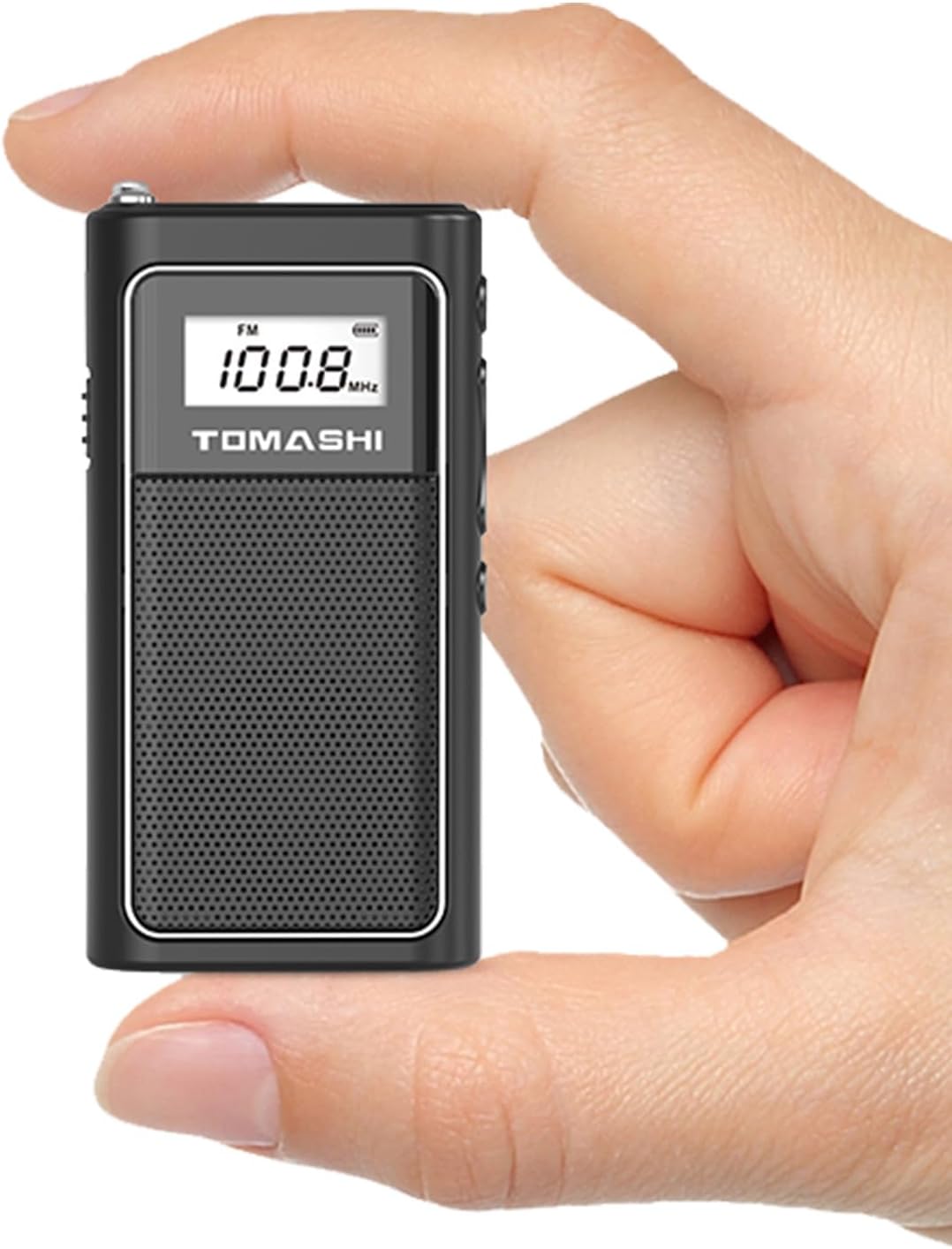
Image 1.1: The TOMASHI Model 6200 radio, demonstrating its compact size when held in a hand.
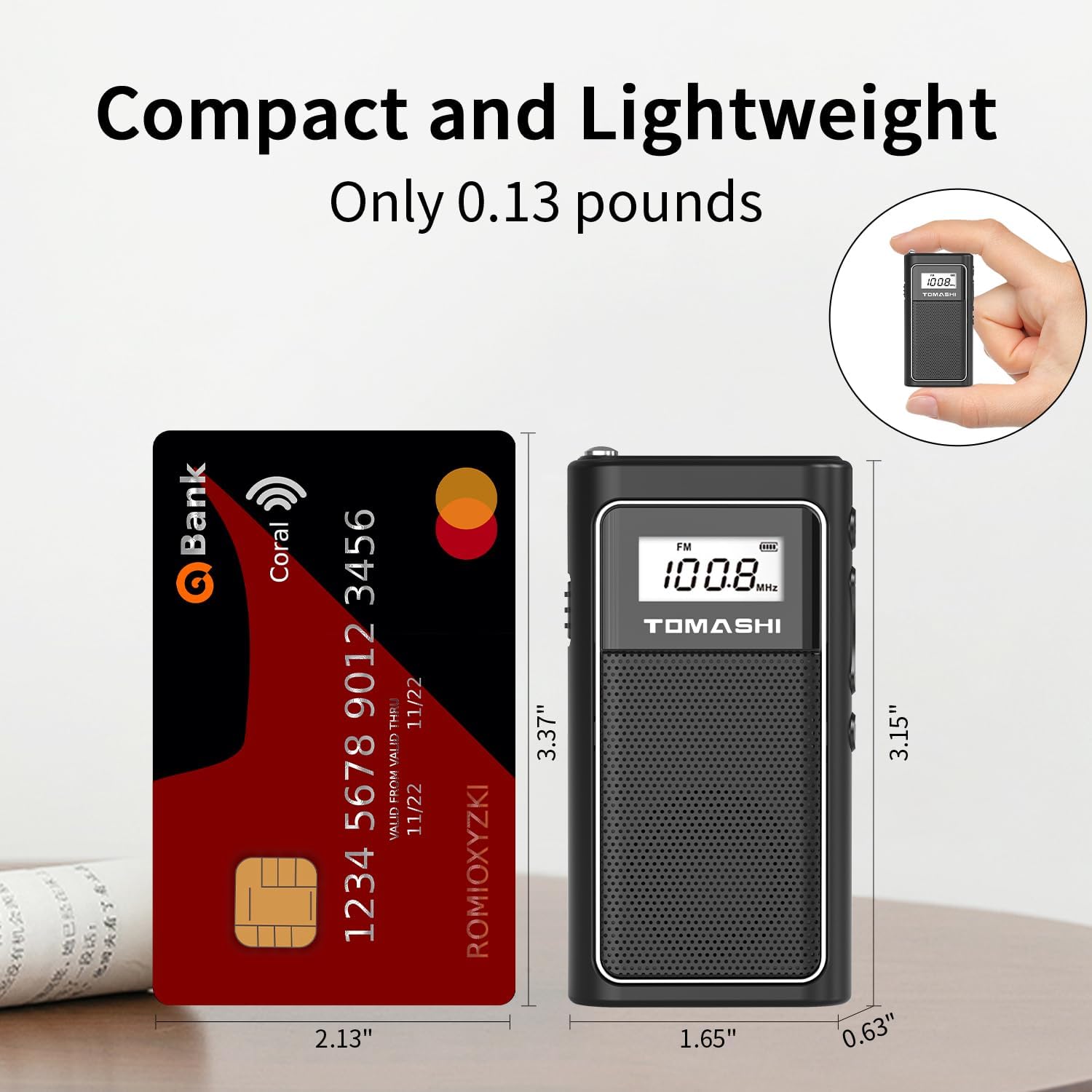
Image 1.2: The TOMASHI Model 6200 radio positioned beside a credit card, illustrating its compact dimensions of 1.65 x 0.63 x 3.15 inches.
2. Package Contents
Please verify that all items are present in the package:
- TOMASHI Model 6200 Portable FM Radio
- USB Charging Cable
- Earphones
- User Manual (this document)

Image 2.1: The TOMASHI Model 6200 radio, its packaging, USB charging cable, and earphones.
3. Product Overview
Familiarize yourself with the various parts and controls of your TOMASHI Model 6200 radio:

Image 3.1: A detailed diagram illustrating the location of the Micro SD card slot, FM antenna, DC 5V jack, earphone jack, Power on/off switch, LCD display, Play/Pause button, Next/Volume+ button, Previous/Volume- button, and Function switch.
- Micro SD Card Slot: For inserting a Micro SD card with MP3/WMA audio files.
- FM Antenna: Extend for improved FM radio reception.
- DC 5V Jack: Mini USB port for charging the internal battery.
- Earphone Jack: 3.5mm port for connecting earphones for private listening.
- Power On/Off Switch: Slide to turn the device on or off.
- LCD Display: Shows frequency, track information, battery status, and mode.
- Play/Pause Button: Controls playback in MP3 mode, or mute/unmute in FM mode.
- Next/Volume+ Button: Short press for next track/station, long press to increase volume.
- Previous/Volume- Button: Short press for previous track/station, long press to decrease volume.
- Function Switch: Toggles between FM radio and Micro SD playback modes.
4. Setup
4.1. Charging the Battery
The TOMASHI Model 6200 features a built-in 400mAh rechargeable lithium battery. Before first use, it is recommended to fully charge the device.
- Connect the supplied USB charging cable to the DC 5V jack on the radio.
- Connect the other end of the USB cable to a USB power adapter (not included) or a computer's USB port.
- The LCD display will indicate charging status. The battery icon will show full when charging is complete.

Image 4.1: The radio displaying a charging battery icon, indicating the built-in lithium battery is being recharged.
4.2. Inserting a Micro SD Card
To play MP3/WMA files, insert a Micro SD card (not included) into the designated slot.
- Ensure the radio is powered off.
- Gently insert the Micro SD card into the Micro SD card slot until it clicks into place. The gold contacts should face downwards.
- To remove, gently push the card in again until it clicks, then release, and it will eject.
Note: You can transfer files to the Micro SD card directly from your computer using the supplied USB cable when the card is inserted in the radio and connected to the computer. The radio will appear as a removable disk.
4.3. Connecting Earphones
For private listening, connect the supplied earphones to the earphone jack.
- Insert the 3.5mm plug of the earphones into the earphone jack on the top of the radio.
- When earphones are connected, audio will be routed through them, and the internal speaker will be muted.
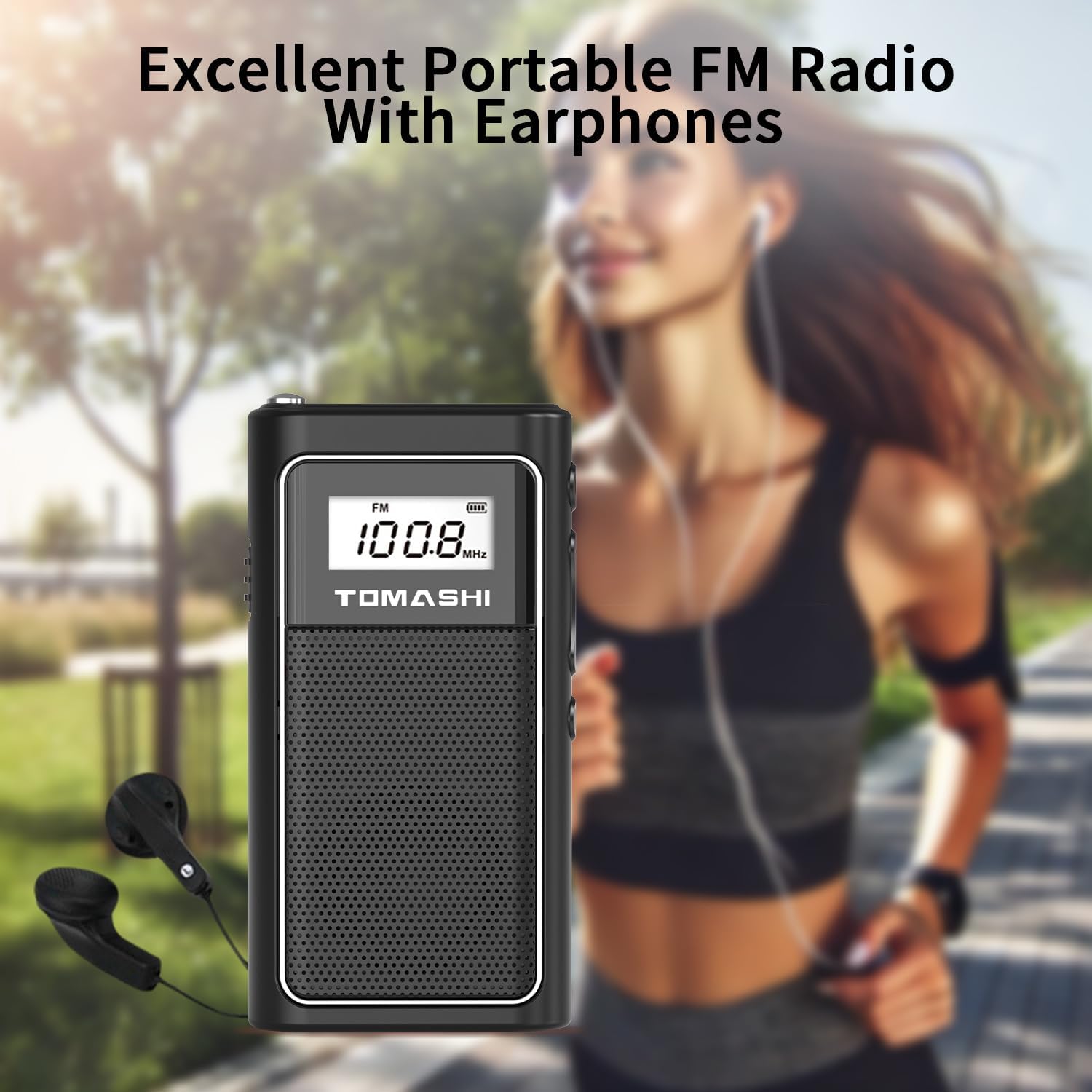
Image 4.2: A user enjoying the TOMASHI Model 6200 radio with earphones during an outdoor activity, highlighting its portability and private listening feature.
5. Operation
5.1. Power On/Off
- To turn on the radio, slide the Power On/Off Switch to the "ON" position. The LCD display will light up.
- To turn off the radio, slide the Power On/Off Switch to the "OFF" position.
5.2. Selecting Modes (FM Radio / Micro SD Playback)
- Press the Function Switch to toggle between FM radio mode and Micro SD playback mode.
- The LCD display will show the current mode (e.g., "FM" or track number).
5.3. FM Radio Operation
- Automatic Station Scan: In FM mode, long press the Play/Pause Button to initiate an automatic scan for available FM stations. The radio will scan and save stations automatically.
- Manual Tuning: Short press the Next/Volume+ or Previous/Volume- buttons to navigate through saved stations or manually tune to the next/previous frequency step.
- Reception Improvement: Extend the FM antenna for better signal reception.
5.4. Micro SD Playback Operation
- Ensure a Micro SD card with MP3/WMA files is inserted.
- Switch to Micro SD playback mode using the Function Switch.
- Play/Pause: Press the Play/Pause Button to start or pause playback.
- Next/Previous Track: Short press the Next/Volume+ or Previous/Volume- buttons to skip to the next or previous track.
5.5. Volume Control
- Long press the Next/Volume+ Button to increase the volume.
- Long press the Previous/Volume- Button to decrease the volume.
- The volume level will be displayed on the LCD screen.
6. Maintenance
- Cleaning: Use a soft, dry cloth to clean the exterior of the radio. Do not use liquid cleaners or abrasive materials.
- Battery Care: To prolong battery life, avoid fully discharging the battery frequently. Recharge the radio regularly, especially if it will not be used for an extended period. Store in a cool, dry place.
- Storage: When not in use, store the radio in a dry environment away from direct sunlight and extreme temperatures.
7. Troubleshooting
| Problem | Possible Cause | Solution |
|---|---|---|
| Radio does not turn on. | Battery is discharged. | Charge the battery using the supplied USB cable. |
| Poor FM reception. | Antenna not extended or weak signal area. | Fully extend the FM antenna. Try moving to a different location. |
| No sound from speaker/earphones. | Volume too low or muted. | Increase volume using the Next/Volume+ button. Check if earphones are properly connected. |
| Micro SD card not recognized or MP3s not playing. | Card not inserted correctly, corrupted files, or unsupported format. | Reinsert the Micro SD card. Ensure files are in MP3 or WMA format. Try a different Micro SD card. |
8. Specifications
| Brand | TOMASHI |
| Model Number | 6200 |
| Product Dimensions | 1.65 x 0.63 x 3.15 inches (4.19 x 1.60 x 8.00 cm) |
| Item Weight | 5.3 ounces (150 grams) |
| Power Source | Battery Powered (Built-in 400mAh Lithium Polymer battery) |
| Connectivity Technology | USB (for charging and file transfer) |
| Tuner Technology | FM |
| Special Features | Micro SD Playback, Portable, Rechargeable Lithium Battery, USB File Transfer, LCD Display with Backlight, Earphone Jack |
| Included Components | Radio, USB Cable, Earphone |
9. Warranty and Support
TOMASHI products are manufactured to high-quality standards. For any questions, technical support, or warranty inquiries, please refer to the contact information provided with your purchase or visit the official TOMASHI website. Please retain your proof of purchase for warranty claims.