
XIAOMI L32M8-P2EG
Xiaomi A-32-2025TV HD 2025 Google TV 32-Inch User Manual
Model: L32M8-P2EG
1. Introduction
This manual provides essential information for the safe and efficient operation of your Xiaomi A-32-2025TV HD 2025 Google TV. Please read it thoroughly before using the product and retain it for future reference.
The Xiaomi A-32-2025TV HD 2025 Google TV is a 32-inch LED television designed to deliver crisp HD resolution and a smart entertainment experience. It integrates the Google TV platform, offering access to streaming applications, voice control via Google Assistant, and personalized content recommendations. Its sleek design and multiple connectivity options ensure a versatile multimedia experience.
2. Safety Information
Always observe the following safety precautions to prevent electric shock, fire, or injury:
- Do not expose the TV to rain or moisture.
- Do not open the TV casing; refer all servicing to qualified personnel.
- Ensure proper ventilation around the TV.
- Use only the power cord supplied with the TV.
- Keep the TV away from direct sunlight and heat sources.
3. Package Contents
Verify that all items are present in the package:
- 1 x Xiaomi A-32-2025TV HD 2025 Google TV (32-Inch)
- 1 x Remote Control (Bluetooth)
- 2 x TV Stands
- 1 x Power Cord
- 1 x User Manual (this document)
- Screws for stand assembly
4. Setup
4.1 Attaching the TV Stands
- Carefully place the TV screen-down on a soft, flat surface to prevent damage.
- Align each stand with the corresponding slots on the bottom of the TV.
- Secure the stands using the provided screws. Ensure they are tightened firmly.

Figure 4.1: Front view of the Xiaomi A-32-2025TV with stands. This image shows the television viewed from the front, with its two support stands securely attached to the bottom edge, ready for placement on a flat surface.
4.2 Connecting Peripherals
The TV offers various connectivity options:
- HDMI: Connect Blu-ray players, game consoles, or set-top boxes.
- USB: Connect USB drives for media playback.
- Ethernet: For wired internet connection.
- Wi-Fi: For wireless internet connection.
- Bluetooth: For connecting compatible accessories like the remote control or external speakers.
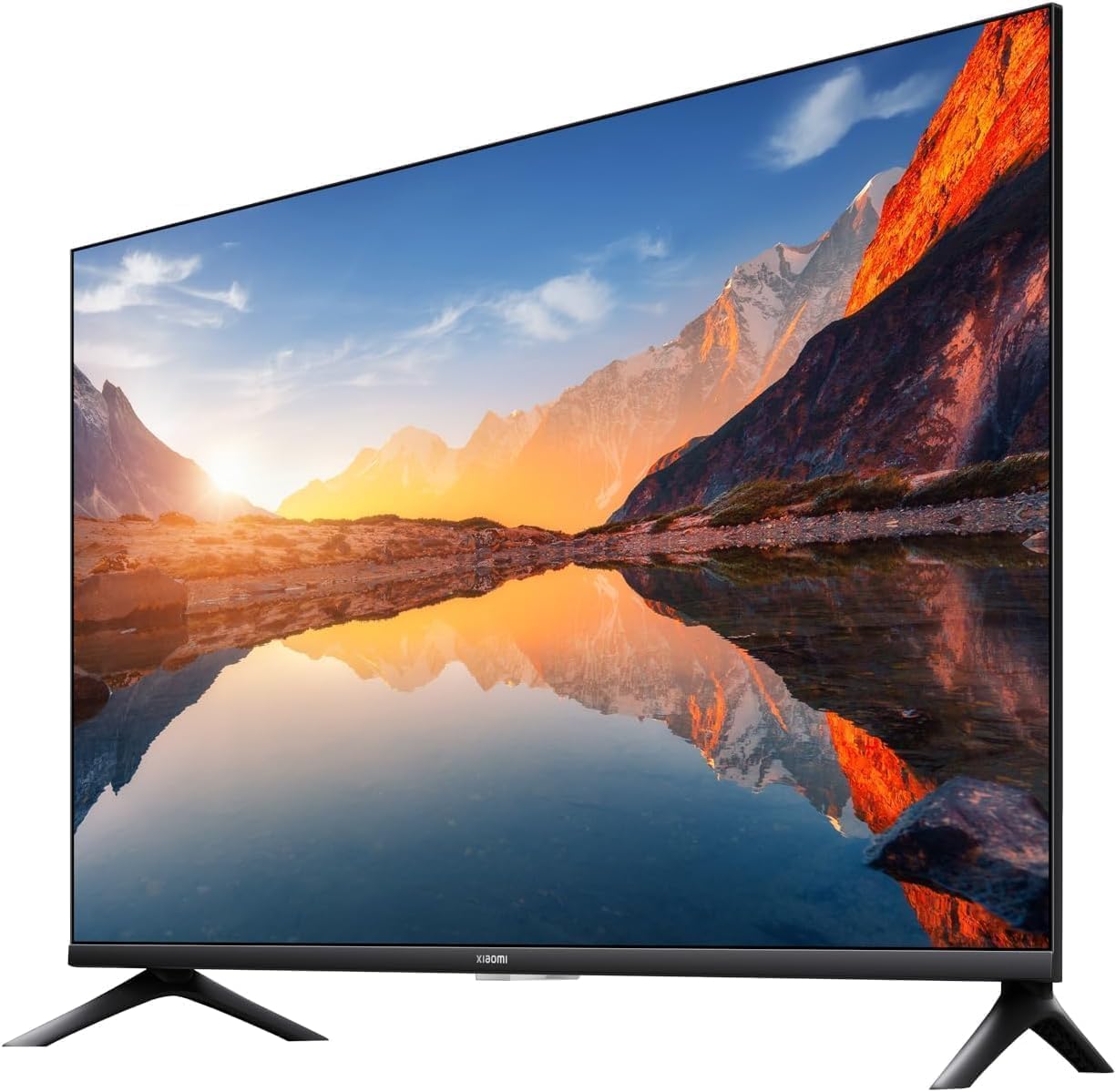
Figure 4.2: Rear view of the Xiaomi A-32-2025TV. This image displays the back panel of the television, highlighting the arrangement of various input and output ports, including HDMI, USB, and Ethernet connections.
4.3 Initial Power On and Google TV Setup
- Connect the power cord to the TV and a power outlet.
- Press the power button on the remote control or the TV.
- Follow the on-screen instructions to complete the initial setup, including language selection, network connection (Wi-Fi or Ethernet), and Google account sign-in.
- Pair the Bluetooth remote control as prompted.
5. Operating Instructions
5.1 Remote Control Functions
The Bluetooth remote control provides seamless navigation and voice control:
- Power Button: Turns the TV on/off.
- Google Assistant Button: Activates voice control for search and commands.
- Navigation Pad (Up/Down/Left/Right/OK): Navigates menus and selects items.
- Back Button: Returns to the previous screen.
- Home Button: Returns to the Google TV home screen.
- Volume Up/Down: Adjusts the volume.
- Channel Up/Down: Changes channels (if applicable).
- App Shortcut Buttons: Direct access to pre-installed apps like Netflix, Prime Video, and YouTube.
5.2 Google TV Interface
The Google TV interface organizes content from your streaming services and apps into a personalized home screen. You can:
- Browse movies and TV shows across various platforms.
- Receive personalized recommendations.
- Access your installed applications.
- Use Google Assistant for voice commands, searching for content, controlling smart home devices, and getting information.
5.3 Casting Content (Chromecast built-in)
Your Xiaomi TV features Chromecast built-in, allowing you to cast content from compatible devices:
- Ensure your mobile device or computer is connected to the same Wi-Fi network as your TV.
- Open a compatible app (e.g., YouTube, Netflix) on your device.
- Tap the Cast icon (a square with a Wi-Fi symbol in the corner) within the app.
- Select your Xiaomi TV from the list of available devices.

Figure 5.1: Chromecast built-in feature. This image shows a smartphone displaying a colorful chameleon, with the same image being mirrored or "cast" onto the Xiaomi TV screen, demonstrating the seamless content sharing capability.
6. Maintenance
6.1 Cleaning the TV
- Always unplug the TV before cleaning.
- Use a soft, dry, lint-free cloth to wipe the screen and cabinet.
- For stubborn marks, lightly dampen the cloth with water or a mild, non-abrasive screen cleaner. Never spray cleaner directly onto the screen.
- Avoid using alcohol, benzene, thinners, or other volatile substances.
6.2 Software Updates
Your Google TV may receive automatic software updates. Ensure your TV is connected to the internet to receive these updates, which can improve performance and add new features. You can also manually check for updates in the TV's settings menu.
7. Troubleshooting
| Problem | Possible Cause | Solution |
|---|---|---|
| No power | Power cord not connected; power outlet faulty. | Check power cord connection; try a different outlet. |
| No picture, but sound is present | Incorrect input source selected; backlight issue. | Verify input source; contact support if issue persists. |
| No sound, but picture is present | Volume muted or too low; external audio device issue. | Unmute volume; check audio cables/settings. |
| Remote control not working | Batteries depleted; remote not paired. | Replace batteries; re-pair Bluetooth remote. |
| Cannot connect to Wi-Fi | Incorrect password; router issue; TV too far from router. | Verify password; restart router; move TV closer or use Ethernet. |
If the problem persists after trying these solutions, please contact Xiaomi customer support.
8. Specifications
| Feature | Detail |
|---|---|
| Model Number | L32M8-P2EG |
| Screen Size | 32 Inches (82 cm visible diagonal) |
| Display Technology | LED |
| Resolution | 720p (HD) |
| Refresh Rate | 60 Hz |
| Operating System | Google TV |
| Special Features | Dolby Audio and DTS-X, Google Assistant, Bluetooth remote control, Chromecast built-in |
| Connectivity | Bluetooth, Ethernet, HDMI, USB, Wi-Fi |
| Aspect Ratio | 16:9 |
| Product Dimensions (D x W x H) | 16 x 71.9 x 46.7 cm |
| Weight | 3.6 kg |
| Manufacturer | Xiaomi |
| Country of Origin | China |
9. Warranty and Support
This Xiaomi A-32-2025TV comes with a 2-year local warranty. For warranty claims or technical support, please contact your local Xiaomi service center or the retailer where the product was purchased.
For additional support and resources, visit the official Xiaomi website or the Xiaomi store on Amazon: Xiaomi Store.
Related documentsL32M8-P2EG


Ask a question about this manual
Ask about setup, troubleshooting, compatibility, parts, safety, or missing instructions. Manuals+ will review the question and use this page’s manual context to help answer it.