
Introduction
Thank you for purchasing the Audioengine S6 Mini Subwoofer. This compact, powered bass speaker is designed to enhance your audio experience for music, movies, gaming, and home office setups. Delivering 210 Watts of front-firing sound, the S6 provides deep, rich bass in a small footprint. This manual provides essential information for setting up, operating, and maintaining your subwoofer.
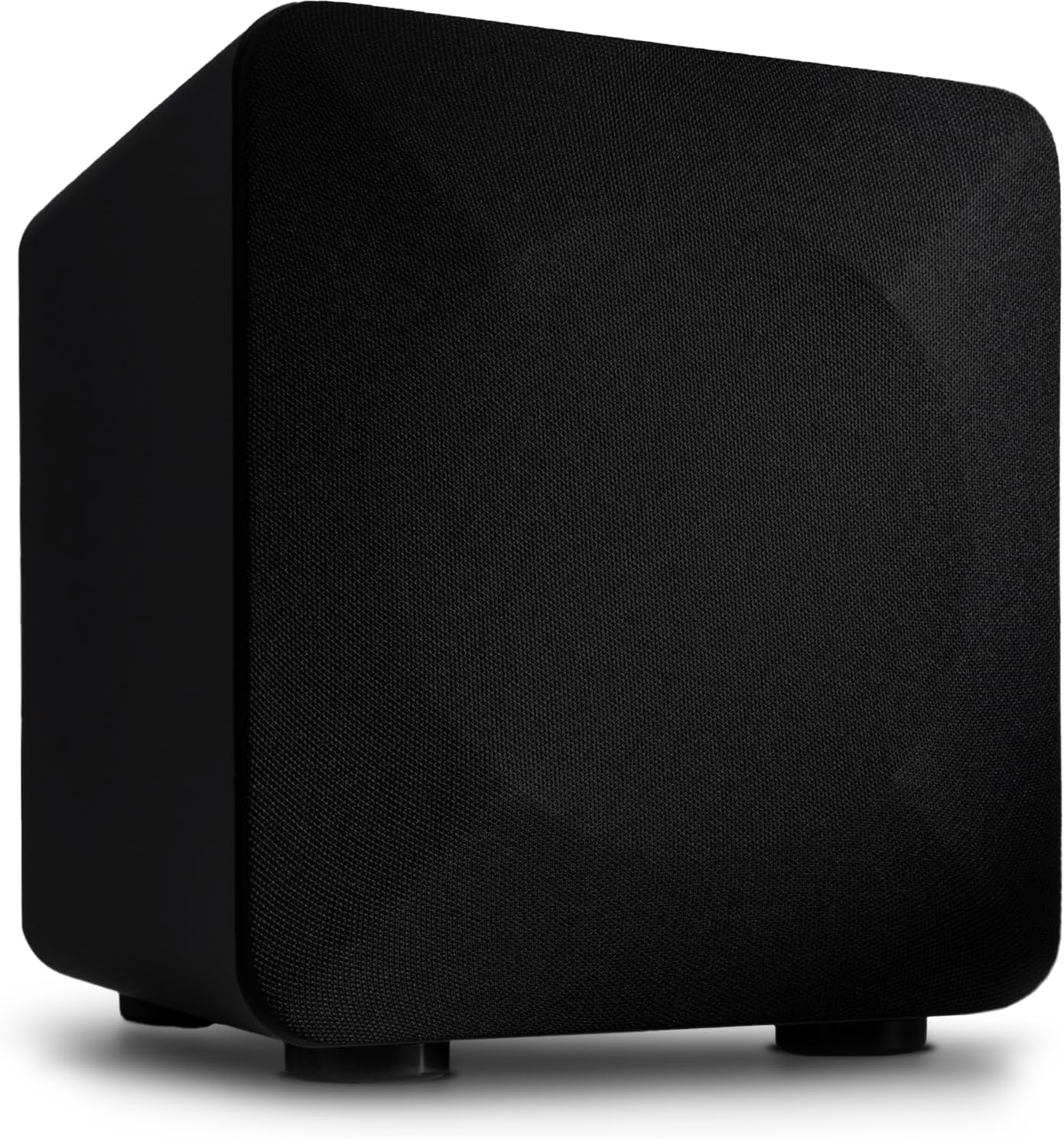
Front view of the Audioengine S6 Mini Subwoofer in black matte finish.
What's in the Box
Your Audioengine S6 Mini Subwoofer package includes the following items:
- Audioengine S6 Mini Subwoofer
- Power Cable
- Warranty Card
Setup
Follow these steps to set up your Audioengine S6 Mini Subwoofer:
- Placement: Position the subwoofer in your desired listening area. For optimal bass response, consider placing it in a corner or near a wall. Ensure there is adequate ventilation around the unit.
- Connections:
- Connect your audio source (e.g., stereo receiver, desktop speakers, home theater system) to the S6 using either the RCA or Auxiliary input ports on the rear panel.
- Ensure all connections are secure.
- Power: Connect the provided power cable to the subwoofer's power input and then to a wall outlet.
- Initial Power On: Flip the main power switch on the rear panel to the 'On' position. The standby indicator will illuminate.

The S6 Mini Subwoofer integrated into a desktop audio setup alongside satellite speakers.

Rear panel of the S6 Mini Subwoofer showing input jacks, power switch, and control knobs.
Operating Instructions
The S6 Mini Subwoofer features several controls on its rear panel for fine-tuning your audio experience:
- Volume (Min/Max): Adjusts the overall output level of the subwoofer. Start with a lower setting and gradually increase to blend with your main speakers.
- Crossover (40Hz/130Hz): This knob sets the upper frequency limit for the subwoofer. Adjust it to seamlessly integrate the subwoofer's bass with your main speakers. A common starting point is around 80Hz, but this can vary based on your main speakers' low-frequency capabilities.
- Phase (0°/180°): This switch adjusts the phase of the subwoofer's output relative to your main speakers. Experiment with both settings to find the one that provides the most coherent and impactful bass in your listening position.
- Standby (Auto On/Off): The S6 features an auto-standby function. When set to 'Auto On', the subwoofer will automatically enter standby mode after a period of inactivity and wake up when an audio signal is detected. Set to 'Off' for continuous operation. The standby indicator light will show the current status (green for active, amber for standby).
For best results, make small adjustments to the volume, crossover, and phase controls while listening to familiar music or movie scenes to achieve a balanced sound.
Maintenance
To ensure the longevity and optimal performance of your Audioengine S6 Mini Subwoofer, follow these maintenance guidelines:
- Cleaning: Use a soft, dry cloth to clean the exterior surfaces of the subwoofer. Avoid using liquid cleaners, aerosols, or solvents, as they may damage the finish.
- Ventilation: Ensure that the subwoofer's vents are not obstructed. Proper airflow is crucial to prevent overheating.
- Environment: Keep the subwoofer away from direct sunlight, heat sources, and excessive moisture. Avoid placing it in areas with high dust accumulation.
- Handling: When moving the subwoofer, lift it carefully to avoid dropping or damaging the unit.
Troubleshooting
If you encounter issues with your S6 Mini Subwoofer, refer to the following common problems and solutions:
| Problem | Possible Cause | Solution |
|---|---|---|
| No sound from subwoofer | Power off, incorrect connections, low volume, source issue. |
|
| Weak or distorted bass | Incorrect crossover/phase settings, poor placement, source quality. |
|
| Subwoofer not entering/exiting standby | Standby switch setting, very low input signal. |
|
Specifications
Detailed technical specifications for the Audioengine S6 Mini Subwoofer:
| Feature | Detail |
|---|---|
| Brand | Audioengine |
| Model Number | S6 |
| Speaker Type | Subwoofer |
| Speaker Maximum Output Power | 210 Watts |
| Subwoofer Diameter | 6 inches |
| Frequency Response | 33 Hz |
| Connectivity Technology | Auxiliary, RCA |
| Audio Output Mode | Mono |
| Mounting Type | Floor Standing |
| Enclosure Material | Metal |
| Control Method | Knobs/Switches (Manual) |
| Compatible Devices | Desktop, Home Theater, Stereo Receivers |
| Power Source | Corded Electric (110 volts) |
| Item Dimensions (D x W x H) | 9.92"D x 8.74"W x 9.96"H |
| Item Weight | 15.4 pounds |
| UPC | 860011449560 |

Rear view of the S6 Mini Subwoofer with approximate dimensions indicated.
Warranty and Support
The Audioengine S6 Mini Subwoofer comes with a 3-Year Limited Warranty. This warranty covers defects in materials and workmanship under normal use.
For warranty claims, technical support, or further assistance, please visit the official Audioengine website or contact their customer service. You can find more information and support resources by visiting the Audioengine Store on Amazon.
Audioengine is a veteran-owned company with engineering, design, and phone support all based in the USA.