
1. Product Overview
This manual provides detailed instructions for the installation, care, and maintenance of your Bruni Screen Protector, specifically designed for the Navitel R99 4K device. This high-quality protective film ensures optimal display clarity and protection against scratches and impacts.

Image: The retail packaging of the Bruni Screen Protector, featuring the brand logo and product name.
2. Key Features
The Bruni Screen Protector offers several advantages for your device:
- Precision Fit: Accurately developed and compatible with Navitel R99 4K.
- Durable Material: Made of scratch-resistant, highly transparent PET material.
- Easy Application: Can be applied easily and without bubbles, and can be removed or repositioned at any time.
- Secure Adhesion: Glue-free film ensures optimal edge adhesion without slipping.
- Touch Optimization: Optimized for use on touch displays, ensuring unadulterated display of screen contents and no impairment of usability.
- Made in Germany: Manufactured with high-quality standards.
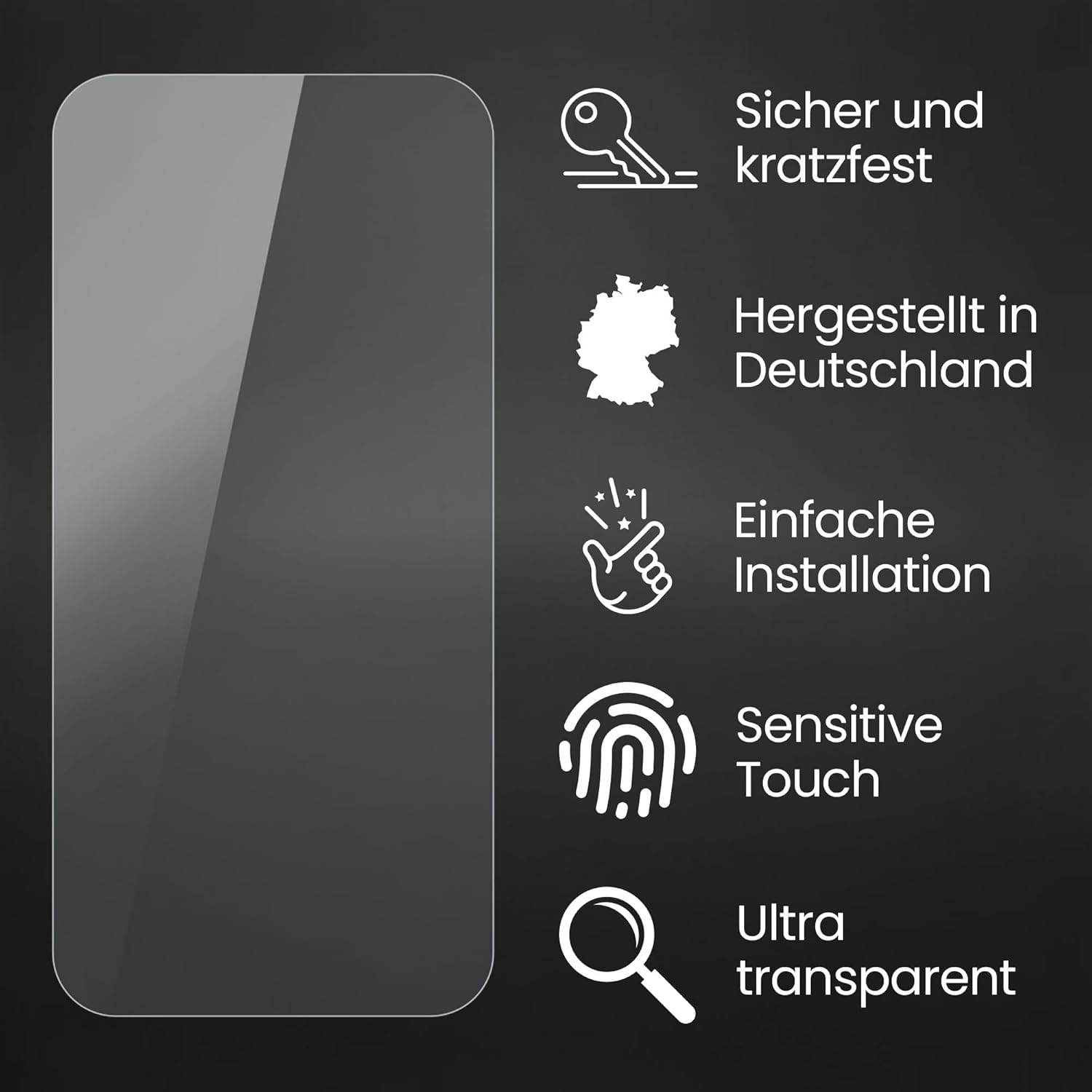
Image: A visual representation highlighting the screen protector's features: secure and scratch-resistant, made in Germany, simple installation, sensitive touch, and ultra-transparent properties.

Image: Depiction of the screen protector's scratch-resistant display protection, with a key attempting to scratch the surface, emphasizing Bruni Technology.
3. Package Contents
Your Bruni Screen Protector package typically includes the following items:
- Bruni Screen Protector Film (2X)
- Installation Tool (e.g., squeegee)
- Microfiber Cloth
- Installation Instructions

Image: An illustration showing the typical contents of the package: display protection film, installation tool, microfiber cloth, and installation manual.
4. Installation Guide
Follow these steps for a smooth and bubble-free application of your screen protector:
- Clean the Screen: Thoroughly clean the device screen using the provided microfiber cloth to remove all dust, fingerprints, and smudges. Ensure the screen is completely dry.
- Align the Protector: Carefully peel off a small portion of the protective layer from the screen protector. Align the protector with the device's screen, paying attention to cutouts for cameras, sensors, and speakers.
- Apply and Smooth: Slowly peel off the rest of the protective layer while simultaneously applying the screen protector to the device. Use the installation tool (squeegee) to gently push out any air bubbles towards the edges.
- Final Touches: Once applied, gently wipe the screen protector with the microfiber cloth to remove any remaining smudges or dust.

Image: A visual guide demonstrating the simple installation process of the screen protector, showing hands carefully applying it to a device.
5. Maintenance and Care
To ensure the longevity and clarity of your Bruni Screen Protector:
- Clean the screen protector regularly with a soft, lint-free cloth, such as the provided microfiber cloth.
- For stubborn smudges, lightly dampen the cloth with water or a screen-safe cleaning solution. Avoid harsh chemicals or abrasive materials.
- Do not attempt to peel off or reposition the protector frequently, as this may introduce dust or reduce adhesion.
- Avoid exposing the device with the protector to extreme temperatures or direct sunlight for prolonged periods.
6. Troubleshooting
Common issues and their solutions:
Bubbles After Installation:
Small bubbles can sometimes appear immediately after installation. Most small bubbles will disappear naturally within 24-48 hours as the adhesive settles. For larger bubbles, gently lift the nearest edge of the protector and re-apply, pushing the bubble out with the squeegee.
Dust Particles Under the Protector:
Dust particles are usually introduced during the cleaning or application process. If a dust particle is causing a noticeable bubble, carefully lift the corner of the protector closest to the dust, use a dust-removal sticker or a piece of tape to lift the dust, and then re-apply the protector.
Edges Not Sticking:
Ensure the screen edges were thoroughly cleaned and free of oil or dust before application. Press firmly on the edges with the microfiber cloth for a few seconds to help them adhere. If the issue persists, the protector may need to be replaced.
7. Specifications
| Attribute | Detail |
|---|---|
| Brand | Bruni |
| Model Number | Bruni Basics-Clear 4053664198732 |
| Compatible Devices | Navitel R99 4K |
| Material | Polyethylenterephthalat (PET) |
| Item Hardness | 4H |
| Special Features | Made in Germany, Residue-free removable, Very easy to apply, Crystal clear |
| Product Dimensions | 2.76 x 1.77 x 0.5 inches (Packaging) / 2.8"L x 1.8"W (Film) |
| Item Weight | 0.212 ounces |
| Manufacturer | atFoliX GmbH |
8. Warranty and Support
Bruni products are manufactured with high-quality standards. For specific warranty information or support inquiries, please refer to the documentation included with your product or contact the manufacturer directly.
Manufacturer: atFoliX GmbH
For further assistance, please visit the official Bruni website or contact their customer service.