
1. Introduction
The BAOFENG DR-1802U is a versatile DMR digital and traditional analog two-way radio designed for reliable communication. It features advanced AES256 encryption for secure transmissions, a 1.77-inch display, and supports 1024 memory channels. This radio is suitable for various environments, offering robust performance and clear audio.

Figure 1: BAOFENG DR-1802U radio showcasing its compact size and suitability for outdoor activities.
2. Included Components
Verify that all items are present in the package:
- DMR DR-1802U Radio (x1)
- High Gain Antenna (x1)
- 2200mAh Battery (x1)
- USB-C Charging Cable (x1)
- Charging Dock (x1)
- Power Adapter (x1)
- Belt Clip (x1)
- Lanyard (x1)
- User's Manual (x1)
- 18.89in Tactical Antenna (x1)
- Shoulder Speaker Microphone (x1)
- Headset (x1)
3. Setup
3.1. Battery Installation
- Align the battery with the battery compartment on the back of the radio.
- Slide the battery into place until it clicks securely.
- To remove, press the battery release latch and slide the battery out.
3.2. Antenna Attachment
- Screw the antenna clockwise into the connector on the top of the radio until it is finger-tight. Do not overtighten.
3.3. Charging the Battery
The radio can be charged using the included USB-C cable directly or via the charging dock.
- Using USB-C Cable: Connect the USB-C cable to the radio's USB-C port and to a compatible USB power source (e.g., laptop, car charger, power bank, or the provided power adapter).
- Using Charging Dock: Place the radio with the battery installed into the charging dock. Connect the power adapter to the charging dock and plug it into a power outlet. The charging indicator light will show the charging status.

Figure 2: Charging options for the BAOFENG DR-1802U, including USB-C direct charging and the charging dock.
4. Operating Instructions
4.1. Radio Components

Figure 3: Key components and controls of the BAOFENG DR-1802U radio.
4.2. Power On/Off and Volume Control
- Power On: Rotate the Power/Volume knob clockwise until a click is heard. The display will light up.
- Power Off: Rotate the Power/Volume knob counter-clockwise until a click is heard.
- Volume Adjustment: Rotate the Power/Volume knob to increase (clockwise) or decrease (counter-clockwise) the audio output.
4.3. Channel Selection
The DR-1802U supports 1024 memory channels. Use the Channel Switch knob on top of the radio or the keypad to navigate and select channels. The 1.77-inch display will show the current channel information.
4.4. Push-to-Talk (PTT) Operation
To transmit, press and hold the PTT button on the side of the radio. Speak clearly into the microphone. Release the PTT button to receive.
4.5. Digital and Analog Modes
The DR-1802U is compatible with both DMR digital and traditional analog modes, allowing for smooth transitions between them. The radio's display indicates the current operating mode.

Figure 4: The DR-1802U supports both Digital and Analog modes.
4.6. AES256 Encryption
The radio features AES256 encryption to secure your communications. When enabled, this encryption protects sensitive information from unauthorized access, ensuring privacy in high-security environments.
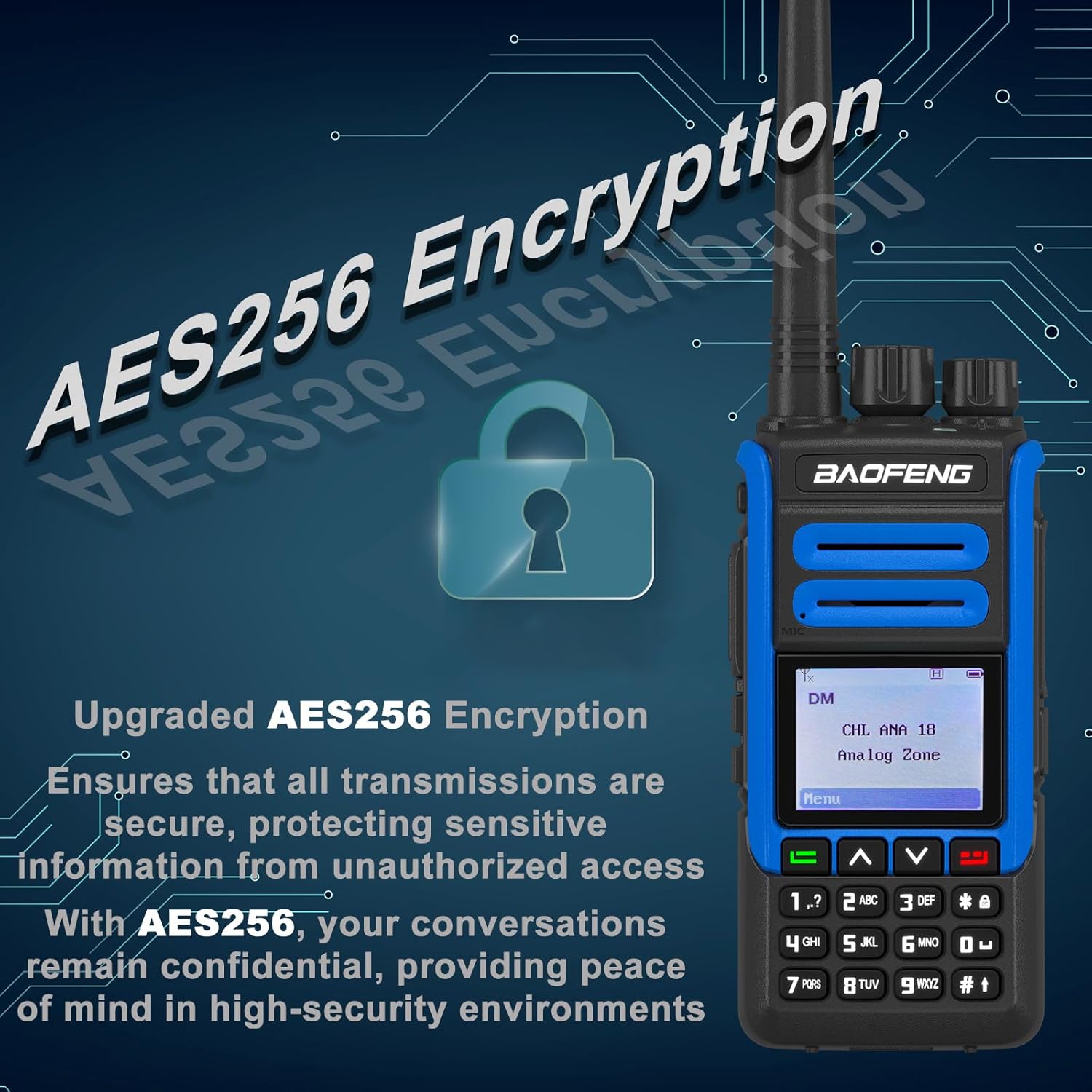
Figure 5: AES256 Encryption provides secure and confidential communication.
4.7. Additional Features
- VOX Function: Voice-activated transmission allows hands-free operation.
- SMS Function: Supports sending and receiving text messages.
- Private Call: Initiate direct calls to specific individuals.
- Digital Alarm: A safety feature to alert others in emergency situations.
- PC Programming: The radio supports programming via computer for advanced configuration.
5. Maintenance
5.1. Cleaning
Wipe the radio's surface with a soft, damp cloth. Do not use harsh chemicals or abrasive cleaners. Ensure the radio is dry before use.
5.2. Battery Care
To prolong battery life, avoid overcharging or completely discharging the battery. Store the battery in a cool, dry place when not in use for extended periods.
5.3. Storage
Store the radio in a dry, dust-free environment away from direct sunlight and extreme temperatures. Remove the battery if storing for a long duration.
5.4. Water Resistance
This device is Not Water Resistant. Avoid exposure to water or high humidity to prevent damage.
6. Troubleshooting
- Radio does not power on:
Ensure the battery is correctly installed and fully charged. Check if the Power/Volume knob is rotated clockwise. - No audio or low volume:
Adjust the Power/Volume knob. Check if the headset or shoulder speaker microphone is properly connected. Ensure the channel is not muted. - Unable to transmit or receive:
Verify the antenna is securely attached. Check if you are on the correct channel and frequency. Ensure the battery has sufficient charge. Confirm that the radio is not in a restricted mode (e.g., scan or monitor). - Poor signal quality or interference:
Move to an open area away from obstructions or sources of electromagnetic interference. Check the antenna connection. - Display not working:
Power cycle the radio. If the issue persists, contact support.
7. Specifications
| Model Number | DR-1802U |
| Product Dimensions | 1.37"D x 2.16"W x 4.72"H (3.48 x 5.49 x 11.99 cm) |
| Frequency Range | 450-470 MHz |
| Number of Channels | 1024 |
| Display | 1.77 inch |
| Encryption | AES256 |
| Charging Type | USB-C |
| DMR Features | DMO True 2-Slot, Digital & Analog Compatible |
| Water Resistance Level | Not Water Resistant |
| Manufacturer | BAOFENG Electronics Co., Ltd |
8. Warranty and Support
8.1. Warranty Information
A 1-year warranty is provided exclusively through "Shiqun Electronics Co., Ltd." Please retain your proof of purchase for warranty claims.
8.2. Customer Support
For technical assistance, troubleshooting beyond this manual, or warranty inquiries, please contact the seller or the authorized service provider. Refer to your purchase documentation for specific contact details.


