Introduction
Thank you for choosing the Fuzion SLR-1000 Digital Pocket Scale. This precision instrument is designed for accurate weighing of various items up to 1000 grams with a readability of 0.1 grams. Please read this manual carefully to ensure proper operation and to get the most out of your new scale.
Safety Information
- Do not overload the scale beyond its maximum capacity of 1000 grams.
- Avoid exposing the scale to extreme temperatures, humidity, or direct sunlight.
- Keep the scale away from strong electromagnetic fields.
- Handle the scale with care; avoid dropping or subjecting it to strong impacts.
- This scale is not waterproof. Avoid contact with liquids.
- Keep out of reach of children.
Package Contents
Please check the package for the following items:
- Fuzion SLR-1000 Digital Pocket Scale
- 2 x AAA Batteries
- User Manual (this document)
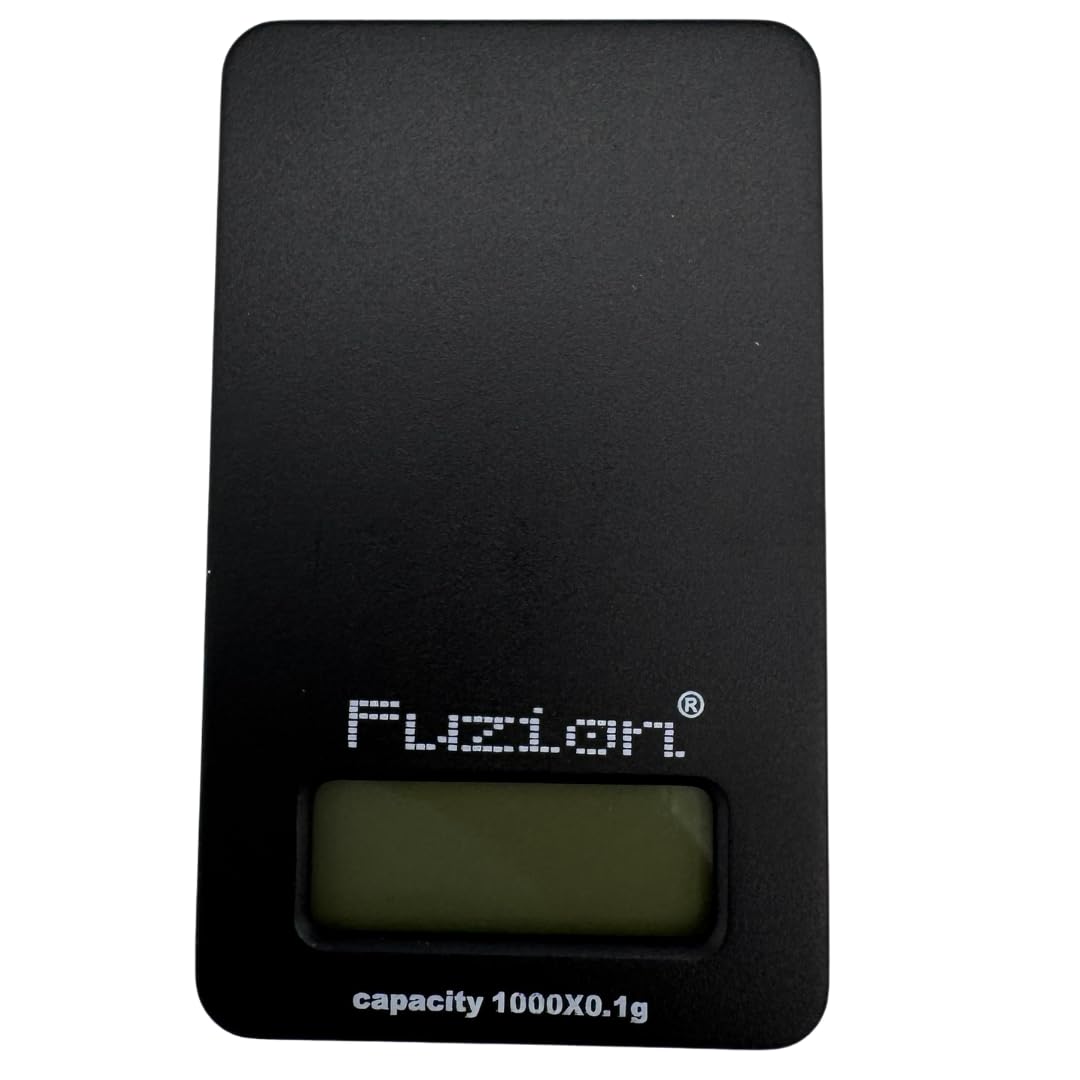
Image: The Fuzion SLR-1000 Digital Pocket Scale shown in its retail box, highlighting its compact size and features.
Product Overview
Familiarize yourself with the components of your Fuzion SLR-1000 Digital Pocket Scale:
- Weighing Platform: The surface where items are placed for weighing.
- LCD Display: Shows weight readings, units, and other indicators.
- Power Button (ON/OFF): Turns the scale on or off.
- MODE Button: Changes the weighing unit (g, oz, ozt, dwt, gn, ct).
- TARE Button: Resets the display to zero, allowing for weighing items in a container.
Setup
1. Battery Installation
- Open the battery compartment cover located on the bottom of the scale.
- Insert the two AAA batteries, ensuring correct polarity (+/-).
- Close the battery compartment cover securely.
2. Initial Placement
Place the scale on a hard, flat, and stable surface. Uneven surfaces can affect accuracy.
Operating Instructions
1. Turning On/Off
- To turn on: Press the ON/OFF button. The display will show "88888" then "0.0g".
- To turn off: Press and hold the ON/OFF button for a few seconds until the display turns off. The scale also features an auto-off function to conserve battery power.
2. Weighing Procedure
- Ensure the scale is on a stable surface and displaying "0.0g".
- Gently place the item to be weighed onto the center of the weighing platform.
- Read the stable weight displayed on the LCD.
3. Unit Conversion
Press the MODE button repeatedly to cycle through the available weighing units: grams (g), ounces (oz), troy ounces (ozt), pennyweights (dwt), grains (gn), and carats (ct).
4. Tare Function
The Tare function allows you to subtract the weight of a container, so only the contents are weighed.
- Place an empty container on the weighing platform.
- Press the TARE button. The display will reset to "0.0g".
- Place the items to be weighed into the container. The display will show the net weight of the items.

Image: The Fuzion SLR-1000 Digital Pocket Scale in use, showing a precise reading of 50.0 grams on its large LED display with a calibration weight placed on the platform.
Maintenance
Cleaning
Wipe the scale with a slightly damp cloth. Do not use abrasive cleaners or immerse the scale in water.
Storage
Store the scale in a clean, dry place at room temperature. If storing for an extended period, remove the batteries to prevent leakage.
Troubleshooting
| Problem | Possible Cause | Solution |
|---|---|---|
| Display shows "Lo" | Low battery power. | Replace the batteries. |
| Display shows "OUE2" or "EEEE" | Overload error. | Remove the item from the platform immediately. Do not exceed 1000g. |
| Inaccurate readings | Unstable surface, air currents, or scale not zeroed. | Place scale on a stable, flat surface. Avoid drafts. Ensure display shows "0.0g" before weighing. |
| Scale does not turn on | Batteries incorrectly installed or dead. | Check battery polarity or replace batteries. |
Specifications
- Model: SLR-1000
- Capacity: 1000 grams (1kg)
- Readability: 0.1 grams
- Weighing Units: g, oz, ozt, dwt, gn, ct
- Display: Digital, LED (Large Display)
- Power: 2 x AAA Batteries (included)
- Material: Plastic
- Color: Black
- Form Factor: Handheld
- Special Feature: Auto-Off Function
Warranty and Support
This Fuzion SLR-1000 Digital Pocket Scale is designed for reliability and accuracy. For any questions, technical support, or warranty inquiries, please refer to the retailer or manufacturer's contact information provided at the point of purchase. Please retain your proof of purchase for warranty claims.


