
DRJ Q11 Max
DRJ Q11 Max Projector User Manual
Model: Q11 Max | Brand: DRJ
1. Introduction
Thank you for purchasing the DRJ Q11 Max Projector. This manual provides essential information for setting up, operating, and maintaining your projector to ensure optimal performance and longevity. Please read this manual thoroughly before using the product and keep it for future reference.
2. What's in the Box
Upon opening the package, please verify that all the following items are included:
- 1x DRJ Q11 Max Projector
- 1x Power Cable
- 1x Remote Controller
- 1x User Manual (this document)

Image: Contents of the DRJ Q11 Max Projector package, including the projector, power cable, remote, and user manual.
3. Product Overview
3.1 Front and Rear Panels
Familiarize yourself with the various ports and controls on your projector.
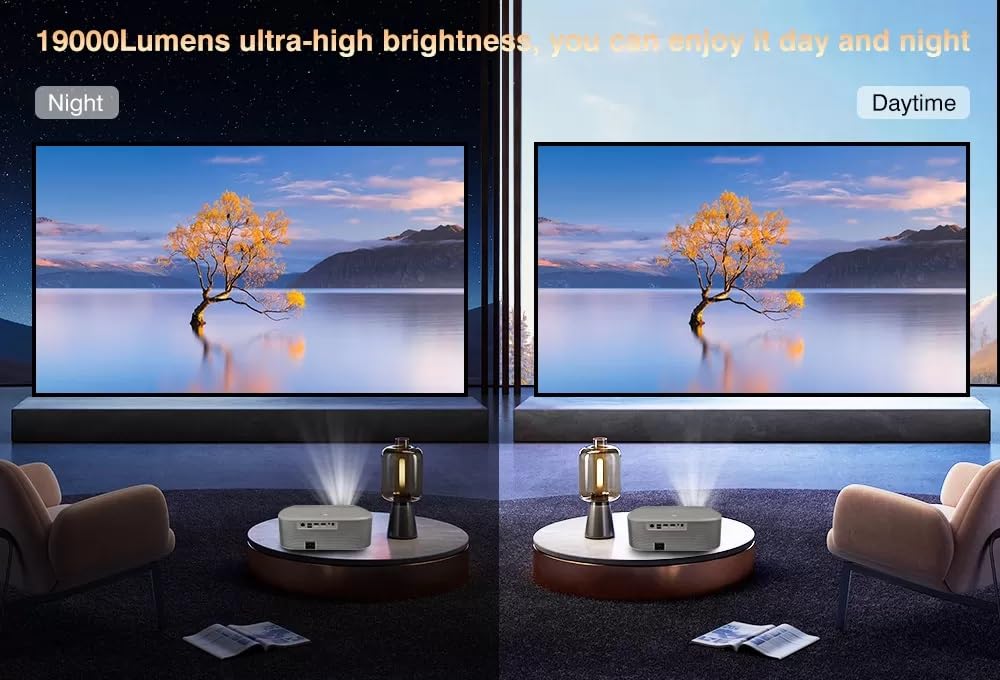
Image: Rear panel of the DRJ Q11 Max Projector, highlighting the LAN, USB, HDMI, Audio Out, and DC IN ports.
- LAN Port: For wired internet connection.
- USB Ports (x2): Connect USB drives for media playback or external devices.
- HDMI Ports (x2): Connect to external video sources like laptops, Blu-ray players, or gaming consoles. One port supports HDMI ARC.
- Audio Out: Connect external speakers or headphones.
- DC IN: Power input port.
4. Setup Guide
4.1 Placement
Choose a stable, flat surface for the projector. Ensure adequate ventilation around the device. For optimal viewing, position the projector perpendicular to the projection surface. The recommended projection distance is 2 to 6 meters for screen sizes between 50 to 300 inches.

Image: Illustration of projection distances and screen sizes, from 50 inches at 4.9 feet to 300 inches at 19.6 feet.
4.2 Power Connection
- Connect the power cable to the DC IN port on the projector.
- Plug the other end of the power cable into a power outlet.
- Press the power button on the projector or remote control to turn on the device.
4.3 Initial Setup and Focus
The DRJ Q11 Max features automatic focus and keystone correction for a quick setup.

Image: The projector automatically adjusting focus to achieve a clear image.
- The projector will automatically adjust the focus and keystone upon startup or movement.
- If manual adjustment is needed, use the remote control to access focus and keystone settings.
5. Operating Instructions
5.1 Navigation
Use the provided remote control to navigate the Android interface. The directional buttons allow you to move between options, and the 'OK' button confirms selections.
5.2 Input Source Selection
To switch between different input sources (HDMI, USB, internal apps), press the 'Input' button on the remote control and select your desired source from the on-screen menu.
6. Smart Features
6.1 Android OS and Pre-installed Apps
The DRJ Q11 Max runs on Android 9.0, offering a smart TV experience. It comes with 2GB RAM and 64GB ROM, and popular streaming applications like YouTube, Netflix, Prime Video, and Hotstar are pre-installed. You can download more apps from the Google Play Store.

Image: The projector's Android 9.0 interface displaying icons for YouTube, Netflix, Prime Video, and other applications.
6.2 Wireless Connectivity (WiFi 6 & Bluetooth 5.2)
The projector supports dual-band WiFi (2.4 GHz + 5 GHz) with WiFi 6 for stable and fast internet connectivity. Bluetooth 5.2 allows for seamless connection to external audio devices like speakers or headphones.

Image: A visual representation comparing the network performance of 2.4GHz and 5GHz WiFi, indicating faster speeds with 5GHz.
6.3 Wireless Screen Mirroring
Mirror content from your Android or iOS device directly to the projector. This feature allows you to share photos, videos, and presentations wirelessly.

Image: A smartphone displaying content being wirelessly mirrored onto a large projection screen from the DRJ Q11 Max Projector.
7. Display Features
The DRJ Q11 Max Projector offers a high-quality visual experience with the following features:
- Native Resolution: 1080p Full HD (1920 x 1080 pixels).
- 4K Support: True 4K 60 FPS support for enhanced clarity.
- Brightness: 17000 Lumens (1500 ANSI Lumens) for clear images even in ambient light.
- Contrast Ratio: 20000:1 for deep blacks and bright whites.
- Max Screen Size: Up to 300 inches.
- HDR10+, HLG: Support for High Dynamic Range content, providing vibrant and detailed visuals.
- LTPS+ Cinemascopic Wide Screen LCD (16:9): Optimized for cinematic viewing.
- Light Source Life: 50,000 hours.
Image: A detailed graphic highlighting the projector's native 1080p resolution, 4K support, and 20000:1 contrast ratio.
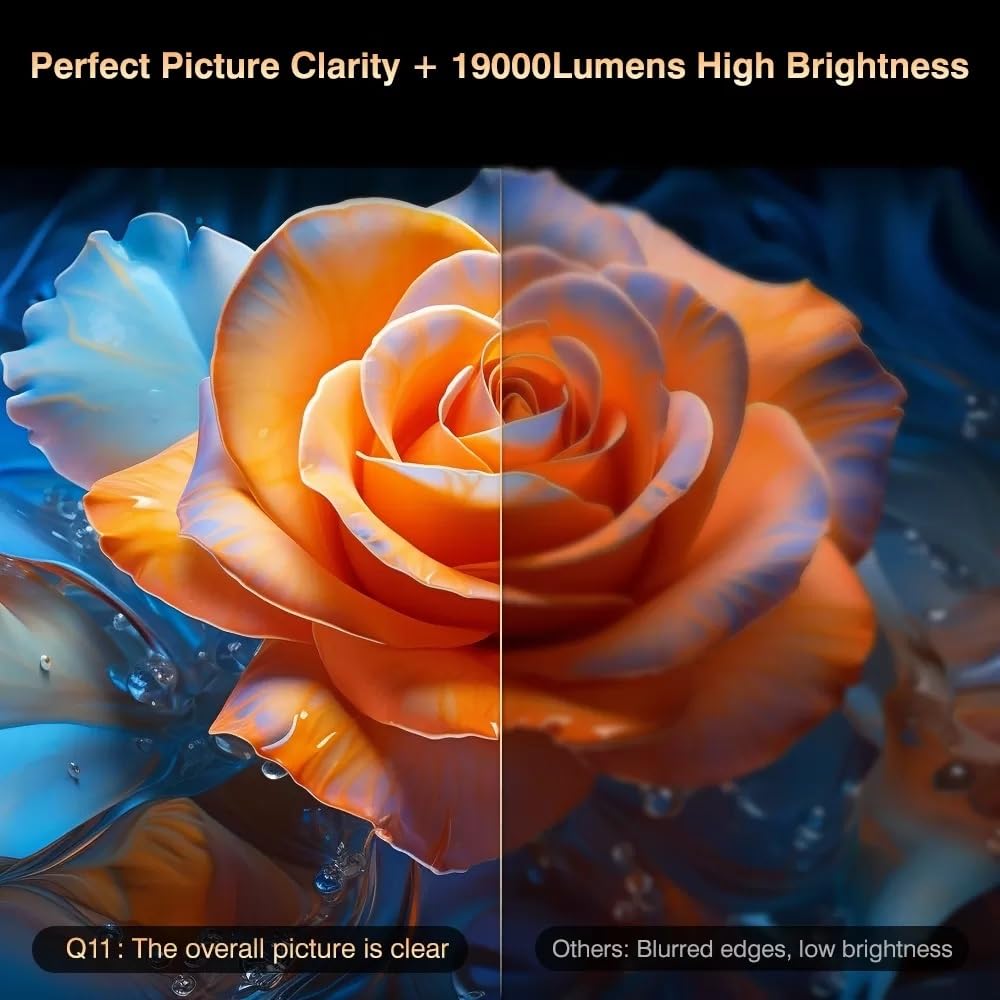
Image: A split image comparing the clear and bright picture of the Q11 Max (left) with a blurred, low-brightness image from another projector (right).

Image: A visual demonstrating the enhanced color and detail provided by HDR10+ support on the projector.
8. Audio Features
Experience immersive sound with the DRJ Q11 Max Projector:
- Dolby Audio: Supports Dolby and Dolby Digital Plus for rich, clear sound.
- Built-in Speakers: 10W Dolby speakers provide powerful audio.
- HDMI ARC: Audio Return Channel allows for simplified audio connections with compatible sound systems.
- Bluetooth 5.2: Connect wirelessly to external Bluetooth speakers or headphones.

Image: A group of people enjoying music projected from the DRJ Q11 Max, which is wirelessly connected to an external Bluetooth speaker.
9. Portability and Auto-Correction Features
The DRJ Q11 Max is designed for flexible placement and easy adjustment:
- Auto Positioning: Automatically adjusts the image position.
- Auto Focus & Keystone: Ensures a clear and perfectly rectangular image from various angles.
- Auto Obstacle Avoidance: Detects and adjusts the projection to avoid objects in the path.
- Auto Screen Fit: Automatically scales the image to fit your projection screen.
- Digital Zoom: Adjust the image size from 50% to 100% without moving the projector.
- 4P+4D Digital Keystone: Advanced keystone correction for precise image alignment.

Image: The projector automatically correcting the trapezoidal distortion of the image to form a perfect rectangle.

Image: The projector automatically adjusting the image to fit precisely within the boundaries of a projection screen.

Image: The projector automatically detecting and adjusting the projection area to avoid obstacles on the wall.

Image: A visual representation of the digital zoom-out function, showing the image size reducing from 100% to 50%.
10. Maintenance
Proper maintenance ensures the longevity and optimal performance of your projector.
- Cleaning the Lens: Use a soft, lint-free cloth specifically designed for optical lenses. Do not use abrasive cleaners.
- Ventilation: Ensure the projector's ventilation ports are clear and unobstructed to prevent overheating. Avoid placing the projector in dusty environments.
- Storage: When not in use for extended periods, store the projector in a cool, dry place, protected from dust and direct sunlight.
11. Troubleshooting
| Problem | Possible Cause | Solution |
|---|---|---|
| No image displayed | Power cable disconnected, incorrect input source, lens cap on. | Check power connection, select correct input source, remove lens cap. |
| Blurred image | Out of focus, incorrect projection distance. | Allow auto-focus to adjust or manually adjust focus. Ensure projector is within recommended distance. |
| No sound | Volume too low, incorrect audio output selected, external device muted. | Increase volume, check audio settings, unmute connected device. |
| Remote control not working | Dead batteries, obstruction between remote and projector. | Replace batteries, ensure clear line of sight to the projector's IR receiver. |
12. Specifications
| Feature | Detail |
|---|---|
| Brand | DRJ |
| Model Name | Q11 Max Auto Focus Smart Projector |
| Connectivity Technology | Wi-Fi (Dual Band 2.4G/5G WiFi 6), Bluetooth 5.2, HDMI, USB 2.0, 3.5mm Audio |
| Native Resolution | 1920 x 1080 (1080p Full HD) |
| Maximum Display Resolution | 4K (True 4K 60 FPS Support) |
| Brightness | 17000 Lumens (1500 ANSI Lumens) |
| Contrast Ratio | 20000:1 |
| Display Type | LCD (LTPS+ Cinemascopic Wide Screen 16:9) |
| Light Source Operating Life | 50000 Hours |
| Maximum Image Size | 300 Inches |
| Minimum Throw Distance | 2 Metres |
| Maximum Throw Distance | 6 Metres |
| Operating System | Android 9.0 (with 2GB RAM, 64GB ROM) |
| Audio | Dolby Audio, Dolby Digital Plus, 10W Speakers |
| Special Features | Auto Focus, Auto Keystone, Auto Obstacle Avoidance, Auto Screen Fit, Digital Zoom, Wireless Screen Mirroring |
| Item Dimensions L x W x H | 20L x 10W x 30H Centimeters |
| Item Weight | 2000 Grams |
13. Warranty and Support
13.1 Warranty Information
The DRJ Q11 Max Projector comes with a 1-year warranty covering manufacturing defects, technical defects, and software defects. Please note the following exclusions:
- No warranty for LCD panel and LCD panel burns (ensure good ventilation).
- No warranty for dust-related issues inside projectors (keep projector safe from dust).
- No warranty for damage from misuse, including broken parts, burns, or physical damages.
- No warranty for repairs performed by third parties.
13.2 Contact Support
For any support inquiries, warranty claims, or technical assistance, please contact Megaa Electronics:
- Whatsapp: 8328671337
- Email: support@megaaelectronics.com or megaaelectronics@gmail.com
14. Product Video Overview
Watch this official product video for a visual overview of the DRJ Q11 Max Projector's features and capabilities.
Video: An overview of the DRJ Q11 Max Projector, showcasing its display, sound, smart features, and portability. This video highlights key specifications and what's included in the box.
Ask a question about this manual
Ask about setup, troubleshooting, compatibility, parts, safety, or missing instructions. Manuals+ will review the question and use this page’s manual context to help answer it.