
oraolo Oraolo BS02
Oraolo BS02 Portable Bluetooth Speaker User Manual
Model: Oraolo BS02
1. Introduction
Thank you for choosing the Oraolo BS02 Portable Bluetooth Speaker. This manual provides essential information for setting up, operating, and maintaining your speaker. Please read it carefully before use to ensure optimal performance and longevity of your device.
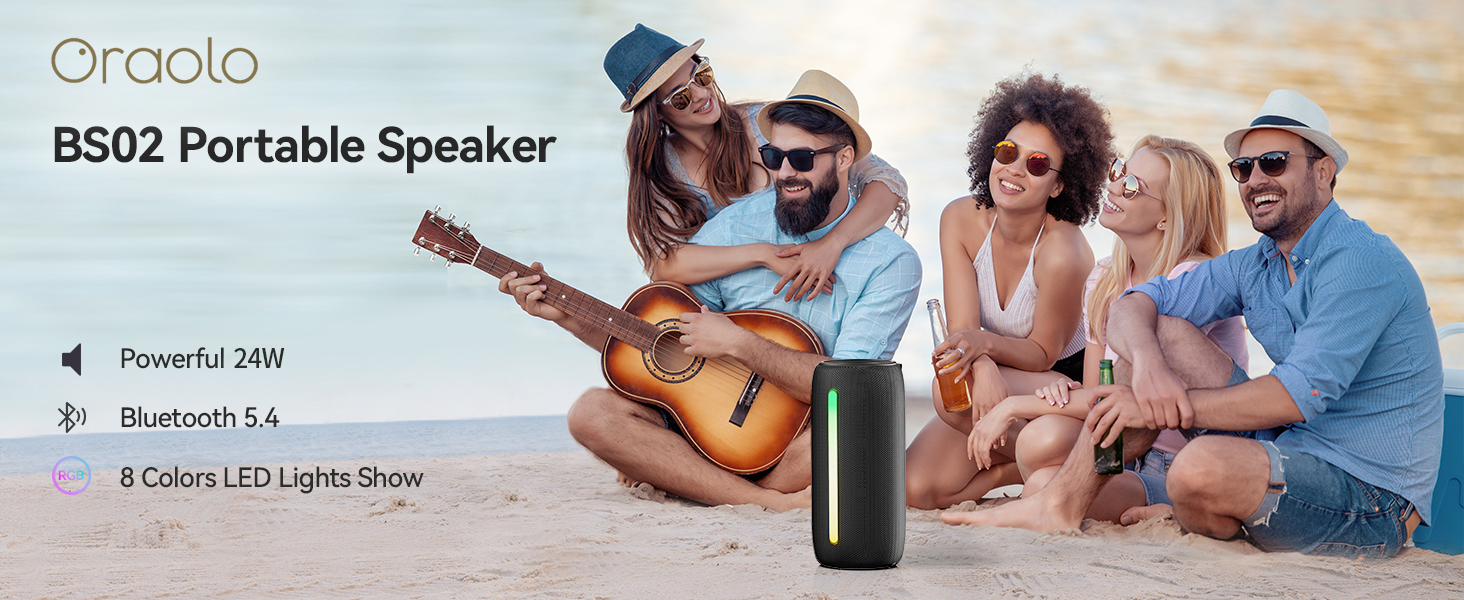
Image: The Oraolo BS02 Portable Speaker in an outdoor setting, highlighting its portability and suitability for gatherings.
2. Package Contents
Please check the package for the following items:
- 1 x Oraolo BS02 Bluetooth Speaker
- 1 x Type-C Charging Cable
- 1 x AUX IN Cable
- 1 x User Manual (this document)
3. Product Overview
Familiarize yourself with the speaker's components and controls.
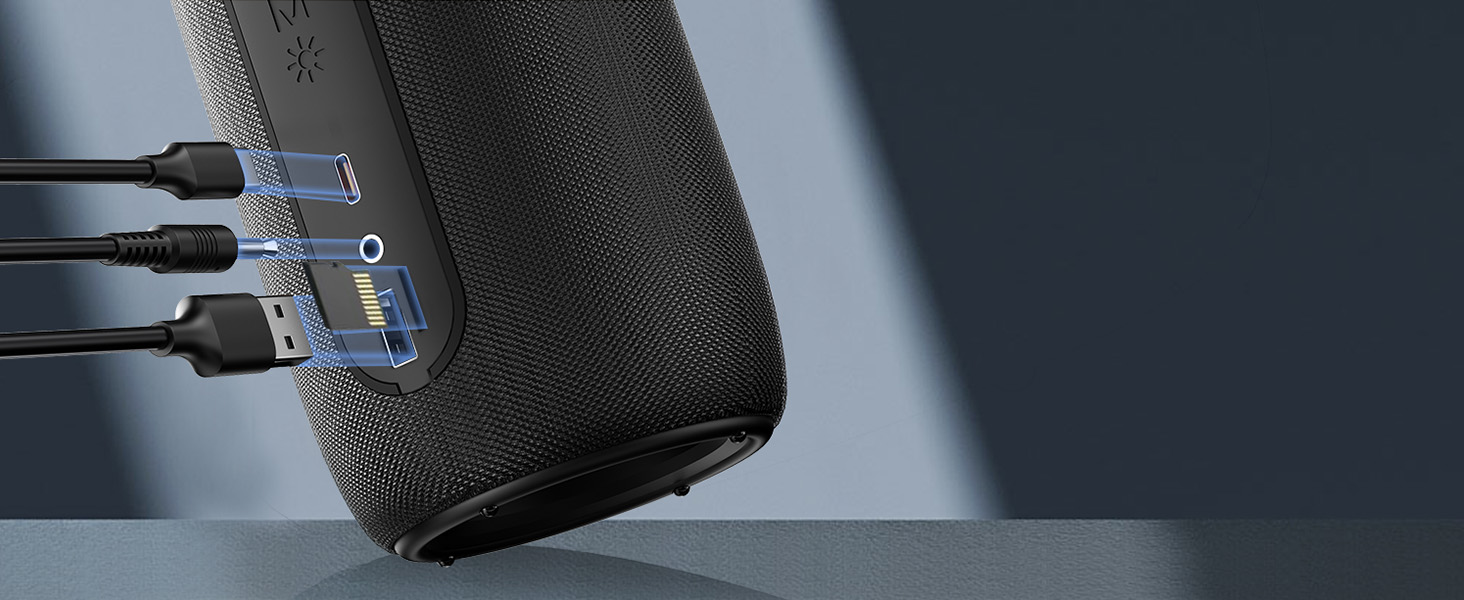
Image: Detailed diagram showing the control buttons and their corresponding functions on the Oraolo BS02 speaker.
3.1. Buttons and Functions
| Button/Indicator | Short Press | Long Press | Twice Press |
|---|---|---|---|
| Power Button (⏸) | Play / Pause | Power ON / OFF | Phone Call Option |
| Volume Up (+) | Volume Up | Next Track | N/A |
| Volume Down (-) | Volume Down | Previous Track | N/A |
| Light Button (☀) | Light Change | Light ON / OFF | N/A |
| Mode Button (M) | Input Mode | Bluetooth Mode | TWS Pairing |
3.2. Ports

Image: A detailed view of the speaker's connectivity ports, including Type-C for charging, AUX-in, TF Card slot, and USB port.
- Type-C Port: For charging the speaker.
- AUX-in Port: For connecting external audio devices via a 3.5mm audio cable.
- TF Card Slot: For playing music directly from a TF (MicroSD) card.
- USB Port: For connecting USB storage devices to play music.
4. Setup and Connection
4.1. Charging the Speaker
Before first use, fully charge the speaker. Connect the provided Type-C charging cable to the speaker's Type-C port and the other end to a USB power adapter (not included) or a computer's USB port. The charging indicator light will show charging status and turn off when fully charged. A full charge takes approximately 2 hours.
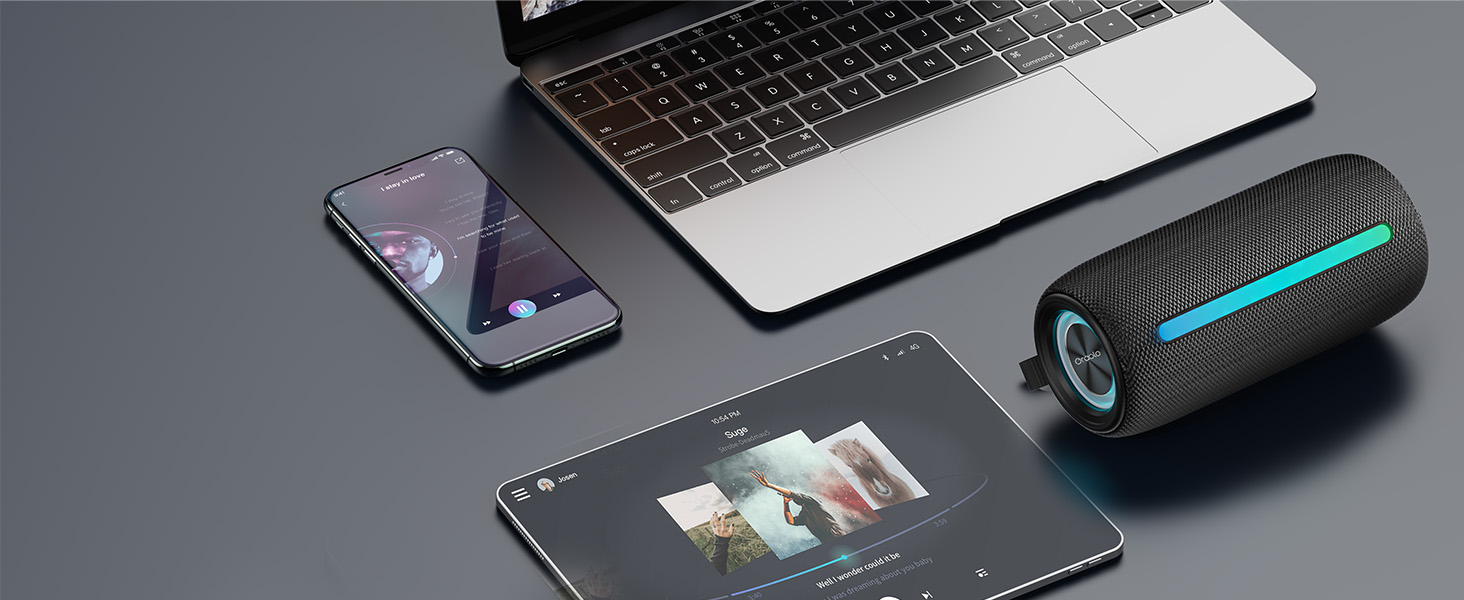
Image: The speaker connected via its Type-C port for charging, illustrating the charging process.
4.2. Bluetooth Pairing
- Power On: Long press the Power button (⏸) to turn on the speaker. It will automatically enter Bluetooth pairing mode, indicated by a flashing blue light.
- Enable Bluetooth: On your device (smartphone, tablet, computer), enable Bluetooth.
- Select Speaker: Search for "Oraolo BS02" in the Bluetooth device list and select it to connect.
- Connection Confirmation: Once connected, the speaker will emit a confirmation tone, and the blue light will stop flashing and remain solid.
The speaker will automatically reconnect to the last paired device when powered on, if the device is within range and Bluetooth is enabled.
4.3. True Wireless Stereo (TWS) Pairing
You can pair two Oraolo BS02 speakers together for a powerful 48W 360° surround sound experience.
- Power On Both Speakers: Turn on both Oraolo BS02 speakers. Ensure they are not connected to any other Bluetooth devices.
- Initiate TWS Pairing: On one of the speakers (this will be the primary speaker), double press the Mode button (M). The speaker will enter TWS pairing mode.
- Automatic Connection: The two speakers will automatically search for and connect to each other. A confirmation tone will sound once TWS pairing is successful.
- Connect to Device: Now, connect your device to the primary speaker via Bluetooth as described in section 4.2. Both speakers will play audio simultaneously.

Image: Illustration of two Oraolo BS02 speakers connected via TWS, demonstrating the enhanced 48W stereo sound.
To disconnect TWS, double press the Mode button (M) on either speaker again.
4.4. AUX-in Mode
Connect an external audio device (e.g., MP3 player, computer) to the speaker using the provided 3.5mm AUX IN cable. The speaker will automatically switch to AUX-in mode. Use your connected device to control playback.
4.5. TF Card / USB Mode
Insert a TF (MicroSD) card or a USB flash drive into the respective port. The speaker will automatically detect the storage device and begin playing audio files. Use the speaker's controls to manage playback.
5. Operating Instructions
5.1. Music Playback
- Play/Pause: Short press the Power button (⏸).
- Volume Up: Short press the Volume Up button (+).
- Volume Down: Short press the Volume Down button (-).
- Next Track: Long press the Volume Up button (+).
- Previous Track: Long press the Volume Down button (-).
5.2. Hands-free Calling
- Answer/End Call: Double press the Power button (⏸).
- Reject Call: Long press the Power button (⏸) during an incoming call.
5.3. RGB Lighting Modes
The speaker features dynamic RGB lighting effects. You can change the lighting mode or turn the lights off.

Image: Visual representation of the different RGB lighting modes available on the speaker, including static colors and dynamic effects.
- Change Light Mode: Short press the Light button (☀) to cycle through available modes (Solid Color, Breath Gradient, Lights Blink).
- Turn Lights ON/OFF: Long press the Light button (☀).
Note: Turning off the RGB lights can extend battery playtime significantly.
6. Maintenance and Care
- Cleaning: Wipe the speaker with a soft, damp cloth. Do not use harsh chemicals or abrasive cleaners.
- Water Resistance: The speaker is IPX6 waterproof, meaning it can withstand powerful water jets. Do not submerge the speaker in water. Ensure the charging port cover is securely closed before exposure to water.
- Storage: Store the speaker in a cool, dry place away from direct sunlight and extreme temperatures.
- Battery: To preserve battery life, charge the speaker at least once every three months if not used regularly.

Image: The speaker being splashed with water, illustrating its IPX6 waterproof capability for outdoor use.
7. Troubleshooting
| Problem | Possible Cause | Solution |
|---|---|---|
| Speaker does not turn on. | Low battery. | Charge the speaker fully. |
| Cannot pair with Bluetooth device. | Speaker not in pairing mode; Device Bluetooth off; Too far from speaker; Previously connected to another device. | Ensure speaker is in pairing mode (flashing blue light). Turn Bluetooth on/off on your device. Move device closer to speaker. Disconnect from other devices. |
| No sound. | Volume too low; Incorrect input mode; Device not playing. | Increase speaker and device volume. Press 'M' button to cycle through input modes. Ensure audio is playing on your device. |
| TWS pairing failed. | Speakers too far apart; One speaker already connected to a device. | Ensure both speakers are close to each other. Disconnect both speakers from any Bluetooth devices before initiating TWS pairing. |
| Short battery life. | RGB lights are on; High volume level. | Turn off RGB lights by long pressing the Light button. Reduce volume level. |
8. Specifications
| Feature | Detail |
|---|---|
| Model Name | Oraolo BS02 |
| Output Power | 24W (Single Speaker), 48W (TWS Paired) |
| Bluetooth Version | 5.4 |
| Waterproof Rating | IPX6 |
| Playtime | Up to 10 hours (at 50% volume, lights off) |
| Charging Time | Approx. 2 hours |
| Charging Port | Type-C |
| Audio Inputs | Bluetooth, AUX-in, TF Card, USB |
| Dimensions (L x W x H) | 10D x 5W x 20H Centimetres |
| Weight | 0.45 Kilograms |
| Material | Plastic |
9. Warranty and Support
The Oraolo BS02 Portable Bluetooth Speaker comes with a limited warranty. Please refer to the warranty card included in your package for specific terms and conditions. For technical support, troubleshooting assistance, or warranty claims, please contact Oraolo customer service through the retailer where you purchased the product or visit the official Oraolo website.
Manufacturer: Oraolo
Place of Business: US
Related documentsOraolo BS02


Ask a question about this manual
Ask about setup, troubleshooting, compatibility, parts, safety, or missing instructions. Manuals+ will review the question and use this page’s manual context to help answer it.