
1. Introduction
1.1 Product Overview
The House of Marley Rise Up Portable Bluetooth Speaker is designed for robust audio performance and portability. It features IP67 water protection, ensuring durability in various environments. The speaker incorporates sustainable materials and offers up to 10 hours of continuous playtime. It also includes a built-in bottle opener for convenience and supports Party Pair mode for expanded sound.
1.2 What's in the Box
- House of Marley Rise Up Bluetooth Speaker
- USB to USB C charging cable
- Quick Start Guide
2. Safety Information
Please read all safety instructions before using this product. Keep this manual for future reference.
- Do not expose the speaker to extreme temperatures, direct sunlight, or high humidity for extended periods.
- Do not attempt to disassemble, repair, or modify the speaker. This may void the warranty and pose a safety risk.
- Use only the provided charging cable or a certified equivalent.
- Keep the speaker away from medical devices, as it contains magnets.
- Dispose of the product responsibly according to local regulations.
2.1 Water Resistance (IP67)
The Rise Up speaker is rated IP67, meaning it is dust-tight and protected against immersion in water up to 1 meter (3.3 feet) for 30 minutes. Ensure the charging port cover is securely closed before exposing the speaker to water. Do not intentionally submerge the speaker for prolonged periods or in water deeper than 1 meter.

Image: The Rise Up speaker demonstrating its water-resistant design with water droplets on its surface.
3. Setup
3.1 Charging the Speaker
- Locate the USB-C charging port on the speaker.
- Connect the provided USB to USB-C charging cable to the speaker's charging port.
- Connect the other end of the cable to a USB power adapter (not included) or a computer's USB port.
- The LED indicator will show charging status. A full charge provides up to 10 hours of playtime. Quick Charge technology allows for 1 hour of playback from a 15-minute charge.
3.2 Powering On/Off
- To Power On: Press and hold the Power button (usually marked with a circle and a vertical line) for approximately 2-3 seconds until you hear an audible cue and the LED indicator illuminates.
- To Power Off: Press and hold the Power button for approximately 2-3 seconds until you hear an audible cue and the LED indicator turns off.
3.3 Bluetooth Pairing
- Ensure the speaker is powered on and within range of your Bluetooth device (e.g., smartphone, tablet, laptop).
- The speaker will automatically enter pairing mode when powered on for the first time or if no device is connected. The LED indicator will flash, indicating it is ready to pair.
- On your Bluetooth device, go to the Bluetooth settings and enable Bluetooth.
- Search for available devices. The speaker will appear as "House of Marley Rise Up" or similar.
- Select the speaker from the list to initiate pairing. Once connected, the LED indicator will become solid, and you will hear a confirmation tone.
- If prompted for a password, enter "0000".

Image: The House of Marley Rise Up speaker, highlighting its compact form factor and control buttons.
4. Operating Instructions
4.1 Basic Controls
- Power Button: Press and hold to power on/off.
- Volume Up (+): Press to increase volume.
- Volume Down (-): Press to decrease volume.
- Play/Pause: (Typically integrated with the power button or a separate button) Press once to play or pause audio.
- Skip Track: Double-press the Play/Pause button for next track. Triple-press for previous track.
4.2 Party Pair Mode
Party Pair mode allows you to connect two House of Marley Rise Up speakers for a stereo or synchronized audio experience.
- Ensure both Rise Up speakers are powered on and not connected to any Bluetooth device.
- On the first speaker, press and hold the Bluetooth button (if available, otherwise refer to specific instructions in the Quick Start Guide for Party Pair activation).
- Repeat the action on the second speaker.
- The speakers will attempt to connect to each other. Once connected, you will hear a confirmation tone, and their LED indicators will change to reflect the paired status.
- Connect your Bluetooth device to one of the paired speakers (the primary speaker). Audio will now play through both speakers.
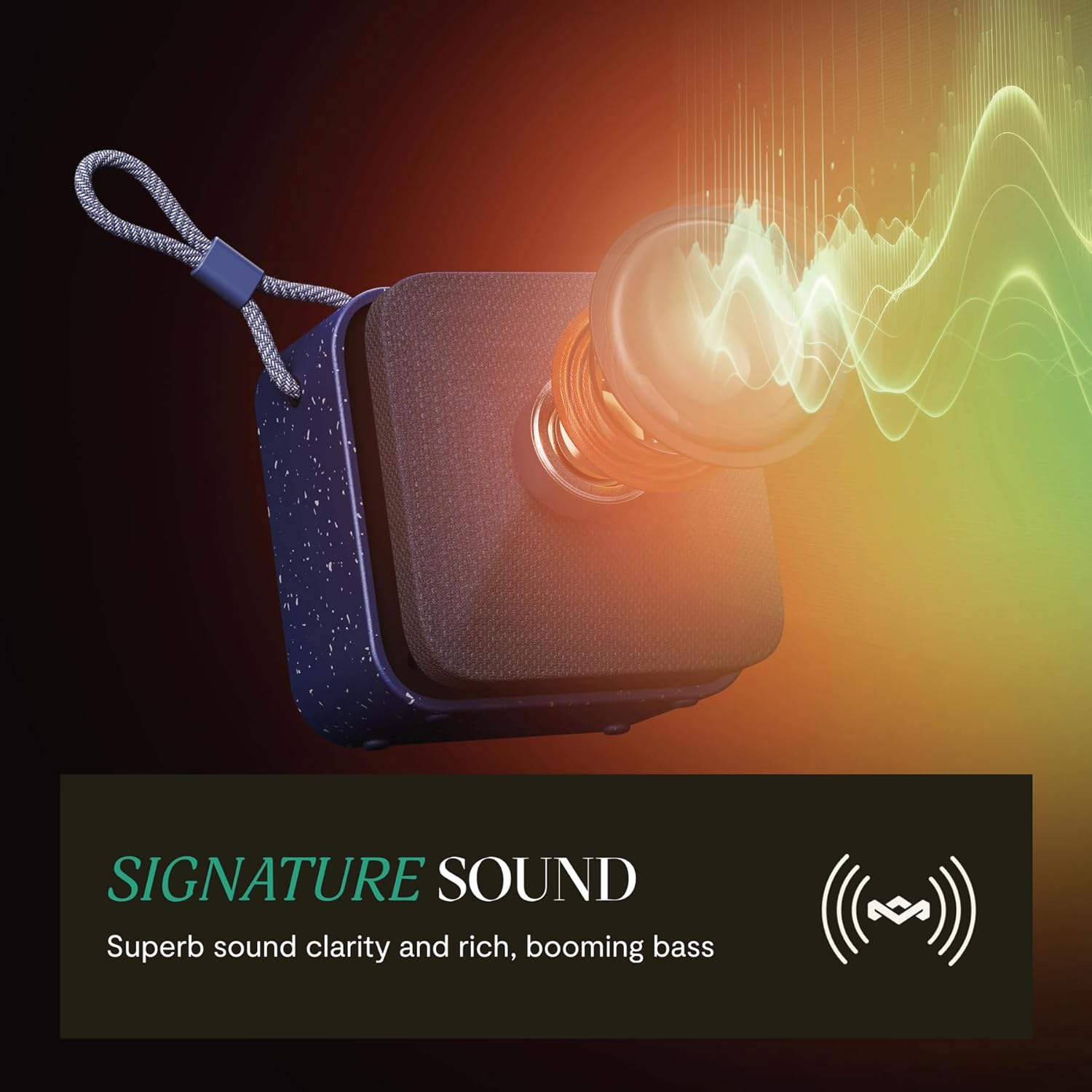
Image: Visual representation of the speaker's sound output, emphasizing clarity and bass.
4.3 Built-in Bottle Opener
The Rise Up speaker features a built-in bottle opener on its back for convenience during outdoor activities. Use it carefully to avoid damaging the speaker or causing injury.

Image: The speaker's integrated bottle opener in use, demonstrating its functional design.
5. Maintenance
5.1 Cleaning
- Ensure the speaker is powered off and disconnected from any charging source before cleaning.
- Wipe the exterior with a soft, damp cloth. Do not use abrasive cleaners, solvents, or harsh chemicals.
- For stubborn dirt, a mild soap solution can be used, followed by wiping with a clean, damp cloth.
- Allow the speaker to dry completely before use or charging.
5.2 Storage
- Store the speaker in a cool, dry place away from direct sunlight and extreme temperatures.
- If storing for an extended period, charge the battery to approximately 50% to prolong its lifespan. Recharge every few months if not in use.
6. Troubleshooting
| Problem | Possible Cause | Solution |
|---|---|---|
| Speaker does not power on. | Battery is depleted. | Charge the speaker using the provided USB-C cable. |
| Cannot pair with Bluetooth device. | Speaker is not in pairing mode or already connected to another device. | Ensure the speaker is in pairing mode (flashing LED). Disconnect from any other devices. Restart both the speaker and your Bluetooth device. |
| No sound or low volume. | Volume levels are too low on speaker or device. Device is not connected. | Increase volume on both the speaker and your connected device. Verify Bluetooth connection. |
| Audio cuts out or is distorted. | Device is out of range or interference. | Move the Bluetooth device closer to the speaker. Avoid obstacles between devices. |
7. Specifications
| Feature | Detail |
|---|---|
| Model Name | Rise Up |
| Item Model Number | EM-JA034 |
| Brand | Marley |
| Speaker Type | Portable Speaker |
| Connectivity Technology | Bluetooth |
| Wireless Communication Technology | Bluetooth |
| Water Resistance Level | IP67 (Water Resistant) |
| Playtime | Up to 10 Hours |
| Charging Time | Quick Charge (15 minutes for 1 hour playback) |
| Speaker Maximum Output Power | 7 Watts |
| Audio Output Mode | Stereo |
| Impedance | 4 Ohm |
| Product Dimensions | 5"D x 5"W x 2"H |
| Item Weight | 15.2 ounces |
| Control Method | Touch |
| Power Source | Battery Powered |
| Manufacturer | House of Marley |
| UPC | 846885011676 |
8. Warranty and Support
8.1 Limited Warranty
The House of Marley Rise Up Portable Bluetooth Speaker comes with a limited warranty. Please refer to the Quick Start Guide included in your product packaging or visit the official House of Marley website for detailed warranty terms and conditions.
8.2 Customer Support
For further assistance, technical support, or warranty claims, please contact House of Marley customer service. Contact information can typically be found on the official House of Marley website or in the product packaging.


