
Introduction
Thank you for choosing the Birshe Digital Kitchen Timer Model 1. This device is designed to assist you with precise time management in various activities, including cooking, studying, exercising, and more. It features a clear LED display, magnetic backing for easy placement, and dual functionality as both a countdown timer and a stopwatch.
Safety Information
- Keep the device away from water and excessive moisture to prevent damage.
- Do not expose the timer to extreme temperatures or direct sunlight for prolonged periods.
- Handle batteries according to their instructions. Do not mix old and new batteries, or different types of batteries.
- Keep batteries out of reach of children. If swallowed, seek immediate medical attention.
- Do not attempt to disassemble or repair the device yourself. Contact support if issues arise.
- Dispose of used batteries and the device responsibly, following local regulations.
Package Contents
- 1 x Birshe Digital Kitchen Timer Model 1
- Note: 3 x AAA batteries are required and not included in the package.
Product Overview
The Birshe Digital Kitchen Timer Model 1 features a circular design with a large LED display for clear visibility. It includes a rotating outer ring for time adjustment and a central button for start/stop/reset functions. The back of the timer is equipped with magnets for convenient attachment to metal surfaces.
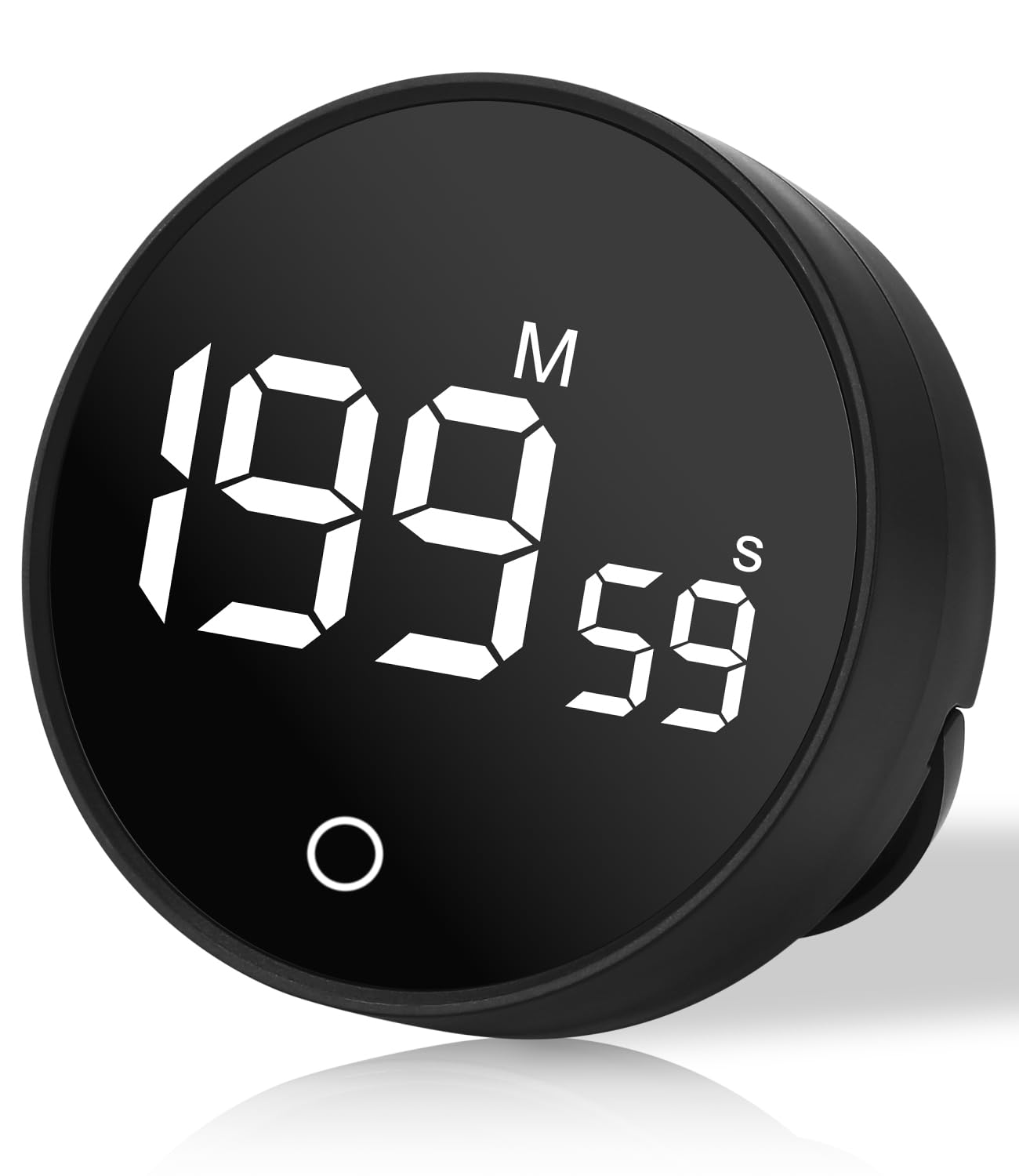
Image: Front view of the Birshe Digital Kitchen Timer, illustrating its LED display, time range (0-199m 59s), adjustable volume, and dual mode (positive/countdown). Dimensions are shown as 78mm (3.07 inches) in diameter and 26.5mm (1.04 inches) in thickness.

Image: Rear view of the Birshe Digital Kitchen Timer, highlighting its plastic case, magnet function, and adjustable volume switch with three levels (0-60-90 dB), including a mute option.
Setup
Battery Installation
- Locate the battery compartment cover on the back of the timer.
- Gently slide or lift the cover to open the compartment.
- Insert three (3) AAA batteries, ensuring the correct polarity (+/-) as indicated inside the compartment.
- Replace the battery compartment cover securely.

Image: Close-up view of the Birshe Digital Kitchen Timer's battery compartment, showing the insertion of three AAA batteries. The text indicates that batteries are not included.
Operating Instructions
Power On/Off
The timer automatically powers on when batteries are inserted. It will enter a low-power standby mode after a period of inactivity to conserve battery life.
Setting the Countdown Timer
- Ensure the timer display shows "00:00". If not, press and hold the central button to reset it.
- Rotate the outer ring clockwise to increase the time. Rotate counter-clockwise to decrease the time.
- A quick rotation adjusts time in 5-second increments. A slower rotation adjusts in 1-second increments.
- The maximum countdown time is 199 minutes and 59 seconds.
- Once the desired time is set, press the central button once to start the countdown.
- To pause the countdown, press the central button again. Press it once more to resume.
- When the countdown reaches "00:00", an alarm will sound (if not muted). Press the central button to stop the alarm.
Using as a Stopwatch (Count-Up Timer)
- Ensure the timer display shows "00:00". If a countdown time is set, press and hold the central button to reset it to "00:00".
- Press the central button once to start the count-up timer. The display will begin counting upwards from "00:00".
- To pause the stopwatch, press the central button again. Press it once more to resume.
- To reset the stopwatch to "00:00", press and hold the central button while it is paused.
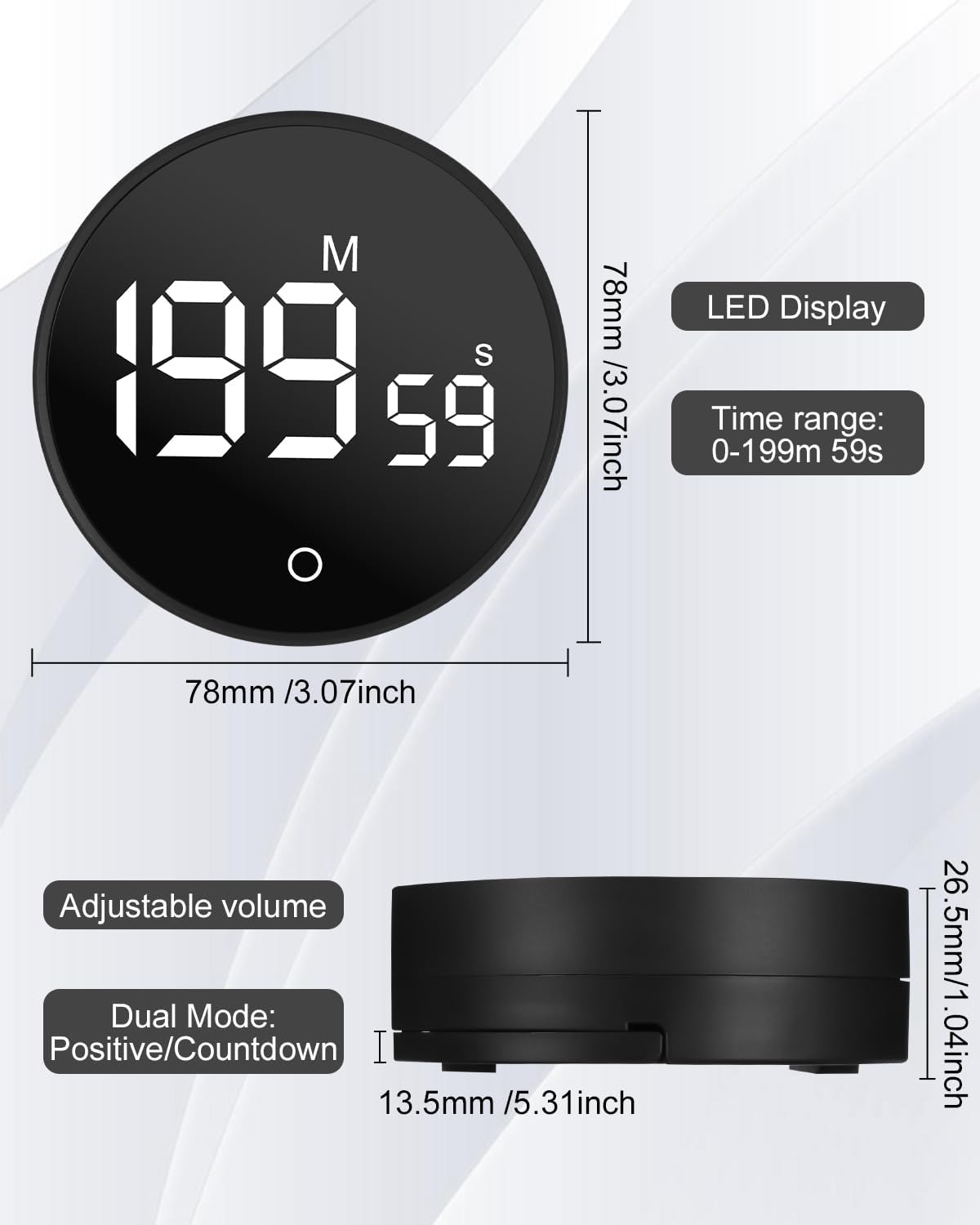
Image: Illustration of the Birshe Digital Kitchen Timer in use, demonstrating both its countdown timer and stopwatch (count-up) functionalities. The time range is shown as 0 to 199 minutes and 59 seconds.
Adjusting Volume
On the back of the timer, locate the volume switch. You can select from three volume levels: Mute (0 dB), Low (60 dB), and High (90 dB). Adjust the switch to your preferred setting.
Magnetic Mounting
The timer features a strong magnetic back, allowing it to be easily attached to metal surfaces such as refrigerators, ovens, or whiteboards for convenient access and visibility.

Image: The Birshe Digital Kitchen Timer shown magnetically attached to the side of a refrigerator, demonstrating its "Easy to attach" feature to metal surfaces.
Applications
This versatile timer is suitable for a wide range of activities:
- Cooking: Perfect for baking, boiling, and other kitchen tasks.
- Studying/Homework: Helps manage study sessions and breaks.
- Exercise/Yoga: Ideal for interval training or holding poses.
- Office Work: Useful for time management and productivity techniques.
- Bathing: Can be used to time children's bath time or other activities.
- Classroom: Assists teachers with activity timing.

Image: A collage illustrating the "Multi-site applications" of the Birshe Digital Kitchen Timer, including cooking, bathing, classroom activities, homework, office work, and yoga.
Maintenance
Cleaning
To clean the timer, wipe it gently with a soft, dry cloth. Do not use abrasive cleaners, solvents, or immerse the device in water.
Battery Replacement
When the display dims or the timer functions become erratic, it is time to replace the batteries. Follow the battery installation steps outlined in the "Setup" section. Always replace all three AAA batteries at the same time with new ones.
Troubleshooting
- Timer not turning on or display is dim: Check if the batteries are inserted correctly with the right polarity. Replace with fresh AAA batteries.
- Timer not responding to button presses: Ensure batteries are not depleted. Try removing and reinserting the batteries to perform a soft reset.
- Alarm sound is too low or not audible: Check the volume switch on the back of the timer and ensure it is not set to "Mute" or the lowest volume setting.
- Inaccurate timing: This is unlikely for a digital timer. Ensure you are operating it correctly as per the instructions. If the issue persists, replace batteries.
Specifications
| Model Number: | 1 |
| Brand: | Birshe |
| Dimensions (L x W x H): | 7.8 x 7.8 x 2.65 cm (3.07 x 3.07 x 1.04 inches) |
| Weight: | 80 grams |
| Time Range: | 0-199 minutes, 59 seconds |
| Power Source: | 3 x AAA batteries (not included) |
| Volume Levels: | 3 levels (Mute, 60 dB, 90 dB) |
| Features: | LED Display, Magnetic Backing, Dual Mode (Countdown/Count-Up) |
| UPC: | 657381059532 |
Warranty
This product is covered by a standard manufacturer's warranty against defects in materials and workmanship. Please retain your proof of purchase for warranty claims. For specific warranty terms and conditions, refer to the documentation provided at the time of purchase or contact the retailer.
Support
If you encounter any issues or have questions regarding your Birshe Digital Kitchen Timer Model 1, please contact the retailer or the manufacturer's customer support for assistance. Provide your model number and a detailed description of the issue to facilitate a quicker resolution.