
Nitecore MT1A Pro
Nitecore MT1A Pro Instruction Manual
Model: MT1A Pro
Introduction
The Nitecore MT1A Pro is a powerful and compact Everyday Carry (EDC) flashlight designed for reliability and versatility. It delivers a bright beam of up to 800 lumens with a range of 273 yards, making it suitable for various tasks and environments. This manual provides detailed instructions for setting up, operating, and maintaining your MT1A Pro flashlight.
Key features include multiple power options (USB-C rechargeable battery or AA battery), a durable and waterproof design, and a portable form factor built for convenient carry.
What's in the Box
- Nitecore MT1A Pro Flashlight
- Nitecore NL1411R USB-C Rechargeable Li-ion Battery (1100mAh)
- USB-C Charging Cable
- Lanyard
- Clip
- Nitecore Sticker

Figure 1: Included accessories for the Nitecore MT1A Pro flashlight.
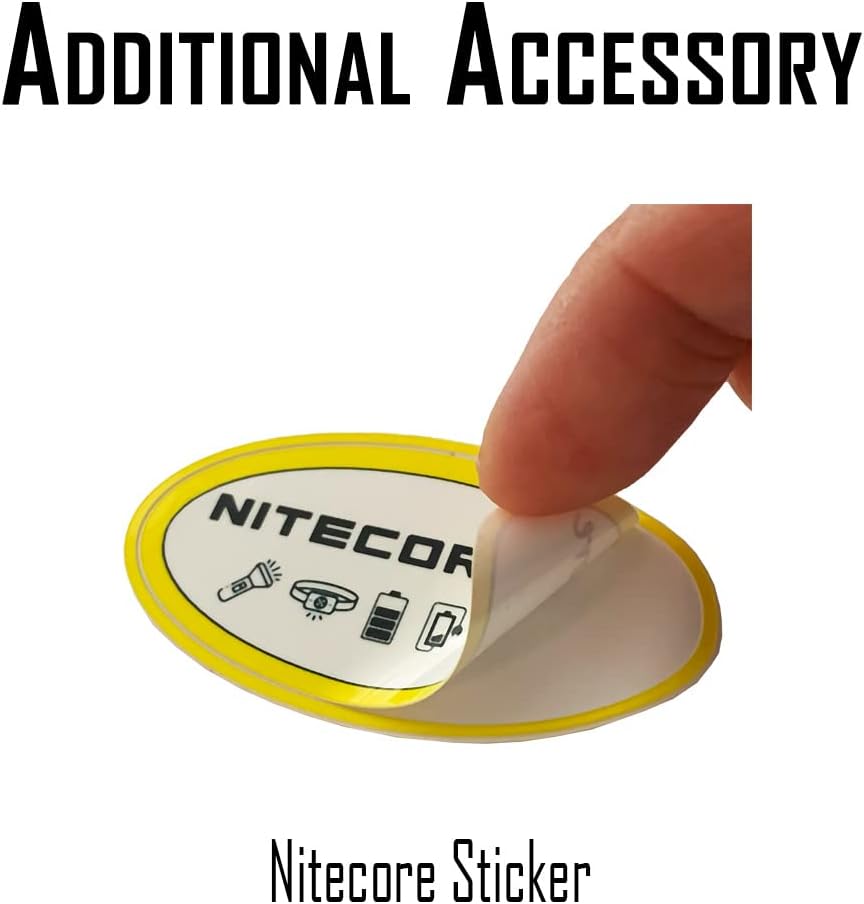
Figure 2: The included Nitecore sticker.
Video 1: Unboxing and overview of the Nitecore MT1A Pro and its accessories.
Setup
Battery Installation
The Nitecore MT1A Pro is compatible with either the included USB-C rechargeable NL1411R Li-ion battery or a standard 1x AA battery. To install the battery:
- Unscrew the tail cap of the flashlight.
- Insert the battery with the positive (+) end facing towards the head of the flashlight.
- Screw the tail cap back on securely.
Charging the Battery
The included NL1411R battery features a built-in USB-C charging port for convenient recharging. To charge the battery:
- Locate the USB-C port on the side of the NL1411R battery.
- Connect the provided USB-C charging cable to the battery's port and a power source (e.g., USB wall adapter, computer USB port).
- The indicator light on the battery will glow red during charging and turn blue when fully charged.

Figure 3: Nitecore MT1A Pro flashlight, ready for use.

Figure 4: Compact and portable design of the MT1A Pro.
Video 2: Demonstration of battery installation and charging for the Nitecore MT1A Pro.
Operating the Flashlight
Turning On/Off and Mode Switching
The MT1A Pro features a dual-stage tail button for easy operation:
- Full Press: Press the tail switch completely until it clicks to turn the flashlight ON or OFF.
- Half Press: When the flashlight is ON, half-press the tail switch to cycle through the brightness levels (Low, Mid, High).
The flashlight has a mode memory function, meaning it will turn on in the last used brightness level when activated.
Brightness Levels and Runtimes
The MT1A Pro offers three brightness levels, with runtimes varying based on the battery type used:
| Mode | Brightness | Runtime | Max Distance |
|---|---|---|---|
| High | 800 Lumens | 1 hour | 250m |
| Mid | 300 Lumens | 1 hour 45 min | 145m |
| Low | 50 Lumens | 10 hours | 58m |
| Mode | Brightness | Runtime | Max Distance |
|---|---|---|---|
| Mid | 200 Lumens | 1 hour 30 min | 125m |
| Low | 50 Lumens | 5 hours | 58m |

Figure 5: The powerful 800 lumen beam of the MT1A Pro.
Video 3: Overview of Nitecore MT series EDC flashlights, including beam patterns and features.
Maintenance
The Nitecore MT1A Pro is built for durability and reliable performance in various conditions:
- Waterproof: The flashlight holds an IP68 rating, making it waterproof and submersible up to 2 meters.
- Impact Resistant: It can withstand impacts of up to 2 meters, ensuring durability in rugged environments.
- Material: Constructed from aero-grade aluminum alloy with HA III military-grade hard-anodized finish for superior quality and resistance to wear.
Regularly inspect O-rings and threads for wear and lubricate as needed to maintain waterproof integrity. Keep the charging port clean and dry.
Troubleshooting
If you encounter any issues with your Nitecore MT1A Pro, consider the following:
- Flashlight not turning on: Ensure the battery is correctly inserted with the positive (+) end facing the head. Check if the battery is charged. Remove any protective films from the battery terminals.
- Dim light or flickering: Recharge the battery. Ensure the tail cap is screwed on tightly. Clean battery contacts and threads if necessary.
- Charging issues: Verify the USB-C cable is properly connected to both the battery and the power source. Check the charging indicator light on the battery.
For persistent issues, refer to the warranty and support information.
Specifications
- Brand: Nitecore
- Model: MT1A Pro
- Light Source Type: LED
- White Brightness: 800 Lumens (Max)
- Light Path Distance: 273 Yards (Max)
- Power Source: Battery Powered (1x Lithium Ion battery included, or 1x AA battery)
- Battery Cell Composition: Lithium Ion
- Product Dimensions: 3.66"D x 0.78"W x 0.68"H
- Item Weight: 3.2 ounces
- Water Resistance Level: Waterproof (IP68, 2m submersible)
- Special Features: Lightweight, Adjustable Light Modes, Durable, Rechargeable
Warranty and Support
The Nitecore MT1A Pro comes with a Limited Warranty. For detailed warranty terms and conditions, please refer to the documentation included with your product or visit the official Nitecore website.
For technical support or customer service inquiries, please contact Nitecore customer support through their official channels.
Related documentsMT1A Pro


Ask a question about this manual
Ask about setup, troubleshooting, compatibility, parts, safety, or missing instructions. Manuals+ will review the question and use this page’s manual context to help answer it.