
1. Introduction
Thank you for choosing the MEDION Mini Dishwasher DWT51. This manual provides essential information for the safe and efficient use of your appliance. Please read these instructions carefully before installation and operation, and retain them for future reference.
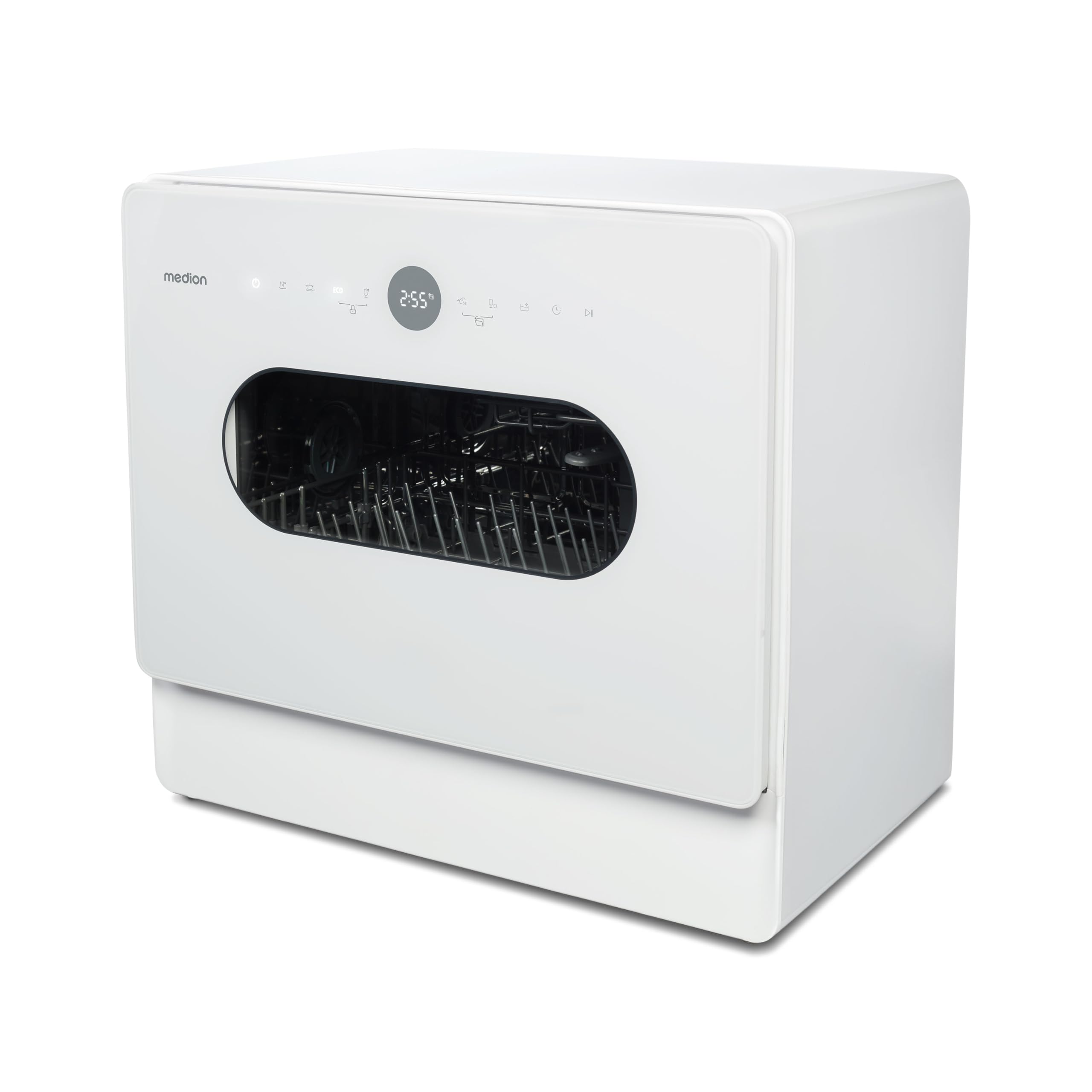
Figure 1: MEDION Mini Dishwasher DWT51, front view.
2. Product Overview
The MEDION Mini Dishwasher DWT51 is a compact tabletop dishwasher designed for convenience and efficiency. It offers flexible water supply options and multiple washing programs to suit various needs.
Key Features:
- 7 Washing Programs: Rapid, Eco, Glasses, Intensive, Hygienic, 58' Wash, Self-cleaning.
- Bucket Function: Operates without a fixed water connection using the included foldable bucket.
- Compact EasyFit Design: Ideal for small kitchens or travel.
- Touch Control Panel with LED Display: For intuitive operation.
- 5 Standard Place Settings: Accommodates daily dishwashing needs.
- Low Water Consumption: Only 7.8 liters per Eco wash cycle.
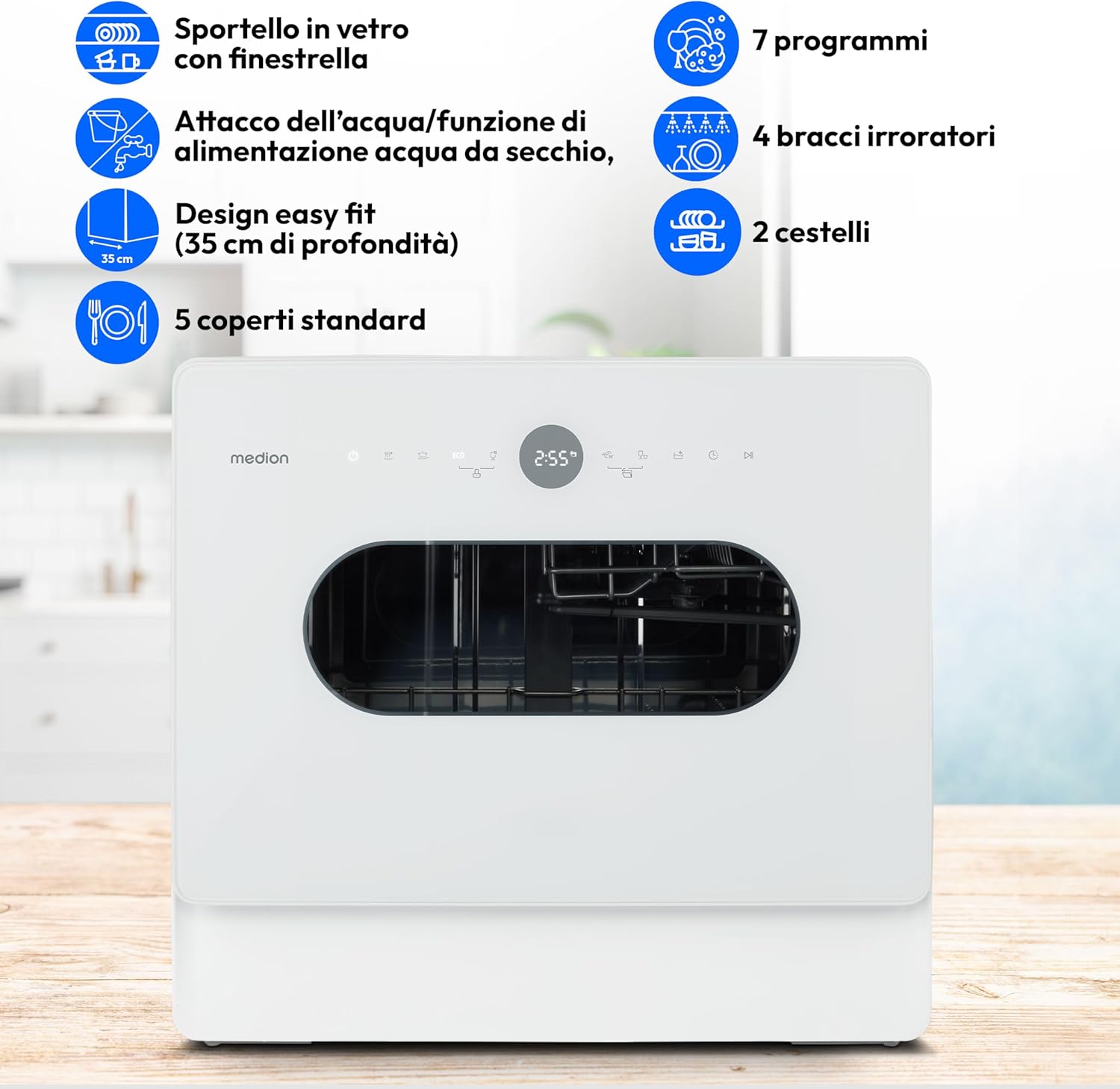
Figure 2: Overview of key features including glass door, 7 programs, bucket function, 4 spray arms, 2 baskets, and 5 place settings.
Included Components:
- Tabletop Dishwasher Unit
- 1 Lower Dish Basket
- 1 Upper Dish Basket with Cutlery Tray
- 1 Water Inlet Hose
- 1 Water Outlet Hose
- 1 Foldable Bucket
- 1 Bucket Hose
- 2 Suction Cups with Screws
- Quick Start Guide
3. Setup
3.1 Placement
Position the dishwasher on a stable, level surface. Ensure there is adequate space around the unit for ventilation and access. The compact design allows for placement in various kitchen environments.

Figure 3: The MEDION Mini Dishwasher DWT51 in a kitchen setting, highlighting its compact and efficient design.

Figure 4: Dimensions of the dishwasher, showing its compact footprint (55 cm x 50 cm x 35 cm).
3.2 Water Connection
The DWT51 offers two methods for water supply:
- Direct Water Connection: Connect the water inlet hose to a suitable water tap and the dishwasher's inlet port. Ensure all connections are secure to prevent leaks.
- Bucket Function: If a direct water connection is not available, use the provided foldable bucket. Place the bucket near the dishwasher and connect the bucket hose to the dishwasher's inlet. Fill the bucket with water before starting a wash cycle. The dishwasher will draw water from the bucket as needed.

Figure 5: The dishwasher operating using the bucket function, demonstrating its independence from a fixed water supply.
3.3 Drainage
Connect the water outlet hose to a drain or sink. Ensure the hose is properly secured and positioned to allow for efficient water discharge.
3.4 Power Connection
Plug the dishwasher into a grounded electrical outlet. Ensure the power supply matches the specifications listed on the appliance's rating label.
4. Operating Instructions
4.1 Control Panel
The dishwasher features a touch control panel and an LED display for easy program selection and monitoring.

Figure 6: The intuitive touch control panel and LED display for convenient operation.
4.2 Loading Dishes
Arrange dishes in the baskets, ensuring they do not block the spray arms or detergent dispenser. Place larger items in the lower basket and smaller items, including cutlery, in the upper basket or cutlery tray.
4.3 Adding Detergent
Open the detergent dispenser and add the recommended amount of dishwasher detergent. Close the dispenser securely.
4.4 Selecting a Program
Use the touch controls to select one of the 7 available washing programs:
- Rapid: For lightly soiled dishes, quick wash.
- Eco: Energy-efficient program for normal soiled dishes.
- Glasses: Gentle wash for delicate glassware.
- Intensive: For heavily soiled pots and pans.
- Hygienic: High-temperature wash for sterilization.
- 58' Wash: A quick wash cycle lasting 58 minutes.
- Self-cleaning: For cleaning the dishwasher interior.
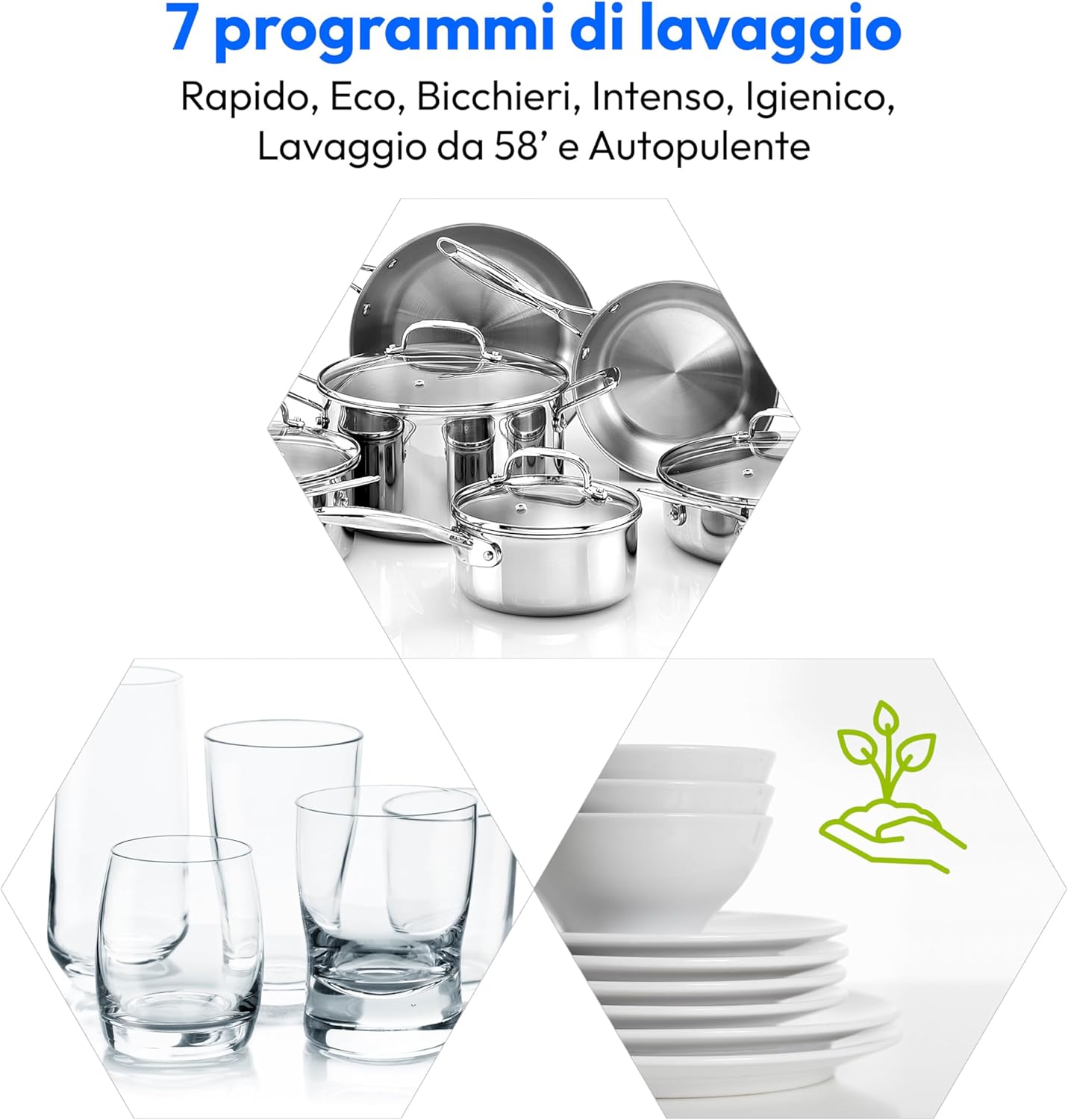
Figure 7: The 7 available washing programs, catering to different cleaning needs.
4.5 Starting a Cycle
Press the Start button to begin the selected wash cycle. The LED display will show the remaining time.
5. Maintenance
5.1 Cleaning Filters
Regularly clean the filters located at the bottom of the dishwasher to ensure optimal performance and prevent blockages. Remove food debris and rinse the filters under running water.
5.2 Cleaning Interior and Exterior
Wipe the interior and exterior surfaces of the dishwasher with a damp cloth. For stubborn stains, use a mild detergent. Avoid abrasive cleaners that could damage the finish.
5.3 Descaling
Depending on water hardness, periodic descaling may be necessary. Use a dishwasher-safe descaling agent according to the product instructions.
6. Troubleshooting
If you encounter issues with your dishwasher, refer to the following common problems and solutions:
| Problem | Possible Cause | Solution |
|---|---|---|
| Dishwasher does not start | Power cord not plugged in; Door not closed properly; Program not selected. | Check power connection; Ensure door is latched; Select a wash program. |
| Dishes are not clean | Filters clogged; Spray arms blocked; Insufficient detergent; Incorrect program. | Clean filters; Ensure spray arms rotate freely; Add more detergent; Select appropriate program. |
| Water not draining | Drain hose kinked or blocked; Drain filter clogged. | Check and clear drain hose; Clean drain filter. |
| Unusual noise | Dishes interfering with spray arms; Foreign object in pump. | Rearrange dishes; Inspect and remove any foreign objects. |
7. Specifications
Below are the technical specifications for the MEDION Mini Dishwasher DWT51:
- Brand: MEDION
- Model: DWT51
- Installation Type: Freestanding
- Product Dimensions (D x W x H): 35 cm x 55 cm x 50 cm
- Water Capacity: 7.8 Liters (per Eco cycle)
- Special Feature: Cleaning program
- Color: White
- Controls Type: Touch
- Material: Glass, Stainless steel, Plastic
- Noise Level: 58 Decibels
- Place Settings: 5

Figure 8: Illustrating the reduced water consumption of 7.8 liters per Eco wash cycle.
8. Warranty and Support
For warranty information and technical support, please refer to the warranty card included with your product or visit the official MEDION website. Keep your purchase receipt as proof of purchase.
For further assistance, you may contact MEDION customer service through their official channels.