
1. Safety Information
Read all instructions before operating this electric ride-on truck. Failure to follow these instructions may result in serious injury or property damage. Keep this manual for future reference.
- Adult Supervision Required: Always supervise children when operating the vehicle.
- Age and Weight Limits: Suitable for children aged 36 months to 5 years. Maximum weight capacity is 55 lbs (25 kg).
- Protective Gear: Ensure the child wears appropriate safety gear, such as a helmet, when operating the vehicle.
- Operating Environment: Operate the vehicle on flat, dry surfaces away from traffic, swimming pools, or other hazards. Avoid steep inclines.
- Seat Belt Use: Always ensure the child is securely fastened with the seat belt provided.
- Battery Safety: Only use the specified 12V battery and charger. Do not modify the electrical system.
This product complies with ASTM F963 and CPSIA safety standards.
2. Package Contents
Verify that all components are present before beginning assembly:
- Qaba 12V Kids UTV Electric Ride-On Truck (main body)
- Remote Control
- 12V Battery
- Charger
- Wheels (4)
- Seat belt
- Headlights (pre-installed or separate)
- Assembly Hardware (screws, washers, etc.)
- Instruction Manual
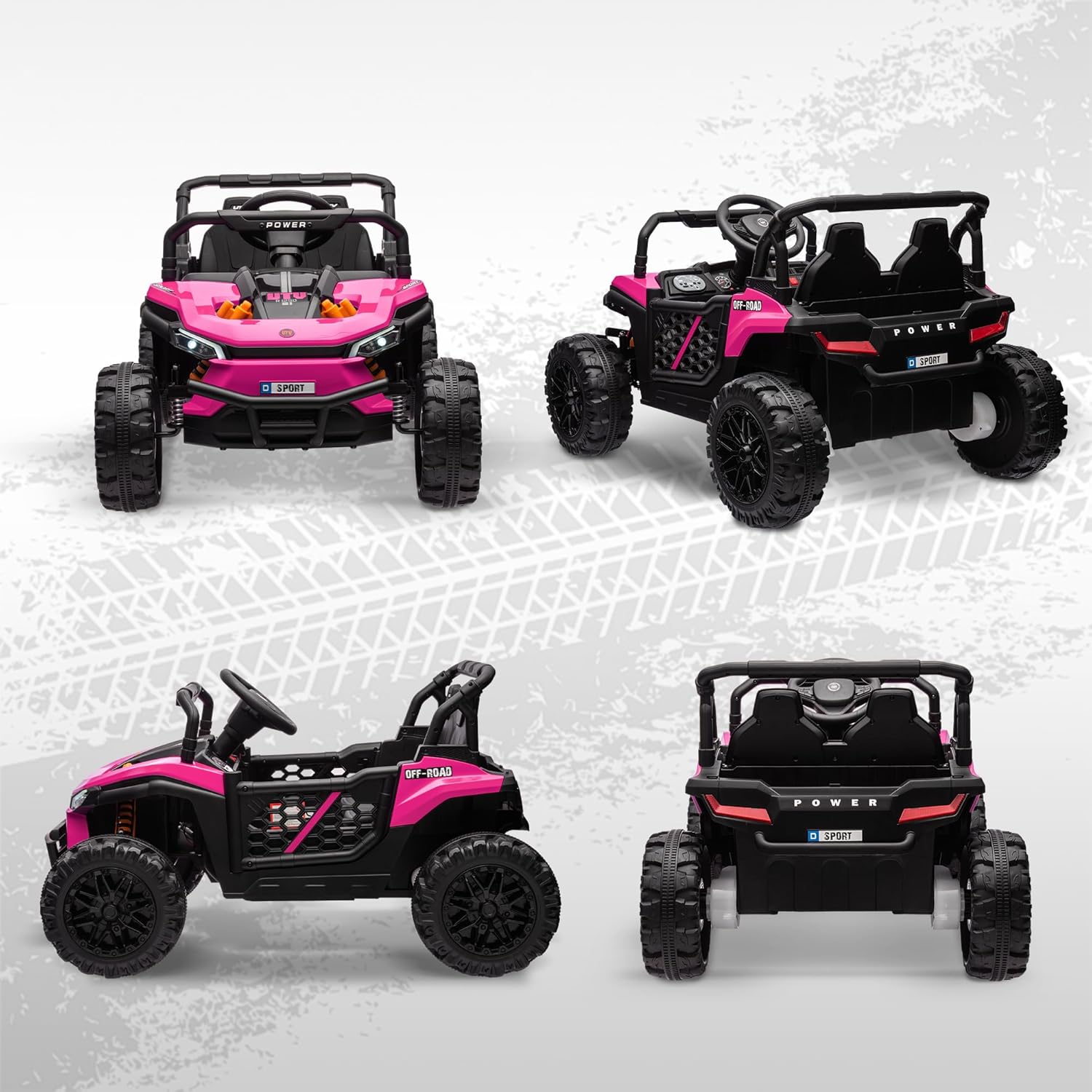
Image: Various views of the Qaba 12V Kids UTV Electric Ride-On Truck, illustrating its design and components.
3. Assembly Instructions
Assembly is required. Follow these steps carefully. Refer to the diagrams in the printed manual for visual guidance.
- Attach Wheels: Securely attach all four wheels to the axles using the provided hardware. Ensure they rotate freely but are firmly attached.
- Install Steering Wheel: Connect the steering wheel to the steering column. Ensure all electrical connections (if any) are properly seated.
- Connect Battery: Locate the battery compartment, typically under the seat. Connect the battery terminals (red to red, black to black).
- Install Seat: Place the seat into position and secure it with the designated screws or clips.
- Attach Accessories: Install any remaining accessories such as mirrors or roll bars as per the detailed instructions.
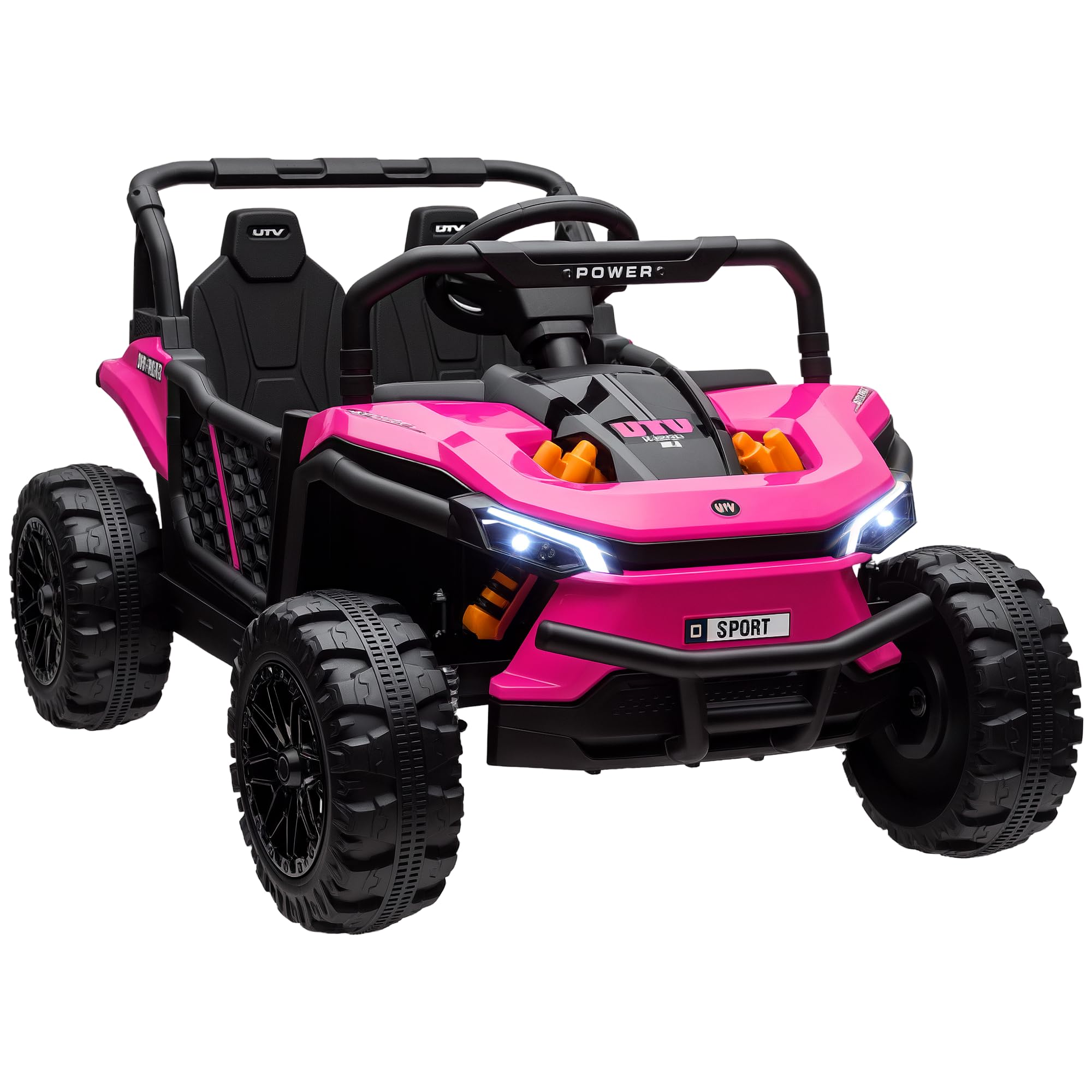
Image: The assembled Qaba 12V Kids UTV Electric Ride-On Truck in use, demonstrating its full form.
4. Charging the Battery
The vehicle is powered by a 12V rechargeable battery. Fully charge the battery before first use.
- Initial Charge: Charge the battery for 8-12 hours before the first use. Do not charge for more than 20 hours.
- Regular Charging: After each use, recharge the battery for 8-12 hours.
- Charging Process: Connect the charger to the charging port on the vehicle and then plug the charger into a standard wall outlet. The indicator light on the charger will show the charging status.
- Battery Life: A full charge provides approximately 50 minutes of run time, depending on usage and terrain.
5. Operating Instructions
5.1. Manual Operation
For direct control by the child:
- Power On: Press the power button on the dashboard.
- Select Speed: Use the high/low speed switch to select the desired speed (1.9-3.7 MPH).
- Direction: Use the forward/reverse switch to select the driving direction.
- Accelerate: Press the foot pedal to move the vehicle. Release the pedal to brake.

Image: Illustration of adjustable speed settings and typical run time for the UTV.
5.2. Remote Control Operation
Parents can control the vehicle using the remote control:
- Pairing: Follow the remote control's specific instructions to pair it with the vehicle.
- Control: Use the joystick or buttons on the remote to control forward/reverse movement and steering.
- Speed Adjustment: The remote control typically allows for speed adjustment and emergency braking.

Image: The remote control for the Qaba UTV, highlighting its function and range.
5.3. Interactive Features
The vehicle includes built-in music, a horn, and LED headlights for an enhanced experience.
- Music: Press the music button on the dashboard to play pre-loaded tunes.
- Horn: Press the horn button on the steering wheel for sound.
- LED Headlights: The headlights illuminate when the vehicle is powered on.
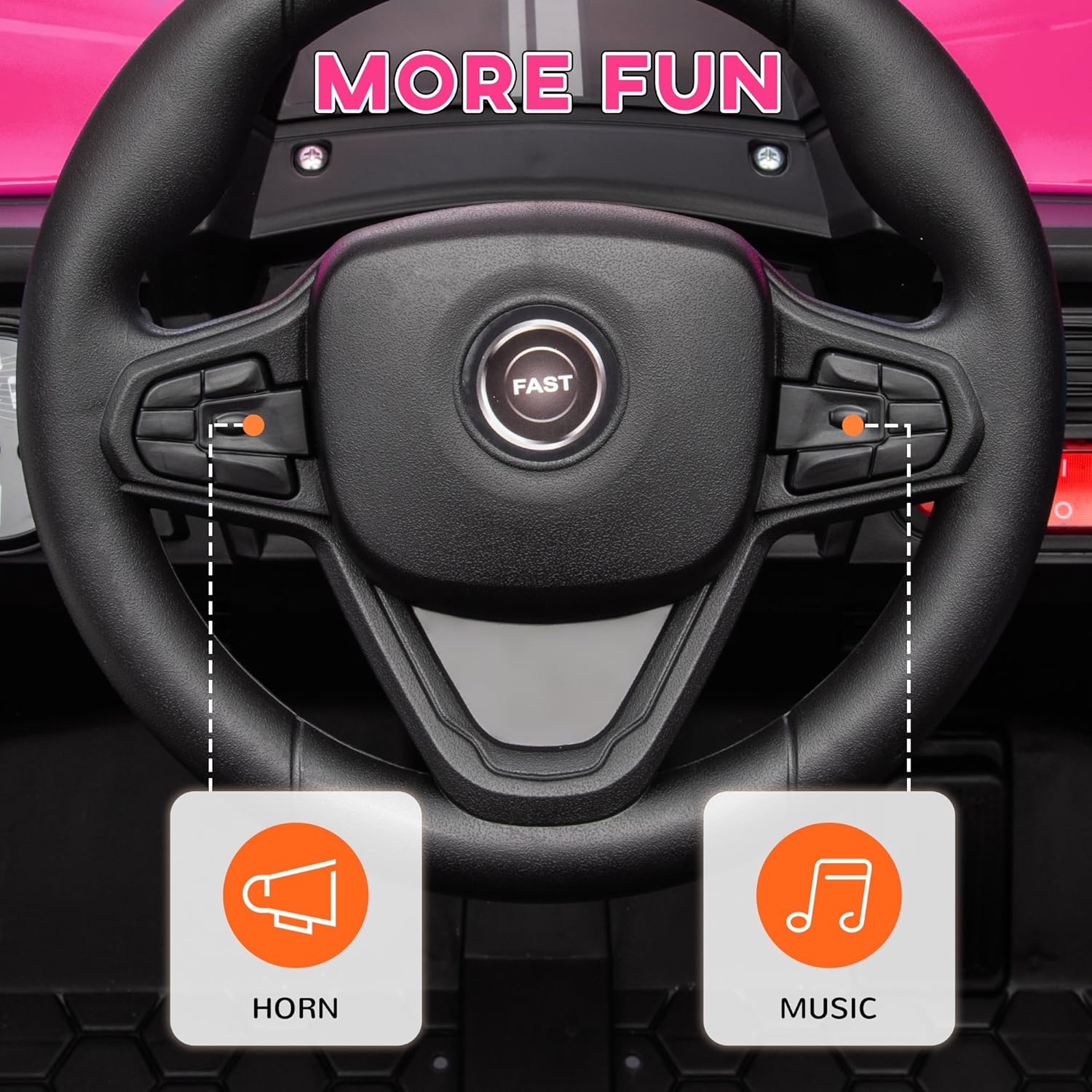
Image: Dashboard controls for interactive features like horn and music.
Official Product Video
Video: This video demonstrates the features and operation of the Qaba 370-348V80PK Electric Car for Kids, including driving, remote control, and interactive elements.
6. Maintenance
Regular maintenance ensures the longevity and safe operation of your ride-on truck.
- Cleaning: Wipe the vehicle with a soft, damp cloth. Do not use abrasive cleaners or solvents. Avoid spraying water directly on electrical components.
- Battery Care: Always recharge the battery after each use. If storing for extended periods, charge the battery once a month to prevent deep discharge.
- Storage: Store the vehicle in a dry, cool place away from direct sunlight and moisture.
- Inspection: Periodically check all screws, nuts, and connections to ensure they are tight. Inspect wheels and tires for wear.
7. Troubleshooting
| Problem | Possible Cause | Solution |
|---|---|---|
| Vehicle does not move | Battery is low or disconnected | Charge the battery; check battery connections. |
| Vehicle moves slowly | Low battery; overloaded; operating on rough terrain | Recharge battery; reduce load; move to smoother surface. |
| Remote control not working | Remote batteries dead; not paired | Replace remote batteries; re-pair remote with vehicle. |
| No sound from horn/music | Loose connection; speaker issue | Check connections; contact support if issue persists. |
8. Specifications
- Model Number: 370-348V80PK
- Product Dimensions: 40.6" L x 27.2" W x 23.2" H (103 cm L x 69 cm W x 59 cm H)
- Item Weight: 35.3 lbs (16 kg)
- Weight Capacity: 55 lbs (25 kg)
- Recommended Age: 36 months - 5 years
- Battery: 12V (rechargeable)
- Motors: Dual-motor power
- Speed Range: 1.9 - 3.7 MPH (3-6 KM/H)
- Run Time: Up to 50 minutes (approximate, varies with use)
- Suspension: 4-wheel spring suspension
- Features: LED Headlights, Horn, Music, Remote Control
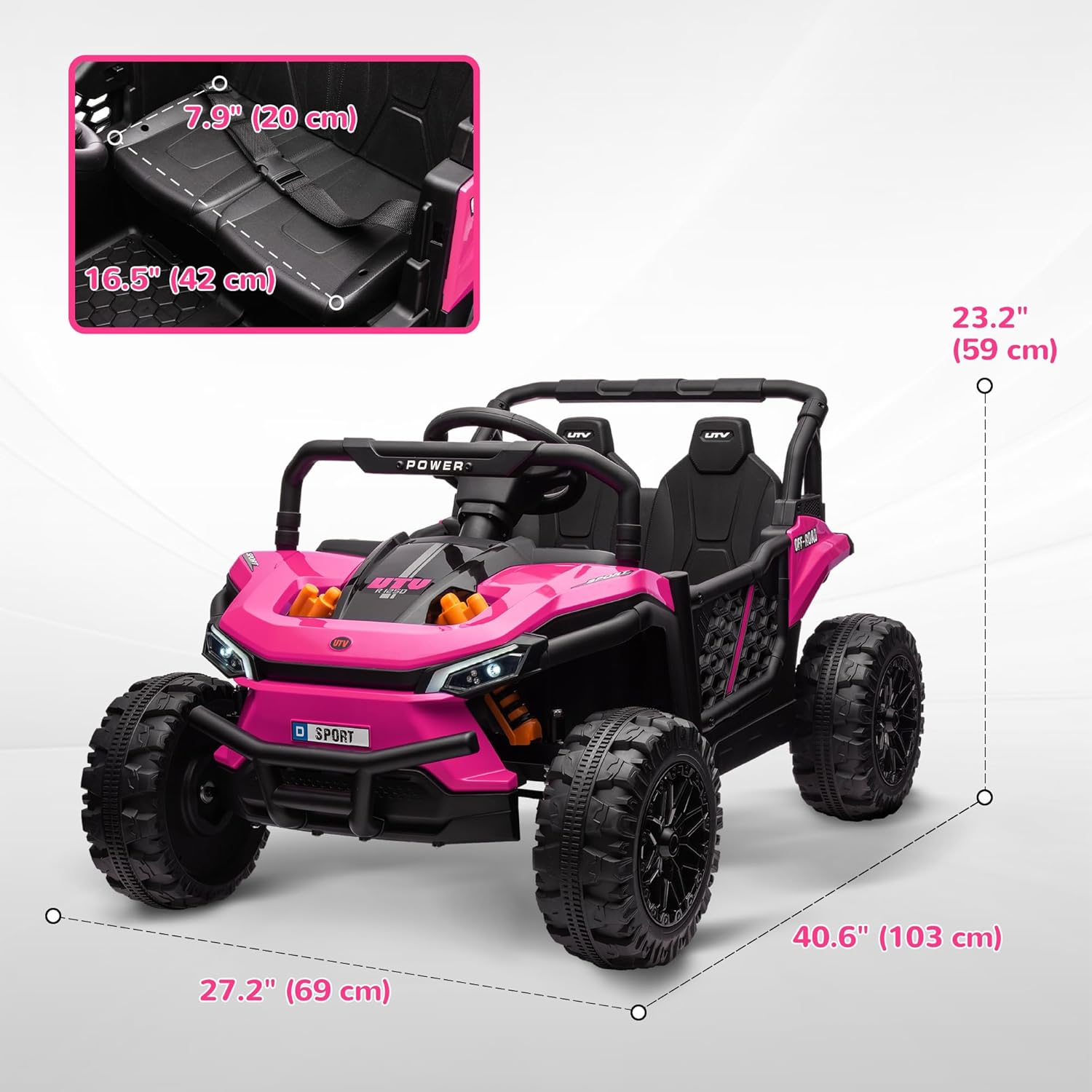
Image: Detailed dimensions of the Qaba 12V Kids UTV Electric Ride-On Truck.

Image: Key specifications and features of the 12V Ride-On Truck.
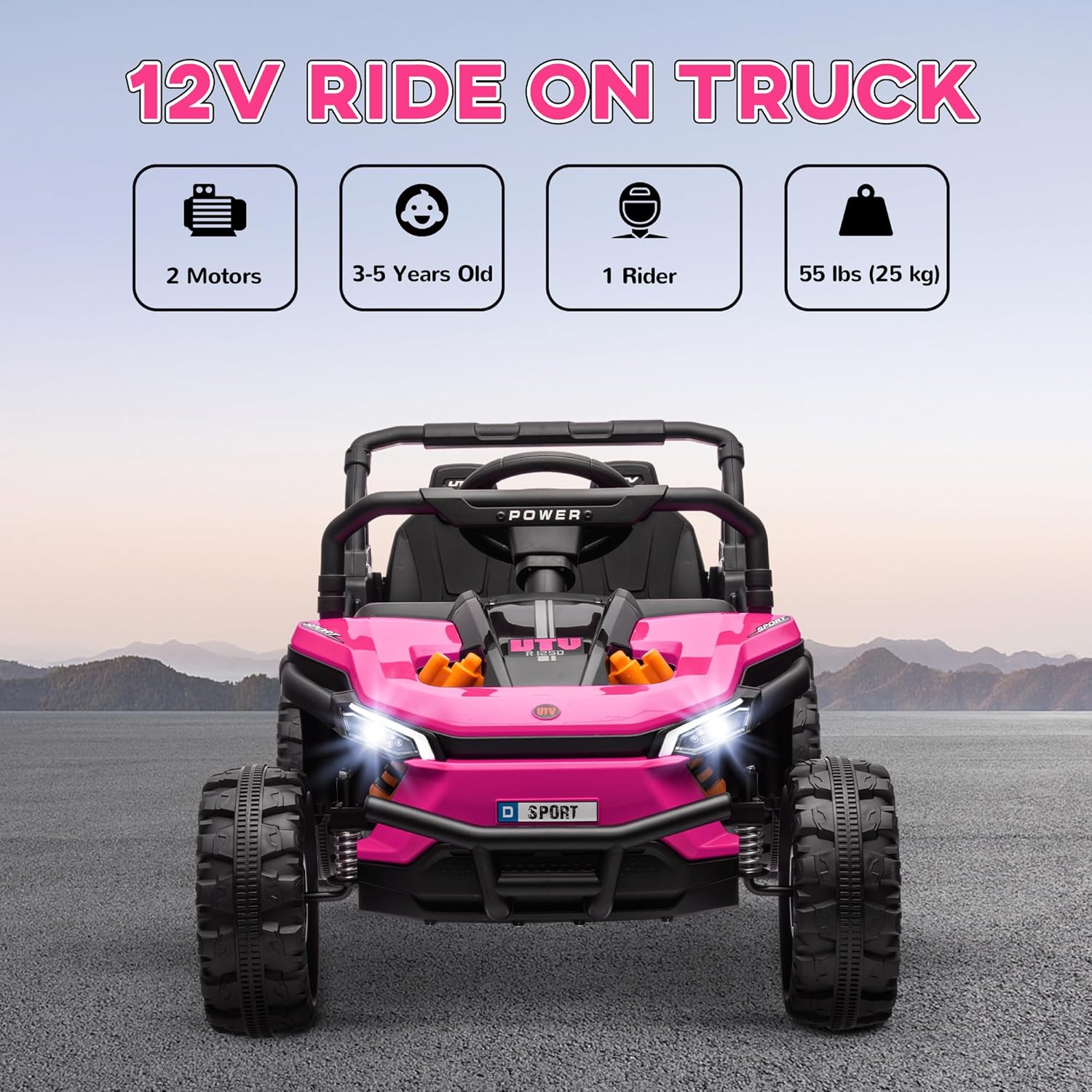
Image: Visual representation of the smooth driving experience due to spring suspension.
9. Warranty and Support
For warranty information, product support, or to order replacement parts, please contact Qaba customer service. Keep your purchase receipt and model number handy.
- Manufacturer: Aosom LLC
- Contact Information: Refer to the Qaba official website or your purchase documentation for the most current contact details.
