
BNCF Bpad Mini
BNCF Bpad Mini Android 14 Tablet User Manual
Model: Bpad Mini | Brand: BNCF
1. Introduction
Thank you for choosing the BNCF Bpad Mini Android 14 Tablet. This manual provides essential information to help you set up, operate, and maintain your device. The Bpad Mini is a versatile 8.4-inch tablet featuring a powerful Snapdragon 685 octa-core processor, ample memory and storage, high-resolution cameras, and comprehensive connectivity options, designed for both productivity and entertainment.
2. Safety Information
Please read the following safety guidelines carefully before using your tablet:
- Handle the tablet gently to prevent damage from drops or impacts.
- Always perform a proper shutdown. Avoid forced shutdowns, especially when applications are running, as this may corrupt system files or data.
- Keep the device away from extreme temperatures, direct sunlight, and liquids.
- Use only BNCF-approved chargers and accessories.
- Do not attempt to disassemble or repair the tablet yourself. Contact customer support for assistance.
- Periodically clear unnecessary data to maintain optimal performance.
3. Package Contents
Ensure all items are present in your product box:
- BNCF Bpad Mini Tablet
- Standard Charger (5V/2A)
- Type-C USB Cable (5V/2A)
- SIM Card Eject Pin
- User Manual

4. Product Overview
Familiarize yourself with the physical components of your Bpad Mini tablet:
- Front Camera: For selfies and video calls (5MP).
- Rear Camera: For high-resolution photos and videos (32MP).
- Flashlight: For illumination when taking photos or as a torch.
- Light Sensor: Automatically adjusts screen brightness based on ambient light.
- Power Button: Turns the device on/off or locks/unlocks the screen.
- Volume Buttons (+/-): Adjusts the device volume.
- Speakers: Integrated dual speakers for audio output.
- Type-C Port: For charging and data transfer.
- Microphone: For audio input during calls or recordings.
- SIM/MicroSD Slot: For inserting SIM cards and expandable storage.
5. Setup
5.1 Charging the Device
Before first use, fully charge your tablet using the provided charger and Type-C USB cable. Connect the Type-C cable to the tablet's port and the charger to a power outlet. The battery indicator on the screen will show charging progress.

5.2 Inserting SIM/MicroSD Card
To use 4G LTE connectivity or expand storage, insert a SIM card or MicroSD card into the designated slot:
- Locate the SIM/MicroSD card slot on the side of the tablet.
- Use the provided SIM eject pin to open the tray.
- Carefully place the SIM card(s) and/or MicroSD card into the tray, ensuring correct orientation.
- Gently push the tray back into the slot until it clicks into place.
APN Settings for 4G LTE
For some carriers (e.g., Rakuten Mobile, IIJmio, BIGLOBE Mobile, OCN Mobile ONE, UQ mobile), manual APN (Access Point Name) settings are required after SIM insertion. For others (e.g., docomo, au, SoftBank, Y!mobile, LINEMO), APN settings may be automatic.
If manual setup is needed:
- Go to Settings > Network & internet > Mobile network.
- Check if the APN is correctly displayed. If blank, you will need to manually input the APN details provided by your carrier.
- Refer to your carrier's official website for specific APN configuration details.
5.3 Initial Power On
Press and hold the Power button until the BNCF logo appears. Follow the on-screen prompts to complete the initial setup, including language selection, Wi-Fi connection, and Google account setup.
6. Operating Instructions
6.1 Android 14 Operating System
Your Bpad Mini runs on Android 14, offering enhanced features for a smoother and more secure user experience. Key features include:
- Multitasking: Utilize split-screen mode to run two apps simultaneously.
- Improved Privacy & Security: Enhanced controls over app permissions and data access.
- Efficient Battery Management: Optimized power usage for longer battery life.
- Smart Screen Cast: Wirelessly share your tablet screen to a larger display.
- Three-finger Screenshot: Capture screenshots quickly with a simple gesture.
- Parental Controls: Manage screen time and content access for children.

6.2 Performance
The Bpad Mini is powered by the Snapdragon 685 Octa-core Chipset with a clock speed of up to 2.8GHz, ensuring smooth and efficient performance for all your tasks, from browsing to gaming. It features an advanced 6nm manufacturing process for optimized power consumption.
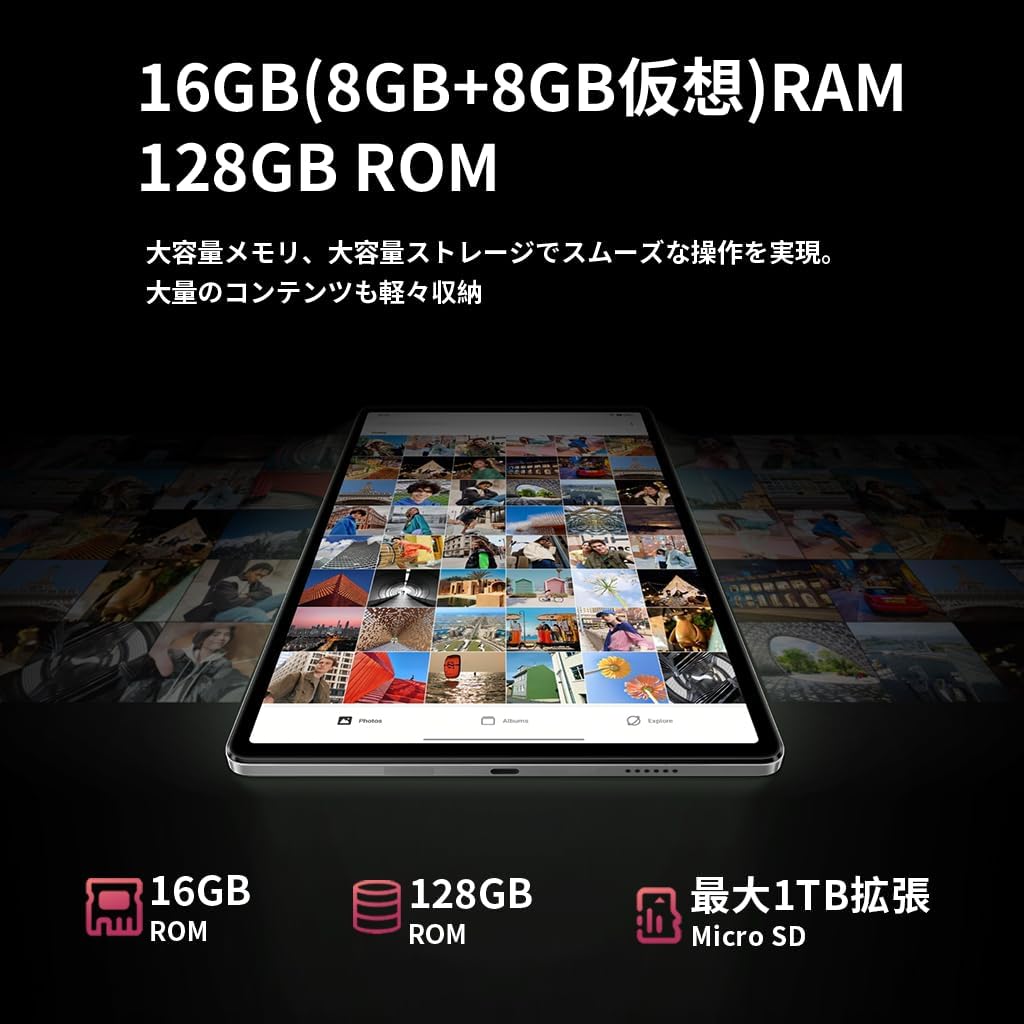
With 16GB of RAM (8GB physical + 8GB virtual), the tablet can handle multiple applications simultaneously without lag. The 128GB UFS internal storage provides fast read/write speeds and ample space for your files, expandable up to 1TB via MicroSD card.


6.3 Display
The 8.4-inch FHD IPS display with 1920x1200 resolution provides vivid and clear visuals. It features in-cell full lamination technology for improved transparency and touch responsiveness. With Widevine L1 support, you can enjoy high-definition content from streaming services like Netflix, Amazon Prime Video, and Disney+ in HD, Full HD, and even 4K resolutions.

6.4 Camera
Capture moments with the tablet's dual cameras:
- Front Camera: 5MP, ideal for selfies and high-quality video calls.
- Rear Camera: 32MP, capable of shooting high-resolution photos and videos, including 4K, making it suitable for content creation and live streaming.

6.5 Connectivity
Stay connected with various options:
- 4G LTE: Insert a SIM card to access the internet and make calls like a smartphone, even without Wi-Fi.
- 2.4G/5G Dual-band Wi-Fi: Enjoy fast and stable internet browsing and online gaming.
- Bluetooth 5.0: Easily connect to wireless headphones, speakers, and other Bluetooth devices for a seamless experience.
- GPS: Utilize accurate navigation services for travel and location-based applications.

6.6 Battery Management
The Bpad Mini is equipped with a 6050mAh large-capacity battery, providing extended usage time. It supports 18W PD fast charging, allowing for quick recharges (fast charger sold separately; standard charger included).
6.7 Sensors
The tablet integrates several sensors for enhanced functionality:
- Gyro Sensor: Automatically adjusts screen orientation and improves gaming experience with smoother rotation effects and precise control.
- Light Sensor: Detects ambient light to automatically adjust screen brightness, optimizing battery consumption.
- Proximity Sensor: Automatically turns off the screen during calls to prevent accidental touches and save power.

6.8 Security
The Bpad Mini supports Face Recognition for quick and secure unlocking, protecting your privacy with ease.

7. Maintenance
To ensure the longevity and optimal performance of your BNCF Bpad Mini, follow these maintenance tips:
- Screen Care: Clean the screen with a soft, lint-free cloth. Avoid harsh chemicals or abrasive materials.
- Software Updates: Regularly check for and install system updates to ensure your device has the latest features and security patches.
- Data Management: Periodically review and delete unnecessary files, apps, and cached data to free up storage space and prevent performance slowdowns.
- Battery Health: Avoid completely draining the battery frequently. For long-term storage, charge the battery to about 50-60%.
- Environmental Conditions: Store and use the tablet in moderate temperatures. Extreme heat or cold can damage the battery and internal components.
8. Troubleshooting
Here are solutions to common issues you might encounter:
| Problem | Possible Cause | Solution |
|---|---|---|
| Device won't turn on | Low battery; System crash | Charge the device for at least 30 minutes. Press and hold the power button for 10-15 seconds to force restart. |
| Poor 4G LTE connection | Incorrect APN settings; Weak signal area | Restart the device in a good signal area. Verify APN settings in Settings > Network & internet > Mobile network. Consult your carrier for correct APN details. |
| Tablet is slow/lagging | Too many apps running; Low storage; Outdated software | Close background apps. Clear unnecessary data and cache. Check for system updates in Settings > System > System update. |
| Touch screen unresponsive | Temporary software glitch; Screen protector interference | Restart the tablet. Ensure screen is clean. If using a screen protector, ensure it is properly applied and not interfering. |
| Wi-Fi connection issues | Incorrect password; Router issue; Tablet Wi-Fi disabled | Ensure Wi-Fi is enabled. Forget the network and reconnect. Restart your Wi-Fi router. |
9. Specifications
| Feature | Specification |
|---|---|
| Brand | BNCF |
| Model Name | Bpad Mini |
| Operating System | Android 14 |
| CPU | Qualcomm Snapdragon 685 Octa-core (up to 2.8 GHz) |
| GPU | Adreno 610 |
| RAM | 16 GB (8GB physical + 8GB virtual) |
| Internal Storage | 128 GB UFS |
| Expandable Storage | Up to 1 TB via MicroSD card |
| Display Size | 8.4 inches |
| Display Resolution | 1920x1200 pixels (FHD IPS) |
| Display Technology | In-cell full lamination |
| Streaming Support | Widevine L1 (Netflix, Amazon Prime Video, Disney+ in HD/FHD/4K) |
| Rear Camera | 32 MP |
| Front Camera | 5 MP |
| Cellular Connectivity | 4G LTE (GSM, WCDMA, LTE-TDD, LTE-FDD bands) |
| Wi-Fi | 2.4G/5G Dual-band (802.11a/b/g/n/ac) |
| Bluetooth | Bluetooth 5.0 |
| GPS | Yes |
| Battery Capacity | 6050 mAh |
| Charging | Type-C, supports 18W PD fast charging |
| Sensors | Gyro Sensor, Light Sensor, Proximity Sensor |
| Security Features | Face Recognition |
| Dimensions (L x W x H) | 200.8 x 124.2 x 7.6 mm |
| Weight | 310 g |
10. Warranty and Support
BNCF offers a 12-month product warranty for the Bpad Mini tablet. For any inquiries or issues, please contact customer support through your Amazon account:
- Go to Your Amazon Account > Order History.
- Select the relevant order for your BNCF Bpad Mini.
- Click on Contact Seller.
Our support team typically responds within 6 hours. Please provide your order details for faster assistance.
Related documentsBpad Mini

Ask a question about this manual
Ask about setup, troubleshooting, compatibility, parts, safety, or missing instructions. Manuals+ will review the question and use this page’s manual context to help answer it.