
1. Introduction
This manual provides essential information for the proper use and understanding of your Ejoyous 125Khz Read Only Smart ID Cards. These contactless proximity cards are designed for various identification and access control applications, offering a reliable and secure solution.
Each card features a unique, unalterable 10-digit ID number, ensuring secure identification. They are compatible with standard EM4100 systems and widely used in door entry access control, time attendance, membership management, and more.
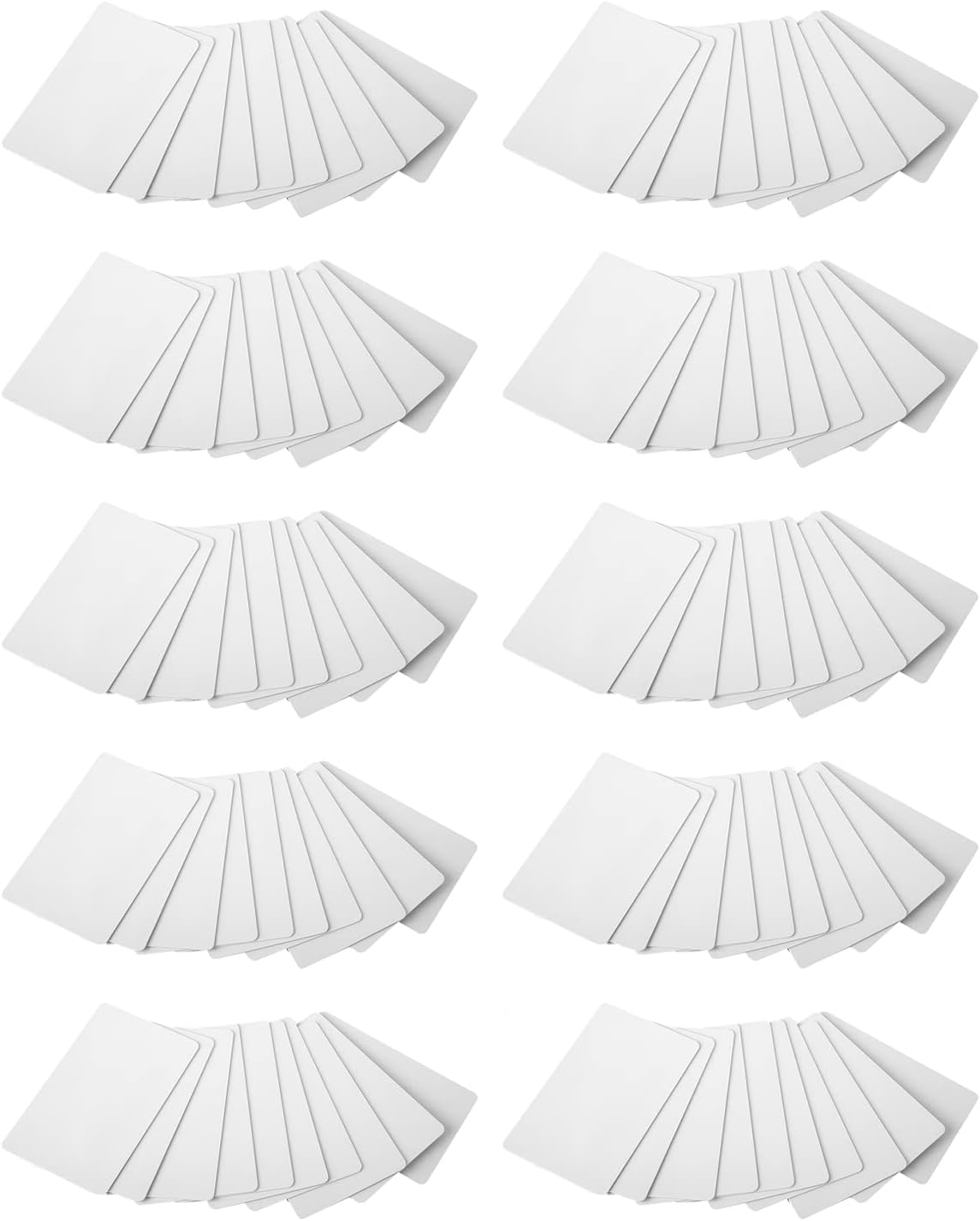
Image 1.1: A stack of Ejoyous 125Khz Proximity Cards, illustrating their clean, white appearance and standard size.
2. Specifications
The following table details the technical specifications of the Ejoyous Proximity Cards:
| Feature | Specification |
|---|---|
| Condition | Brand New |
| Material | PVC |
| Color | White |
| Working Frequency | 125kHz |
| Working Temperature | -40°C ~ 85°C |
| Thickness | Approx. 0.76mm |
| Size | Approx. 86 x 54 mm (3.4 x 2.1 inches) |
| ID Number | Unique 10-digit (Read-Only) |
| Compatibility | EM4100 compatible (Note: Some encryption access controls like COBRA, APCIK are not supported) |
| Weight (per card) | Approx. 6.6g (660g for 100 cards) |

Image 2.1: A close-up view of a single Ejoyous Proximity Card, highlighting its smooth surface and standard dimensions.
3. Setup and Integration
Ejoyous Proximity Cards are designed for straightforward integration into existing 125Khz RFID systems. No complex setup is required for the cards themselves, as they are passive devices.
3.1 System Compatibility
These cards are compatible with standard ID door access devices and ID readers that operate on the 125Khz frequency and support the EM4100 protocol. Before deployment, ensure your existing or new access control system is compatible with these specifications.
Important Note:
- The cards are read-only and cannot be rewritten or reprogrammed.
- They may not support certain encryption access controls, such as those used by COBRA or APCIK systems. Verify your system's encryption requirements before purchase.
3.2 Initial Use
To begin using the cards:
- Ensure your 125Khz RFID reader or access control system is properly installed and powered on.
- Register the unique 10-digit ID number of each card with your access control system's software or database. This process typically involves scanning the card with the reader and associating its ID with a user profile or access privilege. Refer to your specific access control system's manual for detailed registration instructions.
- Once registered, the card is ready for use.
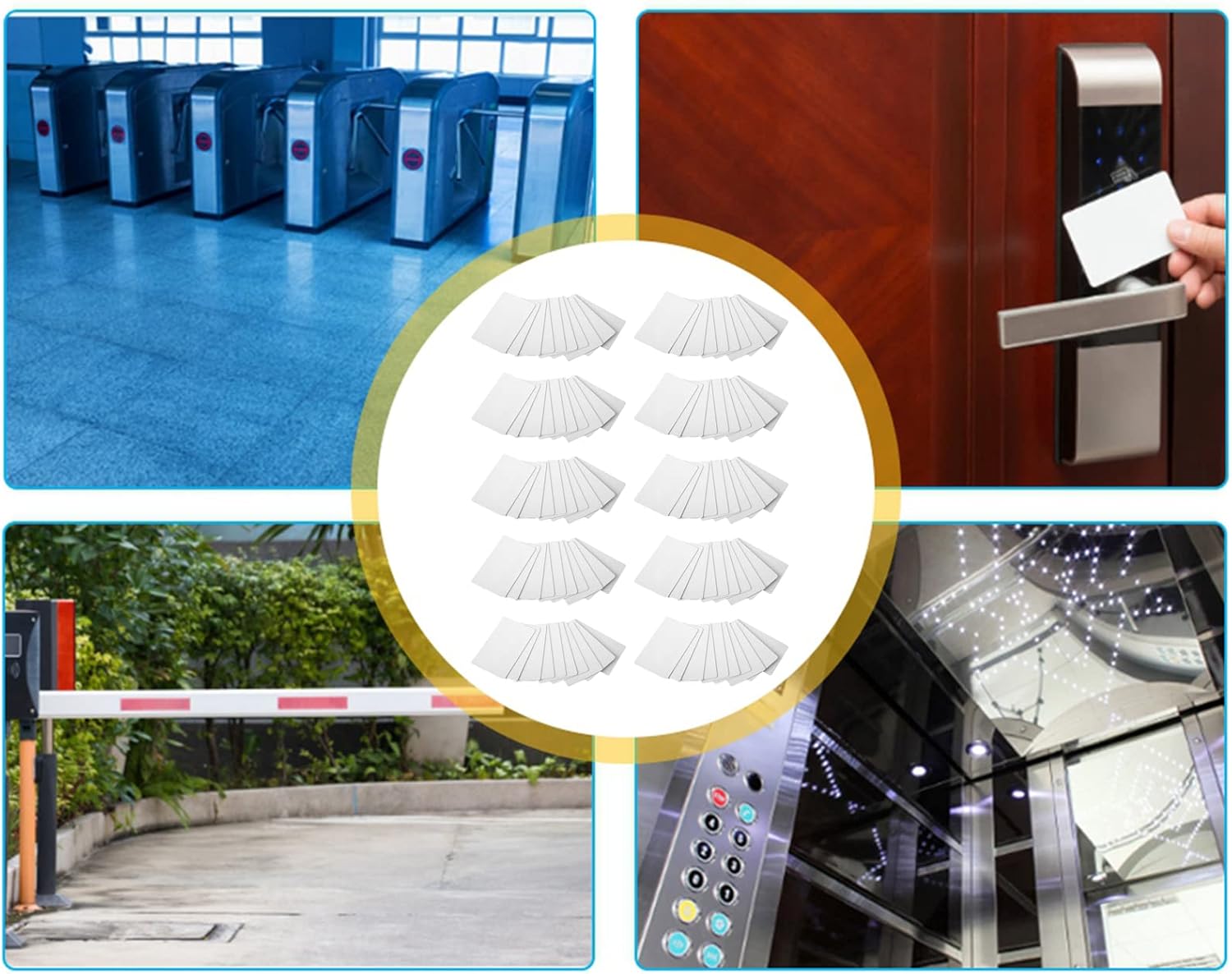
Image 3.1: Illustrative examples of common application areas for Ejoyous Proximity Cards, such as turnstiles, door access systems, parking lot barriers, and elevator control panels.
4. Operating Instructions
Using the Ejoyous Proximity Card is simple and intuitive once registered with your system.
4.1 Accessing a Reader
To gain access or record attendance:
- Hold the Ejoyous Proximity Card within the reading range of the compatible 125Khz RFID reader. The typical reading distance varies by reader but is usually a few centimeters.
- Ensure the card is presented flat to the reader for optimal detection.
- The reader will typically provide a visual (e.g., LED indicator) or audible (e.g., beep) confirmation upon successful reading.
- If access is granted, the associated door, turnstile, or system will activate.

Image 4.1: A hand presenting an Ejoyous Proximity Card to an access control panel, demonstrating the typical usage for entry.
4.2 Common Applications
- Access Control: Granting entry to buildings, rooms, or restricted areas.
- Time Attendance: Recording employee clock-in/out times.
- Membership Management: Identifying members for clubs, gyms, or libraries.
- Identification: General identification purposes in various settings.
- Vending Machines: Enabling cashless transactions or access to services.
- Parking Lots: Controlling vehicle entry and exit.
5. Maintenance
Ejoyous Proximity Cards are durable and require minimal maintenance. Following these simple guidelines will help ensure their longevity and reliable performance:
- Keep Clean: Wipe the cards periodically with a soft, dry cloth to remove dust or smudges. Avoid abrasive cleaners or solvents.
- Avoid Extreme Conditions: While designed for a wide temperature range (-40°C to 85°C), prolonged exposure to direct sunlight, extreme heat, or freezing temperatures should be avoided if possible.
- Prevent Physical Damage: Do not bend, fold, or puncture the cards. Avoid placing them near strong magnetic fields or heavy objects that could cause deformation.
- Storage: Store cards in a clean, dry place away from direct sunlight when not in use.

Image 5.1: A large quantity of Ejoyous Proximity Cards, demonstrating the typical packaging of 100 cards, ready for distribution and use.
6. Troubleshooting
If you encounter issues with your Ejoyous Proximity Cards, consider the following troubleshooting steps:
6.1 Card Not Reading
- Check Reader: Ensure the RFID reader is powered on and functioning correctly. Test with another known-working card if available.
- Correct Presentation: Make sure the card is held flat and within the optimal reading range of the reader.
- System Registration: Verify that the card's unique ID number has been correctly registered in your access control system's database. An unregistered card will not grant access.
- Compatibility: Confirm that your reader and system are compatible with 125Khz EM4100 protocol cards. These cards do not support certain encrypted systems (e.g., COBRA, APCIK).
- Physical Damage: Inspect the card for any visible signs of damage (e.g., cracks, bends). A damaged card may not function correctly.
6.2 Intermittent Reading
- Environmental Interference: Strong electromagnetic fields or metal objects near the reader can interfere with card reading. Try moving the card or reader slightly.
- Reader Malfunction: Intermittent issues might indicate a problem with the RFID reader itself. Consult the reader's manual or contact its manufacturer.
6.3 Card ID Not Recognized by System
- Database Entry: Double-check the card's ID number entry in your system's database for typos or incorrect formatting.
- Access Permissions: Ensure the user associated with the card has the necessary access permissions for the specific reader or area.
7. Warranty and Support
7.1 Manufacturer Warranty
Ejoyous Proximity Cards come with a manufacturer warranty of 90 days from the date of purchase. This warranty covers defects in materials and workmanship under normal use.
The warranty does not cover:
- Damage caused by misuse, abuse, accident, or neglect.
- Damage from unauthorized modification or repair.
- Normal wear and tear.
For warranty claims, please retain your proof of purchase.
7.2 Customer Support
For technical assistance, troubleshooting beyond this manual, or warranty inquiries, please contact Ejoyous customer support through the retailer where the product was purchased or refer to the contact information provided with your product packaging.
When contacting support, please be prepared to provide:
- Your product model number: Ejoyoustag37hure2
- Date of purchase
- A detailed description of the issue