
1. Product Overview
The JMA Nova Pro is a universal garage remote control designed for duplicating both fixed and rolling codes across a wide range of frequencies (433 MHz to 868 MHz). This device allows users to consolidate up to four different remote controls into a single unit, offering convenience and versatility for garage door and gate access systems.
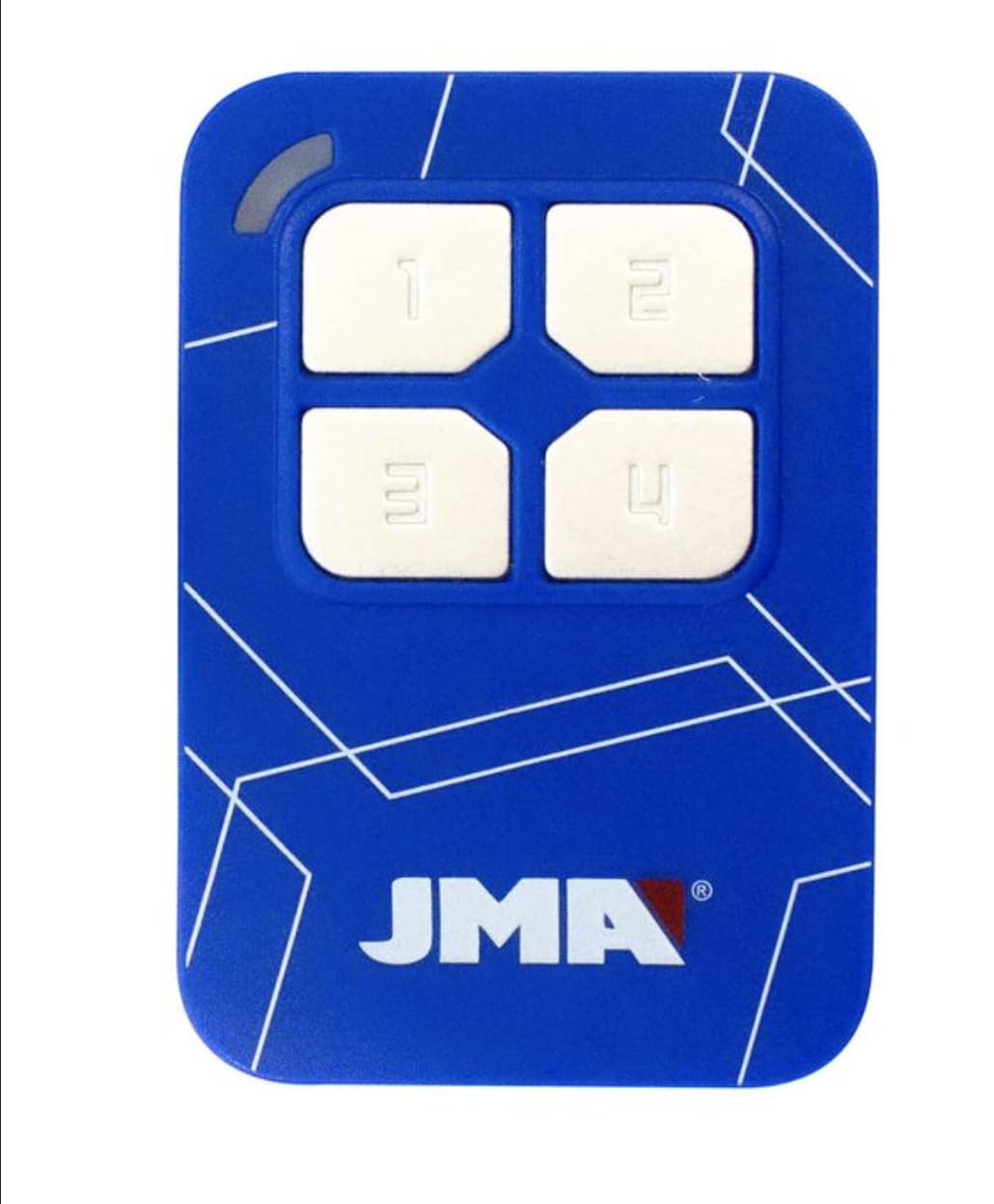
Image 1: JMA Nova Pro Universal Remote Control. This image displays the front of the JMA Nova Pro remote, highlighting its four distinct buttons for programming multiple functions.

Image 2: JMA Nova Pro '4 Remotes in One' Feature. This graphic illustrates the remote's capability to replace up to four individual remote controls, simplifying access management.
2. Key Features
- Universal Compatibility: Duplicates 95% of fixed codes and over 50 brands of rolling codes.
- Wide Frequency Range: Supports frequencies from 433 MHz to 868 MHz.
- Multi-Function: Unifies up to 4 distinct remote controls into one device.
- Easy Duplication: Designed for simple face-to-face copying.
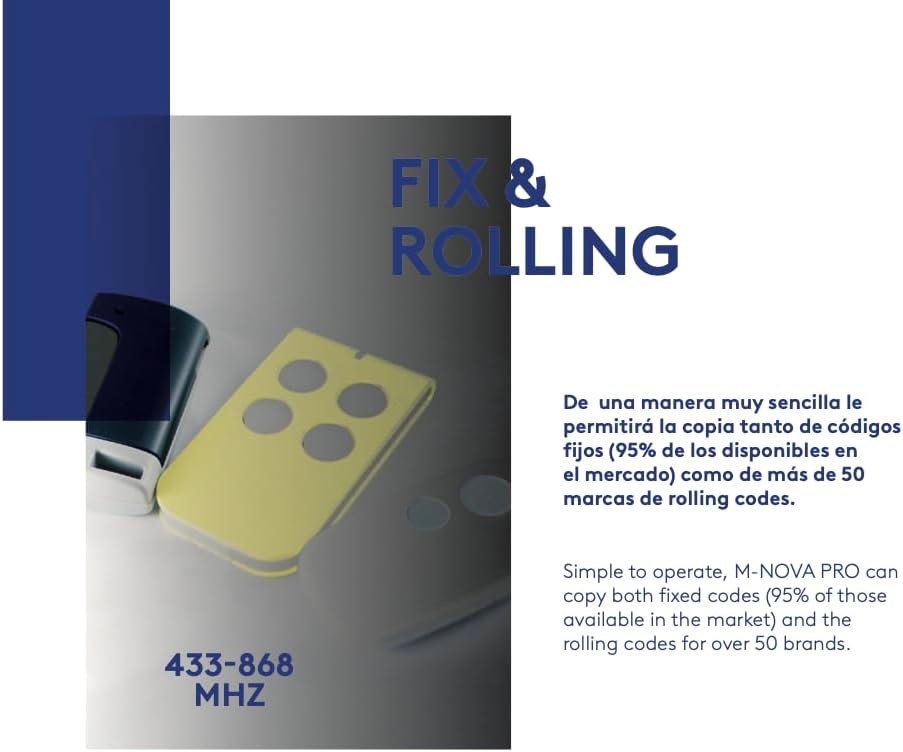
Image 3: JMA Nova Pro Fixed and Rolling Code Compatibility. This image highlights the remote's ability to copy both fixed and rolling codes across the 433-868 MHz frequency range.
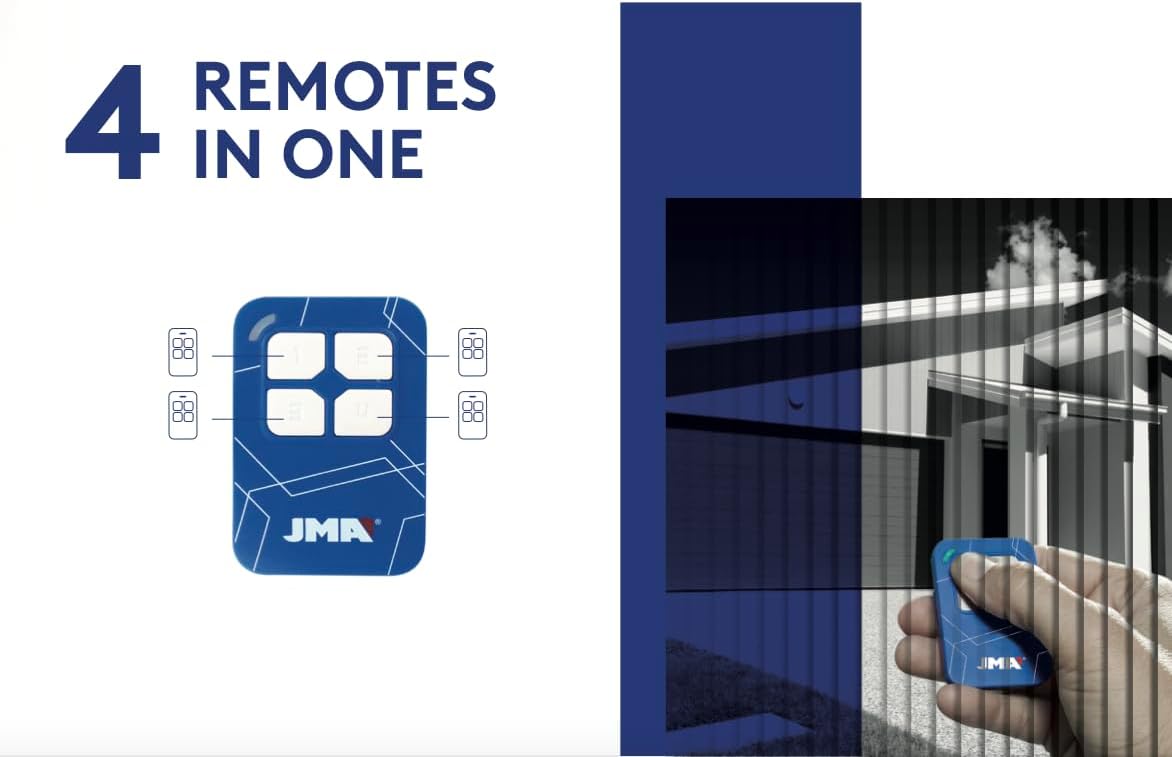
Image 4: JMA Nova Pro Compatible Rolling Code Brands. This image lists numerous rolling code brands that the JMA Nova Pro remote is capable of duplicating, demonstrating its broad compatibility.
3. Setup and Programming
The JMA Nova Pro remote control can be programmed by directly copying the signal from an existing, working remote. Follow these steps carefully:
3.1. Clearing the New Remote's Memory
- Press and hold buttons 1 and 2 (top left and top right) simultaneously on the new JMA Nova Pro remote until the LED indicator flashes rapidly (approximately 3-5 seconds).
- Release both buttons. The LED should now be off.
- Press any button on the new remote. If the LED does not light up, the memory has been successfully cleared. If it lights up, repeat steps 1 and 2.
3.2. Duplicating a Remote Control
- Place your original remote control and the new JMA Nova Pro remote side-by-side, as close as possible (ideally touching).
- Press and hold the button on your original remote that you wish to copy. The LED on the original remote should light up.
- While still holding the button on the original remote, press and hold the corresponding button on the new JMA Nova Pro remote where you want to store the code. The LED on the JMA Nova Pro remote will first flash slowly, then rapidly, indicating successful duplication.
- Release both buttons.
- Repeat this process for any other buttons you wish to program (up to four).
Note: For some rolling code systems, after duplicating the remote, you may need to register the new JMA Nova Pro remote with your garage door opener's receiver. Refer to your garage door opener's manual for specific instructions on how to add a new remote.
4. Operating Instructions
Once programmed, operating the JMA Nova Pro remote is straightforward:
- Point the remote towards your garage door or gate receiver.
- Press the programmed button corresponding to the function you wish to activate (e.g., open/close garage door, open/close gate).
- The LED indicator on the remote will light up during transmission.
5. Maintenance
5.1. Battery Replacement
The JMA Nova Pro remote uses one CR2 battery. If the remote's range decreases significantly or the LED indicator does not light up, the battery may need replacement.
- Carefully open the remote control casing.
- Remove the old CR2 battery.
- Insert a new CR2 battery, ensuring correct polarity.
- Close the remote control casing securely.
5.2. Cleaning
Clean the remote with a soft, dry cloth. Avoid using abrasive cleaners or solvents, as these can damage the casing or internal components.
6. Troubleshooting
- Remote not responding: Check the battery. Replace if necessary.
- Poor range: Ensure the battery is fresh. Check for obstructions between the remote and the receiver.
- Duplication failed: Ensure the original remote is working correctly and has a strong battery. Make sure the new remote's memory was cleared successfully. Position the remotes as close as possible during duplication. Some rolling code systems may require additional registration with the receiver.
- LED not lighting up: The battery may be dead or incorrectly inserted.
7. Specifications
| Feature | Specification |
|---|---|
| Brand | Genérico |
| Manufacturer | JMA |
| Model Name | NOVA Pro |
| Model Number | M-NOVA |
| Dimensions | 8.3 x 4.2 x 1.7 cm |
| Weight | 20 g |
| Battery Type | 1 CR2 (included) |
| Connectivity Technology | Radiofrequency |
| Number of Buttons | 4 |
| Maximum Supported Devices | 195 |
| Maximum Range | 25 Meters |
| Special Feature | Universal |
8. Warranty and Support
For warranty information or technical support regarding your JMA Nova Pro Universal Garage Remote Control, please contact the seller directly through your purchase platform. Ensure you have your order details and product model number (M-NOVA) available for faster assistance.
