
Introduction
The Semme JMX-102 Telephone Ringer Amplifier is designed to enhance the audibility and visibility of incoming calls on standard landline telephone networks. It provides an amplified ringing sound and a visual flashing light, making it easier to detect calls in noisy environments or for individuals with hearing or visual impairments. This device operates without batteries, drawing power directly from the telephone line.
Important Safety Information
- Ensure the device is connected only to standard landline telephone networks. It is not designed for cellular phone use.
- Do not expose the device to water or excessive moisture.
- Avoid disassembling the unit. Refer all servicing to qualified personnel.
- Keep out of reach of children.
Package Contents
- 1 x Semme JMX-102 Telephone Ringer Amplifier
- Note: A telephone line cord is not included and must be supplied by the user.
Product Overview
The Semme JMX-102 features a compact design with essential controls and indicators for ease of use.

Image Description: A white rectangular device with "JMX-102" printed at the top, a clear rectangular flashing light indicator below it, and a circular speaker grille in the center. The text "TELEPHONERINGER" is printed at the bottom. This is the main front view of the device.
Components:
- Visual Flasher: A clear panel that illuminates brightly during an incoming call.
- Speaker: Emits the amplified ringing sound.
- Volume Switch: Located on the side, allows selection between High (HI) and Low (LO) ringer volumes.
- Telephone Line Ports: Two RJ11 ports on the bottom for connecting to the telephone and the wall jack.
- Mounting Hole: A keyhole slot on the back for wall mounting.
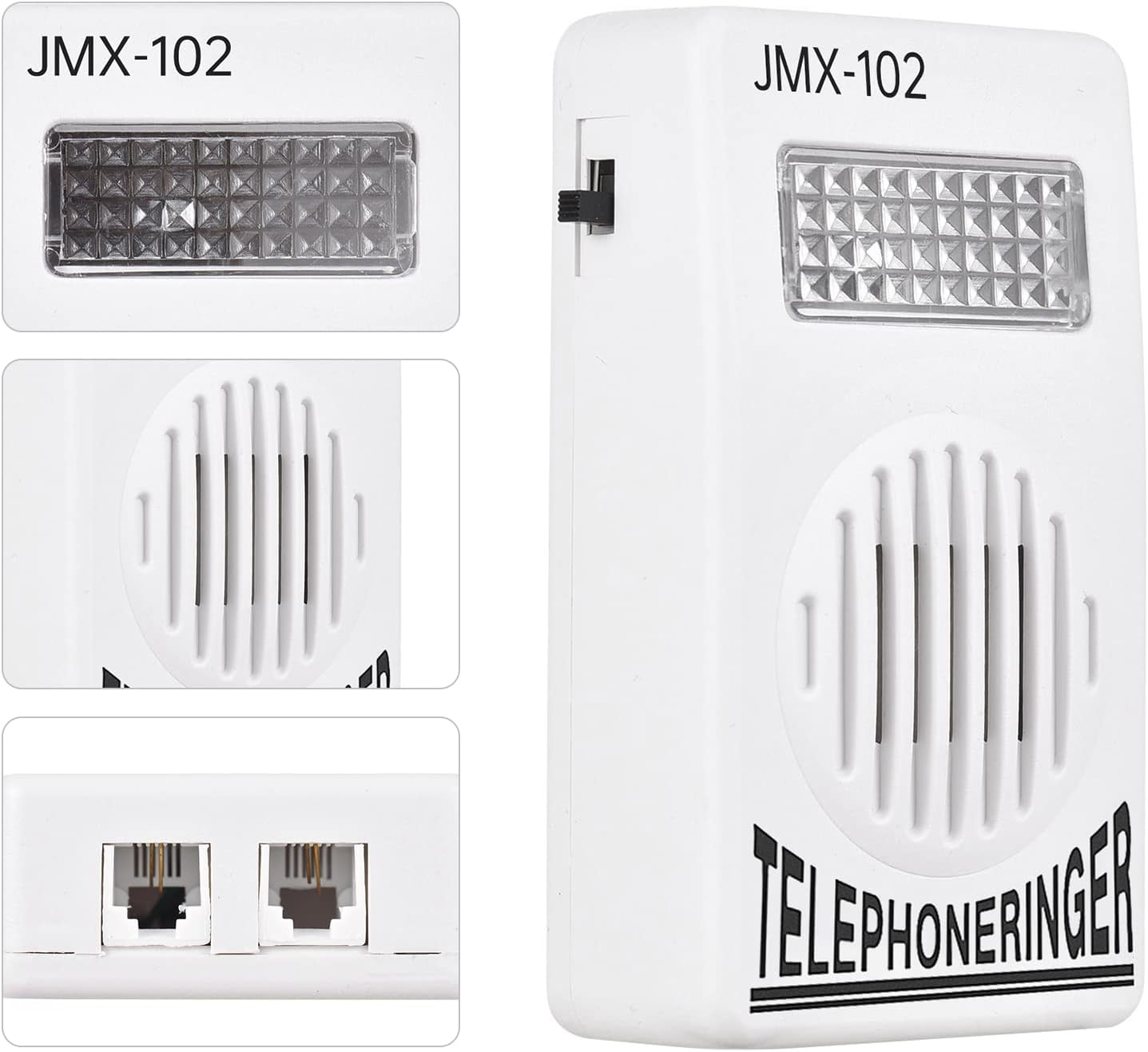
Image Description: A composite image showing three views of the JMX-102. Top left shows a close-up of the flashing light panel. Bottom left shows a close-up of the two RJ11 telephone line ports on the bottom of the device. The right side shows a full front view of the device, highlighting the side-mounted volume switch.
Setup Instructions
Follow these steps to connect your Semme JMX-102 Telephone Ringer Amplifier:
- Identify Ports: Locate the two RJ11 telephone line ports on the bottom of the ringer amplifier.
- Connect to Wall Jack: Using a standard telephone line cord (not included), connect one end to a telephone line port on the JMX-102 and the other end to your telephone wall jack.
- Connect to Telephone: Connect a second telephone line cord (or use the existing one from your phone) from the other telephone line port on the JMX-102 to your landline telephone.
- Verify Connection: Ensure both connections are secure. The device draws power directly from the telephone line, so no external power source or batteries are required.

Image Description: A diagram illustrating two ways to connect the JMX-102. Option 1 shows the wall jack connected to the ringer, and the ringer connected to the telephone. Option 2 shows the wall jack connected to the telephone, and the telephone connected to the ringer. Both methods are valid for integrating the ringer into a landline setup. A note indicates that the cable is not included.
Mounting the Device:
The JMX-102 can be conveniently mounted on a wall using the keyhole slot on its back.
- Choose a suitable location near your telephone and wall jack.
- Install a screw (not included) into the wall, leaving a small portion protruding.
- Align the keyhole slot on the back of the JMX-102 with the screw head and slide the device down to secure it.

Image Description: A back view of the JMX-102, highlighting a keyhole-shaped slot in the upper center, labeled "back-side hole" with an arrow. This indicates the designated point for wall mounting.
Operating Instructions
Volume Adjustment:
The JMX-102 offers two volume settings for the ringer sound: High (HI) and Low (LO).
- Locate the small black switch on the side of the device.
- Slide the switch to the HI position for a louder ring (approximately 70dB).
- Slide the switch to the LO position for a softer ring (approximately 60dB).

Image Description: A close-up side view of the JMX-102, clearly showing the black slide switch. Text labels "HI (70Db)" and "LO (60Db)" are positioned next to the switch, indicating the two available volume settings.
Visual Call Indicator:
In addition to the amplified sound, the JMX-102 features a bright lamp flasher that activates during an incoming call. This visual alert is particularly useful in noisy environments, for individuals with hearing impairments, or in dimly lit rooms.
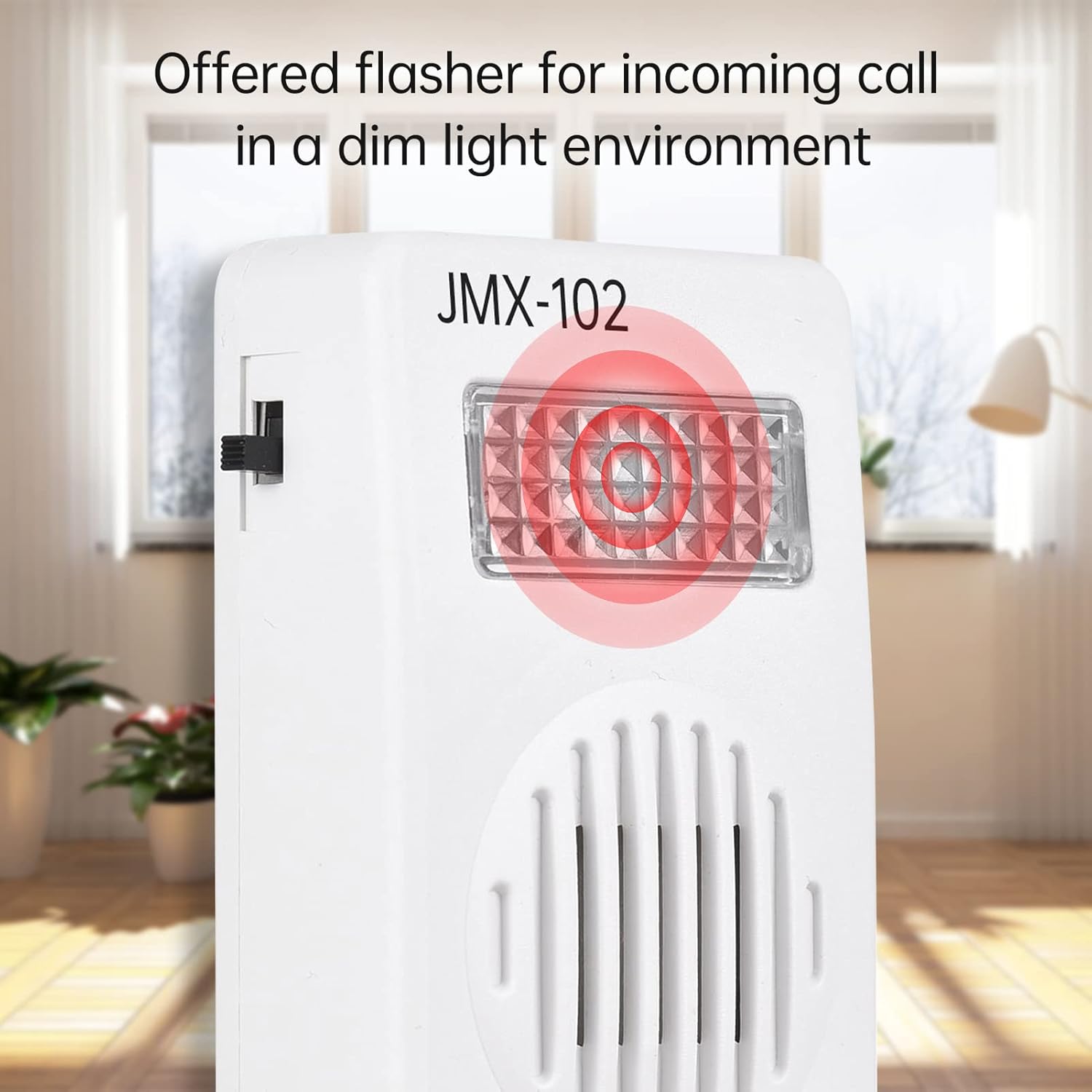
Image Description: The JMX-102 device shown in a room setting, with its clear rectangular panel illuminated with a red flashing light effect, indicating an incoming call. The text "Offered flasher for incoming call in a dim light environment" is overlaid on the image.
Maintenance
- Cleaning: Wipe the device with a soft, dry cloth. Do not use liquid cleaners or abrasive materials.
- Storage: Store in a cool, dry place away from direct sunlight and extreme temperatures.
Troubleshooting
| Problem | Possible Cause | Solution |
|---|---|---|
| No ring or flash when a call comes in. | Incorrect connection. | Ensure all telephone cords are securely connected to the wall jack, the ringer amplifier, and the telephone. Refer to the Setup Instructions. |
| Ringer sound is too low or too loud. | Volume switch setting. | Adjust the HI/LO switch on the side of the device to your preferred volume. Refer to Operating Instructions. |
| Flasher does not work. | Device malfunction or no incoming call. | Verify that the device is correctly connected and that an actual incoming call is being received. If the issue persists, contact customer support. |
| Device is not compatible with my phone. | Attempting to use with a cellular phone or non-standard system. | This device is designed for standard landline telephone networks only. It is not compatible with mobile phones or VoIP systems that do not provide a standard analog telephone line signal. |
Specifications
| Model | JMX-102 |
| Brand | Semme |
| Dimensions (L x W x H) | 9.5 cm x 5.6 cm x 2.7 cm (3.74 in x 2.20 in x 1.06 in) |
| Weight | 37 g (1.3 oz) |
| Color | White |
| Volume Levels | HI (70dB), LO (60dB) |
| Connector Type | 6P2C (RJ11 compatible) |
| Power Source | Corded Electric (No batteries required, powered by telephone line) |
| Material | Plastic |
| Compatible Devices | Standard Landline Phone Networks, Answering Machines, Fax Machines |

Image Description: The JMX-102 device shown with its physical dimensions indicated by lines and numbers: 9.5cm for height, 5.6cm for width, and 2.7cm for depth.
Warranty Information
Specific warranty details for the Semme JMX-102 Telephone Ringer Amplifier may vary by region and retailer. Please refer to the documentation provided at the time of purchase or contact your retailer for warranty terms and conditions.
Customer Support
For technical assistance or inquiries regarding your Semme JMX-102, please contact your point of purchase or visit the official Semme brand store for further information.
Semme Store: https://www.amazon.ca/stores/Semme/page/30DA42AB-5747-4900-B0AD-68B4B0AD6BD3