
big-autoparts 12v weatherproof push start button
User Manual
Big-Autoparts 12V Weatherproof Engine Start Push Button Momentary Switch
Model: 12v weatherproof push start button
Introduction
Thank you for choosing the Big-Autoparts 12V Weatherproof Engine Start Push Button Momentary Switch. This manual provides essential information for the proper installation, operation, and maintenance of your new switch. Please read it thoroughly before use to ensure optimal performance and longevity.
Product Overview
The Big-Autoparts Engine Start Push Button is a high-quality, momentary switch designed for various 12V vehicle applications, including cars, trucks, boats, RVs, and ATVs. Its robust construction and weatherproof design ensure reliable performance in diverse conditions.
Key Features:
- Momentary Operation: A push-to-make switch that returns to its normally open (off) position when the button is released.
- Weatherproof Design: Equipped with a durable rubber cover to protect against dirt, dust, and moisture.
- High Quality Construction: Made from diecast aluminum and plastic for durability.
- Easy Installation: Designed for straightforward replacement or new installations.
- Versatile Application: Suitable for most 12V vehicles with a 20A current rating, commonly used as a horn or ignition type switch.
Components:
The switch consists of a copper body, a threaded shaft, a screw nut, and a weatherproof cap covering the push button. The terminals are located at the base for electrical connections.

Figure 1: Exploded view showing the weatherproof cap, screw nut, button, and copper body.

Figure 2: Illustration of the momentary action: "push it: on" and "fingerloose: off".
Product Demonstration:
Video 1: Official product video demonstrating the Big-Autoparts Engine Start Push Button Momentary Switch.
Specifications
| Attribute | Value |
|---|---|
| Material | Diecast Aluminum and Plastic |
| Length | 2.44 inches (6.2 cm) |
| Width | 1.1 inches (2.8 cm) |
| Drill Hole Size | 5/8 inch |
| Threaded Parts | 0.63 inches (16 mm) |
| Voltage | 12V |
| Current Rating | 20 Amps |
| Color | Silver |
| Operation Mode | Push Button, Push Switch |
| Contact Type | Normally Open |
| Connector Type | Screws |
Note: Manual measurements may have a 2-5mm error. Item color may vary slightly due to monitor calibration.

Figure 3: Product dimensions including length, width, drill hole size, and threaded parts.
Setup and Installation
The Big-Autoparts push button switch is designed for easy installation. Follow these general steps:
- Safety First: Disconnect the vehicle's battery before beginning any electrical work to prevent short circuits or injury.
- Choose Location: Select a suitable mounting location that is easily accessible and provides enough space for the switch body and wiring. Ensure the surface is flat and stable.
- Drill Hole: Drill a 5/8 inch (approximately 16mm) diameter hole at the chosen location. Ensure the hole is clean and free of burrs.
- Insert Switch: Insert the threaded part of the switch through the drilled hole.
- Secure with Nut: Place the screw nut over the threaded part from the back and tighten it securely to hold the switch in place.
- Wire Connections: Connect the vehicle's electrical wires to the two screw terminals at the base of the switch. This switch has no distinction between positive and negative terminals, simplifying wiring. Ensure connections are tight and secure.
- Attach Weatherproof Cap: Place the black neoprene weatherproof cap over the button to protect it from environmental elements.
- Reconnect Battery: Once all connections are secure and verified, reconnect the vehicle's battery.
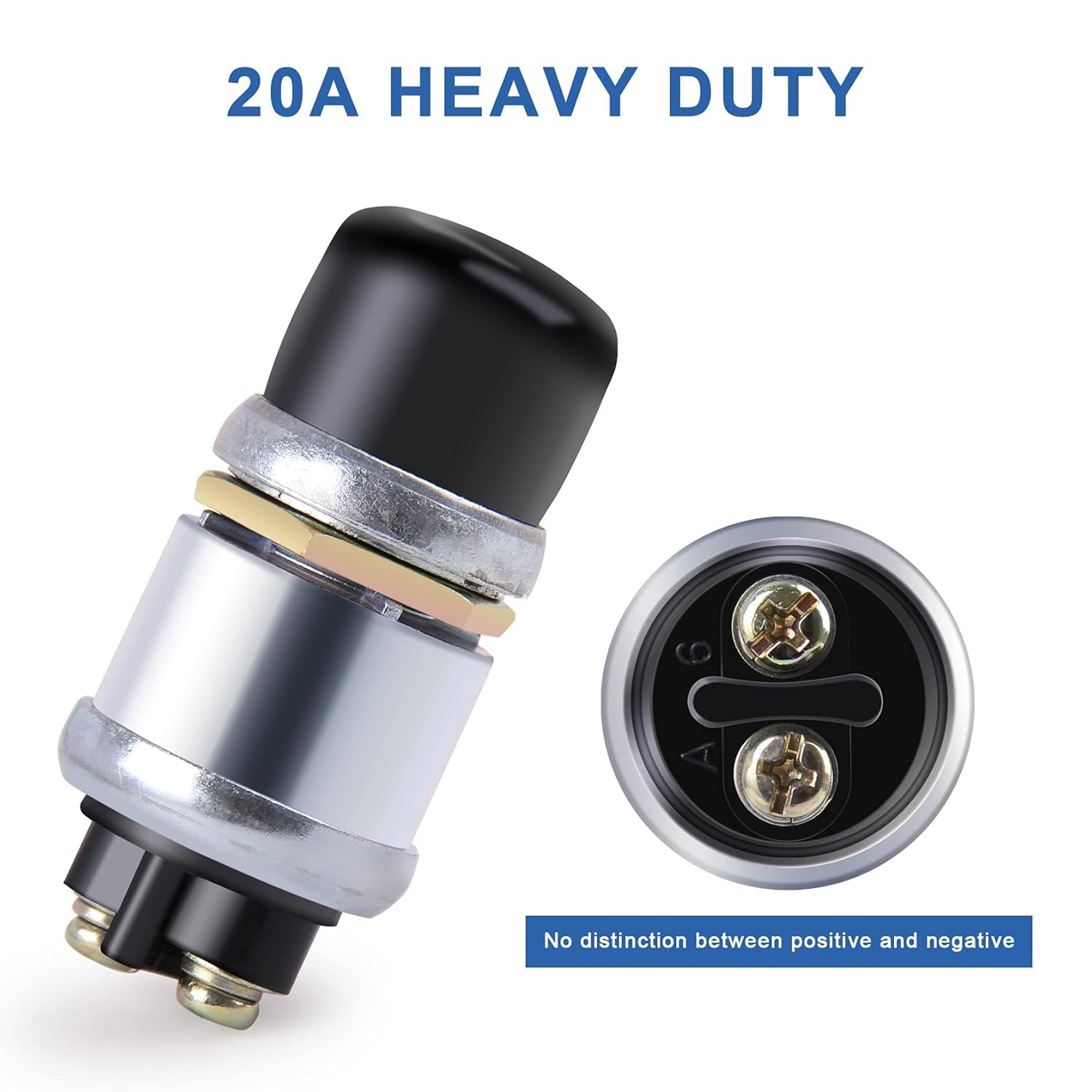
Figure 4: View of the 20A heavy-duty terminals, indicating no polarity distinction.
Operation
The Big-Autoparts Engine Start Push Button is a momentary switch, meaning it only activates while the button is being pressed. It functions as a "push-to-make" switch.
- Activation: To activate the connected circuit (e.g., start the engine, sound the horn), firmly press and hold the black push button.
- Deactivation: The switch will automatically return to its "off" (normally open) position when you release the button, deactivating the circuit.
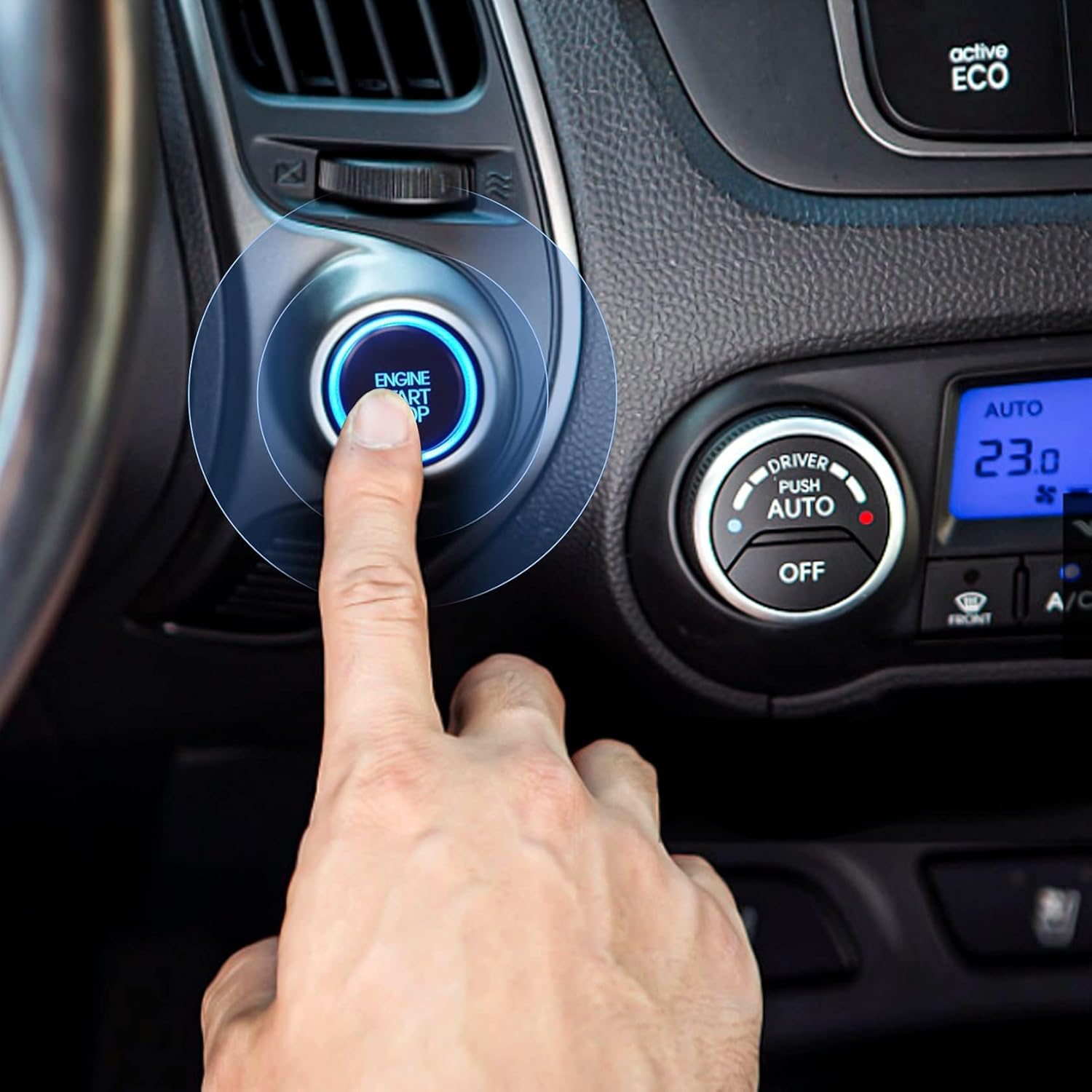
Figure 5: Example of the push button in use within a vehicle dashboard.
Maintenance
The Big-Autoparts switch is designed for durability and minimal maintenance. To ensure its continued performance:
- Regular Inspection: Periodically check the switch and its wiring for any signs of wear, corrosion, or damage.
- Keep Clean: While weatherproof, occasionally wipe the exterior of the switch and its rubber cap with a damp cloth to remove accumulated dirt or debris. Avoid using harsh chemicals.
- Secure Connections: Ensure the electrical connections remain tight. Loose connections can lead to intermittent operation or overheating.
Troubleshooting
If you experience issues with your Big-Autoparts switch, consider the following common troubleshooting steps:
- Switch Not Activating:
- Check all electrical connections to ensure they are secure and properly wired.
- Verify that the power source (e.g., vehicle battery) is providing the correct voltage (12V).
- Inspect the fuse in the circuit. A blown fuse will prevent the switch from operating.
- Ensure the switch itself is not physically damaged.
- Intermittent Operation:
- Tighten any loose wiring connections.
- Check for corrosion on the terminals and clean if necessary.
- Button Sticking:
- Ensure the weatherproof cap is correctly seated and not interfering with button movement.
- Check for any debris or foreign objects around the button mechanism.
If these steps do not resolve the issue, please contact Big-Autoparts customer support for further assistance.
Warranty and Support
Big-Autoparts stands behind the quality of its products. This switch comes with a Lifetime Warranty, ensuring peace of mind regarding its durability and performance.
For any questions, technical assistance, or warranty claims, please contact Big-Autoparts customer service. Our dedicated team is ready to help solve any problem you may encounter while using your switch.
Please refer to the product packaging or the official Big-Autoparts website for the most current contact information.
Ask a question about this manual
Ask about setup, troubleshooting, compatibility, parts, safety, or missing instructions. Manuals+ will review the question and use this page’s manual context to help answer it.