
1. Introduction
Thank you for choosing the WeurGhy X12Pro Wireless Earbuds. These earbuds are designed to provide a high-quality audio experience with advanced features such as Bluetooth 5.3 connectivity, deep bass, an LED display for battery status, and IPX7 waterproofing. This manual will guide you through the setup, operation, and maintenance of your new earbuds.

Image 1.1: WeurGhy X12Pro Wireless Earbuds in their charging case, displaying battery percentage.
2. What's in the Box
Upon opening your WeurGhy X12Pro package, you should find the following items:
- X12 Pro Earbuds (Left and Right)
- Charging Case
- User Guide (this manual)
- USB-C Charging Cable
- 3 Sizes of Ear Tips (Small, Medium, Large)

Image 2.1: Visual representation of the package contents, including earbuds, charging case, user guide, USB-C cable, and ear tips.
3. Setup
3.1 Charging the Earbuds and Case
Before first use, fully charge the earbuds and the charging case. Connect the provided USB-C cable to the charging port on the case and to a power source. The LED display on the charging case will show the battery percentage. The earbuds will also display their individual charge levels (L/R) on the case's screen.
- Charging Time: Approximately 1.5 hours for a full charge.
- Playtime: Up to 8 hours on a single earbud charge, and up to 56 hours total with the charging case.
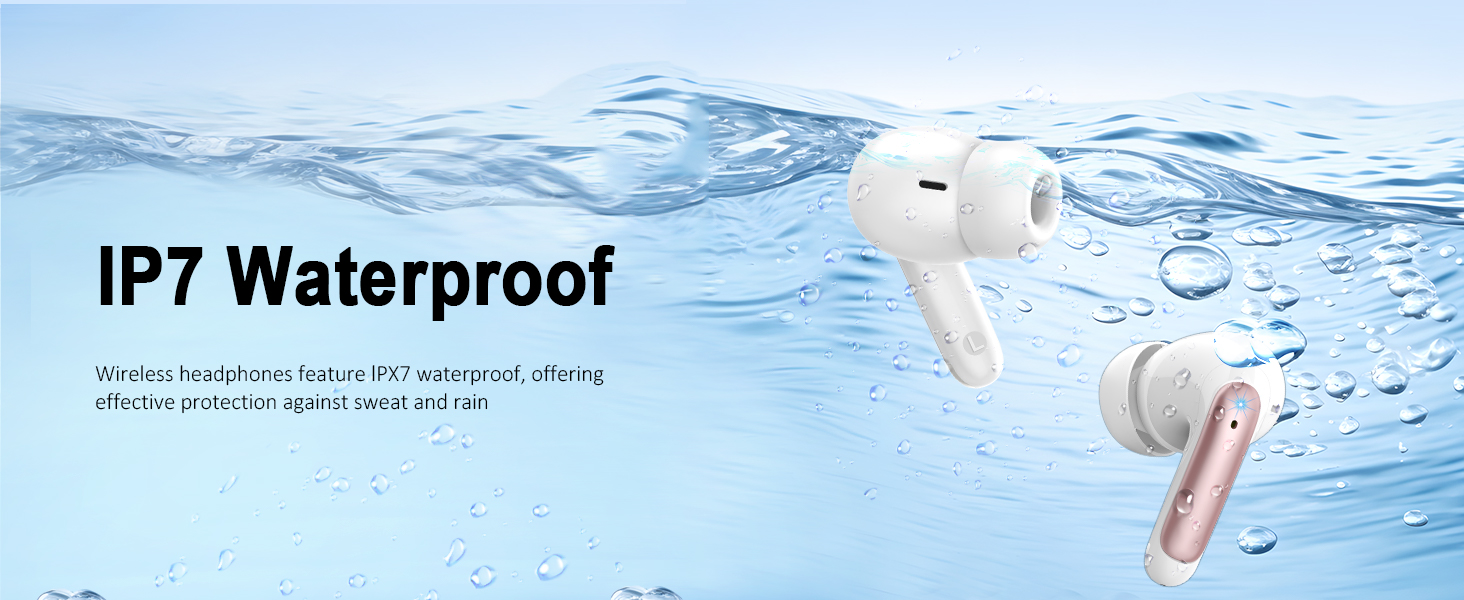
Image 3.1: The charging case displaying battery levels and illustrating the total battery life of 56 hours.
3.2 Pairing with Your Device
The WeurGhy X12Pro earbuds feature quick auto-pairing for convenience.
- Ensure your device's Bluetooth is turned on.
- Open the charging case. The earbuds will automatically enter pairing mode.
- On your device, search for Bluetooth devices and select "X12Pro" from the list.
- Once connected, you will hear a confirmation tone, and the earbuds will be ready for use.
After the initial pairing, the earbuds will automatically connect to the last paired device when removed from the charging case.
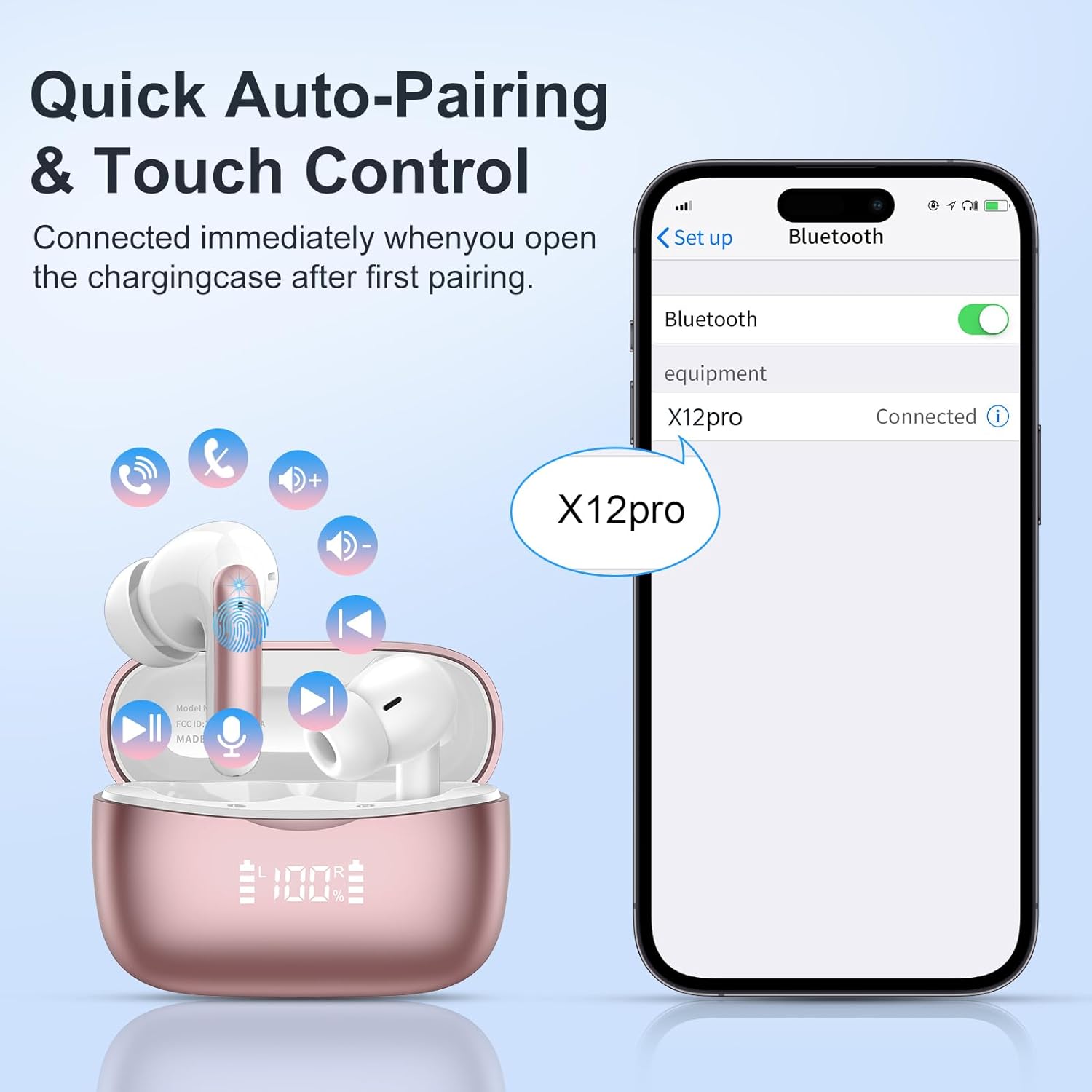
Image 3.2: A smartphone screen displaying the 'X12Pro' device as connected in the Bluetooth settings.

Image 3.3: Illustration of the earbuds' universal compatibility with various Bluetooth-enabled devices.
4. Operating Instructions
4.1 Touch Controls
The WeurGhy X12Pro earbuds feature intuitive touch controls on each earbud for managing audio playback and calls.
| Action | Left Earbud | Right Earbud |
|---|---|---|
| Play/Pause | Double Tap | Double Tap |
| Next Track | Hold for 2 seconds | |
| Previous Track | Hold for 2 seconds | |
| Answer/Hang Up Call | Double Tap | Double Tap |
| Reject Call | Hold for 2 seconds | Hold for 2 seconds |
| Activate Voice Assistant | Triple Tap | Triple Tap |
| Volume Up/Down | Single Tap (Left for Down, Right for Up) | Single Tap (Left for Down, Right for Up) |
Image 4.1: Detailed diagram illustrating the various touch control functions on the earbuds.
4.2 Audio Quality
The X12Pro earbuds are equipped with oversized 13mm dynamic drivers, designed to deliver immersive HiFi stereo sound with rich deep bass and clear audio across the frequency range of 20 Hz - 20,000 Hz.

Image 4.2: Visual representation of the 13mm composite drivers producing high-quality stereo sound.
4.3 Call Functionality
For clear communication, the earbuds feature a built-in noise-cancelling microphone system with Environmental Noise Cancellation (ENC) technology. This technology helps to reduce background noise by over 85% during calls, ensuring your voice is heard clearly.

Image 4.3: Diagram showing the effect of ENC noise cancellation on call clarity.
5. Maintenance
5.1 Water Resistance
The WeurGhy X12Pro earbuds are rated IPX7 waterproof, providing protection against sweat and rain. This makes them suitable for workouts and outdoor activities. However, they are not designed for swimming or prolonged submersion in water.
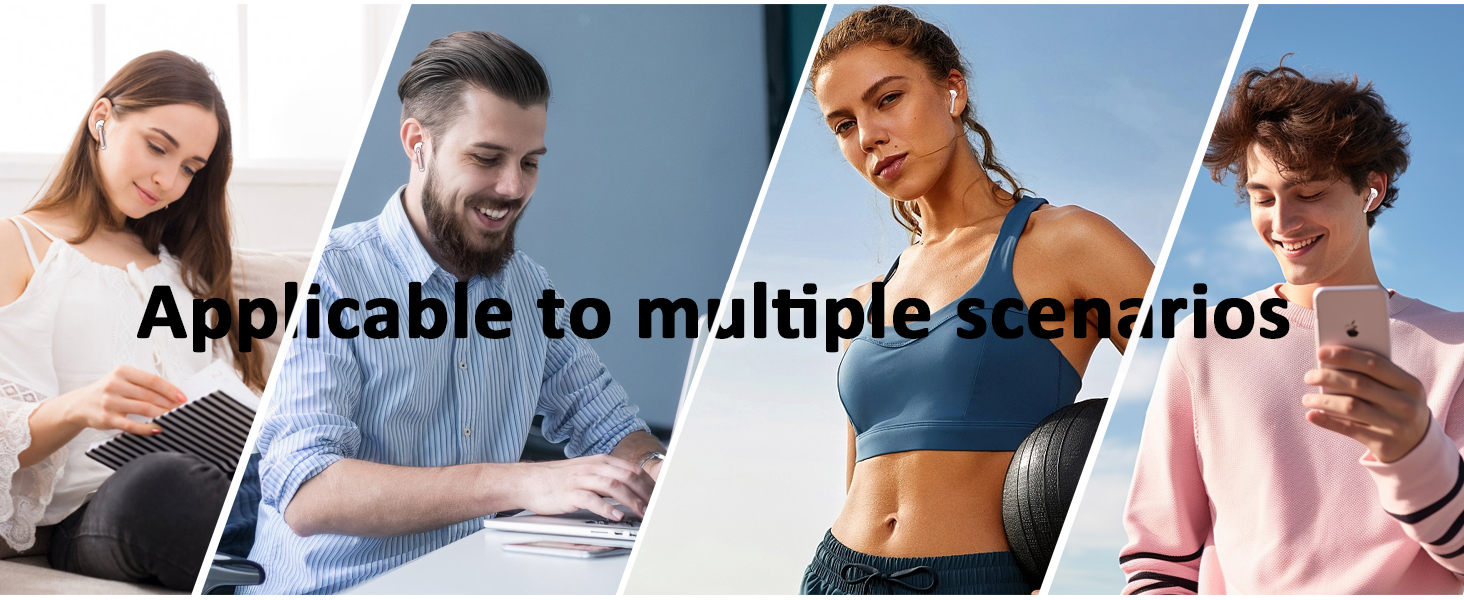
Image 5.1: An earbud partially submerged in water, illustrating its IPX7 waterproof feature.
5.2 Cleaning and Storage
- Regularly clean the earbuds and charging case with a soft, dry, lint-free cloth.
- Remove ear tips and clean them with mild soap and water, then dry thoroughly before reattaching.
- Avoid using abrasive materials or harsh chemicals.
- Store the earbuds in their charging case when not in use to protect them and maintain charge.
6. Troubleshooting
If you encounter issues with your WeurGhy X12Pro earbuds, please refer to the following common solutions:
| Problem | Possible Solution |
|---|---|
| Earbuds not pairing | Ensure earbuds are charged. Turn off and on your device's Bluetooth. Place earbuds back in case, close, then reopen to re-enter pairing mode. Forget 'X12Pro' from your device's Bluetooth list and try pairing again. |
| Only one earbud working | Ensure both earbuds are charged. Place both earbuds back in the charging case, close the lid, wait a few seconds, then open the lid and remove them simultaneously. This should re-sync them. |
| No sound or low volume | Check device volume. Ensure earbuds are properly seated in your ears. Try different sized ear tips for a better seal. Clean any debris from the earbud speakers. |
| Charging issues | Ensure the USB-C cable is securely connected to both the case and the power source. Try a different charging cable or power adapter. Clean the charging contacts on both the earbuds and the case. |
| Poor connection or range | Ensure there are no significant obstacles between your device and the earbuds. Keep your device within the Bluetooth range (approximately 49 feet or 15 meters). Avoid environments with high electromagnetic interference. |
| Earbuds do not stay in ear | Experiment with the different sizes of ear tips provided (S/M/L) to find the best fit for your ears. A proper fit is crucial for both comfort and sound quality. |
7. Specifications
| Feature | Detail |
|---|---|
| Model Name | X12Pro |
| Brand | WeurGhy |
| Connectivity Technology | Wireless (Bluetooth 5.3) |
| Bluetooth Version | 5.3 |
| Bluetooth Range | Up to 49.21 feet (15 meters) |
| Audio Driver Type | Dynamic Driver (13mm) |
| Frequency Range | 20 Hz - 20,000 Hz |
| Battery Life (Earbuds) | Up to 8 hours (single charge) |
| Total Playtime (with Case) | Up to 56 hours |
| Charging Time | Approximately 1.5 hours |
| Water Resistance Rating | IPX7 |
| Noise Control | Sound Isolation, Environmental Noise Cancellation (ENC) for microphone |
| Item Weight | 3.84 ounces |
| Package Dimensions | 3.55 x 3.27 x 1.46 inches |
8. Warranty and Support
WeurGhy provides a 2-year warranty for the X12Pro Wireless Earbuds. For any product-related inquiries or support, please contact WeurGhy customer service. We aim to provide a 24-hour customer service response.
For more information or to visit the official store, please visit the WeurGhy Store on Amazon.


Image 8.1: Details on WeurGhy's 2-year warranty and 24-hour customer service, alongside their Climate Pledge Friendly commitment.