
1. Introduction
Thank you for choosing the ANSTEN Q40 Open-Ear Earphones. This manual provides essential information for setting up, operating, and maintaining your device. Please read it carefully before use to ensure optimal performance and longevity of your earphones.
2. Safety Information
- Do not disassemble or modify the earphones or charging case.
- Keep the device away from extreme temperatures, humidity, and corrosive materials.
- Avoid prolonged listening at high volumes to prevent hearing damage.
- Clean the earphones regularly with a soft, dry cloth.
- Dispose of the device and its battery responsibly according to local regulations.
3. Package Contents
Please check the package for the following items:
- ANSTEN Q40 Open-Ear Earphones (Left and Right)
- Charging Case
- USB Charging Cable
- User Manual
4. Product Overview
The ANSTEN Q40 earphones feature an open-ear design for comfort and situational awareness. The compact charging case provides extended battery life and includes a digital display for battery status.

5. Setup
5.1. Charging the Earphones and Case
Before first use, fully charge the earphones and charging case.
- Place the earphones into the charging case.
- Connect the USB charging cable to the charging port on the case and a power source.
- The digital display on the case will show the charging progress. Once 100% is displayed, charging is complete.

5.2. Pairing with Your Device
- Open the charging case. The earphones will automatically power on and enter pairing mode.
- Enable Bluetooth on your smartphone or other device.
- Search for "Q40" in the list of available Bluetooth devices and select it to connect.
- Once connected, you will hear a confirmation tone. The earphones will automatically reconnect to the last paired device when taken out of the case.
5.3. Wearing the Earphones
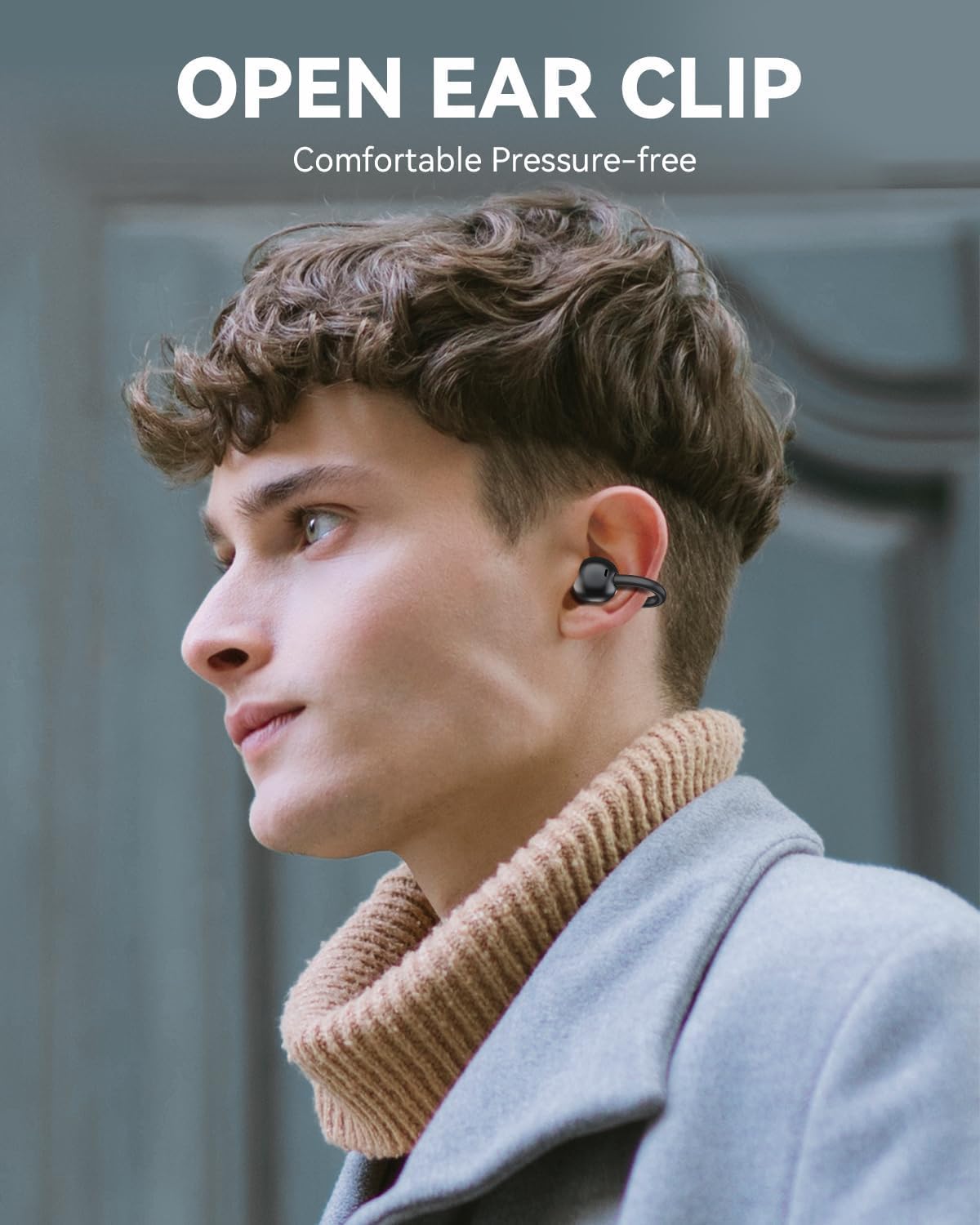
The ANSTEN Q40 earphones feature an open-ear clip design for comfortable and stable wear.
- Gently clip the earphone onto your ear, ensuring the speaker is positioned near your ear canal.
- Adjust the earphone for a secure and comfortable fit. The lightweight design (approximately 5.2g per earbud) ensures minimal pressure even during extended use.

6. Operating the Earphones
6.1. Touch Controls
The ANSTEN Q40 earphones feature multi-function touch controls on each earbud. The following actions can be performed:
- Single Tap: Play/Pause music, Answer/End call.
- Double Tap (Right Earbud): Increase Volume.
- Double Tap (Left Earbud): Decrease Volume.
- Triple Tap (Right Earbud): Next Track.
- Triple Tap (Left Earbud): Previous Track.
- Long Press (2 seconds): Reject call, Activate Voice Assistant.

6.2. Power On/Off
- Power On: Open the charging case, and the earphones will automatically power on.
- Power Off: Place the earphones back into the charging case and close the lid. They will automatically power off and begin charging.
7. Maintenance
7.1. Cleaning
Regular cleaning helps maintain sound quality and hygiene.
- Use a soft, dry, lint-free cloth to wipe the earphones and charging case.
- Do not use abrasive cleaners, alcohol, or chemical solvents.
7.2. Water Resistance (IPX7)
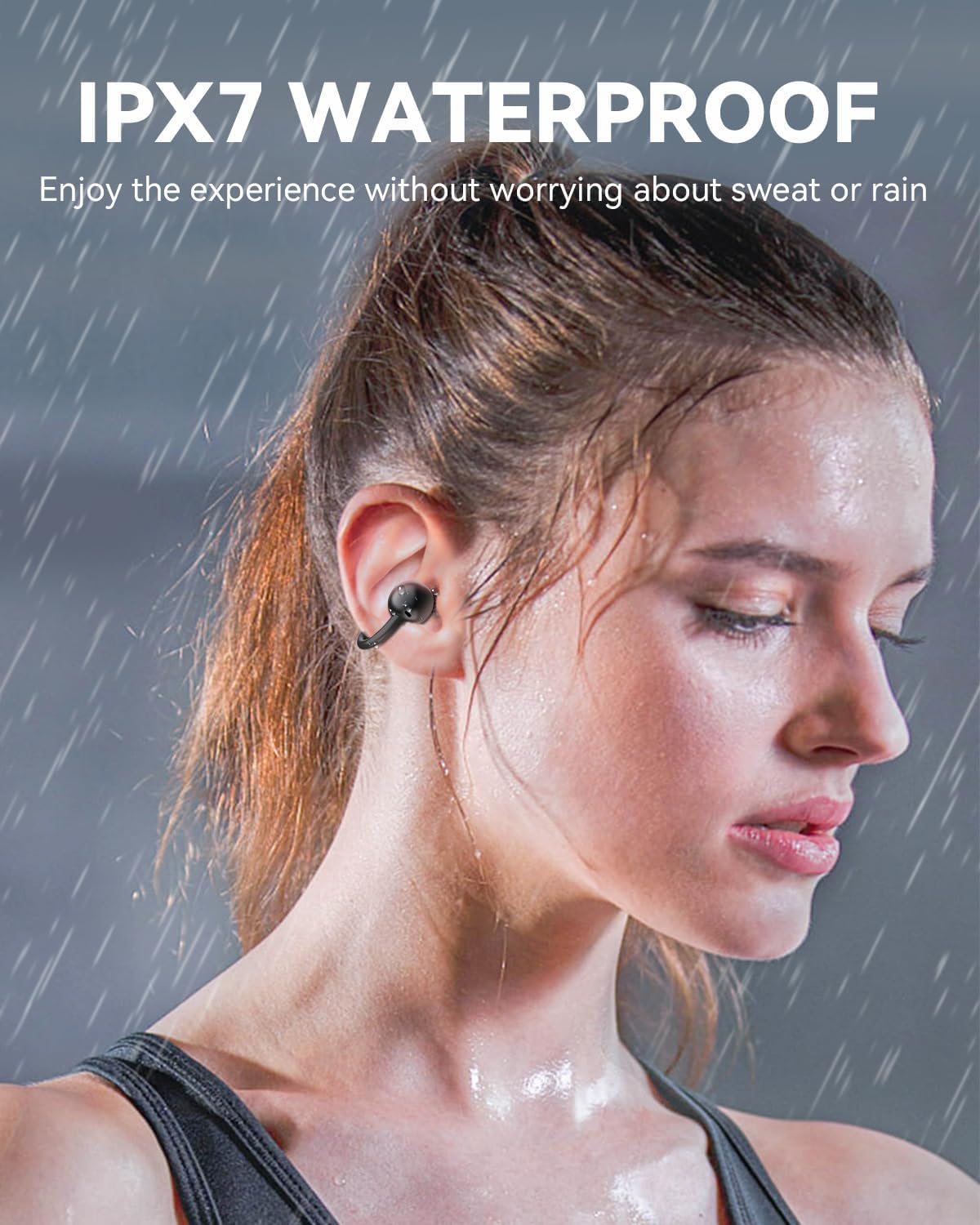
The ANSTEN Q40 earphones are IPX7 waterproof, meaning they can withstand immersion in water up to 1 meter for 30 minutes. This makes them suitable for use during workouts or in light rain.
- Ensure the charging port is dry before charging.
- Do not intentionally submerge the charging case, as it is not waterproof.
8. Troubleshooting
8.1. Earphones not connecting/pairing
- Ensure the earphones are charged.
- Make sure Bluetooth is enabled on your device.
- Turn off Bluetooth on your device, then turn it back on and try pairing again.
- If issues persist, try resetting the earphones (refer to specific reset instructions if available, otherwise place them back in the case and try again).
8.2. No sound or low volume
- Check the volume level on both your earphones and your connected device.
- Ensure the earphones are properly paired and connected.
- Clean any debris from the earphone speakers.
8.3. Charging issues
- Ensure the charging cable is securely connected to both the case and the power source.
- Try using a different charging cable or power adapter.
- Make sure the charging contacts on the earphones and inside the case are clean and free of obstruction.
9. Specifications
| Model Name | Q40 |
| Brand | ANSTEN |
| Connectivity Technology | Wireless (Bluetooth) |
| Headphone Form Factor | In-Ear (Open-Ear Clip) |
| Driver Size | 11mm |
| Water Resistance | IPX7 |
| Earbud Weight | Approx. 5.2g per earbud |
| Headset Life Time | 6 hours |
| Charging Case Duration | 18 hours (additional) |
10. Warranty and Support
ANSTEN products are designed and manufactured to the highest quality standards. This product is covered by a limited warranty from the date of purchase. Please refer to the warranty card included in your package for specific terms and conditions.
For technical support, warranty claims, or any other inquiries, please contact ANSTEN customer service through the retailer where you purchased the product or visit the official ANSTEN website for contact information.