
Introduction
Thank you for choosing the SANSI 30W Dimmable Full Spectrum Grow Light Bulb. This product is designed to provide optimal lighting for your indoor plants, simulating natural sunlight across the full spectrum. It features remote control functionality for dimming and timing, an E26 base for easy installation, and patented ceramic technology for efficient heat dissipation and extended lifespan. Please read this manual thoroughly before use to ensure proper operation and plant health.
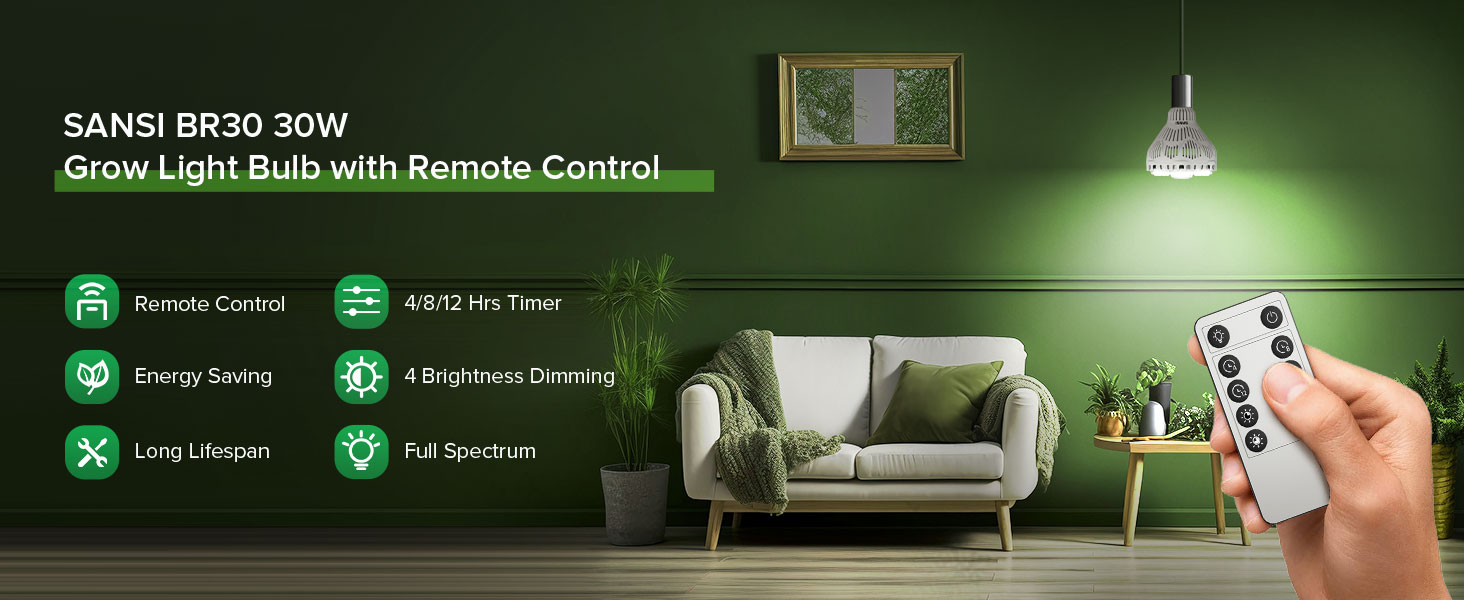
Image: SANSI 30W Dimmable Full Spectrum Grow Light Bulb with Remote Control.
Safety Information
- This product is designed for indoor use only. Do not expose to water or high humidity.
- Ensure the power is off before installing or removing the bulb.
- Do not disassemble the bulb. There are no user-serviceable parts inside.
- Avoid direct eye exposure to the light when it is on.
- Install in a standard E26 socket. Ensure the fixture can support the bulb's weight and size.
- Keep the remote control away from children.
Package Contents
Verify that all items are present in your package:
- 1 x SANSI 30W Dimmable Full Spectrum Grow Light Bulb
- 1 x Remote Control
- 1 x User Manual
Setup Instructions
- Unpack the Bulb: Carefully remove the grow light bulb and remote control from the packaging.
- Prepare the Fixture: Ensure the light fixture is turned off and cool to the touch. This bulb is designed for standard E26 sockets.
- Install the Bulb: Screw the SANSI grow light bulb into the E26 socket until it is snug. Do not overtighten.
- Activate Remote: If the remote control has a battery tab, pull it out to activate the battery.
- Power On: Turn on the power to the light fixture. The bulb should illuminate.
Video: This video demonstrates the simple installation process of the SANSI 30W Dimmable Grow Light Bulb into a standard E26 socket.
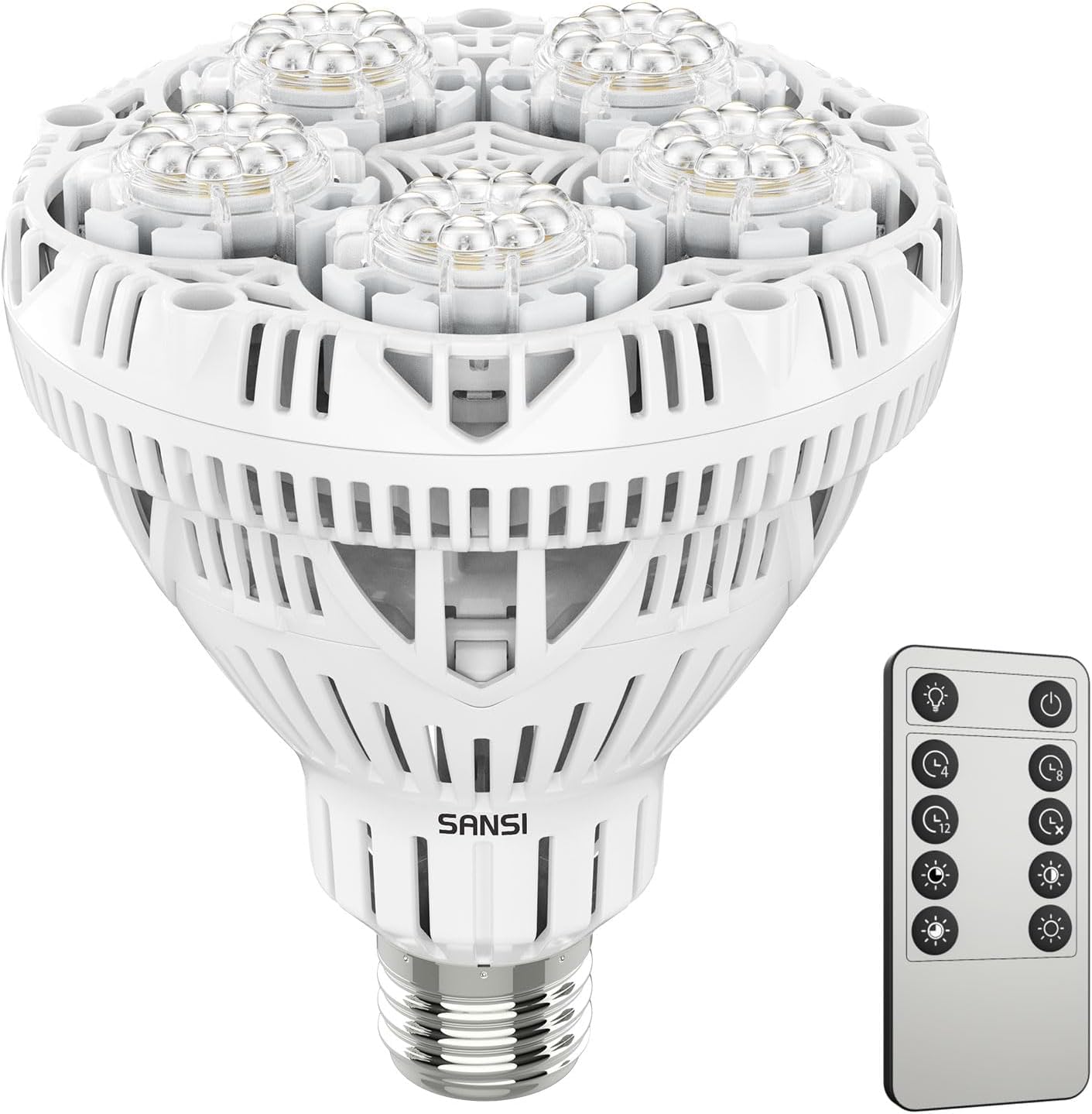
Image: The SANSI 30W Dimmable Grow Light Bulb, highlighting its E26 base for easy installation.
Operating Instructions
Remote Control Functions
The included remote control allows for convenient adjustment of the grow light's settings.
- Light ON/OFF: Press the power button to turn the light on or off.
- Timing Function: Set the light to operate for 4, 8, or 12 hours. The light will automatically turn off after the set duration and turn on again at the same time the next day. Press the 'Disable Timer' button to cancel the timing function.
- Dimming Levels: Adjust brightness to 25%, 50%, 75%, or 100% using the dedicated buttons.

Image: Diagram of the remote control showing buttons for power, timer settings (4, 8, 12 hours, disable), and four brightness levels (25%, 50%, 75%, 100%).

Image: Visual representation of the four dimming levels (25%, 50%, 75%, 100%) and how they affect plant illumination.

Image: Explanation of the 4, 8, and 12-hour timing functions, which include a memory feature for daily repetition.
Video: This video demonstrates the remote control functions, including setting the timer and adjusting brightness levels for the SANSI grow light.
Plant Placement Guide
The optimal distance and duration for your grow light depend on the plant type and its growth stage. The SANSI grow light provides a full spectrum of 400nm-780nm, suitable for various indoor plants.

Image: Detailed graph illustrating the full light spectrum provided by the bulb, showing the contribution of different wavelengths (blue, green, red, far-red) to various plant growth stages.

Image: Comparison of PPFD (Photosynthetic Photon Flux Density) at various distances from the light source, demonstrating the light's intensity and coverage area for optimal plant growth.
Recommended Settings for Common Plants
| Plant/Tips | Distance | Time (Hours/Day) | Coverage |
|---|---|---|---|
| Monstera | 23.6 in | 6-10h | 2.7 ft² |
| Basil | 23.6 in | 6-8h | 2.7 ft² |
| Orchid | 23.6 in | 4-6h | 2.7 ft² |
| Philodendron | 23.6 in | 3-6h | 2.7 ft² |
| Bawang Fern | 35.4 in | 6-8h | 11.3 ft² |

Image: Examples of various indoor plants thriving under the SANSI grow light, with recommended settings for each.

Image: Various indoor plant setups utilizing the SANSI grow light, demonstrating its versatility in different environments.
Maintenance
- Cleaning: Ensure the bulb is off and cool. Gently wipe the bulb's surface with a soft, dry cloth to remove dust. Do not use liquid cleaners.
- Bulb Replacement: The SANSI grow light bulb has a long lifespan. If replacement is needed, ensure the power is off, unscrew the old bulb, and screw in a new SANSI E26 grow light bulb.
- Remote Battery: If the remote control stops responding, replace the battery (type not specified, typically CR2025 or similar coin cell).
Troubleshooting
| Problem | Possible Cause | Solution |
|---|---|---|
| Light does not turn on. | No power to the fixture, bulb not screwed in properly, bulb failure. | Check power supply, ensure bulb is securely screwed in, test with another bulb if possible. |
| Remote control not working. | Battery tab not removed, dead battery, remote out of range. | Remove battery tab, replace battery, ensure remote is within operating range of the bulb. |
| Multiple bulbs respond to one remote. | Infrared remotes can control all bulbs within line of sight. | This is a characteristic of infrared remotes. To control bulbs individually, they must be out of the remote's line of sight or in separate rooms. |
| Timing/dimming settings reset after power outage. | Expected behavior for some models. | Re-set desired timing and dimming functions after power is restored. |
Specifications
| Feature | Detail |
|---|---|
| Brand | SANSI |
| Model Name | C21GL-CE26-30W |
| Light Type | LED |
| Special Feature | Dimmable, Remote Control, Timing Function |
| Wattage | 30 Watts |
| Incandescent Equivalent Wattage | 450 Watts |
| Bulb Base | E26 |
| Light Color | Cool White (Full Spectrum) |
| Color Temperature | 4000 Kelvin |
| Brightness | 3000 Lumens |
| PPF | 42 umol/s |
| PPFD | 260 umol/s/m² @1ft |
| Voltage | 100-120 Volts |
| Frequency | 60 Hertz |
| Indoor/Outdoor Usage | Indoor |
| Power Source | Electrical |
| Color Rendering Index (CRI) | 98 |
| Beam Angle | 60 Degrees |
| Light Source Operating Life | 25,000 Hours |
| Item Weight | 0.93 Pounds |
| Material Type | Ceramic |
| Certifications | ETL Listed & CE Certified |

Image: Dimensions of the SANSI grow light bulb, indicating its size and E26 base compatibility.

Image: Illustration of SANSI's patented ceramic technology, which enhances heat dissipation for improved performance and longevity compared to traditional designs.

Image: Comparison showing how SANSI's optical lens design focuses light directly onto plants, improving light utilization compared to standard bulbs that scatter light.

Image: Visual comparison demonstrating the uniform and intense light distribution achieved by SANSI's optical lens design, promoting even plant growth.

Image: Comparison highlighting the natural light appearance (CRI 97+) of the SANSI grow light, which integrates well into home decor without harsh colors.

Image: Illustration demonstrating the energy efficiency of the SANSI 30W grow light, equating its brightness to multiple lower-wattage bulbs.
Video: This video showcases the full spectrum and high PPFD features of SANSI grow lights, demonstrating their effectiveness for indoor plants.
Warranty and Support
SANSI offers a 5-year assistance and lifetime replacement bulb policy. For any questions, issues, or warranty claims, please contact SANSI customer support through the retailer where you purchased the product or visit the official SANSI website for contact information.
Please retain your proof of purchase for warranty validation.