
1. Introduction
Thank you for choosing the BONAI FY-430 Rechargeable AA Battery and Smart Charger Kit. This manual provides essential information for the safe and efficient use of your new rechargeable batteries and charger. Please read these instructions carefully before use and retain them for future reference.
2. Package Contents
- 8 x BONAI 2800 mAh 1.2V Ni-MH Rechargeable AA Batteries
- 1 x BONAI 4-Slot USB Type-C Fast Charger
- 1 x USB Type-C Charging Cable
3. Setup
3.1 Initial Charging
The batteries are pre-charged and ready for immediate use. For optimal performance and longevity, it is recommended to fully charge them before the first extensive use.
3.2 Connecting the Charger
- Connect the provided USB Type-C charging cable to the charger's input port.
- Plug the USB-A end of the cable into a compatible USB power source (e.g., wall adapter, computer USB port, power bank, car charger) with a minimum output of 5.0V / 2A.

Figure 1: The 4-bay smart charger features a USB Type-C input for convenient charging.
3.3 Inserting Batteries
Insert the AA Ni-MH rechargeable batteries into the charging slots, ensuring correct polarity (+ and - ends match the markings on the charger). The charger supports independent charging of 1 to 4 batteries.

Figure 2: BONAI 8-pack AA rechargeable batteries and 4-bay smart charger.
Video 1: Official product video demonstrating the features and usage of the BONAI Rechargeable AA Batteries with Smart Charger Kit.
4. Operating Instructions
4.1 LED Indicators
The charger features LED indicators for each charging slot to display the charging status:
- Red Light: Battery is currently charging.
- Green Light: Battery is fully charged.
- Red Flashing Light: Indicates abnormal charging (e.g., incorrect battery type, faulty battery).
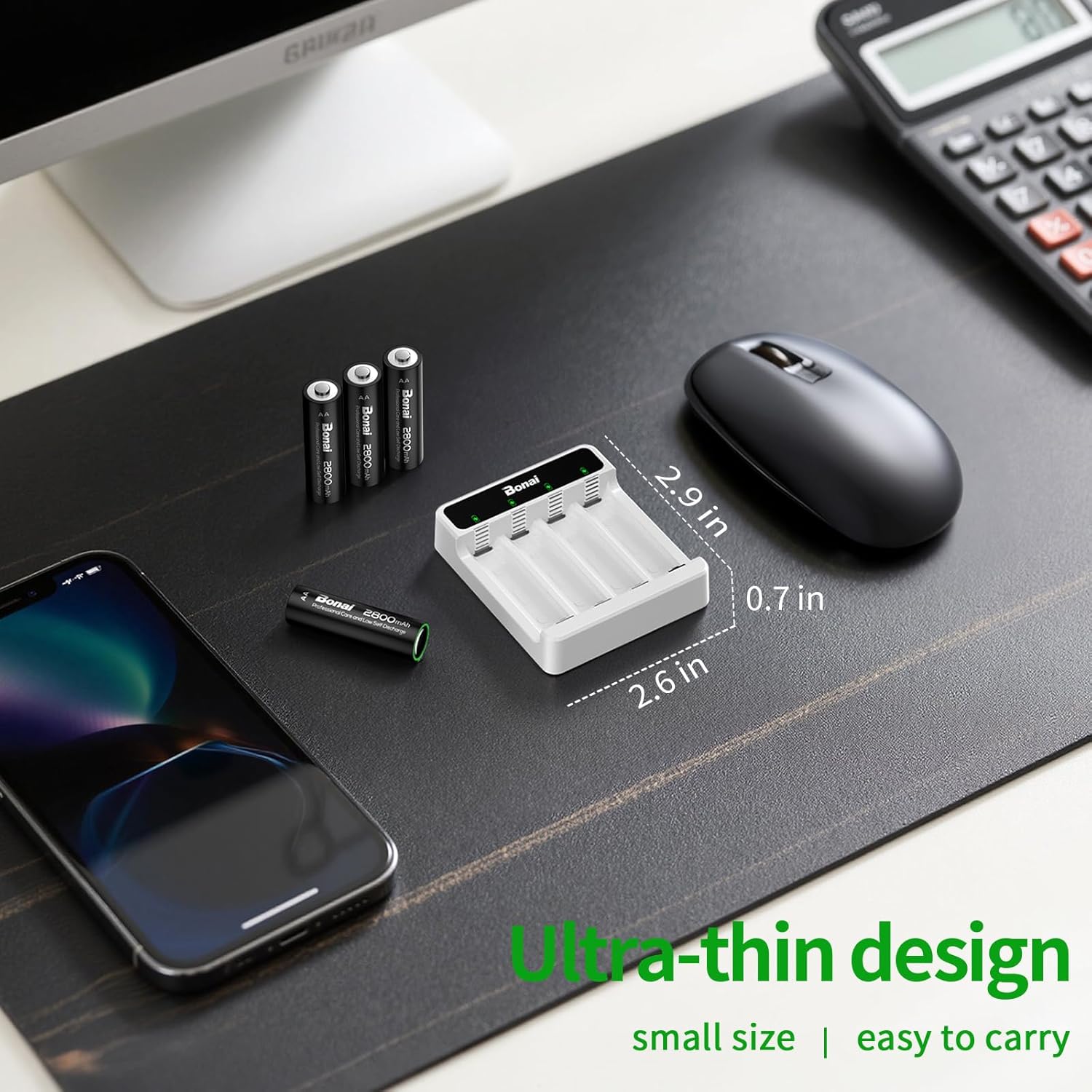
Figure 3: LED indicators on the charger display charging status: red for charging, green for fully charged.
4.2 Charging Time
The smart charger provides fast charging, capable of fully charging 2800mAh AA batteries in approximately 2 hours (with a 5.0V / 2A input). The charger automatically shuts off when batteries are fully charged to prevent overcharging.

Figure 4: The BONAI smart charger can fully charge batteries in approximately 2 hours.
5. Maintenance
5.1 Battery Longevity
BONAI Ni-MH rechargeable batteries can be recharged up to 1200 times. They feature low self-discharge, retaining approximately 85% of their initial capacity even after 3 years of non-use. For best results, it is recommended to fully charge them every 3 months if not in regular use.
5.2 Temperature Resistance
These AA rechargeable batteries offer reliable performance across a wide temperature range, from -40°F to 140°F (-40°C to 60°C). They are designed to be leak-proof and memory-free.

Figure 5: BONAI batteries are designed for high and low temperature resistance, operating from -40°F to 140°F.
5.3 Storage
Once batteries are fully charged, it is advisable to remove them from the charger. Store batteries in a cool, dry place away from direct sunlight and extreme temperatures.
6. Troubleshooting
6.1 Common Issues
- Batteries not charging (Red Flashing Light): Ensure batteries are inserted with correct polarity. Verify that the batteries are Ni-MH type; this charger is only for Ni-MH/Ni-CD batteries. If the issue persists, the battery may be faulty.
- Slow Charging: Ensure your USB power source provides at least 5.0V / 2A output. Lower power sources will result in slower charging times.
- Charger not powering on: Check the USB cable connection and the power source. Try a different USB cable or power adapter.
6.2 Customer Support
If you encounter any issues not covered in this manual or require further assistance, please contact BONAI customer service. Our team is available to help resolve problems quickly and satisfactorily.
7. Specifications
| Feature | Specification |
|---|---|
| Model Number | FY-430 |
| Battery Type | Ni-MH AA |
| Battery Capacity | 2800 mAh |
| Battery Voltage | 1.2 Volts (DC) |
| Charger Input Voltage | 5 Volts |
| Charger Input Current | Max 5.0V / 2A |
| Charger Output Current | 500mA/slot |
| Charging Time | Approx. 2 Hours (for 2800mAh AA with 2A input) |
| Product Dimensions | 3 x 2.6 x 0.6 inches |
| Item Weight | 9.9 ounces |
8. Warranty and Support
BONAI is committed to providing high-quality products and excellent customer service. If you have any issues with your purchase, please contact our friendly and responsive customer service team. We will do our best to resolve the problem quickly and satisfactorily.
For more information and support, please visit the official BONAI Store.