
Naroote Naroote17kzneh3gf-15
Naroote MP3 Player Instruction Manual
Model: Naroote17kzneh3gf-15
1. Introduction
This manual provides detailed instructions for the operation and maintenance of your Naroote MP3 Player. This portable digital music and video player features a 1.8-inch TFT screen, HiFi sound quality, and multiple functionalities including music playback, video playback, picture viewing, e-book reading, and recording. It is designed for ease of use and portability.
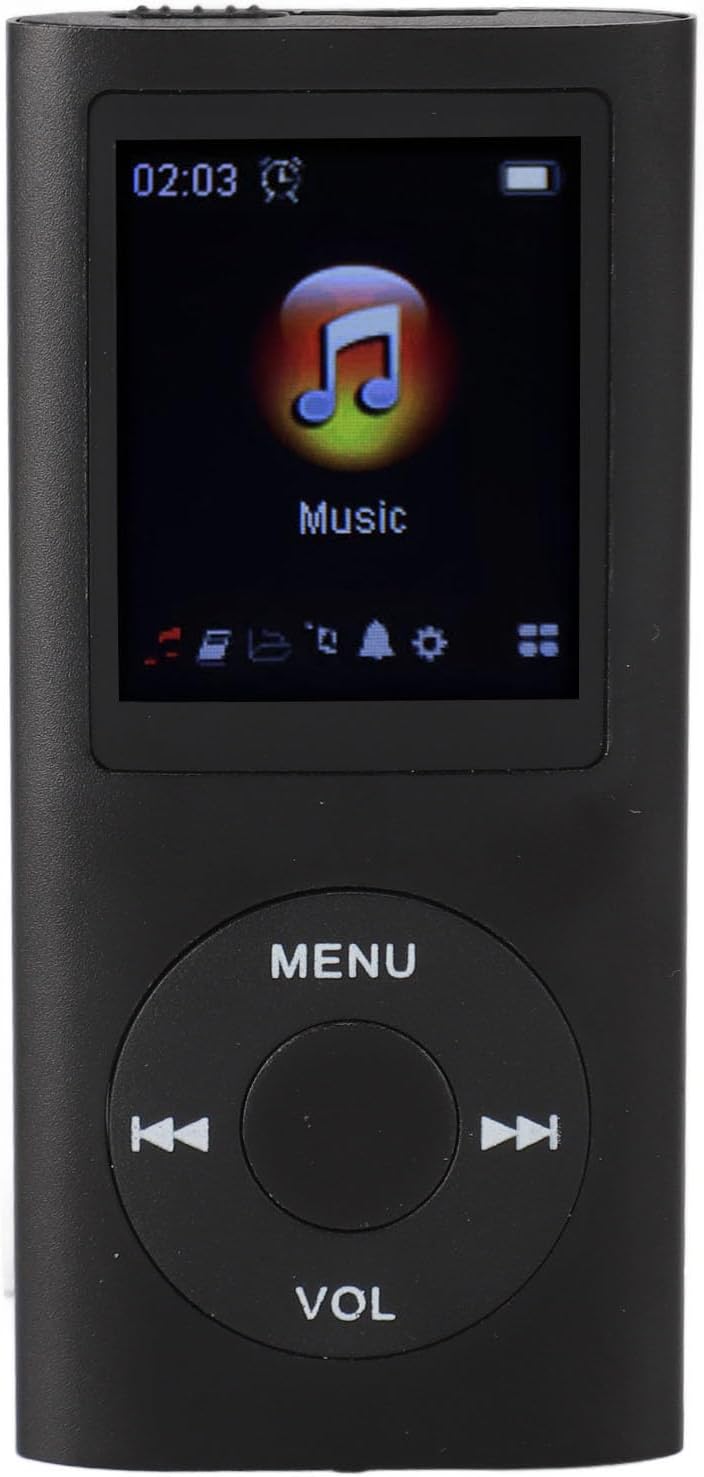
Image 1.1: Front view of the Naroote MP3 Player, displaying the main menu with a 'Music' icon. This image shows the screen, navigation buttons (MENU, VOL, skip forward/backward), and the overall compact design.
2. Package Contents
Please check the package for the following items:
- 1 x Naroote MP3 Player
- 1 x Charging Cable
- 1 x Instruction Manual
- 1 x Earphones
- 1 x Plastic Case

Image 2.1: Naroote MP3 Player displayed with its accessories: a charging cable, earphones, and a clear plastic case. This image illustrates the complete package contents.
3. Product Overview
Familiarize yourself with the physical components and controls of your MP3 player.
3.1. Front Panel
- 1.8-inch TFT Screen: Displays menus, music information, videos, and images.
- MENU Button: Accesses the main menu or returns to the previous screen.
- VOL Button: Adjusts volume.
- Navigation Buttons (Left/Right): Used for skipping tracks, fast-forwarding/rewinding, and menu navigation.
- Center Button: Play/Pause, select option.
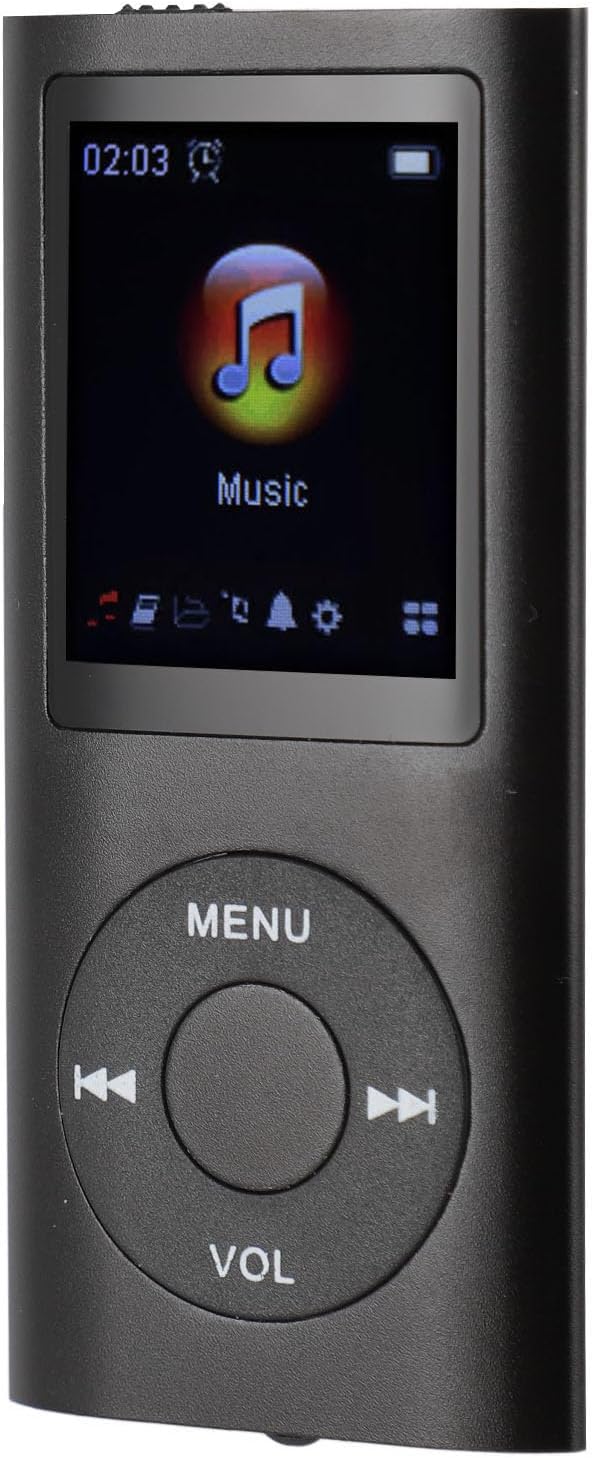
Image 3.1: Front view of the Naroote MP3 Player, showing the screen and control buttons.
3.2. Side and Back Panels
- OFF/ON Switch: Powers the device on or off.
- CARD Slot: For inserting a memory card (up to 64GB, not included).
- MIC Input: Built-in microphone for recording functions.
- USB Port (Mini USB 2.0): For charging and data transfer.
- 3.5mm Headphone Jack: For connecting earphones.

Image 3.2: Back view of the Naroote MP3 Player, showing the 'OFF/ON' switch, 'CARD' slot, 'MIC' input, and 'USB' port labels.

Image 3.3: Angled view of the Naroote MP3 Player, highlighting the side ports including the headphone jack and mini USB port.
4. Setup
4.1. Charging the Device
Before first use, fully charge the MP3 player.
- Connect the provided Mini USB cable to the USB port on the MP3 player.
- Connect the other end of the USB cable to a computer's USB port or a compatible USB wall adapter (not included).
- The device will indicate charging status on the screen. A full charge takes approximately 2 hours.
The MP3 player offers up to 8 hours of music playback on a full charge.

Image 4.1: Close-up angled view of the Naroote MP3 Player, focusing on the bottom edge where the mini USB charging port is located. The screen shows a battery icon indicating charging.
4.2. Inserting a Memory Card
The device supports memory cards up to 64GB (not included) for expanded storage.
- Locate the 'CARD' slot on the back or top of the MP3 player.
- Gently insert the memory card into the slot until it clicks into place.
- To remove, push the card inward until it springs out.

Image 4.2: Top view of the Naroote MP3 Player, showing the memory card slot.
4.3. Transferring Files
The MP3 player can function as a card reader or file storage device.
- Connect the MP3 player to your computer using the Mini USB cable.
- The device will appear as a removable disk drive on your computer.
- Drag and drop music files (MP3, WAV, FLAC, APE), video files (AVI, AMV), or other supported files directly into the player's storage or the inserted memory card.
- Safely eject the device from your computer before disconnecting the USB cable.
5. Operating Instructions
5.1. Power On/Off
- To Power On: Slide the 'OFF/ON' switch to the 'ON' position.
- To Power Off: Slide the 'OFF/ON' switch to the 'OFF' position.
5.2. Basic Navigation
- MENU Button: Press to enter the main menu or go back to the previous screen.
- Navigation Buttons (Left/Right): Use to scroll through menu options or skip tracks during playback.
- Center Button: Press to select a highlighted option or to play/pause media.
- VOL Button: Press to activate volume control, then use Left/Right navigation buttons to adjust volume.
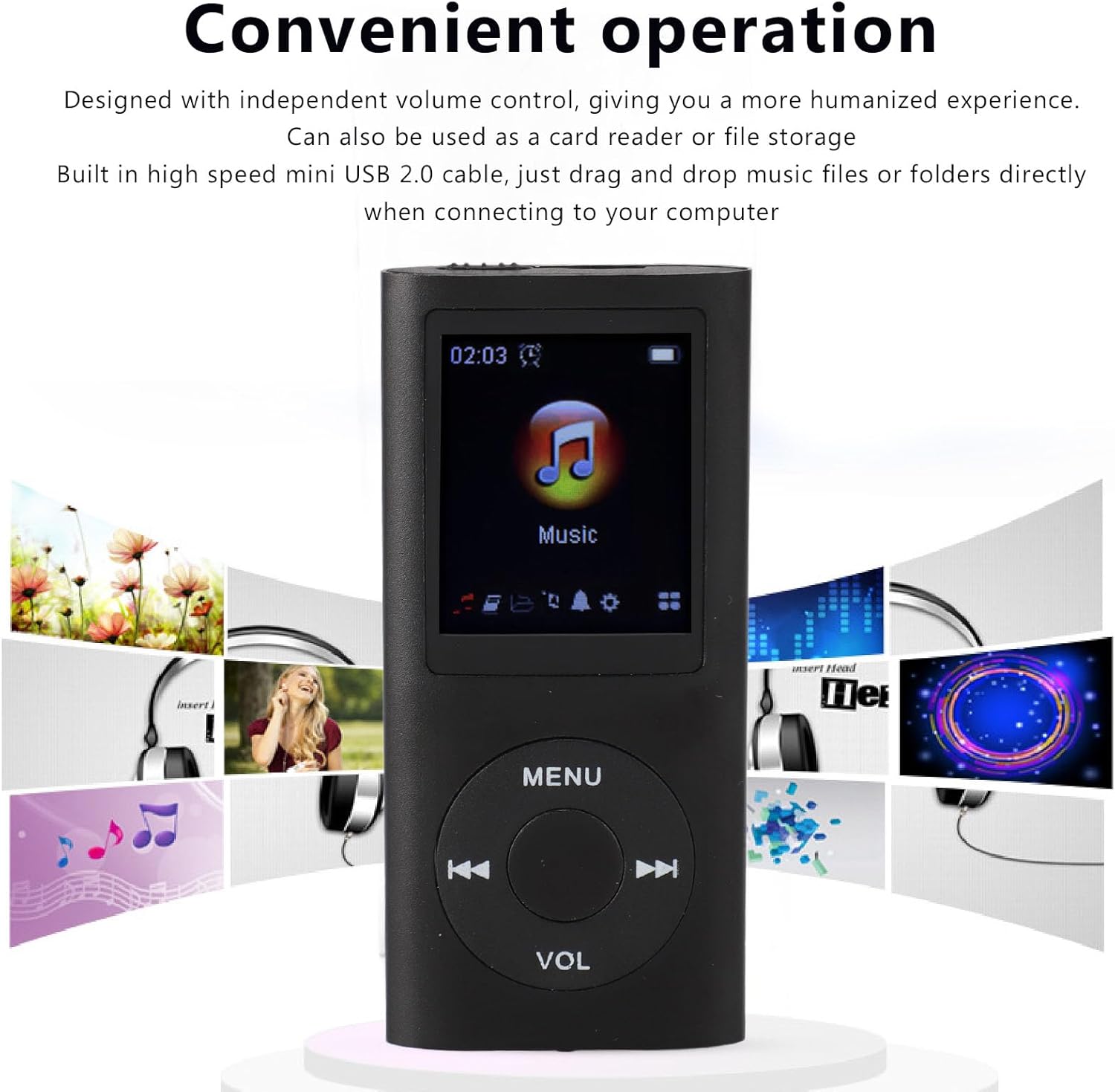
Image 5.1: Front view of the Naroote MP3 Player with a background depicting various multimedia elements, emphasizing its convenient operation.
5.3. Music Playback
- From the main menu, navigate to the "Music" icon and press the Center Button to select.
- Browse your music files and folders.
- Select a song and press the Center Button to begin playback.
- During playback:
- Press Center Button to Play/Pause.
- Press Left/Right Navigation Buttons to skip to the previous/next track.
- Press and hold Left/Right Navigation Buttons for fast-rewind/fast-forward.
- Press VOL button, then use Left/Right Navigation Buttons to adjust volume.
5.4. Sound Effects
The player includes seven different sound modes to enhance your listening experience.
- Normal
- Rock
- Popular
- Classical
- Heavy Bass
- Jazz
- Custom (if available)
Access these settings through the music playback options or system settings menu.
5.5. Video Playback
- From the main menu, navigate to the "Video" icon and press the Center Button to select.
- Browse your video files (AVI, AMV formats).
- Select a video and press the Center Button to begin playback.
5.6. Other Functions (Picture, E-book, Recording)
The MP3 player supports additional functions accessible from the main menu:
- Picture Function: View supported image files.
- Electronic Book Function: Read text files.
- Recording Function: Utilize the built-in microphone to record audio.
Navigate to the respective icon on the main menu and press the Center Button to access these features.
6. Maintenance
- Cleaning: Use a soft, dry cloth to clean the device. Avoid liquid cleaners or abrasive materials.
- Storage: Store the MP3 player in a cool, dry place away from direct sunlight and extreme temperatures.
- Battery Care: To prolong battery life, avoid fully discharging the battery frequently. Charge the device regularly, even if not in use for extended periods.
- Avoid Impact: Protect the device from drops and impacts.
7. Troubleshooting
| Problem | Solution |
|---|---|
| Device does not power on. |
|
| Cannot transfer files to the device. |
|
| No sound from earphones. |
|
| Screen is unresponsive or frozen. |
|
| Memory card not detected. |
|
8. Specifications
| Model Number | Naroote17kzneh3gf-15 |
| Screen Display Size | 1.8 Inch TFT Screen |
| Music Format Support | MP3, WAV, FLAC, APE |
| Video Format Support | AVI, AMV |
| Memory Card Support | Up to 64GB (not included) |
| Built-in Battery | 200mAh Lithium Battery |
| Charging Time | Approximately 2 hours |
| Battery Life | Approximately 8 hours (music playback) |
| Languages Supported | English, French, German, Spanish, Italian |
| Product Dimensions | 3.93 x 2.75 x 1.18 inches (10 x 7 x 3 cm) |
| Item Weight | 3.14 ounces (89 grams) |
9. Warranty and Support
For warranty information or technical support, please refer to the contact details provided with your purchase or visit the official Naroote website. Keep your proof of purchase for any warranty claims.
Ask a question about this manual
Ask about setup, troubleshooting, compatibility, parts, safety, or missing instructions. Manuals+ will review the question and use this page’s manual context to help answer it.