
1. Safety Information
Please read all safety instructions carefully before using this product. Keep this manual for future reference.
- Avoid prolonged exposure to high volume levels to prevent hearing damage.
- Do not use the earbuds in situations where inability to hear ambient sounds may pose a danger (e.g., driving, cycling, or walking in traffic).
- Keep the device away from water and moisture. This product is not water resistant.
- Do not expose the product to extreme temperatures or direct sunlight.
- Do not attempt to disassemble, repair, or modify the product. This may void the warranty and cause damage.
- Dispose of the product and its battery responsibly according to local regulations.
2. Product Overview
The YXYKODM LX-10 Touch Screen Wireless Earbuds feature advanced Active Noise Cancelling (ANC) technology, a smart touch screen charging case, and Bluetooth 5.0 connectivity for a superior audio experience.
What's in the Box:
- YXYKODM LX-10 Earbuds (Left and Right)
- Smart Touch Screen Charging Case
- USB-C Charging Cable
- Multiple Sizes of Ear Caps
- User Manual
Key Features:
- Active Noise Cancelling (ANC): Reduces external noise by up to 35dB for immersive listening.
- ENC Call Noise Reduction: Ensures clear calls even in noisy environments.
- Full-Color Touch Screen Case: Provides intuitive control over music, settings, and more.
- Bluetooth 5.0: Offers stable and efficient wireless connectivity.
- Long Battery Life: Up to 4-5 hours playtime per charge, with 24 hours additional charge from the case.
- Multiple Sound Modes: Includes Music, Game, and Movie modes for optimized audio.
- Customizable Equalizer: Adjust sound preferences with various EQ modes (Pop, Rock, Classical, Jazz, Vocals, Electric, Dance).
- Personalized Screen Savers: Switch between five dynamic screen displays.
Product Diagram:

3. Setup
3.1 Charging the Case and Earbuds
- Initial Charge: Before first use, fully charge the charging case and earbuds.
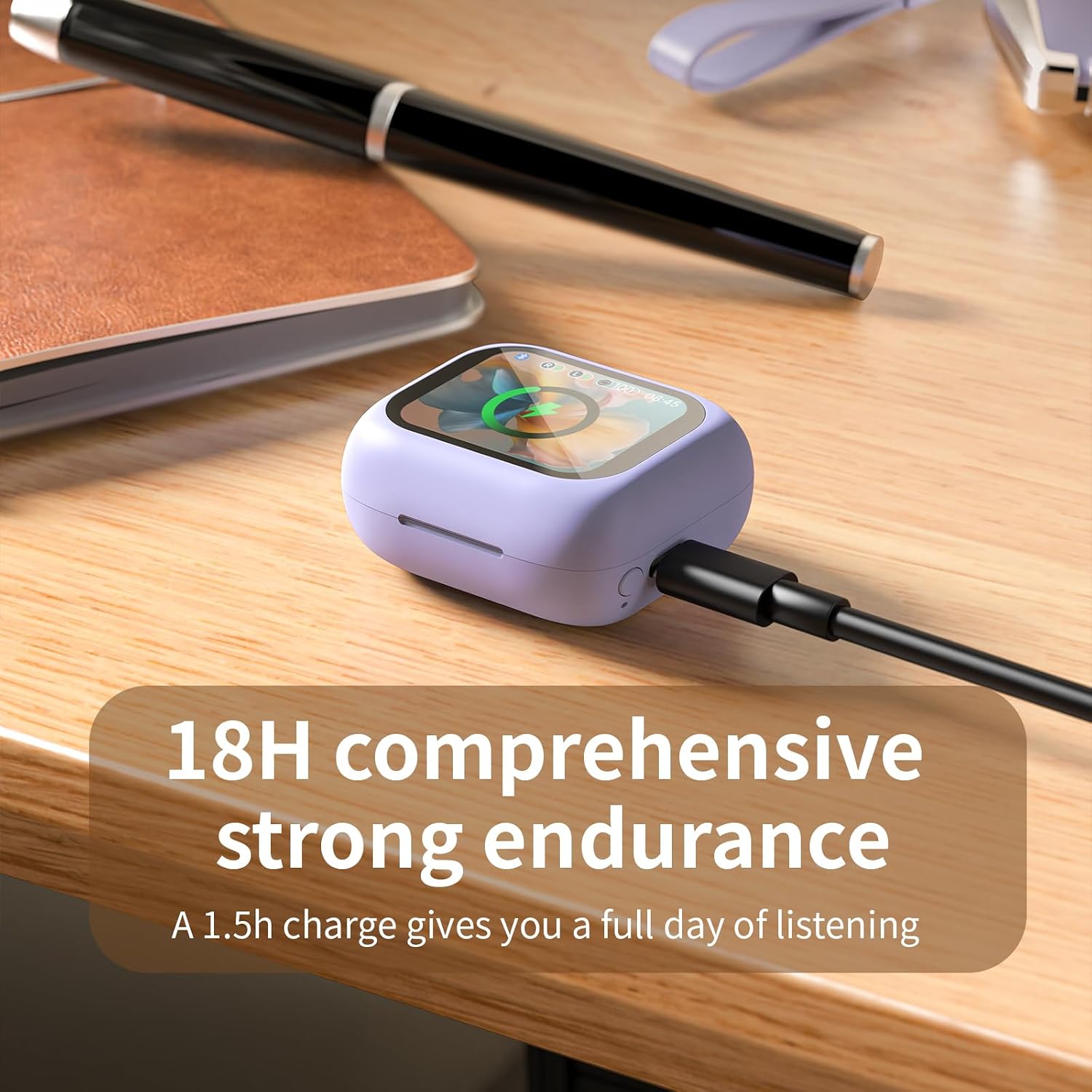
- Charge the Case: Connect the provided USB-C charging cable to the charging port on the case and a power source. The LED display on the case will show the charging status. A full charge takes approximately 1.5 hours.
- Charge the Earbuds: Place the earbuds into their respective slots in the charging case. They will automatically begin charging. The case's display will show the battery levels of both earbuds.
3.2 Bluetooth Pairing
- Activate Bluetooth: Ensure Bluetooth is enabled on your smartphone or other audio device.
- Open the Case: Open the charging case. The earbuds will automatically enter pairing mode.
- Select Device: On your device, search for "LX-10" in the Bluetooth settings and select it to connect.
- Confirmation: Once connected, the earbuds will indicate successful pairing, and the case display may show a connected icon.
4. Operating Instructions
The smart touch screen on the charging case provides comprehensive control over your earbuds' functions. You can also use touch controls directly on the earbuds.
4.1 Touch Screen Controls (Charging Case)
The full-color touch screen allows for easy navigation and control. Swipe left/right or tap icons to access various functions.
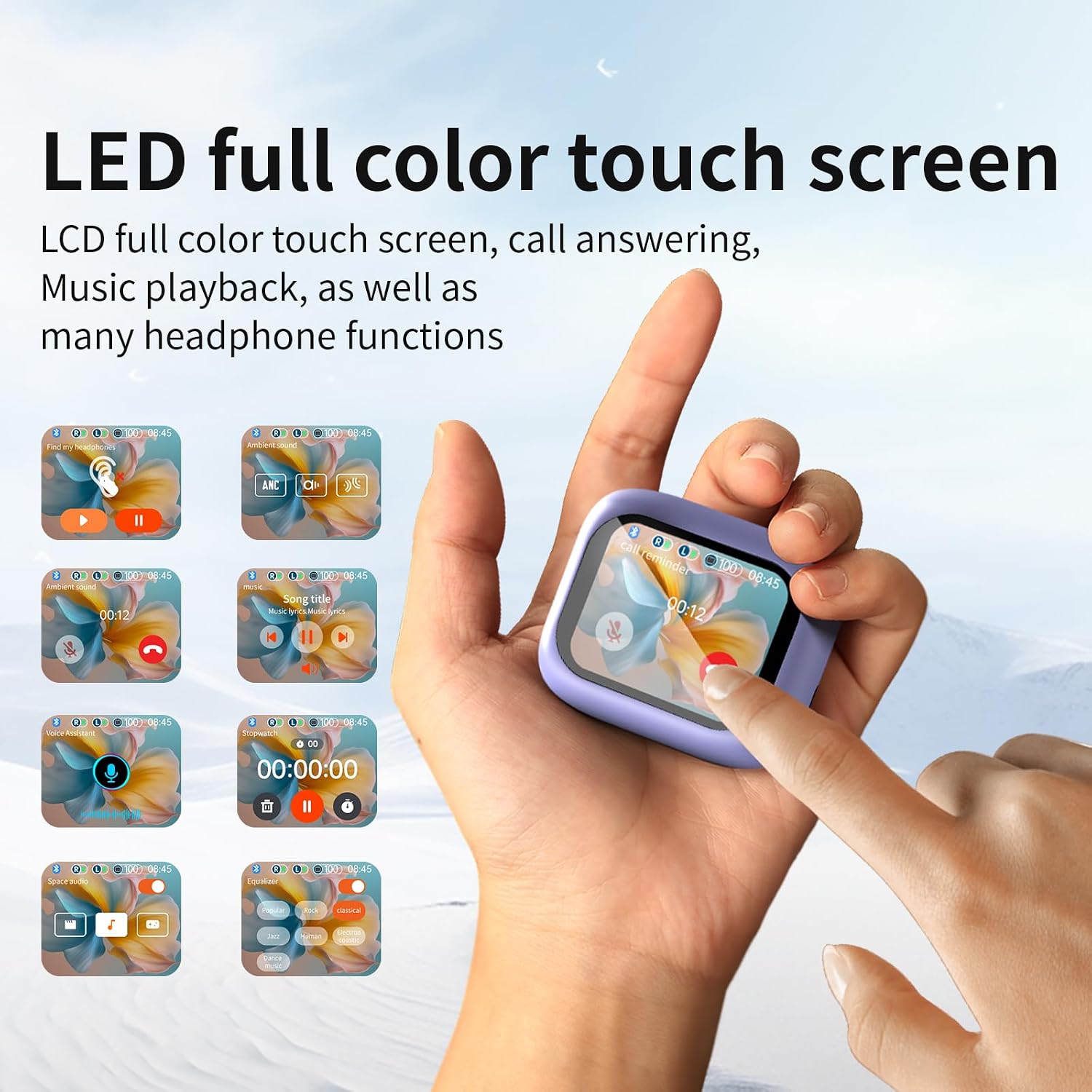
- Music Playback: Play, pause, skip tracks, and adjust volume directly from the screen.
- ANC/Transparency Mode: Toggle between Active Noise Cancelling, Transparency, and Normal modes.
- Equalizer Settings: Select from preset EQ modes (Pop, Rock, Classical, Jazz, Vocals, Electric, Dance) to customize your audio experience.
- Find My Earphone: Activate a beeping sound on a lost earbud to help locate it.
- Personalized Screen Savers: Choose from five dynamic screen displays to personalize your case.
- Other Functions: Access features like flashlight, camera remote control, and timer.

4.2 Earbud Touch Controls
The earbuds themselves also feature touch-sensitive areas for quick control without needing to access the charging case.
- Play/Pause: Single tap on either earbud.
- Next Track: Double tap the right earbud.
- Previous Track: Double tap the left earbud.
- Answer/End Call: Single tap on either earbud.
- Reject Call: Long press on either earbud.
- Activate Voice Assistant: Triple tap on either earbud.
4.3 Sound Modes
Optimize your listening experience with dedicated sound modes:
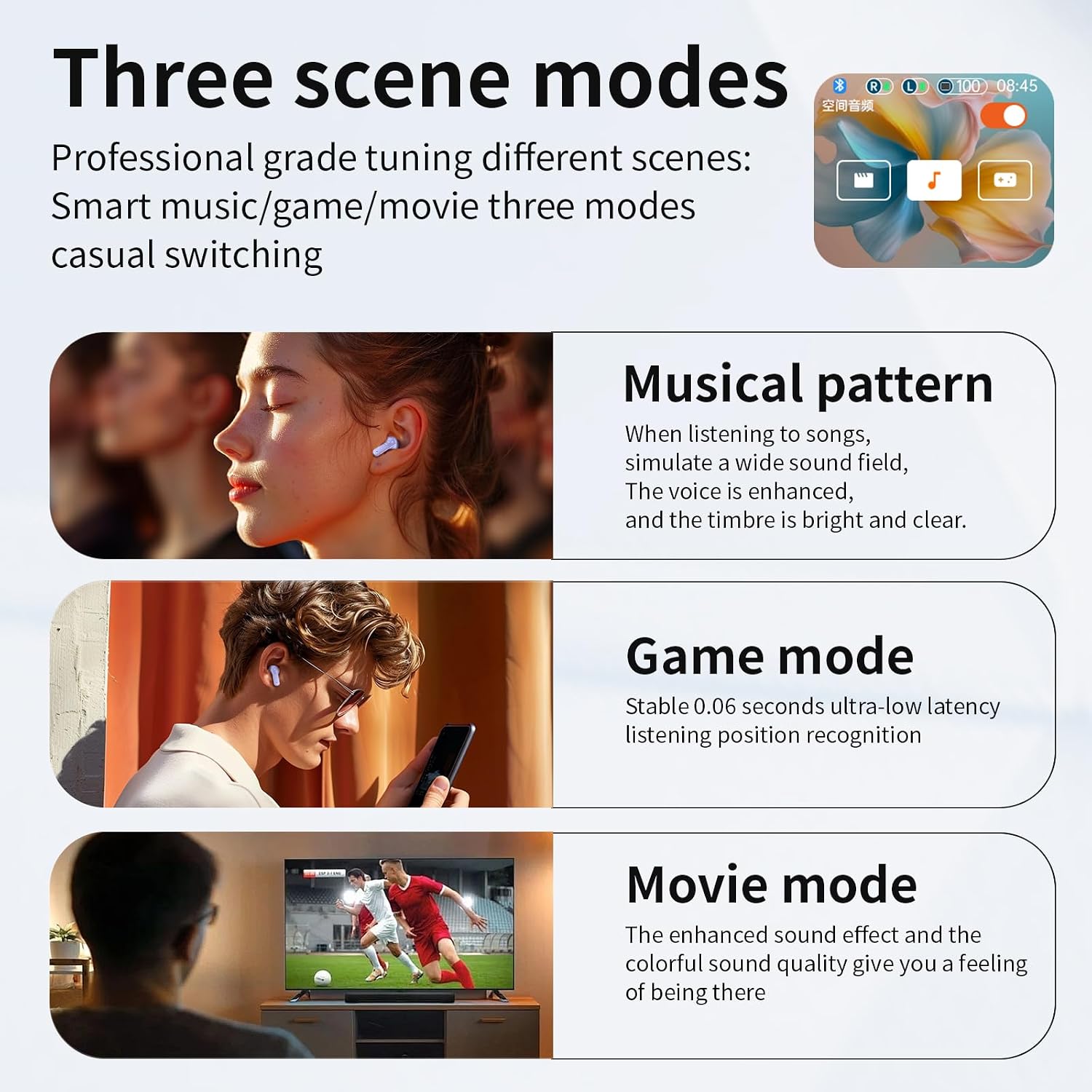
- Musical Pattern: Simulates a wide sound field with enhanced vocals.
- Game Mode: Provides ultra-low latency (0.06 seconds) for synchronized audio during gaming.
- Movie Mode: Enhances sound effects for an immersive cinematic experience.
4.4 Active Noise Cancellation (ANC) and Environmental Noise Cancellation (ENC)
The earbuds are equipped with advanced noise reduction technologies:
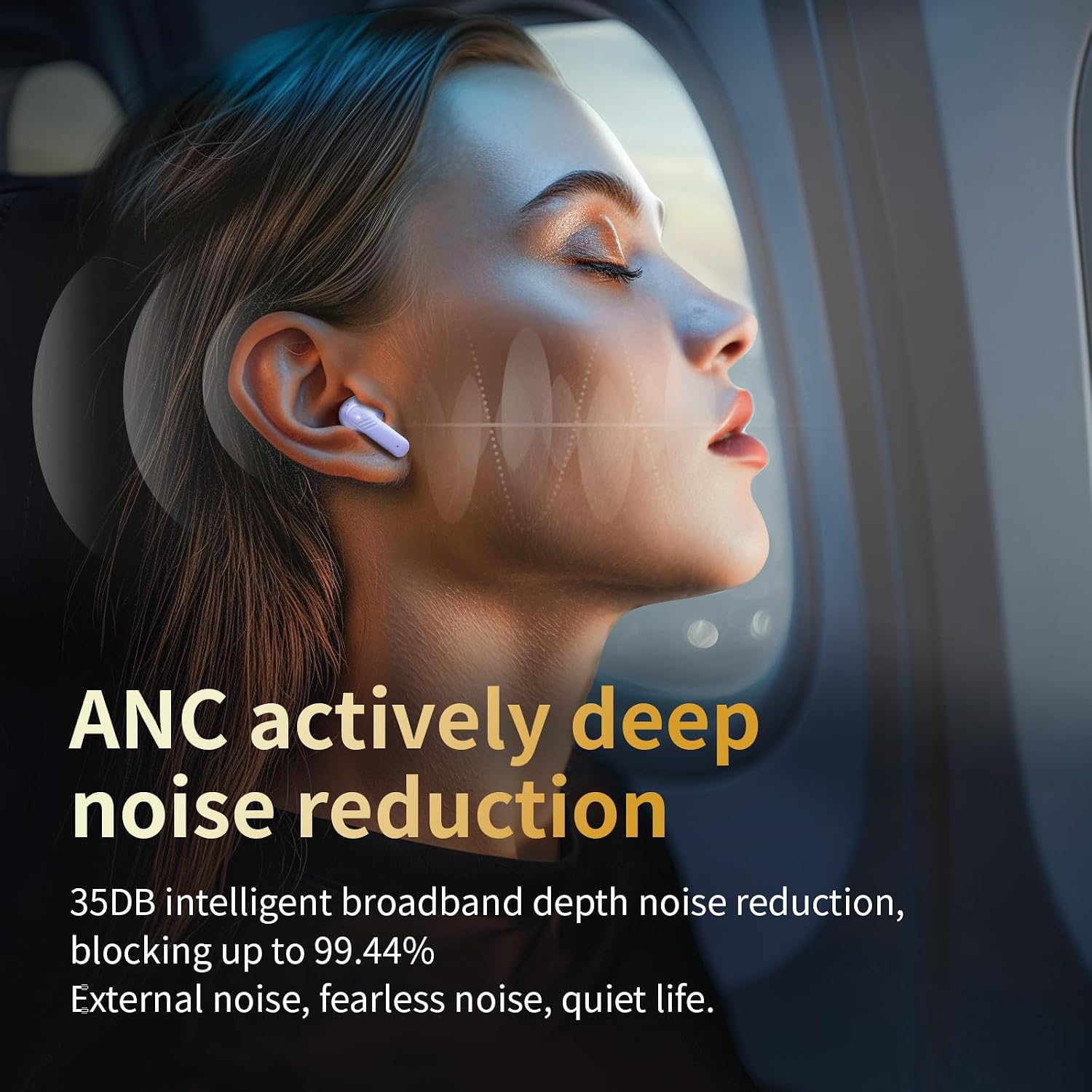
- ANC: Reduces up to 35dB of external noise, blocking up to 99.44% of environmental sounds. Activate via the touch screen or earbud controls.
- ENC: Enhances call clarity by reducing background noise during phone conversations.

4.5 Equalizer Adjustment
Fine-tune your audio with the built-in equalizer accessible via the touch screen.

4.6 Video Demonstrations
Video: This video demonstrates the Bluetooth 5.4 connectivity and multifunction touch screen features of the YXYKODM LX-10 earbuds, showcasing various controls and settings.
Video: This video highlights the wireless charging case and touch screen functionalities of the YXYKODM LX-10 earbuds, demonstrating ease of use and interactive display.
Video: This video showcases the Bluetooth touch screen features of the YXYKODM LX-10 wireless earbuds, focusing on the interactive display and various control options.
Video: This video provides a detailed look at the LED Bluetooth headset, highlighting its design, features, and user interaction with the touch screen.
Video: This video demonstrates the noise-cancelling capabilities of the YXYKODM LX-10 touchscreen earbuds, showing how they effectively block out surrounding noise.
5. Maintenance
5.1 Cleaning
- Regularly clean the earbuds and charging case with a soft, dry, lint-free cloth.
- Remove ear caps and clean them with mild soap and water, then dry thoroughly before reattaching.
- Ensure charging contacts on both earbuds and case are clean and free of debris.
5.2 Storage
When not in use, store the earbuds in their charging case to protect them and ensure they remain charged.
6. Troubleshooting
Common Issues and Solutions:
- Earbuds not pairing: Ensure both earbuds are charged and in the case. Open the case to initiate pairing mode. Check your device's Bluetooth settings and try reconnecting.
- No sound from one earbud: Place both earbuds back in the case, close it, then reopen to reset. Check device's audio balance settings.
- Charging issues: Ensure the charging cable is securely connected and the power source is active. Clean charging contacts if necessary.
- Touch screen unresponsive: Restart the charging case by placing earbuds inside, closing the lid, and then reopening.
7. Specifications
| Feature | Specification |
|---|---|
| Model Name | Touch screen earbuds Wireless Earbuds |
| Item Model Number | LX-10 |
| Brand | YXYKODM |
| Connectivity Technology | Bluetooth 5.0 |
| Bluetooth Range | Approximately 10 Meters |
| Noise Control | Active Noise Cancellation (ANC) |
| Battery Life (Earbuds) | 4-5 Hours |
| Charging Case Playback Time | 24 Hours |
| Charging Time (Case) | 1.5 Hours |
| Control Method | Touch |
| Material | Plastic, Silicone |
| Item Weight | 4.6 ounces |
| Water Resistance Level | Not Water Resistant |
| Compatible Devices | iPhone, Android devices |
8. Warranty and Support
For any questions, concerns, or if you receive a defective product, please contact YXYKODM customer support. Refer to the packaging or the official YXYKODM website for specific warranty details and contact information.