
Aiscool T1080
Aiscool Cordless LED Table Lamp User Manual
Model: T1080
1. Product Overview
The Aiscool Cordless LED Table Lamp (Model T1080) is designed for versatile lighting in various indoor settings. It features a built-in 5200mAh rechargeable battery, offering extended use without the need for constant power connection. The lamp incorporates a touch-sensitive switch for easy operation and provides three levels of brightness to suit different lighting needs. Its design includes a durable metal base and a fabric shade, blending functionality with aesthetic appeal.

Figure 1: Aiscool Cordless LED Table Lamp with its fabric shade and metal base.
Key features include its portability, allowing it to be easily moved between rooms or outdoor spaces, and its energy-efficient LED light source which provides a warm, flicker-free illumination. The lamp is charged via a Type-C USB port, ensuring convenient and relatively fast recharging.
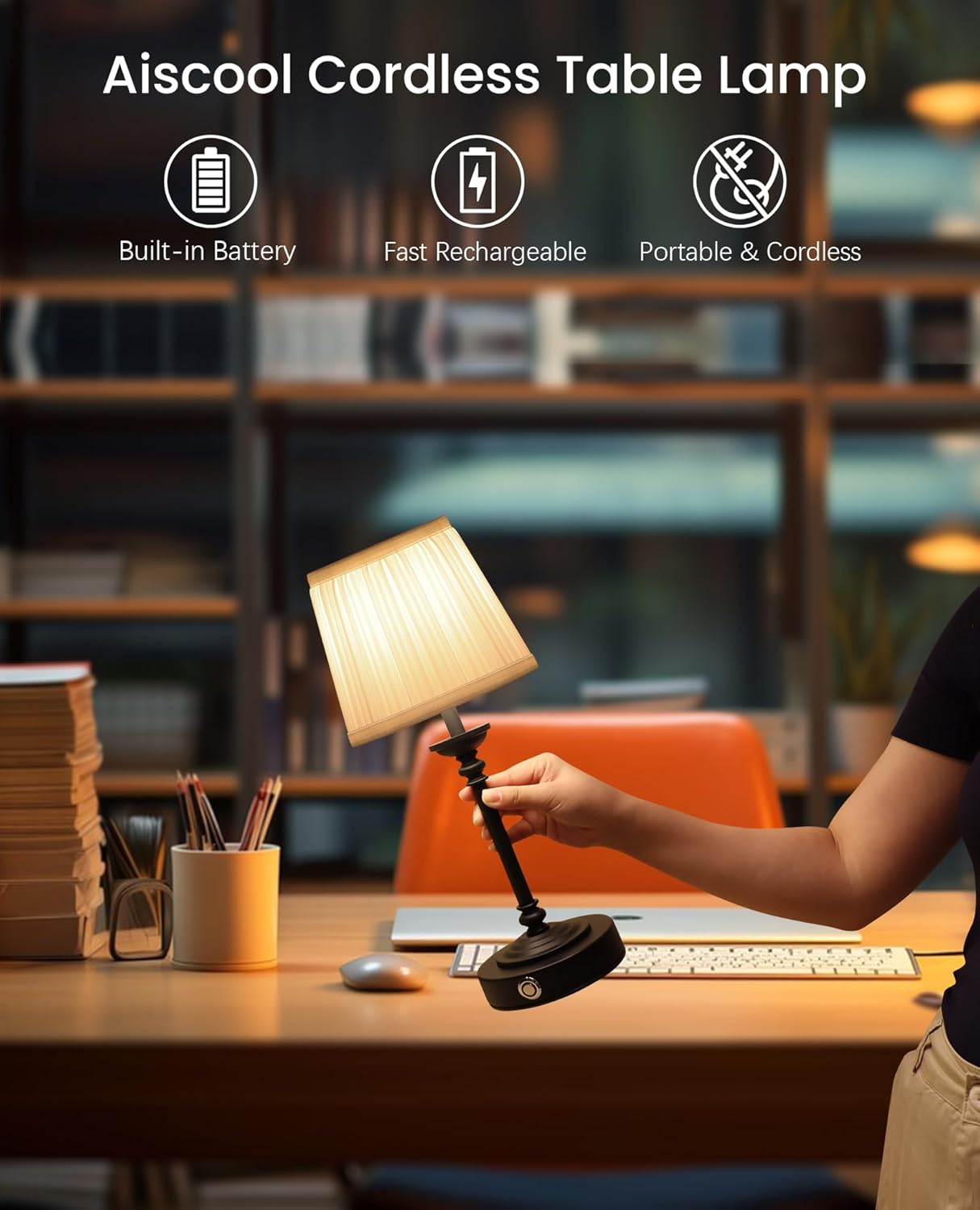
Figure 2: The lamp's cordless design allows for easy portability and placement anywhere.
2. Safety Instructions
Please read all safety instructions carefully before using the lamp to ensure safe operation and prevent damage.
- Indoor Use Only: This lamp is designed for indoor use. Do not expose it to rain, moisture, or extreme temperatures.
- Charging: Use only the provided USB charging cable and a compatible 5V/2A power adapter (not included) for charging. Do not use damaged cables or chargers.
- Battery Care: The lamp contains a built-in rechargeable lithium-ion battery. Do not attempt to replace the battery yourself. Avoid exposing the battery to fire, direct sunlight, or high temperatures.
- Cleaning: Disconnect the lamp from the power source before cleaning. Use a soft, dry cloth for cleaning. Do not use liquid cleaners or abrasive materials.
- Placement: Place the lamp on a stable, flat surface to prevent it from tipping over. Keep it away from flammable materials.
- Disassembly: Do not attempt to disassemble or modify the lamp. Unauthorized repairs may void the warranty and pose safety risks.
3. What's in the Box
Carefully unpack the box and ensure all items are present:
- Cordless Lamp Stand Base
- Table Lamp Fabric Shade
- Bulb (pre-installed or separate)
- USB Type-C Charging Cable
4. Setup
Follow these steps to set up your Aiscool Cordless LED Table Lamp:
- Unpack: Remove all components from the packaging.
- Assemble Shade: If the fabric shade is separate, gently attach it to the lamp stand. Ensure it is securely seated.
- Initial Charge: For optimal performance, fully charge the lamp before its first use.

Figure 3: Connect the Type-C USB cable to the charging port on the lamp base.
Connect the provided Type-C USB charging cable to the charging port located on the lamp's base. Plug the other end of the cable into a compatible USB power source (e.g., a wall adapter, computer USB port). The indicator light will show the charging status.
5. Operating Instructions
The Aiscool Cordless LED Table Lamp features a simple touch control for power and brightness adjustment.
- Power On/Off: Lightly touch the power button on the lamp base to turn the lamp on or off.
- Adjust Brightness: With the lamp on, touch the power button repeatedly to cycle through the three brightness levels: Low, Medium, and High.

Figure 4: Touch the switch to adjust between three brightness levels.
Low Battery Reminder
The lamp is equipped with an indicator light to inform you about the battery status:
- 15% Power Left: The indicator light will flash red.
- Charging: The indicator light will remain solid red.
- Full Charge: The indicator light will turn solid green.

Figure 5: The indicator light provides visual cues for battery status.
6. Charging the Lamp
To charge your Aiscool Cordless LED Table Lamp:
- Locate the Type-C charging port on the side of the lamp base.
- Insert the smaller end of the provided Type-C USB cable into the lamp's charging port.
- Connect the standard USB-A end of the cable to a 5V/2A USB power adapter (not included) or a compatible USB port on a computer.
- The indicator light will turn red during charging and green when fully charged.
- A full charge typically takes approximately 3 hours. The lamp can operate for up to 48 hours on a single charge, depending on the brightness level used.
7. Maintenance
Proper maintenance ensures the longevity and optimal performance of your lamp.
- Cleaning: To clean the lamp, first ensure it is turned off and disconnected from any power source. Use a soft, dry, lint-free cloth to wipe the metal base and shade. Do not use harsh chemicals, abrasive cleaners, or excessive moisture, as these can damage the finish or electrical components.
- Battery Care: To prolong battery life, avoid fully discharging the lamp frequently. If the lamp will not be used for an extended period, charge it to about 50% and store it in a cool, dry place. Recharge it every 3-6 months to prevent deep discharge.
- Bulb Replacement: The lamp uses an E26 base LED bulb. If bulb replacement is necessary, ensure the lamp is off and unplugged. Carefully unscrew the old bulb and screw in a new compatible LED bulb. Refer to the specifications for recommended bulb wattage and type.
8. Troubleshooting
If you encounter issues with your Aiscool Cordless LED Table Lamp, refer to the following common problems and solutions:
| Problem | Possible Cause | Solution |
|---|---|---|
| Lamp does not turn on. | Battery is depleted. | Charge the lamp fully. |
| Touch switch not responding. | Ensure your finger makes full contact with the touch area. Try a different finger or clean the touch area. | |
| Lamp does not charge. | Charging cable or adapter is faulty. | Try a different USB Type-C cable and/or a different USB power adapter. Ensure the adapter is 5V/2A. |
| Charging port is damaged. | Contact customer support for assistance. Do not attempt to repair. | |
| Light flickers or is dim. | Low battery. | Recharge the lamp. |
| Bulb issue. | Ensure the bulb is screwed in properly. If the issue persists, the bulb may need replacement. |
If the problem persists after trying these solutions, please contact Aiscool customer support.
9. Specifications
| Feature | Specification |
|---|---|
| Model Name | T1080 |
| Dimensions | 5.9"D x 5.9"W x 14.7"H |
| Item Weight | 16 ounces (1 pound) |
| Battery Capacity | 5200mAh Lithium Ion (included) |
| Working Time | Up to 48 hours (depending on brightness) |
| Charging Time | Approx. 3 hours (with 5V/2A adapter) |
| Power Source | Battery Powered |
| Light Source Type | LED |
| Wattage | 5 watts |
| Voltage | 3 Volts (DC) |
| Switch Type | Touch |
| Brightness Levels | 3 Levels |
| Bulb Base | E26 |
| Material | Metal (Base), Linen (Shade) |
| Color | Black |
| Special Feature | Cordless, Dimmable |
10. Warranty and Support
Aiscool products are manufactured with quality and reliability in mind. While specific warranty details are not provided in this manual, most products come with a standard manufacturer's warranty covering defects in materials and workmanship.
For warranty claims, technical support, or any questions regarding your Aiscool Cordless LED Table Lamp, please contact the seller or manufacturer directly through the platform where you purchased the product. Please have your purchase receipt and product model number (T1080) ready when contacting support.
You can also visit the official Aiscool store on Amazon for more information and support resources: Aiscool Store
Ask a question about this manual
Ask about setup, troubleshooting, compatibility, parts, safety, or missing instructions. Manuals+ will review the question and use this page’s manual context to help answer it.